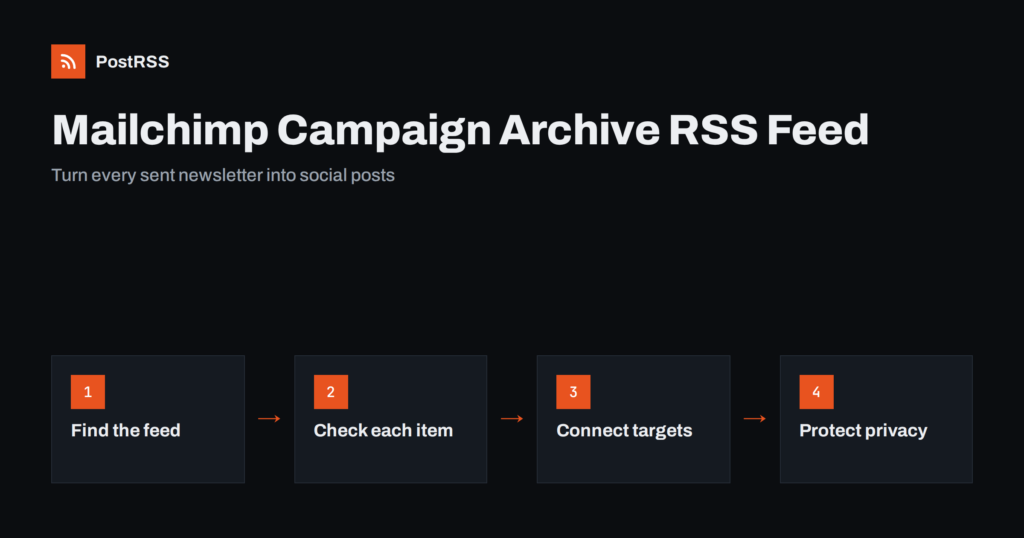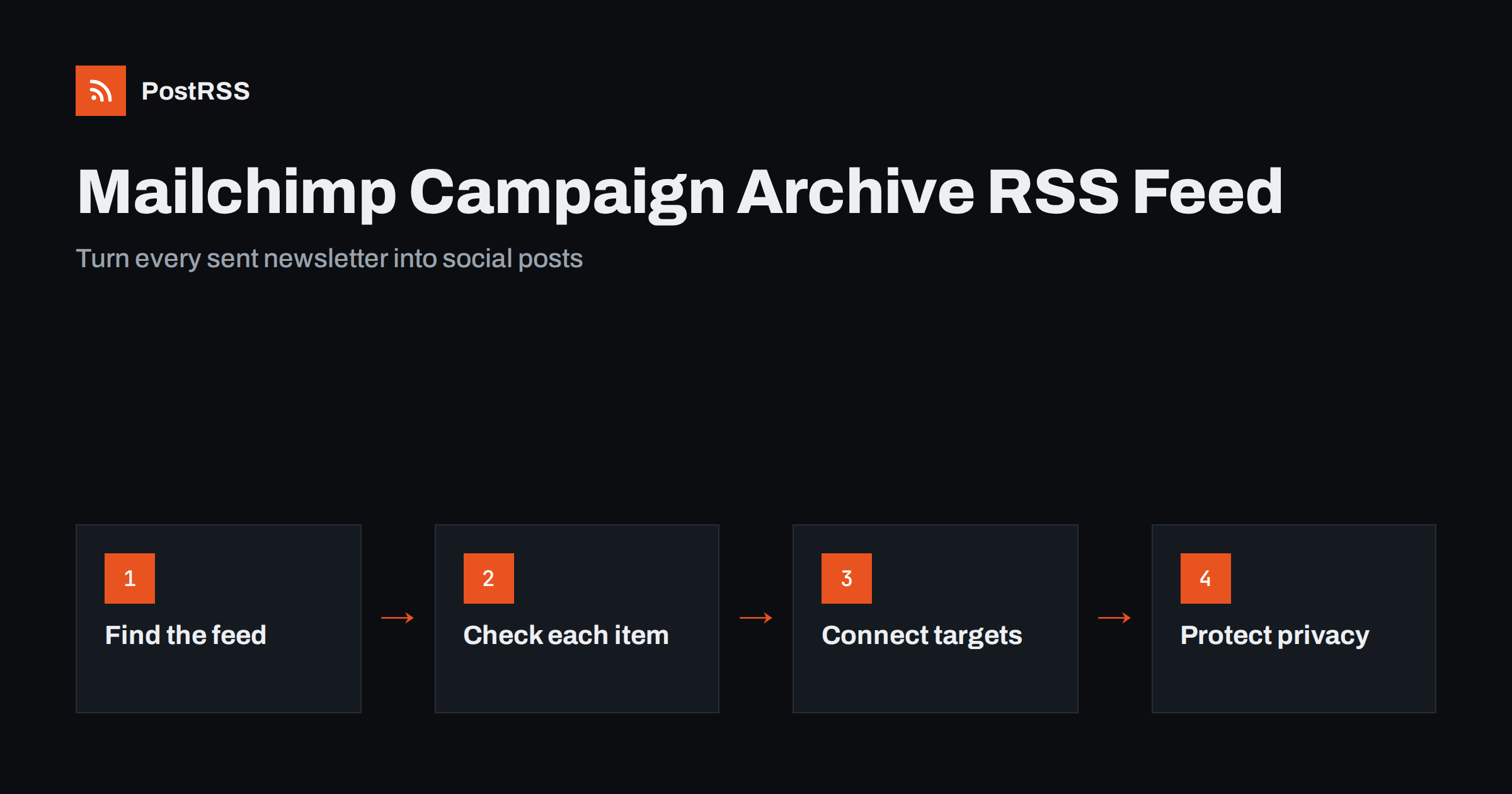
Short answer: Mailchimp publishes your sent campaigns in a public campaign archive, and that archive has an RSS feed. Each new campaign you send appears as a feed item with its subject line and a link to the web version. Connect that feed to an RSS auto-posting tool and every newsletter issue is shared to your social networks and channels automatically, without anyone copying links after each send.
A newsletter is often the most carefully written piece of content a small business or creator produces all month. It goes to subscribers, gets opened by a share of them, and then disappears into inboxes. The web version of each campaign stays online, but few people ever see it.
Sharing each issue publicly does three useful things:
The obstacle is routine. After a campaign is sent, someone has to open the archive, copy the link, write a short post and publish it on each network. That step is easy to forget, especially when the newsletter goes out on a schedule while the team is busy with other work. A feed-based setup removes it entirely.
Every Mailchimp audience can have a public campaign archive: a simple web page that lists campaigns sent to that audience, newest first, with a link to the web version of each one. Many senders already link to it from their website as “Past issues” or “Newsletter archive”, and some add it to the footer of every email.
The archive is created from campaigns that were sent to the audience. By default regular campaigns appear there once they are sent, and Mailchimp lets you keep individual campaigns out of the public archive when they should not be public. Test sends and drafts never appear.
Alongside the web page, the archive offers an RSS feed. The feed URL is on the campaign-archive.com domain and contains identifiers for your account and audience, in a form similar to https://us1.campaign-archive.com/feed?u=...&id=.... The server prefix and the two identifiers are specific to your account, so copy the real address rather than building it by hand.
Mailchimp moves menu items between interface versions, so the exact path may differ slightly from what you see. The process is always the same in principle.
https://us1.campaign-archive.com/home/?u=...&id=.... Replace /home/ with /feed and keep the u și id values exactly as they are. Some archive pages also show an RSS link you can copy directly.<channel> and one <item> per campaign. If the browser offers a download instead, that is normal for feeds.If you cannot find the archive page, the Mailchimp help centre has an up-to-date article about email campaign archives that describes where the archive link currently lives. The two identifiers in the address are the same ones shown in your audience’s public settings.
Before you automate anything, look at what an item actually carries, because that is what your social posts will be built from.
The practical consequence is that the subject line becomes your social headline. If you plan to share every issue, write subject lines that make sense without the email around them, and put the topic of the issue into the words.
Because the subject line travels into the feed title, it now has two jobs: getting the email opened and making sense as a public post. The two goals overlap more than people expect, but a few inbox habits do not survive the trip.
If you want different wording on social media than in the inbox, the cleaner route is to publish each issue on your own site with a separate headline and share that feed instead. For most senders, though, a well-written subject line is good enough for both.
After that, the routine is simply to send newsletters. Every issue that reaches the public archive reaches your social channels too.
The campaign archive is public, and a feed makes it more visible. That is the point, but it also means some campaigns should never be in it.
A simple rule works for most senders: only campaigns you would happily post on your website should reach the archive, and therefore the feed.
The archive feed is the quickest route, but not always the best one.
Mailchimp also offers the reverse workflow: an RSS-to-email campaign that turns a blog feed into automatic newsletters. The two can work together. The blog feeds the newsletter, and the newsletter archive feeds your social channels, or the blog feeds both directly.
PostRSS accepts any RSS or Atom feed as a source, including a Mailchimp campaign archive feed, and checks it every 5 minutes on all plans, or every minute on Enterprise plans. When a new campaign appears in the archive, PostRSS publishes it to each target you connected, choosing from 66 networks such as Facebook Pages, LinkedIn, X, Telegram, Discord, Bluesky, Mastodon and team chats. You can choose which parts of the item form the post, add UTM parameters to every link, and set a start date so that older issues are either posted or skipped. Keyword filters can exclude campaigns whose titles contain words you do not want shared. Plan limits and the networks each plan includes are listed on the pricing page.
If you send newsletters with Mailchimp, you already have a feed of every public issue. Find the RSS link on your campaign archive, check that the items look right, keep private campaigns out of the archive, and connect the feed to the channels where your audience spends time. From then on, each send becomes a social post automatically, and the effort you put into the newsletter reaches far more than the people who open it.
Yes. The public campaign archive for each audience has an RSS feed that lists sent campaigns with their subject lines and web version links. You get its address by replacing /home/ with /feed in the archive page address.
The feed mirrors the public archive, so anything visible there can appear in the feed. Keep campaigns meant for a small segment out of the archive before you automate sharing. Test sends and drafts do not appear.
Email campaigns often do not provide a clean featured image in the archive feed. Many tools then use the Open Graph image of the linked page, if one exists. Republishing issues on your own site with a featured image gives more control.
No, it is the opposite direction. RSS-to-email turns a blog feed into newsletters, while the archive feed turns sent newsletters into feed items for other tools. You can use both at the same time.
Yes. Keep unwanted campaigns out of the public archive, or use keyword filters in your auto-posting tool to include or exclude issues by words in the title. A consistent word in the subject line of shareable issues makes filtering easy.
What changed in the networks, what broke, and how to fix it before it costs you reach.
Create de Internet Solutions, echipa din spatele PostRSS. Fiecare produs vă economisește timp în felul său.
 English
 Lietuviškai
 Deutsch
 Français
 Русский
 Español
 Polski
 Italiano
 Українська
 Čeština
 Português
 日本語
日本語 Latviešu valoda
 Eesti
Eesti Magyar
 Bahasa Indonesia
 Türkçe
 हिन्दी
 Ελληνικά
 العربية
 ไทย
ไทย Tiếng Việt
 Română
 Bahasa Melayu
 বাংলা
বাংলা