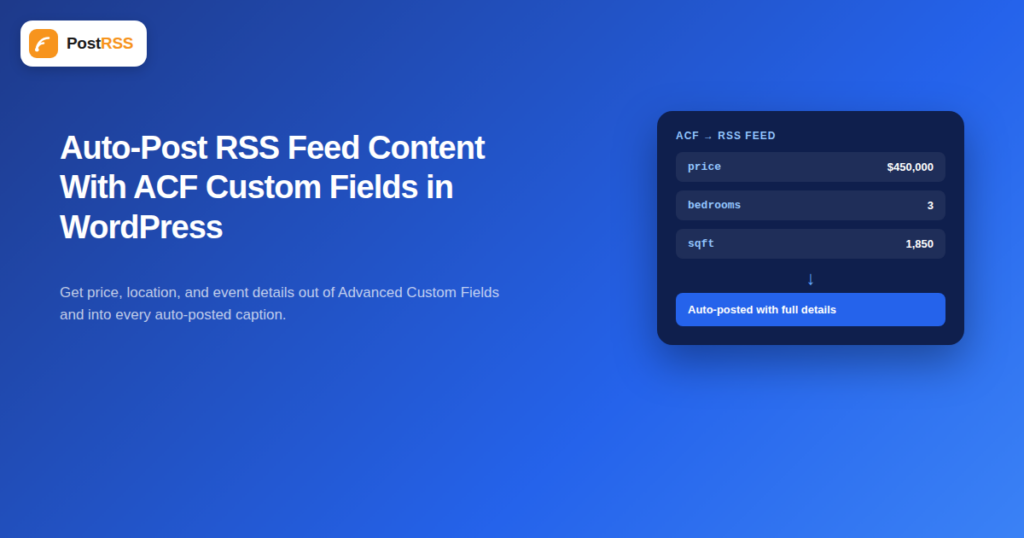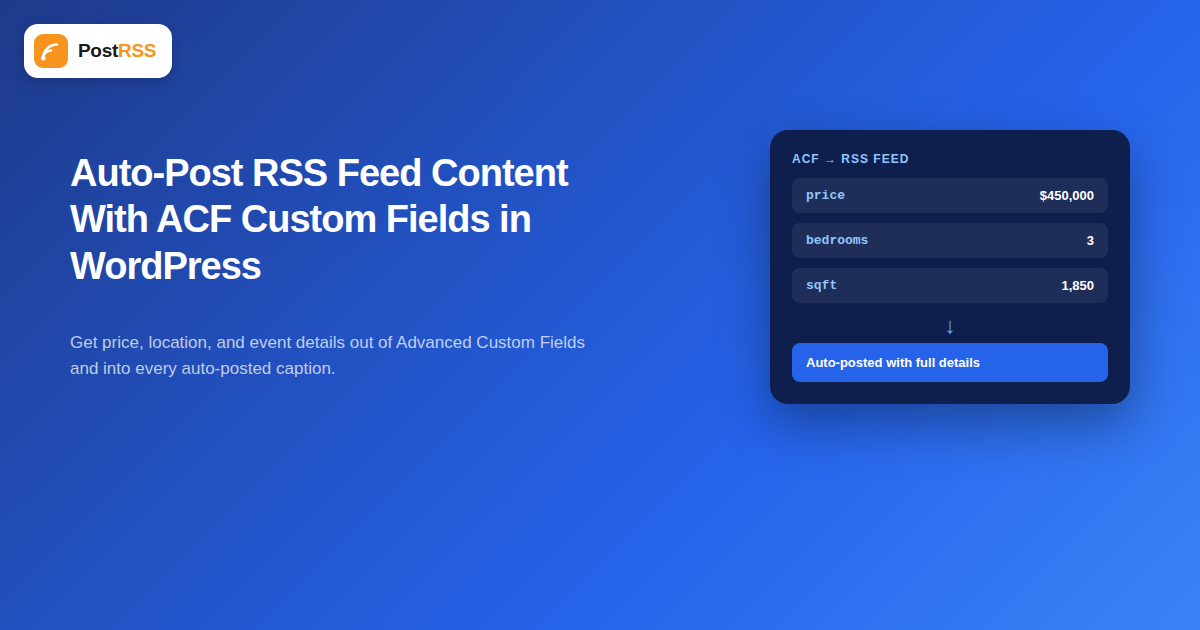
Advanced Custom Fields (ACF) is one of the most widely installed WordPress plugins for a reason: it lets a site store structured data, a price, a location, a rating, a product SKU, that a plain post title and body can’t represent cleanly. The catch is that a standard WordPress RSS feed has no idea those custom fields exist. If your auto-posted social content is missing exactly the details that make it useful, a price, a location, an event date, ACF is almost always the reason.
This gap matters most for sites where the meaningful, decision-driving information about a post lives in structured fields rather than in the body text: real estate listings, event calendars, restaurant menus and daily specials, job boards, product catalogs, and directory-style sites all commonly rely on ACF (or a similar custom fields plugin) to store the details that make a listing useful. A blog publishing conventional articles rarely runs into this problem at all, since a normal post’s title and body already contain everything worth auto-posting. If your site fits the structured-data pattern and your auto-posted content has always felt thinner than the actual page, this is very likely why.
WordPress’s default feed template outputs a fixed set of fields: title, link, publish date, categories, and the post content (or excerpt). Data stored in ACF fields lives in post meta, a separate storage layer that the default feed template was never written to read. This isn’t a bug; it’s simply how WordPress’s feed generation has worked since long before ACF existed. A restaurant site using ACF to store a daily special’s price, or a real estate site storing a property’s bedroom count and square footage, will find none of that data in the raw Feed RSS output by default, no matter how prominently it displays on the actual page.
Since auto-posting tools build their social posts from what the feed actually contains, missing custom field data means missing detail in every post: a property listing that posts as “New Listing: 123 Oak Street” instead of “New Listing: 123 Oak Street — 3BR/2BA, $450,000,” or an event listing missing its date and venue. The fix isn’t on the auto-posting tool’s side; it has to happen at the feed level, by getting those custom fields into the feed’s XML before any tool ever fetches it.
| Method | Difficulty | Best for |
|---|---|---|
Add a code snippet using the the_excerpt_rss sau the_content_feed filter | Requires basic PHP comfort | Sites with a developer or comfortable DIYer on hand |
| Use a feed-customization plugin (e.g. WP RSS Aggregator’s feed builder, or a custom feed template plugin) | Low — mostly configuration | Sites wanting a no-code solution |
| Create a fully custom feed template file | Moderate to high — requires theme file editing | Sites needing precise control over field placement and formatting |
For a site owner comfortable adding a small snippet (via a plugin like Code Snippets, rather than editing theme files directly), hooking into the feed content filter is the most direct fix. The general pattern looks like this:
add_filter('the_excerpt_rss', function($content) {
    if (get_post_type() === 'listing') {
        $price = get_field('price');
        $bedrooms = get_field('bedrooms');
        if ($price) {
            $content .= '<p>Price: ' . esc_html($price) . '</p>';
        }
        if ($bedrooms) {
            $content .= '<p>Bedrooms: ' . esc_html($bedrooms) . '</p>';
        }
    }
    return $content;
});
This appends the ACF field values to the feed’s excerpt output for a specific post type, which means an auto-posting tool reading the feed now has that data available to include in the social post, typically pulled from the description field. The exact fields and post type need to match your own ACF field names and setup, but the pattern, hook into the feed content filter, fetch the field with get_field(), append it to the output, generalizes to almost any use case.
Most auto-posting tools, PostRSS included, build the body of a social post primarily from a feed item’s description or excerpt field, not its full content field. Adding ACF data specifically to that excerpt output, rather than only to the full content, ensures the detail actually reaches the auto-posted caption rather than being buried in content a social post format never surfaces. This is a common mistake: developers sometimes add custom field data to the_content_feed only, then wonder why the auto-posted caption still doesn’t show it, when the description field was what mattered for that particular use case.
A real estate site using ACF to store price, bedrooms, bathrooms, and square footage for each listing post type is a common case worth walking through concretely. Without any feed customization, a new listing publishes to the feed as a bare title and generic content. With the snippet pattern above adapted to that field structure, the same listing’s feed item now includes price and specs directly in the description, which means an auto-posted Facebook or X post pulls in “3BR/2BA · 1,850 sqft · $450,000” automatically, without anyone manually copying those details into a separate social post every time a listing goes live. For an agency managing dozens of listings a month, this is the difference between social posts that actually help a buyer decide whether to click, and generic-looking posts that get scrolled past.
ACF’s Repeater and Group field types (used for things like a list of amenities, or a set of open-house dates) need slightly different handling than a simple text field, since they return an array rather than a single value. The general approach is to loop through the returned array and format each entry before appending it to the feed content:
$amenities = get_field('amenities');
if ($amenities) {
    $list = array_map(function($row) { return $row['amenity_name']; }, $amenities);
    $content .= '<p>Amenities: ' . esc_html(implode(', ', $list)) . '</p>';
}
Keep the output format simple and comma-separated rather than trying to preserve complex formatting; most auto-posting tools strip HTML structure down to plain text for the caption anyway, so simplicity in the feed output translates more reliably into a clean social post.
After adding a snippet or plugin configuration, always verify the change directly by viewing the raw feed XML (visiting yourdomain.com/feed/ directly in a browser, or using “view source” if the browser renders it as a styled page) and confirming the custom field data actually appears inside the relevant item’s description tag. It’s easy to assume a snippet worked because the page itself looks correct; the feed output is a genuinely separate thing that needs its own check. Only after confirming it in the raw feed should you expect an auto-posting tool to start including that data in new posts.
Event-based sites face a similar gap. A venue or organization using ACF to store an event’s date, time, and location for each event post type will find that a standard feed item shows only the event’s title and generic body text, with none of the specifics someone would actually need to decide whether to attend. Applying the same filter pattern, keyed to the event post type and its date, time, and venue fields, means an auto-posted announcement can read “Live Music Night — Sat, Oct 17, 8:00 PM at The Garden Room” instead of just “Live Music Night,” which is the difference between a post that prompts someone to add it to their calendar and one that gets scrolled past without the information needed to act on it.
Once the custom field data is flowing into your feed’s description field correctly, a tool that supports social media automation like PostRSS handles the rest of the formatting automatically per platform, respecting character limits and adding a link back to the original page. The WordPress-side work covered here is a one-time setup per post type; after that, every new listing or event published on the site carries its full detail into every auto-posted destination without any repeated manual effort.
the_content_feed when your auto-posting tool actually reads the excerpt/description field, resulting in data that never reaches the auto-posted caption despite appearing correctly if you view the feed’s full content field directly.esc_html() when appending them to feed content, since unescaped data can occasionally break the feed’s XML structure entirely if a field ever contains a stray special character.Simple field types (text, number, select, true/false) work with a straightforward get_field() call. Repeater, Group, and Relationship fields return arrays or objects and need a loop to format each entry before appending it to the feed output.
No, and it’s safer not to. Using a code snippets plugin keeps custom functionality independent of your theme, so a future theme update doesn’t wipe out the change.
No meaningfully. Fetching a handful of post meta values during feed generation is a lightweight operation that WordPress handles efficiently, even on sites with a large number of posts.
To a degree. You control what text gets added to the feed’s description field and in what order; how an auto-posting tool then formats that text into a platform-specific caption is handled on the tool’s side, following each platform’s own conventions.
A feed-customization or feed-builder plugin can achieve the same result through a settings interface rather than code, though options and flexibility vary by plugin. Search for plugins specifically advertising “custom fields in RSS feed” support.
Yes, in a good way. Anyone subscribed to your feed in a traditional RSS reader will also see the additional field data, since the change happens at the feed content level, not specifically for auto-posting tools.
Just the ones that make a social post more useful or complete — price, location, date, key specs. Dumping every custom field into the feed description tends to produce cluttered, overly long auto-posted captions rather than a genuinely improved post.
The overall approach is identical, since the underlying goal is the same: get data currently stored outside the default feed template into the feed’s output. The specific function call to retrieve a field differs by plugin (Pods and Meta Box each have their own field-retrieval functions), but the filter hook and append pattern shown here apply regardless of which custom fields plugin the site uses.
Yes. Most local development environments or staging sites let you test a feed customization safely before deploying it to production, and even on a live site, adding the snippet and immediately checking the raw feed output causes no visible disruption if something needs adjusting.
ACF data doesn’t reach your RSS feed by default, which means it doesn’t reach your auto-posted social content either, no matter how good your auto-posting tool is. The fix lives entirely on the WordPress side: get the specific field values you actually want visible into the feed’s description output using a filter, a plugin, or a custom feed template, verify it in the raw feed, and every future auto-posted item will carry that detail automatically from then on, with no repeated manual work required as new listings, events, or products get published.
What changed in the networks, what broke, and how to fix it before it costs you reach.
Create de Internet Solutions, echipa din spatele PostRSS. Fiecare produs vă economisește timp în felul său.
 English
 Lietuviškai
 Deutsch
 Français
 Русский
 Español
 Polski
 Italiano
 Українська
 Čeština
 Português
 日本語
日本語 Latviešu valoda
 Eesti
Eesti Magyar
 Bahasa Indonesia
 Türkçe
 हिन्दी
 Ελληνικά
 العربية
 ไทย
ไทย Tiếng Việt
 Română
 Bahasa Melayu
 বাংলা
বাংলা