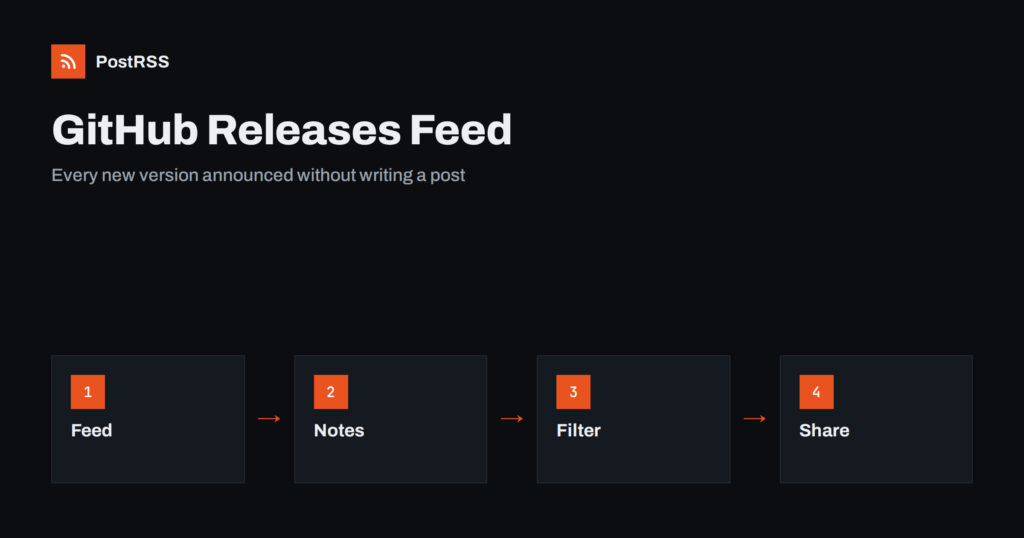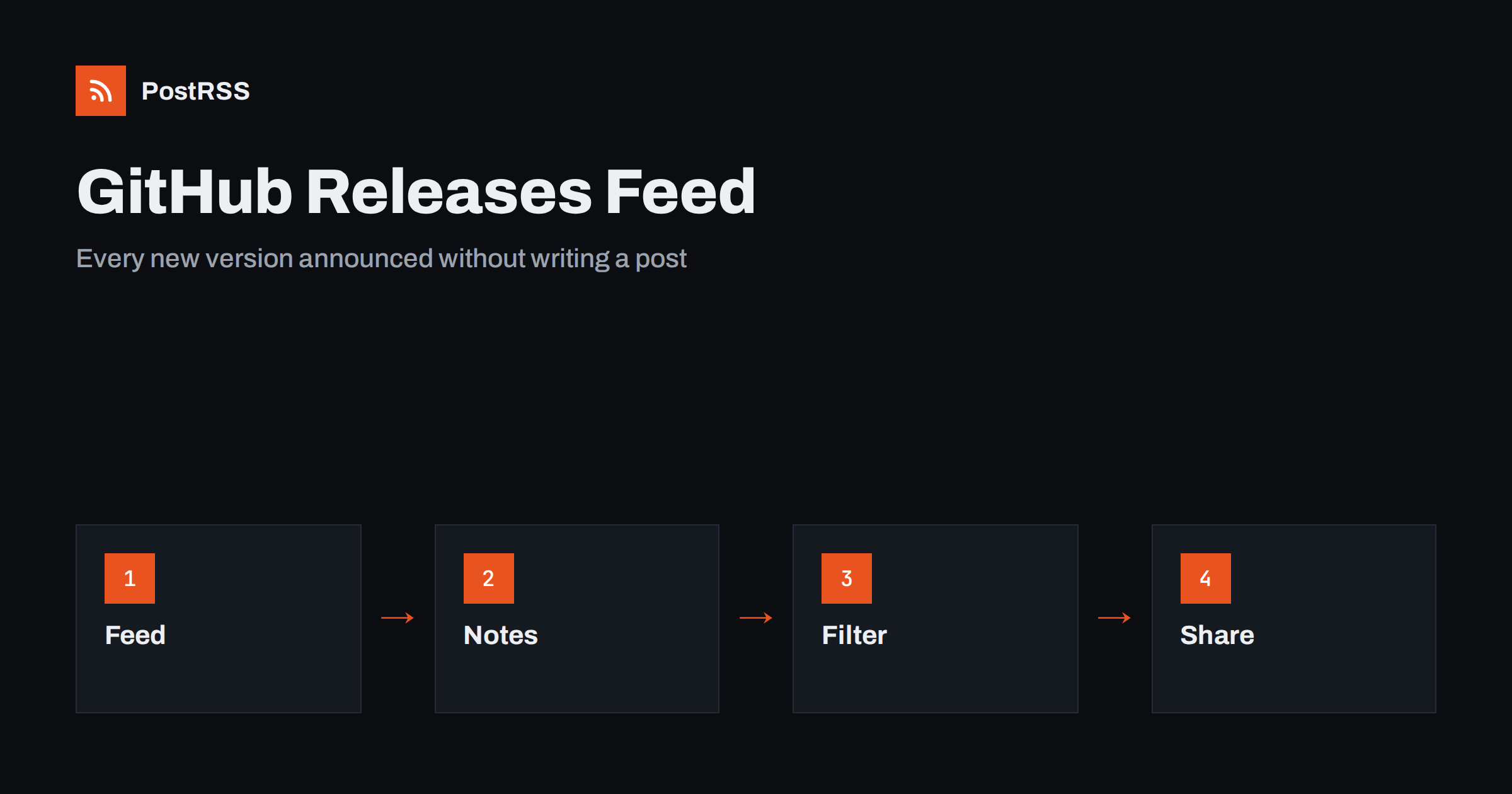
Short answer: Every public GitHub repository publishes an Atom feed of its releases at github.com/OWNER/REPO/releases.atom, with no setup. Each entry carries the release title, the date, a link and the release notes. Paste that address into an auto-poster and every new version is announced on your social networks, a Discord or Telegram channel or a team chat. Tidy your release titles and notes first, decide how to treat pre-releases, use keyword filters to skip the versions you do not want to announce, and check the feed with curl before you rely on it.
For open-source maintainers and for companies that ship software, a release is news. Users want to know when a fix lands, contributors want to see their work credited, and the people who follow the project on social networks would rather be told than have to look. Yet writing a post for every patch release is a chore that is easily forgotten. GitHub already produces a machine-readable list of releases, so the announcement can be automatic. This guide explains which feeds GitHub provides, how to prepare releases so that they make good posts, and how to avoid the problems that appear when a feed is used for announcements.
GitHub exposes several Atom feeds for public repositories. They follow predictable patterns, and you do not need an account or a token to read them.
https://github.com/OWNER/REPO/releases.atom lists published releases, newest first.https://github.com/OWNER/REPO/tags.atom lists tags, including those that have no release notes.https://github.com/OWNER/REPO/commits/BRANCH.atom lists commits on a branch, which is far too noisy for most announcements.For announcements, the releases feed is almost always the right choice. Tags are useful only when you tag versions but do not create releases, and commits belong in a developer channel, not in front of users. If you maintain several repositories, each has its own feed, and you can connect them to different channels.
Each entry in the releases feed has a title, which is the name of the release, a link to the release page, a date and the release notes rendered as HTML. The identifier of the entry is derived from the release, so it stays the same as long as the release does. That makes the feed well suited to auto-posting: a new release is a new entry, and an old one does not come back. The details of the format are explained in Atom or RSS: does it matter for auto-posting; in short, every modern auto-poster, including PostRSS, reads Atom as well as RSS.
Check what your own feed looks like before you plan anything else.
curl -s https://github.com/OWNER/REPO/releases.atom | head -c 1500You will see the title of the feed, the newest entries and their dates. If the output is empty or an error page, the repository may be private, renamed or missing releases. Feeds of private repositories require authentication, and an auto-poster cannot read them without a login, so use a public page for announcements or publish release notes on your own website.
An auto-poster builds a social post from the title and a short piece of the notes, so the quality of the post depends on the release itself. A few habits make a large difference.
If you generate the notes automatically from pull requests, read the result once. Automatic notes can contain internal jargon, long lists of dependency updates and the names of branches, and none of that belongs in a post.
Not every release deserves an announcement. Drafts are visible only to people who can write to the repository, so they do not appear in a public feed. Pre-releases, such as release candidates and betas, may appear in the list, depending on how they are published, and a flood of them can annoy followers and confuse people who only want stable versions. Decide on a policy.
Keyword filters are available in PostRSS, so you can apply the policy without changing your release process. If you prefer to keep the feed clean at the source, publish pre-release notes only in the issue tracker and create a release only when a version is ready.
| Audience | Channel | What to share |
|---|---|---|
| Users and the public | Bluesky, Mastodon, LinkedIn, Facebook Page | Stable releases with a one-sentence summary and a link |
| Community and contributors | Discord or Telegram channel | Every release, including pre-releases, with credits |
| Team and customers | Slack, Teams or another team chat | Releases of your own products, as an internal notice |
| Search and discovery | Your website blog | A longer announcement for major versions |
For a major version, write a proper article on your website, announce it through the website feed and let the release feed handle the smaller versions. That way, social channels get a mix of full stories and short notices, and your site collects the search traffic that a long article attracts. The approach to changelogs on a documentation site is shown in the Docusaurus guide to blog and changelog feeds.
Projects that consist of many repositories, such as a core library, plugins and documentation, create a stream of releases. Connecting every feed to the same channel can bury important news under minor updates. Group them: send the core library and the main application to the public channels, send plugins to a community channel, and keep tools and internal packages to a team chat. In PostRSS, each feed can have its own targets, filters and posting hours, so you can set this up without scripts. The general idea of routing by topic is covered in category filtering for auto-posting.
A release feed is generated by GitHub on request and is cached for a short time, so a new release may take a little while to appear. In practice the delay is small, and an auto-poster that checks the feed regularly will see the release soon after you publish it. Do not expect it to be instant to the second. If you must coordinate an announcement with a blog post or a package upload, publish the release only after those are ready, because the feed announces whatever is public. Posting windows can also help: if you release late in the evening, you can ask the auto-poster to publish during the hours when your audience is online. For the general mechanics, see why auto-posted content sometimes lags.
Work through a short list of checks before you connect the address:
There is a longer routine in the feed validation guide and a short one in debugging a feed with curl.
Followers on social networks are a mixed group. Some are developers who want the technical detail, but many are users, writers, managers and curious readers who only want to know whether a release matters to them. Keep the first lines of the notes free of acronyms and internal names, and say what a person can now do that they could not before. Put the breaking changes near the top, in plain words, with a link to the upgrade guide, because an unpleasant surprise is the quickest way to lose trust. Technical detail can follow below the summary, where the people who need it will find it when they open the release page.
PostRSS has been publishing RSS and Atom feeds to social networks since 2014. Paste the releases address of your repository, connect your accounts and choose how each post is built from the title, the summary or the page title. PostRSS checks the feed as often as every minute and shares each new entry, with its link, to the channels you choose among 66 supported networks, messengers, team chats and blogs, including Bluesky, Mastodon, Discord, Telegram and LinkedIn. Keyword filters let you skip pre-releases, and UTM parameters and posting windows let you tune each channel. See the PostRSS features page and the plan limits on the pricing page. More developer guides are under the Technical Guide tag.
GitHub already gives every public repository an Atom feed of its releases, so announcing versions can be automatic. Write clear release titles and summaries, decide how to treat pre-releases and patch versions, send stable releases to public channels and everything to a developer channel, filter by keyword where needed and check the feed with curl and a validator. Keep releases and repository names stable, write a full article for major versions and connect the feed to an auto-poster. After that, every release you publish reaches your followers without anyone writing a post.
For a public repository it is github.com/OWNER/REPO/releases.atom, with your own owner and repository names. It lists published releases, newest first.
It can, depending on how the release is published. Check your own feed, and use a keyword filter on titles if you want to announce only stable versions.
Not with an auto-poster, because the feed requires authentication. Publish release notes on a public page or on your own website and use that feed instead.
No. Modern auto-posters read Atom as well as RSS. PostRSS accepts both, so you can paste the address as it is.
Yes. Connect the releases feed once and choose the channels, such as a Discord server and a Mastodon account, and each new release is shared there automatically.
What changed in the networks, what broke, and how to fix it before it costs you reach.
Create de Internet Solutions, echipa din spatele PostRSS. Fiecare produs vă economisește timp în felul său.
 English
 Lietuviškai
 Deutsch
 Français
 Русский
 Español
 Polski
 Italiano
 Українська
 Čeština
 Português
 日本語
日本語 Latviešu valoda
 Eesti
Eesti Magyar
 Bahasa Indonesia
 Türkçe
 हिन्दी
 Ελληνικά
 العربية
 ไทย
ไทย Tiếng Việt
 Română
 Bahasa Melayu
 বাংলা
বাংলা