Actualizat: 20.08.2026
If you run a WordPress website or a professional blog, consistently promoting your new content on social media is vital for driving traffic and growing your audience. Manual cross-posting, though, is time-consuming — and many site owners turn to a WordPress auto-post plugin as the default fix. Plugins aren't the only option, and for many sites, they're not even the best one.
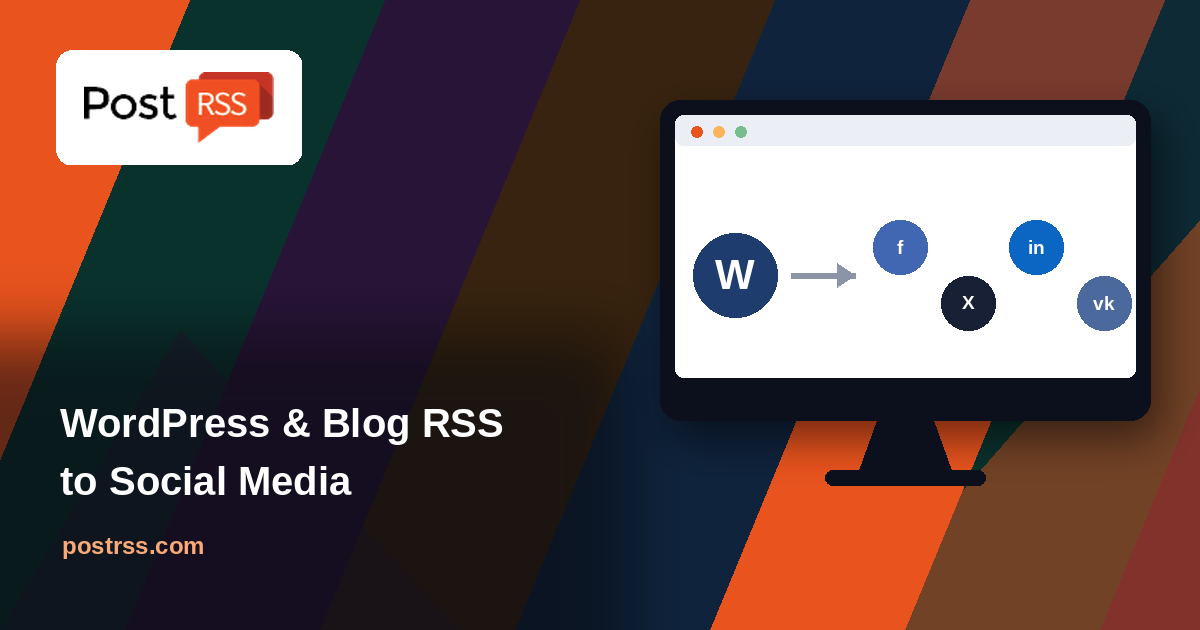
With PostRSS, you can automatically post your WordPress or blog RSS feed to Facebook, X (formerly Twitter), LinkedIn, and VKontakte — without installing anything on your site at all. The system works as a cloud-based alternative to a traditional autoposter plugin, syndicating your latest articles the moment they go live.
Many website owners default to a native WordPress plugin to handle social syndication. Plugins can work, but they come with trade-offs worth knowing about:
Because PostRSS operates externally, reading your site's public RSS feed rather than running code inside WordPress itself, it sidesteps all three of these issues. Your server load stays exactly the same whether you're syndicating to one platform or five.
While WordPress is the most common source, this same approach works for any platform that generates a standard RSS or Atom feed — including Drupal, Joomla, Squarespace, and custom-built blogs. If your site has a feed URL (commonly something like yoursite.com/feed), it can connect the same way.
Whether you need to route company updates to a LinkedIn Page or push new posts to Facebook and X together, automation keeps your profiles consistently active without daily manual work. Frequent, reliable social updates keep your audience engaged and generate a steady stream of referral traffic back to your site — traffic that a quiet, rarely-updated social profile simply doesn't produce.
/feed at the end of your domain for WordPress sites).Do I need to remove my existing autoposter plugin first? Not necessarily, though running two tools that both post to the same accounts can cause duplicate posts — it's worth disabling one before activating the other for the same platform.
Will this slow down my WordPress site? No — since PostRSS reads your public feed externally rather than executing code on your server, there's no additional load placed on your WordPress installation.
What if my site doesn't use WordPress? Any platform with a standard RSS or Atom feed works the same way — the setup process is identical regardless of what your site is built on.
👉 Ready to retire your unstable WordPress autoposter plugin? Sign up for PostRSS today and automate your blog distribution effortlessly!

