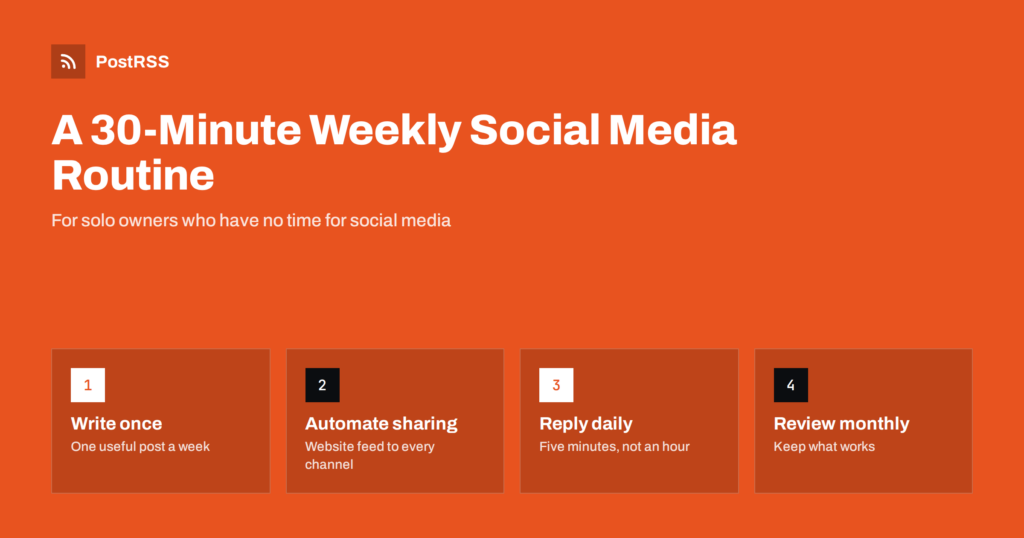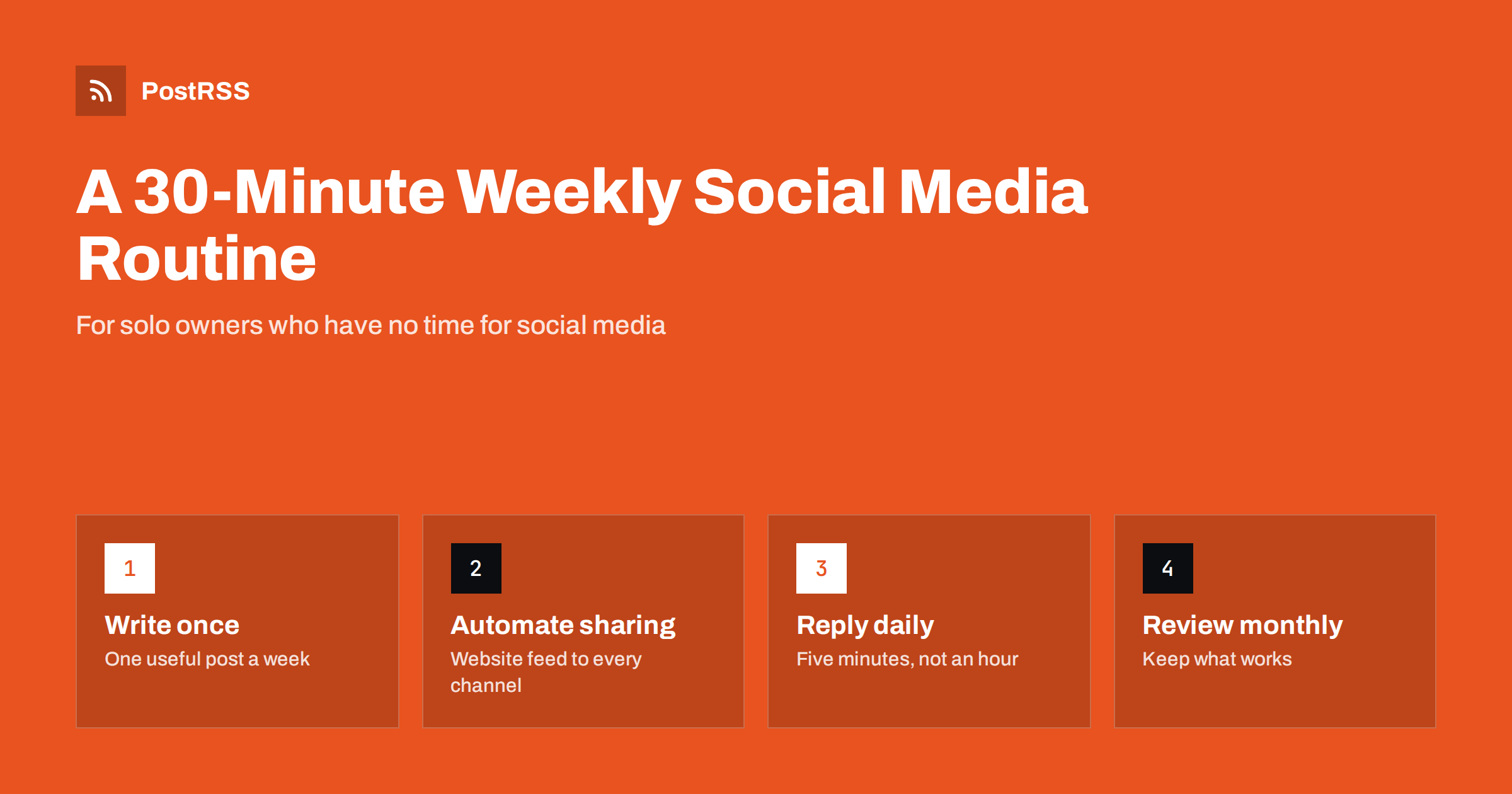
Short answer: A solo business owner can keep social media alive in about 30 minutes a week by writing one useful update on their own website, letting an RSS auto-posting tool share it to every channel automatically, spending a few minutes a day on replies, and reviewing results once a month. The routine works because it removes the most time-consuming part, copying and formatting posts for each network, and keeps your effort on content and conversations.
If you run a business on your own, you are the salesperson, the accountant, the customer service desk and the person who actually does the work. Social media advice written for marketing teams, with daily posting schedules, content calendars for six networks and stories every day, simply does not fit. Trying to follow it usually ends one of two ways: you spend hours you do not have, or you give up and let the accounts go quiet.
There is a middle path. Most solo businesses do not need to be everywhere every day. They need to be visibly active, helpful and reachable on the two or three channels their customers use. That can be done with a small, fixed weekly routine, as long as you stop doing the parts that software can do for you.
It also helps to be honest about what social media does for a small business. For most solo owners it is not a sales machine; it is proof of life and a reminder. Customers who already know you see that you are active, remember you when they need you, and find it easy to get in touch. Prospective customers who look you up see a business that is open, competent and responsive. A modest, consistent routine delivers exactly that.
The routine below assumes you have a website with a blog or news section. If you do not, it is worth adding one: it becomes the permanent home for your content, it helps people find you in search, and it gives you an RSS feed that can drive your social channels.
The most expensive part of social media for a solo owner is not writing; it is repeating. Writing an update and then reformatting it for Facebook, LinkedIn, X, Instagram and a messaging channel can easily take longer than writing it in the first place. Worse, it is tedious, and tedious tasks are the ones we postpone.
The routine is built on one idea: write each update once, on your own website, and let automation send it everywhere else. Your website publishes the post, the platform adds it to your RSS feed, and an auto-posting tool publishes it to each connected social account with the title, image and link. Your time goes into what only you can do: knowing what your customers need to hear and answering their questions.
There is a second benefit. Content on your own website keeps working after the social post has scrolled away. Search engines can index it, you can link to it when customers ask the same question again, and it becomes a growing library that shows your expertise. A post written only inside a social app, on the other hand, is hard to find a week later, even for you.
Before the weekly routine starts, spend an hour on setup. You only do this once:
/feed/. Open it in a browser to check that your latest post is there.Write down what you set up: which feed, which accounts, which posting hours. When a network asks you to reconnect an account months later, or you want to add a new channel, this short note saves you from rediscovering everything.
Pick a fixed slot, for example Monday morning with your coffee. Consistency makes the habit stick.
Minutes 1 to 5: choose the topic. Pick one thing worth telling customers this week. Good sources: a question a customer asked, a new product or service, a seasonal tip, a finished project, a change in opening hours, or a short lesson from your work. Keep a running list on your phone so you never start from zero.
Minutes 6 to 20: write the post on your website. Three to six short paragraphs is enough. Give it a clear, specific title, because the title usually becomes the social caption. Add one good photo, ideally your own, as the featured image. Include a link to the relevant service, product or booking page.
Minutes 21 to 25: publish or schedule it. Publish now or schedule it for a good day and time. The automation takes over when the post goes live: the feed updates, and each of your social accounts receives the post.
Minutes 26 to 30: quick check. Look at last week’s post on each channel. Did it appear correctly? Any unanswered comments? Is the image right? Fix anything that looks off in the website post or the automation settings.
That is the whole weekly routine. One solid post a week, reliably distributed, beats a burst of daily posts that stops after a fortnight.
Automation handles publishing, not conversation. Replies are where social media actually turns into customers, so protect a small daily slot for them:
Five minutes a day is usually enough for a small business. If replies regularly take longer, that is good news: your content is working, and it may be time to add a short FAQ page to your website to answer common questions once.
If you are away for a few days, say so. A short line in your profiles or a pinned post such as “Back on Monday, replies may be slower” sets expectations and prevents frustration, while your scheduled posts keep the accounts visibly active.
A solo owner’s best content comes from everyday work. When the idea list is empty, use one of these prompts:
Evergreen posts, such as how-to guides and answers to common questions, can also be republished on a schedule. That keeps your channels active in weeks when you genuinely have no time to write.
Once a month, take a quarter of an hour to look back:
Keep the review light. The aim is not a report but two or three small decisions: write more of what worked, fix what broke, and drop what brings nothing. If the numbers are too small to mean anything yet, look at the conversations instead. One enquiry that turned into a job tells you more than a chart of impressions.
Much social media advice is irrelevant for a solo business. You can safely skip:
Skipping these things is not laziness; it is focus. Every hour you do not spend chasing the latest format is an hour you can spend on the work customers pay you for, which is ultimately what your social media is meant to support.
PostRSS handles the distribution step. It checks your website’s RSS or Atom feed every 5 minutes and publishes each new post, with its image and link, to the channels you connect, from Facebook Pages, LinkedIn, X and Pinterest to Telegram, Mastodon and Bluesky, 66 networks in total. You can add UTM parameters to links, set posting hours and exact times on paid plans, republish evergreen posts on a schedule and see every post and error in one log. There is a free plan to start with. See the features page and the pricing page.
A solo owner does not need hours of social media work each week. Write one useful post on your website, let automation distribute it to the two or three channels your customers use, give replies five minutes a day, and review what works once a month. The routine is small enough to keep for years, and consistency over years is what builds a visible, trusted business online.
For most solo and small businesses, one useful post a week on a consistent schedule is enough. Consistency and relevance matter more than frequency, and a weekly rhythm is realistic to keep up for years.
Choose the two or three networks where your customers already spend time. Local businesses often do well with a Facebook Page, professionals with LinkedIn, and visual businesses with Pinterest.
The routine works best with a website that has a blog or news section, because it provides the RSS feed that drives automation and gives your content a permanent home that search engines can find.
It should not. Automated public replies look like spam. Let automation handle publishing and spend a few minutes a day replying personally, because replies are where followers become customers.
Nothing breaks. Your channels simply stay quiet that week, or evergreen posts can be republished automatically. Pick up the routine the following week rather than trying to catch up with several posts at once.
What changed in the networks, what broke, and how to fix it before it costs you reach.
Criadas pela Internet Solutions, a equipe por trás do PostRSS. Cada uma economiza seu tempo de um jeito diferente.
 English
 Lietuviškai
 Deutsch
 Français
 Русский
 Español
 Polski
 Italiano
 Українська
 Čeština
 Português
 日本語
日本語 Latviešu valoda
 Eesti
Eesti Magyar
 Bahasa Indonesia
 Türkçe
 हिन्दी
 Ελληνικά
 العربية
 ไทย
ไทย Tiếng Việt
 Română
 Bahasa Melayu
 বাংলা
বাংলা