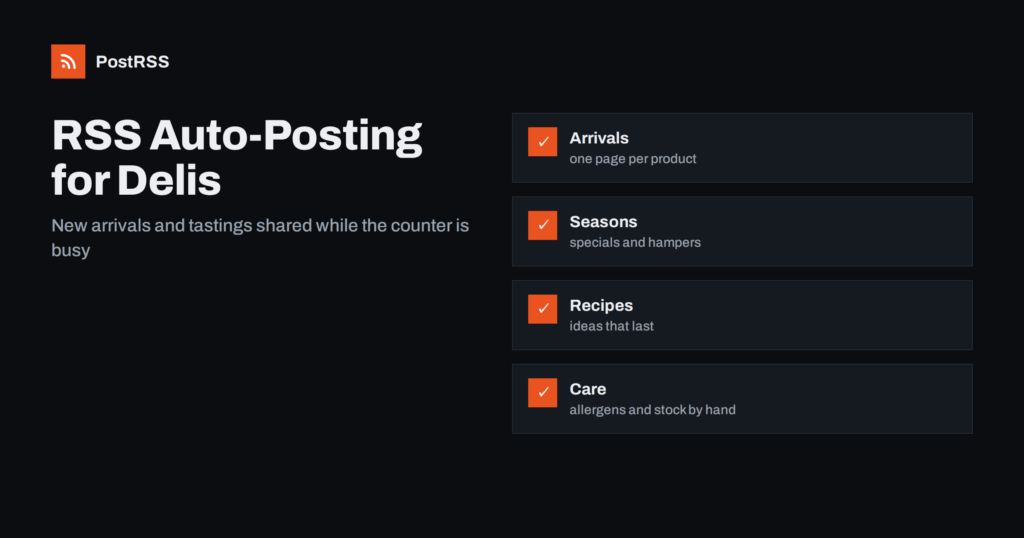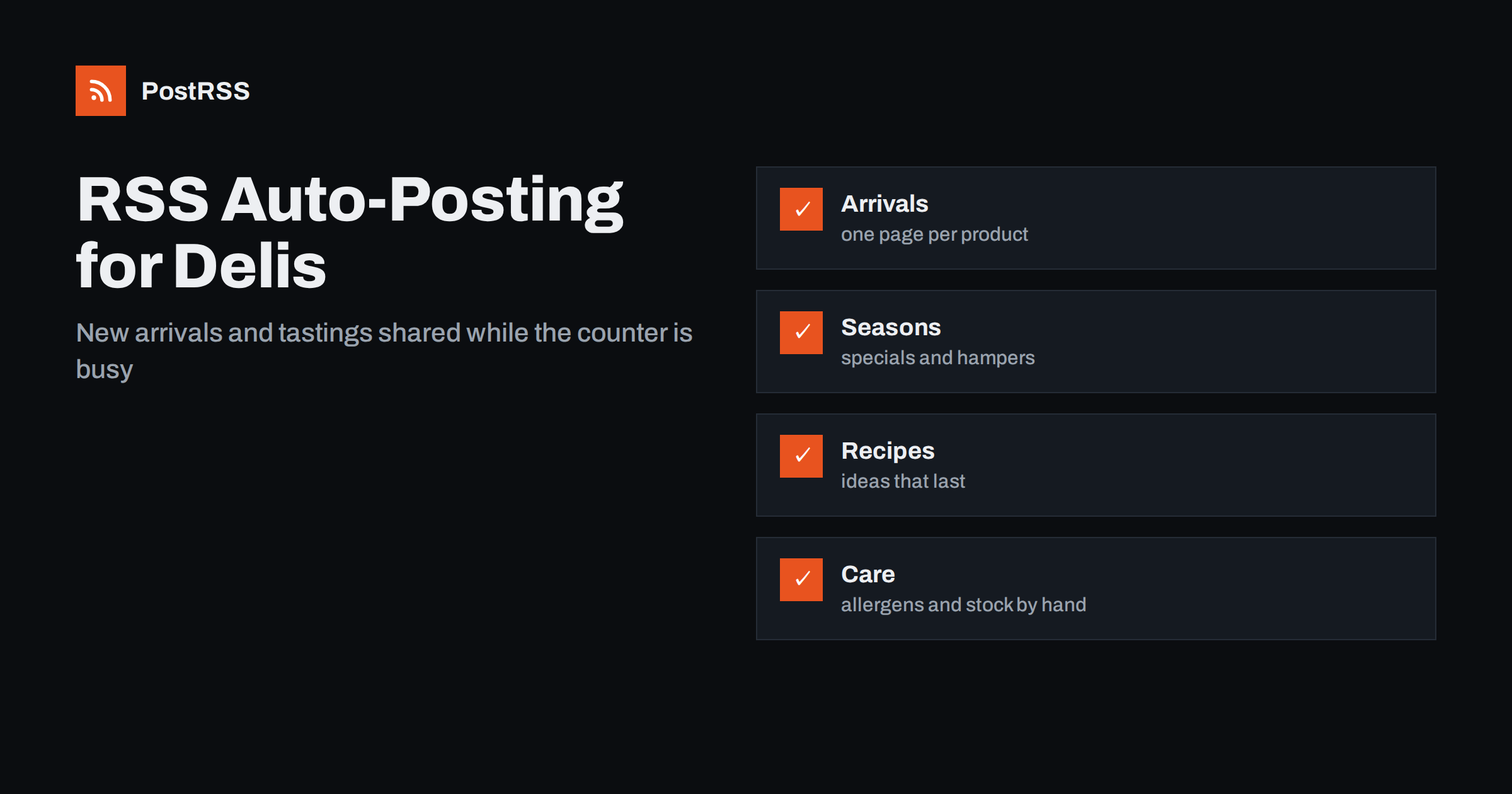
Short answer: RSS auto-posting lets delis and gourmet food shops share new arrivals, seasonal specials, tasting evenings, recipes and supplier stories on social media automatically. Publish each item as a page or blog post on your website, let an auto-poster read the RSS feed, and every new page appears on your Facebook Page, LinkedIn, Telegram channel and other networks with its photo and link. Shoppers hear about the first cheese of the season without the owner stopping at the counter to type, while stock levels, allergen answers and prices stay in the shop and in human hands.
A good delicatessen sells stories as much as food. The ham comes from a family that has cured it for three generations, the olive oil arrived from a small estate last week, and the cheese counter has a new washed-rind wheel that will be gone by Saturday. The people who know these stories are behind the counter, slicing, wrapping and serving, not at a keyboard. A website with a short page for each arrival, special and event solves most of the problem, because automation can carry those pages to every network where local food lovers look. This guide explains how to set it up and where accuracy and judgement still matter.
The advice fits many kinds of independent food retailer:
Each of these has a steady supply of small news, and each can keep it in one place on its own website.
A specialty food shop has more to say than a list of products:
Each can be a short page on your own website. When the page is published, the feed announces it. You write it once, in a place you own, and the automation spreads it across the networks where your customers spend time. A page also appears in search results when someone looks for a local specialty shop, which a social post alone does not achieve.
Most food shops run a simple site on a platform that publishes feeds without extra work:
/feed/ and one for every category, such as /category/new-arrivals/feed/. If you are unsure of the address, see how to find your WordPress feed link.Use categories to separate audiences: new arrivals, events, recipes and shop news. Each category has its own feed, and each feed can go to the channel where it works best; arrivals to the Facebook Page, wholesale and catering news to LinkedIn and event reminders to a Telegram channel for regulars. Routing by category is explained in category filtering for auto-posting.
| Content | Automate? | Notes |
|---|---|---|
| New arrivals and specials | Yes | One page per product story, with a photograph and a link to buy or order |
| Events and tastings | Yes | Date, time, what is served and how to book |
| Recipes and guides | Yes | Evergreen pages that keep bringing in search visitors |
| Stock levels | No | A scheduled post cannot know what is left on the counter |
| Allergen questions | By hand | A person who knows the product answers every time |
| Customer complaints | By hand | Answered privately and quickly |
A simple rule: if it is a story or an invitation on a finished page of your website, automate it. If it concerns what is on the shelf at this moment or one person’s question about food safety, handle it in the shop or by direct message.
A good arrival page answers the questions a shopper asks before coming in. What is it, and where does it come from? What does it taste like, and what does it go with? How is it sold, by weight, by the piece or in a jar? When will it be in the shop, and how long will the batch last? Can it be ordered ahead or collected? Does it need to be kept cold, and how should it be stored at home? Give each arrival its own page with a clear photograph taken in daylight, and close the loop afterwards by changing the page to say when the product is back. Pages for products that return every year, such as a seasonal cheese, should be updated rather than recreated so that they keep their place in search results.
Rules differ between countries and between regions, so check the requirements that apply to your shop, and let the person responsible for food safety approve the wording of new templates once.
A specialty food shop follows the calendar more closely than most businesses. Spring brings fresh herbs, young cheeses and picnic ideas, summer brings salads, preserves and market days, autumn brings mushrooms, truffles and game, and winter brings the busiest weeks of the year: hampers, festive meats, chocolates and gifts. Plan the content for each season in advance. Write the hamper pages in the autumn, with the last date for orders and collection, and schedule them across the weeks before the holidays instead of in one burst. After the season, retire pages with dates that have passed so that visitors are not misled. A short guide to ordering for the holidays, published early, often brings in the largest orders of the year.
If a network shows the wrong picture, check the Open Graph tags of the page as described in why auto-posted links show the wrong image.
Most shops do best with a Facebook Page and one more channel that fits their customers. Two active channels beat five forgotten ones.
/feed/, and check that it lists recent items.PostRSS has been automating RSS posting since 2014. It checks your website feeds as often as every minute and publishes each new arrival, event and recipe, with its real image and link, to the channels you connect, from Facebook Pages and Pinterest to Telegram, LinkedIn, Bluesky, Mastodon and many more among its 66 supported networks. You can choose how each post is built, filter items by keywords, add UTM parameters and post only within chosen hours or at exact times in your time zone. See the PostRSS features page for everything it does and the pricing page for plan limits. More ideas for local businesses are under the Local Business tag.
A deli has stories that shoppers love and very little time to write them. RSS auto-posting shares each new arrival, tasting and recipe automatically on your Facebook Page, Pinterest and other channels, on time and with the right photograph. Give every arrival its own page, check allergen, origin and health wording with care, keep prices and stock on the product page, plan the seasons and the holiday hampers in advance, route content by category and leave complaints and food safety questions to people.
Yes. If your website has a news or blog section, its RSS feed can be connected to an auto-poster that shares each new page on your Facebook Page, Pinterest and other channels. Stock questions and allergen answers should still be handled by people.
It is safer to keep current prices on the product page and link to it. A scheduled post can stay online long after a price changes.
No. A scheduled post cannot know what is on the counter. Invite readers to call, order ahead or check the shop page.
Refer readers to the label and to your staff, and publish allergen details only when they come from the producer and your team has checked them. Information can change when a recipe or a supplier changes.
Yes. PostRSS reads any valid RSS or Atom address that is reachable without a login. Paste the address, connect your channels and new pages are shared as soon as they appear.
What changed in the networks, what broke, and how to fix it before it costs you reach.
Criadas pela Internet Solutions, a equipe por trás do PostRSS. Cada uma economiza seu tempo de um jeito diferente.
 English
 Lietuviškai
 Deutsch
 Français
 Русский
 Español
 Polski
 Italiano
 Українська
 Čeština
 Português
 日本語
日本語 Latviešu valoda
 Eesti
Eesti Magyar
 Bahasa Indonesia
 Türkçe
 हिन्दी
 Ελληνικά
 العربية
 ไทย
ไทย Tiếng Việt
 Română
 Bahasa Melayu
 বাংলা
বাংলা