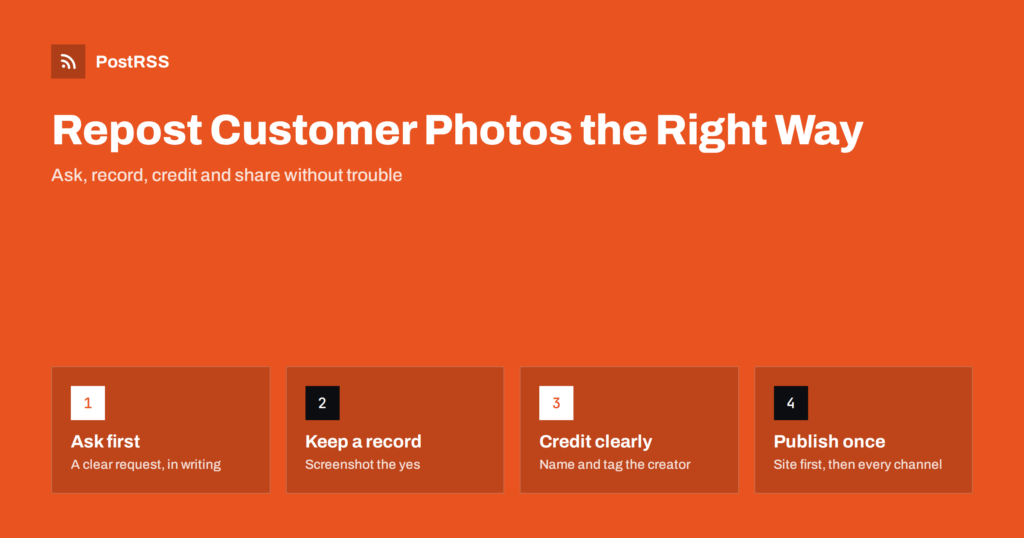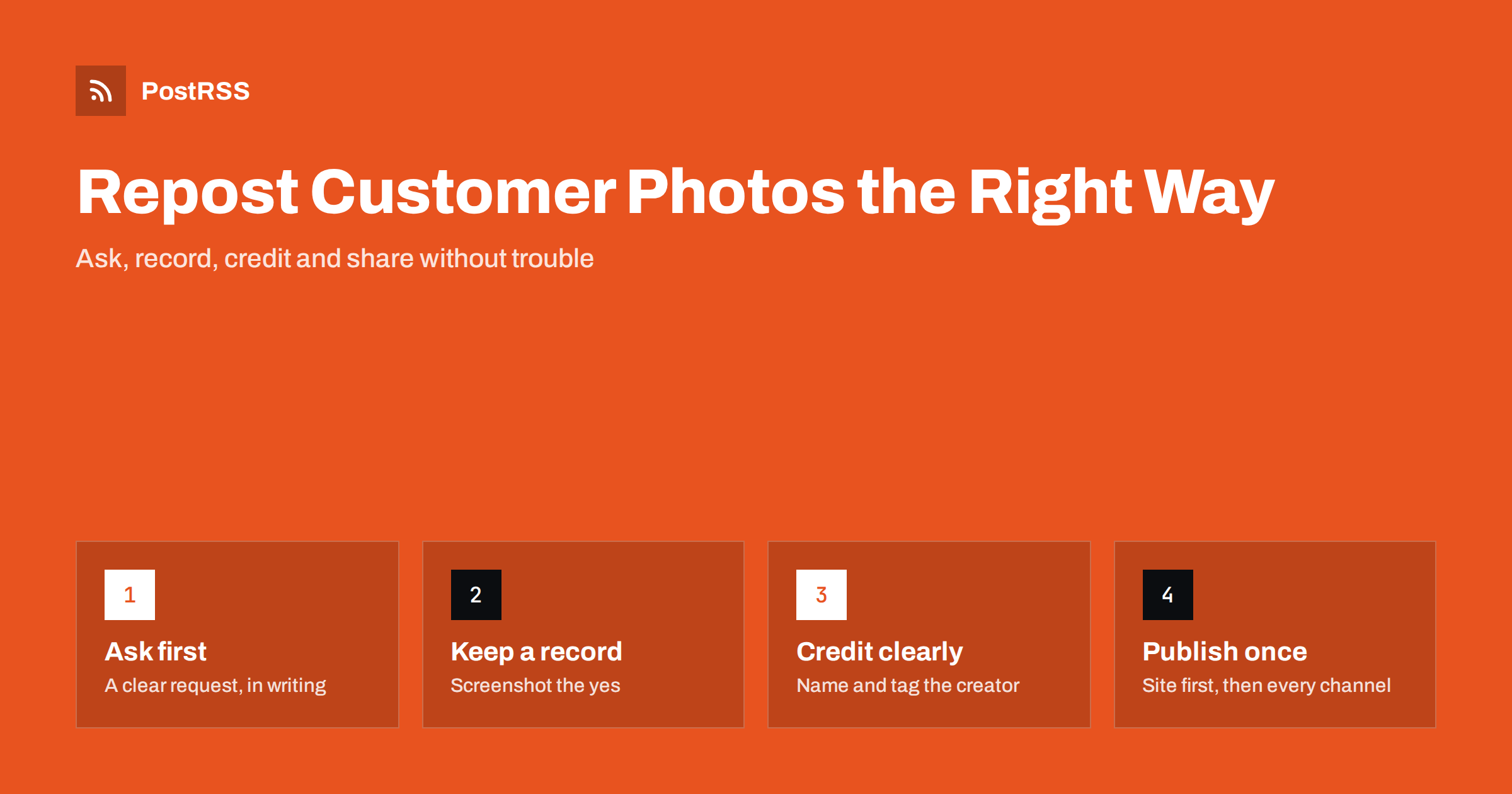
Short answer: Before you repost a customer’s photo, ask for permission in writing, usually in a comment or direct message, and wait for a clear yes. Keep a screenshot of that consent, credit the customer by name or handle in the post, do not alter the photo in ways that change its meaning, and ask separately if you want to use it in paid ads. A photo shared publicly is still owned by the person who took it, and permission protects both you and the customer relationship.
Photos taken by real customers do something that professional product shots cannot: they show the product in a real kitchen, on a real person, at a real event. For restaurants, shops, hotels, gyms and service businesses, a customer’s photo often says more than any caption the business could write.
Customer photos also solve a practical problem. Small businesses rarely have a photographer on hand, and posting the same five studio images over and over makes a social profile look stale. A steady trickle of customer content keeps channels varied and gives followers a reason to share their own photos in return.
There is also a trust effect. Prospective customers know that businesses choose their own photos carefully, so they tend to give more weight to images taken by people like them. A feed of real customer moments, credited by name, signals that the business is confident enough to let its customers speak for it.
The catch is that these photos do not belong to the business. Treating them as free material, simply downloading and reposting, can annoy the customers you most want to keep, and in some cases create legal trouble. A simple, consistent permission routine removes that risk and usually makes customers happier to be featured.
In most countries, the person who takes a photo owns the copyright in it automatically. Posting it publicly on a social network does not give everyone else the right to republish it. The platform’s terms typically grant the platform itself a licence to display the content, but that licence does not extend to other users or businesses.
There are three layers to think about:
This is general information, not legal advice. Rules differ between jurisdictions, and if you plan to build a large campaign around customer content, it is worth asking a lawyer to review your process once.
Many networks offer a native way to share someone else’s post: a share button, a repost, a quote post or a story share. These keep the original post, the original author and their caption attached, and the author can delete the original at any time. Within the same platform, native sharing is usually the lowest-risk option, although asking is still courteous.
Downloading the image and posting it as your own new post is different. The photo is now separated from its author, it may appear on other networks, and it stays up even if the customer deletes their original. That is the case where explicit permission matters most, and it is also the case most relevant for businesses that publish the same content on several channels.
Native sharing also has limits. A story share disappears after a day, a repost on one network cannot be carried to another, and some formats do not allow sharing at all. If you want a customer photo to live on your website, in a gallery or across several networks at once, you will almost always need to use the file itself, which brings you back to asking. It is simplest to treat every customer photo the same way: ask first, whatever you plan to do with it. That consistency also means nobody on the team has to decide case by case whether a particular share needed permission.
A good request is short, friendly and specific. It says what you want to do, where, and how you will credit the customer.
A sample message: “Love this photo of your cake from our bakery! Could we share it on our website and our social media pages, credited to you? Just reply yes if that’s OK. Thank you!” It takes ten seconds to send, and most happy customers say yes.
Some businesses use a campaign hashtag with published terms, stating that by using the hashtag people agree to have their photos featured. That can help, but many people use hashtags casually without reading any terms. For anything beyond a simple repost, a direct yes is more reliable.
Be ready for other answers too. Some customers will say no, and that is the end of it: thank them and move on. Photographers, creators and influencers may ask for payment or a licence fee, which is reasonable when their photos are part of their business. Occasionally someone asks for a discount or a free product in return. Decide in advance what your business is willing to offer, so that whoever manages the account can respond consistently rather than improvising.
Permission you cannot prove is fragile. Months later, a customer may forget they agreed, or a new team member may not know which photos are cleared. A light record-keeping habit solves this.
This takes a minute per photo and makes it easy to answer the question “are we allowed to use this?” instantly, which becomes important when several people manage the social accounts.
Credit is part of the deal, and it is also good marketing: customers love being featured, and they often share the post to their own followers.
Tagging accounts works differently on each network, and handles do not carry across platforms. A handle that exists on one network may belong to a stranger on another, so check before you tag in a post that goes to several places.
The businesses that use customer photos well tend to follow a simple loop.
Publishing on your own site first has two benefits. It builds a lasting archive of social proof that search engines can find, and it gives you one place where the credit and the caption are written correctly. From there, the same wording reaches every channel without being retyped and possibly mistyped.
For most small businesses, this whole loop takes about half an hour a week. It is easiest when one person owns it and a second person knows how to cover during holidays, so that permission requests do not sit unanswered for weeks and customers are thanked while their visit is still fresh in their mind.
If you publish customer features as posts on your website, PostRSS can share each one automatically from your site’s RSS feed to the channels you connect, choosing from 66 networks such as Facebook Pages, Pinterest, X, Threads, Bluesky, Mastodon and Telegram. It takes the image from the feed item or from the page’s Open Graph tags, so the customer’s photo appears in the post, and you choose which text forms the message, so the credit you wrote on your site travels with it. A dedicated category feed for customer stories, together with keyword filters, keeps these posts separate from your other content. You can see all options on the features page.
Customer photos are some of the most convincing content a small business can share, but they belong to the people who took them. Ask in writing, keep proof, credit clearly and ask again before using a photo in ads. Build it into a simple weekly routine, publish features on your own site first, and you get a steady stream of authentic content along with customers who are proud to be featured.
A tag shows the customer wanted you to see it, but it is not clear permission to republish the photo. Using the platform’s native share feature is lower risk, while downloading and reposting it should wait for an explicit yes.
No. Credit is courteous, but it does not replace consent from the owner of the photo. Ask first, then credit the customer the way they prefer.
Take a screenshot of your request and their reply, with the date and account name visible. Store it with the photo and note which channels and uses were agreed.
Ask separately and specifically before doing so. Paid ads are a broader commercial use than an organic repost, and many customers who are happy with a repost expect to be asked about advertising.
Remove it promptly from your website and every social channel where it appears, then update your consent record. A quick, friendly response protects the relationship and your reputation.
What changed in the networks, what broke, and how to fix it before it costs you reach.
Criadas pela Internet Solutions, a equipe por trás do PostRSS. Cada uma economiza seu tempo de um jeito diferente.
 English
 Lietuviškai
 Deutsch
 Français
 Русский
 Español
 Polski
 Italiano
 Українська
 Čeština
 Português
 日本語
日本語 Latviešu valoda
 Eesti
Eesti Magyar
 Bahasa Indonesia
 Türkçe
 हिन्दी
 Ελληνικά
 العربية
 ไทย
ไทย Tiếng Việt
 Română
 Bahasa Melayu
 বাংলা
বাংলা