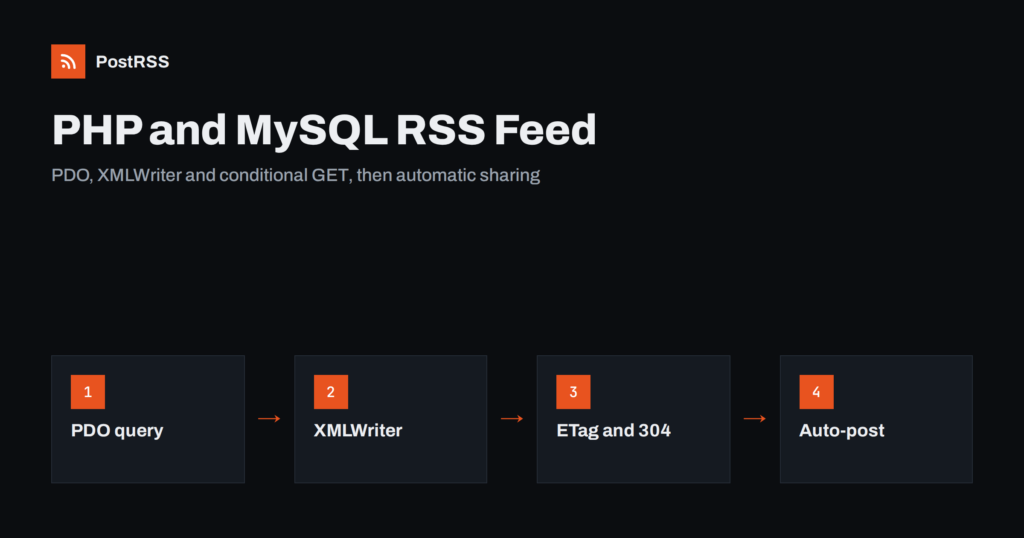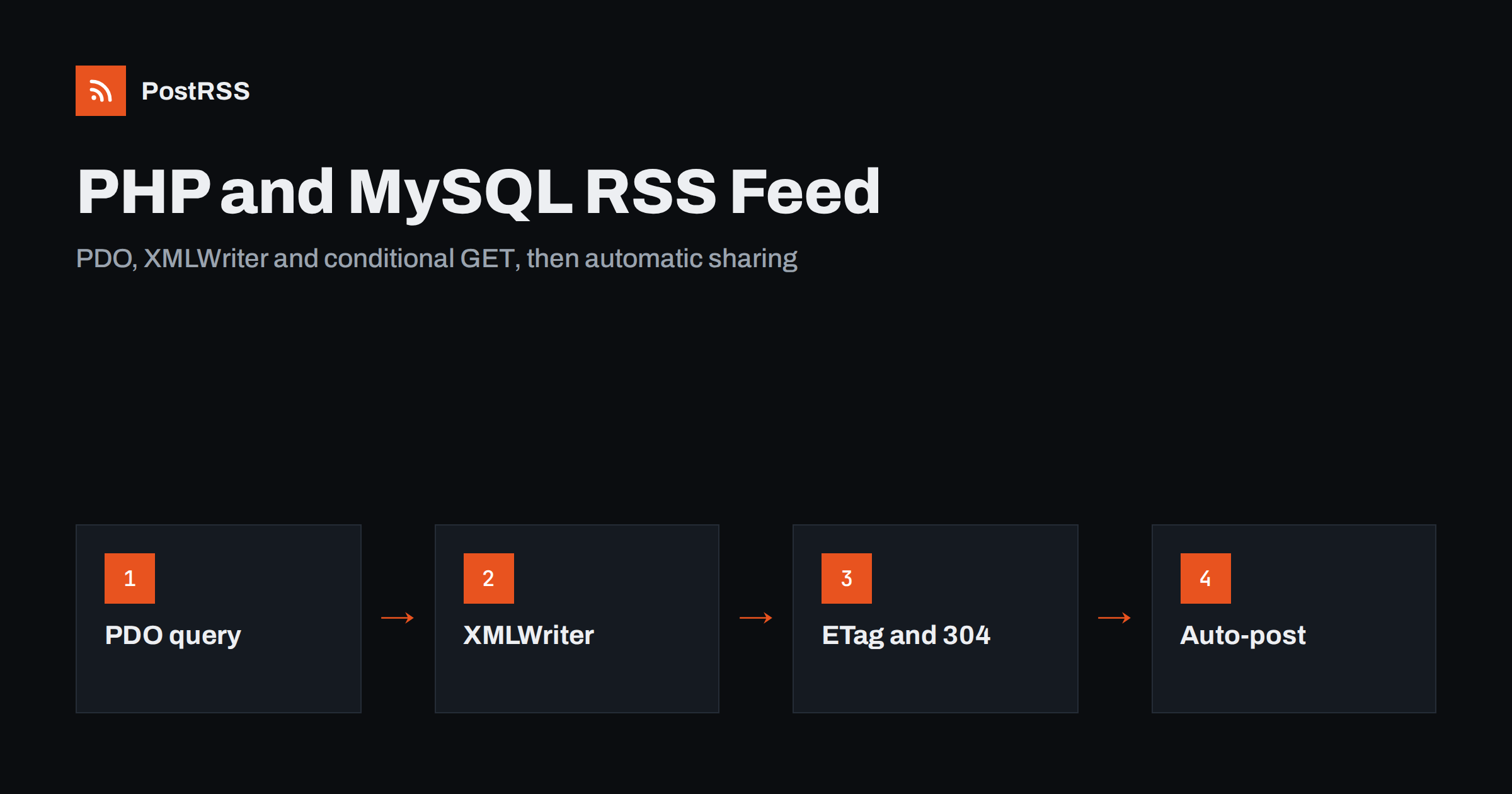
Short answer: A plain PHP RSS feed from a MySQL table is one short script. Connect with PDO, select the newest published rows with a prepared query, write RSS 2.0 with XMLWriter so text is escaped automatically, send the header Content-Type: application/rss+xml, and use absolute links, a stable GUID from the row ID and an RFC 822 date. Add conditional GET headers so repeated checks cost almost nothing. Then connect the feed address to an auto-poster, and every new row you publish is shared on social media automatically.
Not every website runs on a framework or a content management system. Plenty of directories, shops, job boards, event calendars and company sites are a few PHP files and a MySQL database, built years ago and still doing their job. Those sites rarely have a feed, and adding one by hand is easy. You do not need a library: PHP ships with PDO for database access and XMLWriter for generating valid XML. This guide shows a complete script, explains each decision, and covers the problems that break feeds on older sites, such as character encoding, invalid control characters and wrong time zones.
A feed lists the newest public items, and each item needs a title, a link, a unique ID, a date and a short description. An image is a useful extra. Check your table for columns that can supply these. A typical example is a news table with id, title, slug, summary, image, status e published_at.
If the table has no publication date, add one now. Without a reliable date you cannot sort the feed correctly, and without a status you cannot keep drafts out. The date should be set once when the item is published and never changed afterwards; using an update date would move edited items to the top. If there is no summary column, add one or build a short text from the first sentences; the topic is explained in how to control the excerpt in your RSS feed.
Create a file called rss.php in the web root. Keep the database password in a separate configuration file outside the public folder, and include it here:
<?php
require __DIR__ . '/../config.php'; // defines $dsn, $dbUser, $dbPass

$site = 'https://www.example.com';

$pdo = new PDO($dsn, $dbUser, $dbPass, [
    PDO::ATTR_ERRMODE => PDO::ERRMODE_EXCEPTION,
    PDO::ATTR_DEFAULT_FETCH_MODE => PDO::FETCH_ASSOC,
]);

$rows = $pdo->query(
    "SELECT id, title, slug, summary, image, published_at
     FROM news
     WHERE status = 'published'
     ORDER BY published_at DESC
     LIMIT 20"
)->fetchAll();

// Conditional GET: answer 304 when nothing has changed
$lastModified = $rows ? strtotime($rows[0]['published_at'] . ' UTC') : time();
$etag = '"' . md5($rows ? json_encode($rows) : 'empty') . '"';
header('ETag: ' . $etag);
header('Last-Modified: ' . gmdate(DATE_RFC7231, $lastModified));
header('Cache-Control: public, max-age=300');
if (($_SERVER['HTTP_IF_NONE_MATCH'] ?? '') === $etag) {
    http_response_code(304);
    exit;
}

function clean(string $text): string
{
    // remove control characters that are not allowed in XML
    return preg_replace('/[\x00-\x08\x0B\x0C\x0E-\x1F]/', '', $text);
}

$xml = new XMLWriter();
$xml->openMemory();
$xml->startDocument('1.0', 'UTF-8');
$xml->startElement('rss');
$xml->writeAttribute('version', '2.0');
$xml->startElement('channel');
$xml->writeElement('title', 'Example News');
$xml->writeElement('link', $site . '/news');
$xml->writeElement('description', 'News and articles from Example');
$xml->writeElement('language', 'en');

foreach ($rows as $row) {
    $xml->startElement('item');
    $xml->writeElement('title', clean($row['title']));
    $xml->writeElement('link', $site . '/news/' . rawurlencode($row['slug']));
    $xml->startElement('guid');
    $xml->writeAttribute('isPermaLink', 'false');
    $xml->text('news-' . $row['id']);
    $xml->endElement();
    $xml->writeElement('pubDate', gmdate(DATE_RSS, strtotime($row['published_at'] . ' UTC')));
    $xml->writeElement('description', clean($row['summary']));
    if (!empty($row['image'])) {
        $xml->startElement('enclosure');
        $xml->writeAttribute('url', $site . '/' . ltrim($row['image'], '/'));
        $xml->writeAttribute('type', 'image/jpeg');
        $xml->writeAttribute('length', '0');
        $xml->endElement();
    }
    $xml->endElement();
}

$xml->endElement();
$xml->endElement();
$xml->endDocument();

header('Content-Type: application/rss+xml; charset=utf-8');
echo $xml->outputMemory();
Make sure the file starts with <?php at the very first byte, with no spaces or blank lines before it and no byte order mark. Anything sent before the XML declaration makes the feed invalid; see fixing the XML declaration error.
The query. It returns only published rows, newest first, and no more than twenty. A feed is a window on recent content, not an archive. Because the query has no user input, a plain query is safe; if you add a filter from the address, such as a category, use a prepared statement with bound values.
The GUID. The text news- followed by the row ID never changes, even if someone edits the slug or title. If the GUID were the address, a correction could make an old item look new, and it could be shared twice; the reasons are explained in why your RSS feed auto-posts the same article twice.
The date. gmdate(DATE_RSS, ...) writes the date in the format that RSS expects. The script assumes that the database stores UTC and appends the word UTC before parsing. If your server stores local time, replace it with your time zone, otherwise every item is shifted by some hours. More on date errors is in RSS date formats and pubDate errors.
The links. Items are read outside your site, so every address must be complete and start with your public https domain. Relative addresses fail in readers and on social networks; see relative URLs in RSS feeds.
Escaping. XMLWriter escapes ampersands and angle brackets in text values, so titles like “Tom & Jerry” are safe. It does not remove characters that XML forbids, such as control characters pasted from word processors, which is why the clean function exists. One such character is enough to make a parser reject the whole feed.
Older PHP and MySQL sites often store text in latin1 or in a mixed state. Symptoms in the feed are question marks, strange sequences instead of accented letters or a parser error about invalid UTF-8. Set the connection to charset=utf8mb4 in the DSN, for example mysql:host=localhost;dbname=example;charset=utf8mb4, and check that the table columns use a UTF-8 collation. If the data itself is wrongly encoded, convert it once with mb_convert_encoding in the script and plan a proper migration later. Problems of this kind are discussed in RSS feed encoding issues.
Visitors and auto-posters prefer an address such as /rss.xml to /rss.php. On Apache, add this line to the .htaccess file: RewriteRule ^rss.xml$ rss.php [L], with the rewrite engine turned on. On Nginx, add a location block for the exact path that rewrites to the script. Whichever address you choose, keep it stable, because auto-posters store it. Add a link tag to the head of your pages, <link rel="alternate" type="application/rss+xml" title="Example News" href="https://www.example.com/rss.xml">, so tools can discover the feed.
The conditional GET code in the script lets readers and auto-posters ask whether anything has changed. When the answer is no, the server returns a short 304 response without the XML. The details of this mechanism are explained in RSS feed ETags and conditional GET. For very busy sites you can also write the generated XML into a file every few minutes with a scheduled task and serve that file directly. Keep the limit at 20 items, because a long feed slows every check; see why a slow server breaks auto-posting.
Older sites often keep uploaded pictures in a folder and store only the file name in the table. That is fine for a feed, as long as the script turns the name into a complete public address and the folder is readable without a login. Check the real size of the files: a cover of several megabytes slows previews and may be rejected by some networks. If you have both full-size and resized copies, point the feed to a copy about 1200 pixels wide.
When the site has sections, for example news, events and offers, a feed for each lets you send each section to the right channel. Accept the section in the address, such as rss.php?section=events, and select it with a bound parameter:
$section = $_GET['section'] ?? '';
$stmt = $pdo->prepare(
    "SELECT id, title, slug, summary, image, published_at
     FROM news
     WHERE status = 'published' AND section = :section
     ORDER BY published_at DESC
     LIMIT 20"
);
$stmt->execute(['section' => $section]);
$rows = $stmt->fetchAll();
if (!$rows) {
    http_response_code(404);
    exit;
}
Never place the value from the address directly into the SQL text, because that opens the door to injection. The bound parameter is safe whatever the visitor types. Returning a 404 for an unknown section prevents empty feeds from being indexed or subscribed to by mistake. The same routing idea for any platform is explained in category filtering for auto-posting.
curl -i and confirm the status is 200 and the content type is application/rss+xml.If-None-Match header and confirm that the answer is 304.The functions used here are documented in the PHP manual for XMLWriter. For more ways to inspect a feed from the command line, see debugging an RSS feed with curl.
PostRSS has been publishing RSS and Atom feeds to social networks since 2014. Paste the address of your feed, connect your accounts and choose how each post is built from the title, the description or the page title. PostRSS checks the feed as often as every minute and shares each new item, with its image and link, to the channels you choose among 66 supported networks, messengers, team chats and blogs, including Facebook Pages, LinkedIn, X, Telegram and Bluesky. Keyword filters, UTM parameters, hashtags from categories and posting windows let you tune each channel, and the REST API and webhooks connect PostRSS to your own systems. See the PostRSS features page and the plan limits on the pricing page. More developer guides are under the Technical Guide tag.
A plain PHP RSS feed is one script with a PDO query and XMLWriter. Select only published rows sorted by the publication date, use the row ID for the GUID, build absolute links, write the date with DATE_RSS in UTC, clean forbidden characters, use UTF-8 end to end and send the right content type with conditional GET headers. Validate it once, and every item you publish in your database can reach your social channels automatically.
No. PHP includes PDO for the database and XMLWriter for generating valid XML. A short script is enough, and XMLWriter escapes ampersands and angle brackets in text.
Common causes are output before the XML declaration, control characters in the text, wrong character encoding and unescaped symbols. Check the first bytes of the file and run the validator to see the exact line.
Filter on a status column in the query, so only published rows are selected. Test by turning one row into a draft and checking that it disappears.
Store and output dates in UTC if you can. If the database holds local time, tell the script that zone before parsing, so every item has the correct offset.
Yes. Paste the public feed address as a source in PostRSS, connect your social accounts and each new item is posted automatically. Check that the address opens without a login first.
What changed in the networks, what broke, and how to fix it before it costs you reach.
Criadas pela Internet Solutions, a equipe por trás do PostRSS. Cada uma economiza seu tempo de um jeito diferente.
 English
 Lietuviškai
 Deutsch
 Français
 Русский
 Español
 Polski
 Italiano
 Українська
 Čeština
 Português
 日本語
日本語 Latviešu valoda
 Eesti
Eesti Magyar
 Bahasa Indonesia
 Türkçe
 हिन्दी
 Ελληνικά
 العربية
 ไทย
ไทย Tiếng Việt
 Română
 Bahasa Melayu
 বাংলা
বাংলা