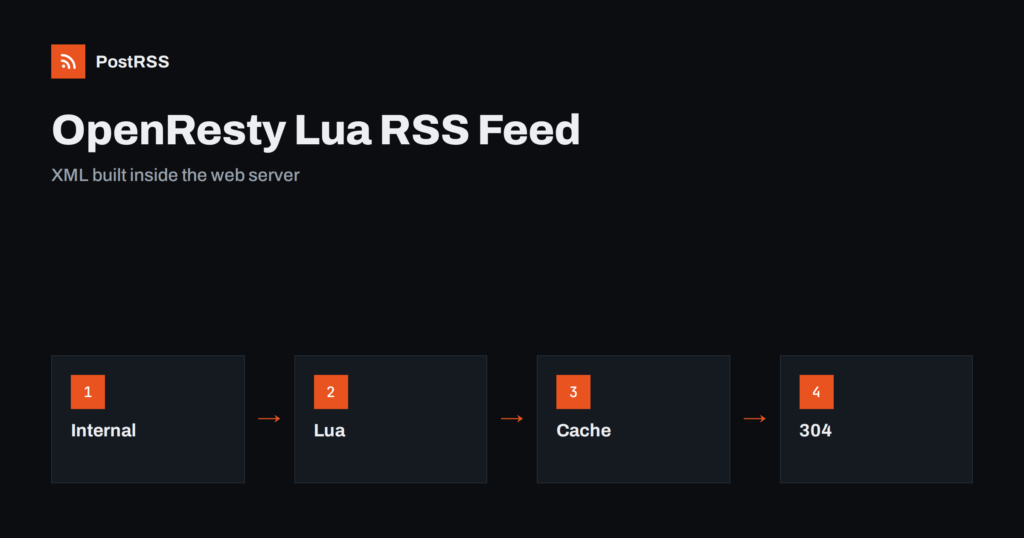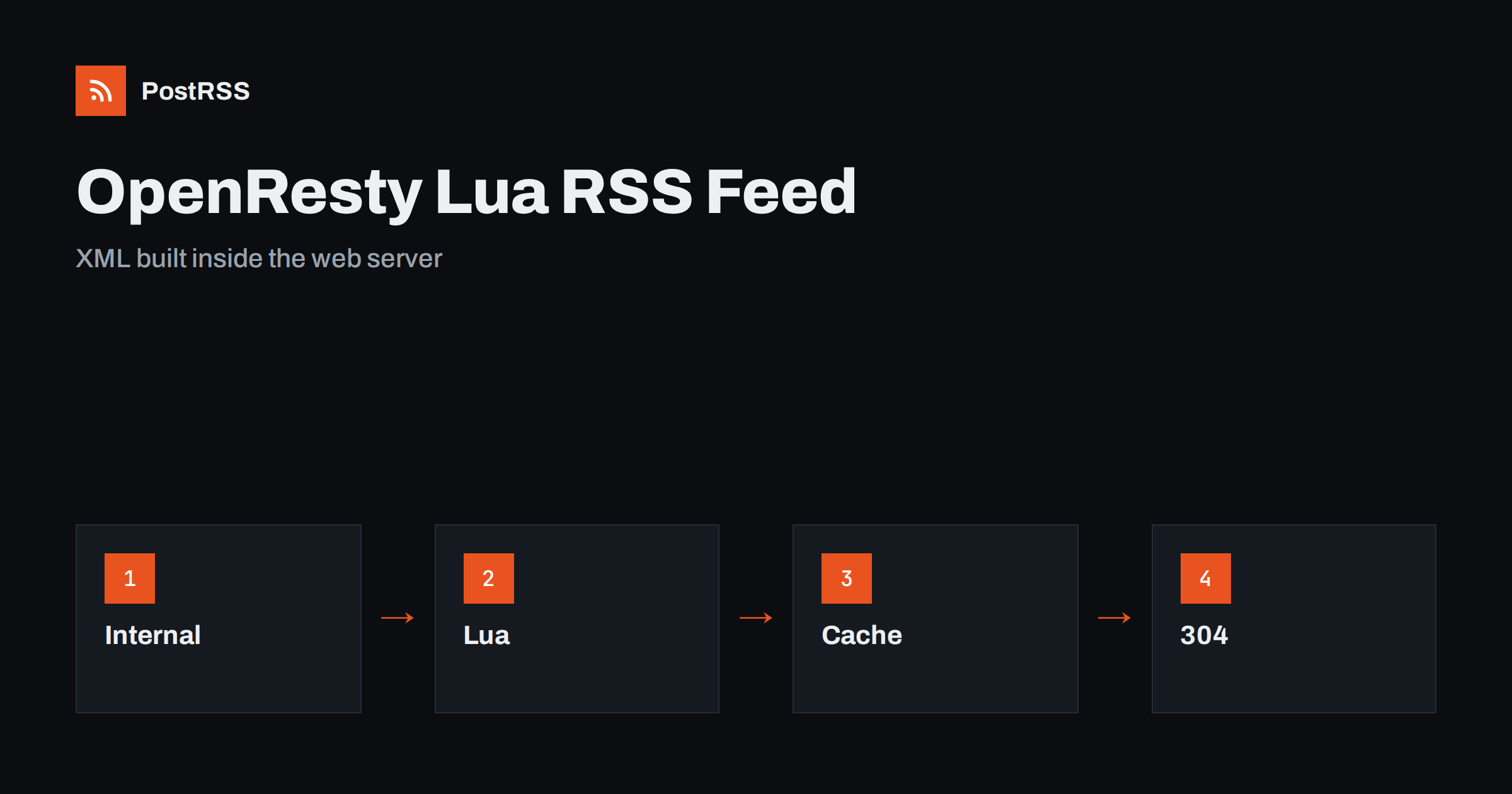
Short answer: OpenResty can serve an RSS feed straight from the web server, without an application behind it. A Lua handler asks an internal location for the newest items as JSON, builds the XML with escaped text, absolute links and real dates, sets the RSS content type, an ETag and a cache lifetime, keeps the result in a shared memory zone and answers with a 304 status when the client already has the current copy. Test the live address with curl and a validator, then connect it to an auto-poster so that every new item is shared on your social channels.
OpenResty is the Nginx web server bundled with LuaJIT and a set of libraries, which lets you run small programs inside the request cycle of the server. Many teams use it for gateways, caches and redirects, and it is a good fit for a feed when the data already lives behind an internal API or a database service. There is no framework to deploy and no extra process to keep running: the same server that terminates your certificates also answers the feed, and shared memory keeps it fast. This guide builds the configuration and the Lua code, explains the choices that make the feed reliable and ends with a test routine.
A Lua feed suits a server that already runs OpenResty or Nginx in front of an application, and an application that can return its newest items as JSON but cannot produce a feed. It is also useful when the application is slow or heavy, because the feed is built once every few minutes and served from memory. It is less suitable if your content system can generate a feed natively, because the simplest feed is the one that already exists. In that case follow the guide to finding your WordPress feed link or the equivalent for your platform.
A feed item needs a title, a permanent address, a date and a summary. Ask your application for a JSON list that contains exactly those fields.
| Feed element | JSON field | Rule |
|---|---|---|
| Title | title | Plain text, no markup |
| Link and identifier | url | Absolute, https, never changes |
| Publication date | published_at | A Unix timestamp set once, when the item goes live |
| Description | summary | One or two complete sentences |
Using a numeric timestamp avoids the hardest part of dates in Lua: parsing text formats in the right time zone. Set the date once and never overwrite it when an item is edited, because a date that changes moves old items to the top and makes an auto-poster share them again. The causes and cures of repeated posts are covered in why a feed auto-posts the same article twice.
The configuration defines a shared memory zone, the public location of the feed and an internal location that fetches the JSON. The internal location cannot be requested from outside, which keeps the raw data endpoint private.
# nginx.conf (inside the http block)
lua_shared_dict feedcache 1m;

server {
    listen 443 ssl;
    server_name example.com;

    location = /feed.xml {
        default_type application/rss+xml;
        content_by_lua_file /etc/openresty/lua/feed.lua;
    }

    location = /internal/posts {
        internal;
        proxy_pass http://127.0.0.1:8080/api/posts?limit=20;
    }
}
The address of the upstream, the path of the Lua file and the way the application lists its items are examples, so adapt them to your system. If you serve several sites from one server, give each its own shared zone or a distinct key prefix so that their feeds cannot overwrite each other.
The handler first looks in the shared zone. If the cached XML is missing, it fetches the JSON, builds the document and stores it for five minutes. If the upstream fails, it falls back to the last good copy.
-- /etc/openresty/lua/feed.lua
local cjson = require "cjson.safe"
local cache = ngx.shared.feedcache
local SITE = "https://example.com"

local ENT = {
  ["&"] = "&" .. "amp;",
  ["<"] = "&" .. "lt;",
  [">"] = "&" .. "gt;",
  ['"'] = "&" .. "quot;",
  ["'"] = "&" .. "apos;",
}
local function esc(s)
  return (tostring(s or ""):gsub("[&<>\"']", ENT))
end

local function build()
  local res = ngx.location.capture("/internal/posts")
  if res.status ~= 200 then return nil end
  local posts = cjson.decode(res.body)
  if type(posts) ~= "table" or #posts == 0 then return nil end

  local items = {}
  for _, p in ipairs(posts) do
    items[#items + 1] = table.concat({
      "<item>",
      "<title>", esc(p.title), "</title>",
      "<link>", esc(p.url), "</link>",
      '<guid isPermaLink="true">', esc(p.url), "</guid>",
      "<pubDate>", ngx.http_time(p.published_at), "</pubDate>",
      "<description>", esc(p.summary), "</description>",
      "</item>",
    })
  end
  return table.concat({
    '<?xml version="1.0" encoding="UTF-8"?>\n',
    '<rss version="2.0"><channel>\n',
    "<title>Example Journal</title><link>", SITE, "</link>",
    "<description>News and guides from Example Journal.</description>",
    "<lastBuildDate>", ngx.http_time(posts[1].published_at), "</lastBuildDate>\n",
    table.concat(items, "\n"),
    "\n</channel></rss>",
  })
end

local xml = cache:get("xml")
if not xml then
  xml = build()
  if xml then
    cache:set("xml", xml, 300)
  else
    xml = cache:get_stale("xml")
    if not xml then
      return ngx.exit(ngx.HTTP_BAD_GATEWAY)
    end
  end
end

local etag = '"' .. ngx.md5(xml) .. '"'
ngx.header["Content-Type"] = "application/rss+xml; charset=utf-8"
ngx.header["Cache-Control"] = "public, max-age=300"
ngx.header["ETag"] = etag

if ngx.var.http_if_none_match == etag then
  return ngx.exit(ngx.HTTP_NOT_MODIFIED)
end
ngx.say(xml)
Several details are deliberate. The helper function of the server writes dates in the format that the RSS specification expects. The channel date comes from the newest item and not from the clock, so that the file does not change when nothing was published. The identifier of each item is its permanent address. The validator is a hash of the finished document, so it changes exactly when the content changes, and a 304 answer saves bandwidth for you and for every tool that polls the feed. The mechanism is explained in the guide to ETags and conditional requests. The names of the library functions can differ between versions, so check them in the documentation of the build that you run.
Without a cache, every request to the feed would call the application and rebuild the document. An auto-poster may check the feed every minute and many other tools may do the same, so the load would add up. The shared zone is visible to all worker processes, so one worker builds the XML and the others reuse it. The expiry time of five minutes is a balance: short enough that a new item appears quickly, long enough that the application is protected. If several workers find the cache empty at the same moment, they may all rebuild it, which is harmless for a small feed, but a lock can prevent the stampede if the upstream is expensive. The fallback to a stale copy keeps the feed alive during a short outage, which is better than serving an error, as explained in the guide to feed status codes.
The internal location must stay internal, and the upstream should return only public fields. Never pass cookies or authorization headers from the visitor to the upstream, and never include drafts. If the data endpoint requires a key, add it in the proxy configuration so that it never reaches the client. Escape every value, as the code does, because one stray ampersand in a title breaks the whole document. Strip control characters that XML forbids before the text goes into the template, since pasted content may contain them; see why special characters and emoji break feeds. Keep the number of items small, and keep the Lua code short, because code that runs inside the web server affects every request if it is slow or wrong.
Because the feed code runs inside the web server, treat it like any other configuration change. Keep the Lua file in version control, test the configuration before every reload and deploy during a quiet hour. Log requests to the feed location in a separate file, so that you can see how often tools poll it and whether any of them receive errors. A sudden rise in 502 answers means that the upstream is failing and the stale copy has run out, and a stream of requests from one address may be a misconfigured reader that ignores the validator. Review these logs once a month, and remember to remove the old copy from the shared zone when you change the structure of the feed, so that nobody sees a mixture of formats.
Feeds are text, and they compress well. Enable compression for the RSS content type in the server configuration, and check that the feed still returns the correct headers afterwards; the details are in the guide to feed compression. People and tools should also be able to find the feed. Add a link element with the relation alternate, the RSS media type and the absolute address of the feed to the head of your pages, as explained in the guide to feed autodiscovery.
Check the configuration, reload the server and test the deployed address from outside, because a local test says nothing about the certificate and the network in front of your server.
openresty -t && openresty -s reload
curl -i https://example.com/feed.xml
curl -i -H 'If-None-Match: "paste-the-etag-here"' https://example.com/feed.xmlA longer routine is in the feed validation guide, and a shorter one in debugging a feed with curl.
PostRSS has been publishing RSS and Atom feeds to social networks since 2014. Paste the address of your feed, connect your accounts and choose how each post is built from the title, the description or the page title. PostRSS checks the feed as often as every minute and shares each new entry, with its image and link, to the channels you choose among 66 supported networks, messengers, team chats and blogs, including LinkedIn, X, Bluesky, Mastodon and Telegram. Keyword filters, UTM parameters and posting windows let you tune each channel. See the PostRSS features page and the plan limits on the pricing page. More developer guides are under the Technical Guide tag.
An OpenResty feed is a short Lua handler inside the web server, and it has to get the details right: an internal data location that stays private, a date that is set once, escaped text, absolute links, the correct content type, a validator that lets clients skip unchanged files, a shared memory cache and a fallback to the last good copy. Test the configuration and the live address with curl and a validator, then connect it to an auto-poster. After that, every item you publish reaches your readers and your social channels without extra work.
Yes, if the data is available as JSON from an internal location or another service. A Lua handler can build the XML and return it with the right headers.
It lets all worker processes reuse one copy of the feed, which protects the application from every poll and makes the answer very fast.
The handler can serve the last good copy from the shared zone for a while, which is better than returning an error or an empty feed.
A numeric Unix timestamp is the simplest, because the server can turn it into the date format that RSS expects without parsing text.
Yes. PostRSS reads any valid RSS or Atom address that is reachable without a login. Paste the address, connect your channels and new items are shared as soon as they appear.
What changed in the networks, what broke, and how to fix it before it costs you reach.
Criadas pela Internet Solutions, a equipe por trás do PostRSS. Cada uma economiza seu tempo de um jeito diferente.
 English
 Lietuviškai
 Deutsch
 Français
 Русский
 Español
 Polski
 Italiano
 Українська
 Čeština
 Português
 日本語
 Latviešu valoda
 Eesti
 Magyar
 Bahasa Indonesia
 Türkçe
 हिन्दी
 Ελληνικά
 العربية
 ไทย
 Tiếng Việt
 Română
 Bahasa Melayu
 বাংলা