Updated: 2026-09-28
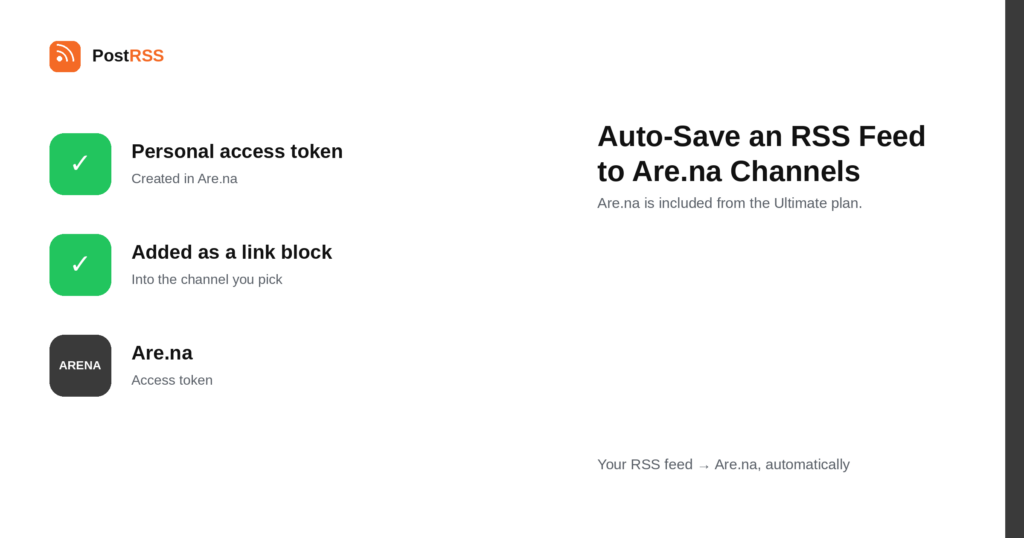
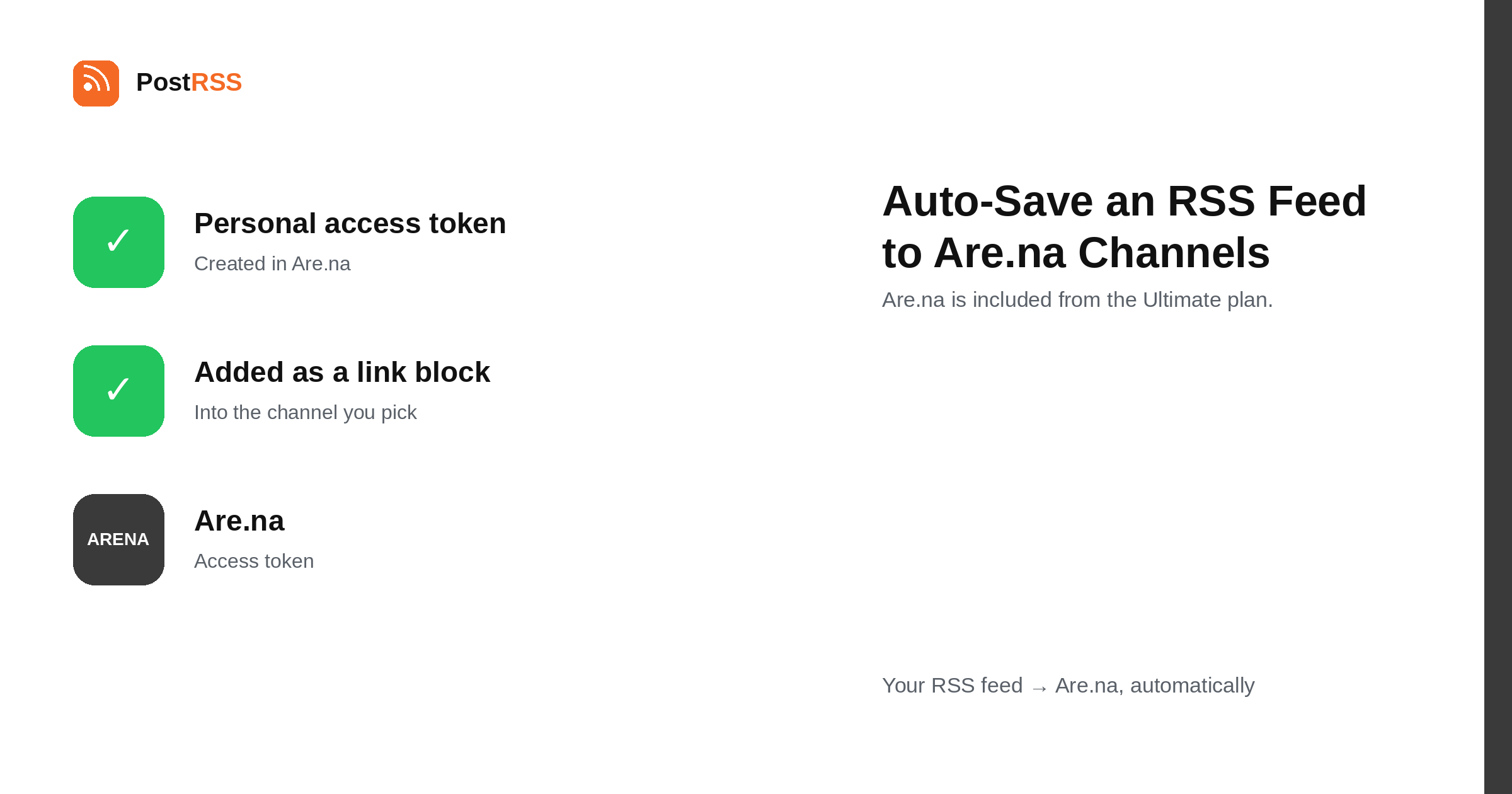
Short answer: create a personal access token in Are.na and paste it into PostRSS under Accounts → Add new Are.na account. Then open Destinos → Add feed, choose Are.na in Target settings, pick the channel, and add your feed under Add source (Type = RSS feed, Link = the feed address). Each new feed item is added to the channel as a link block. Are.na is included from the Ultimate plan.
Are.na is a research tool that looks like a social network and behaves like a filing cabinet. People collect things into channels — images, links, text, notes — and connect the same block into several channels as ideas overlap. There are no likes, no follower counts and no feed algorithm. This guide is the long version; the auto-post RSS to Are.na page has the short one.
Connecting a feed to Are.na is closer to maintaining a bibliography than to broadcasting. Each new item arrives as a link block in the channel you chose, and the channel accumulates into something you or your collaborators come back to.
That makes the choice of channel the whole decision. A channel with a tight subject — a project, a question you are working through, a visual reference set — benefits from being fed automatically. A general channel fed by a general blog becomes a list nobody opens, which is the opposite of what Are.na is for.
Because Are.na channels can be collaborative, an automated source is also a way for one person to keep a shared reference current without the rest of a team having to remember.
Each item becomes a link block: the URL, with whatever preview Are.na builds from it. It is not a full copy of the article, and it is not an image upload — Are.na is a place to collect references, and a reference is what arrives.
Blocks can then be connected into other channels by hand, which is the part worth doing manually. The automation keeps the intake full; the thinking is in deciding which blocks belong where, and no tool should do that for you.
PostRSS can save a link in several places, and they suit different habits. Instapaper and Readwise Reader are reading queues: things you intend to finish. Are.na is a reference collection: things you intend to return to, often years later, and often alongside images and notes that were never articles at all.
The practical consequence is that an Are.na channel does not need emptying. A queue that grows is a failure; a channel that grows is the point. That makes Are.na the right destination for sources you want to accumulate and the wrong one for sources you want to keep up with.
Both are on the Ultimate plan, and nothing stops the same feed going to both — one to read now, one to keep.
PostRSS publishes items that appear in the feed after the Target starts running. It does not import the back catalogue — the alternative would be a destination flooded with years of archive on its first day.
When nothing arrives, the feed is usually the cause. Open its URL in a browser first.
Are.na is included from the Ultimate plan. Each destination you connect counts as one Target, and your plan decides how many Targets and how many posts a month you get. An annual subscription is cheaper than paying monthly. Current limits per tier are on the pricing page, and the full lineup of 66 networks is on the supported networks page. The Are.na page has the short version of the setup.
Are.na's unit for a saved URL, with whatever preview it can build from the page. It is a reference rather than a copy of the article.
No. Each Target adds new items to one channel. Connecting blocks across channels is the manual, deliberate part of Are.na and is better left to you.
No. A personal access token created in Are.na is the whole credential.
Collecting. Are.na is a research tool, so the useful pattern is a narrow source feed matched to a channel with a tight subject.
Yes, and it is one of the better uses: one connected feed keeps a shared reference current without anyone on the team having to remember.
The Ultimate plan.
Those are reading queues meant to be emptied. An Are.na channel is a reference collection meant to accumulate, so it suits sources you want to keep rather than sources you want to keep up with.
No. Only items appearing after the Target starts running are added, so an established feed does not backfill years of links into a channel.
Are.na rewards precision: pick a channel with a real subject, point it at a source feed that matches, and the reference collection maintains itself while the thinking stays yours. It is included from the Ultimate plan.
What changed in the networks, what broke, and how to fix it before it costs you reach.
 English
 Lietuviškai
 Deutsch
 Français
 Русский
 Español
 Polski
 Italiano
 Українська
 Čeština
 Português
 日本語
日本語 Latviešu valoda
 Eesti
Eesti Magyar
 Bahasa Indonesia
 Türkçe
 हिन्दी
 Ελληνικά
 العربية
 ไทย
ไทย Tiếng Việt
 Română
 Bahasa Melayu
 বাংলা
বাংলা