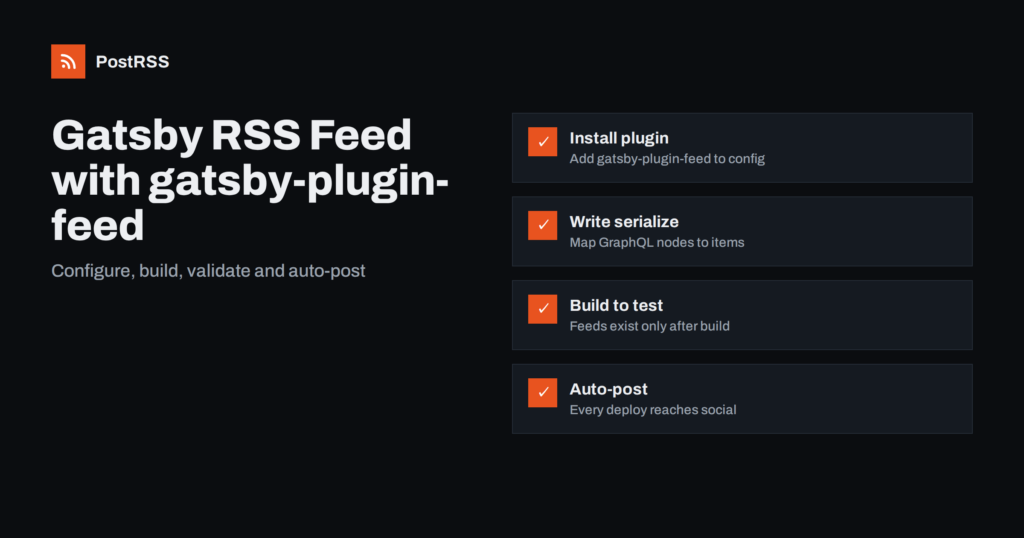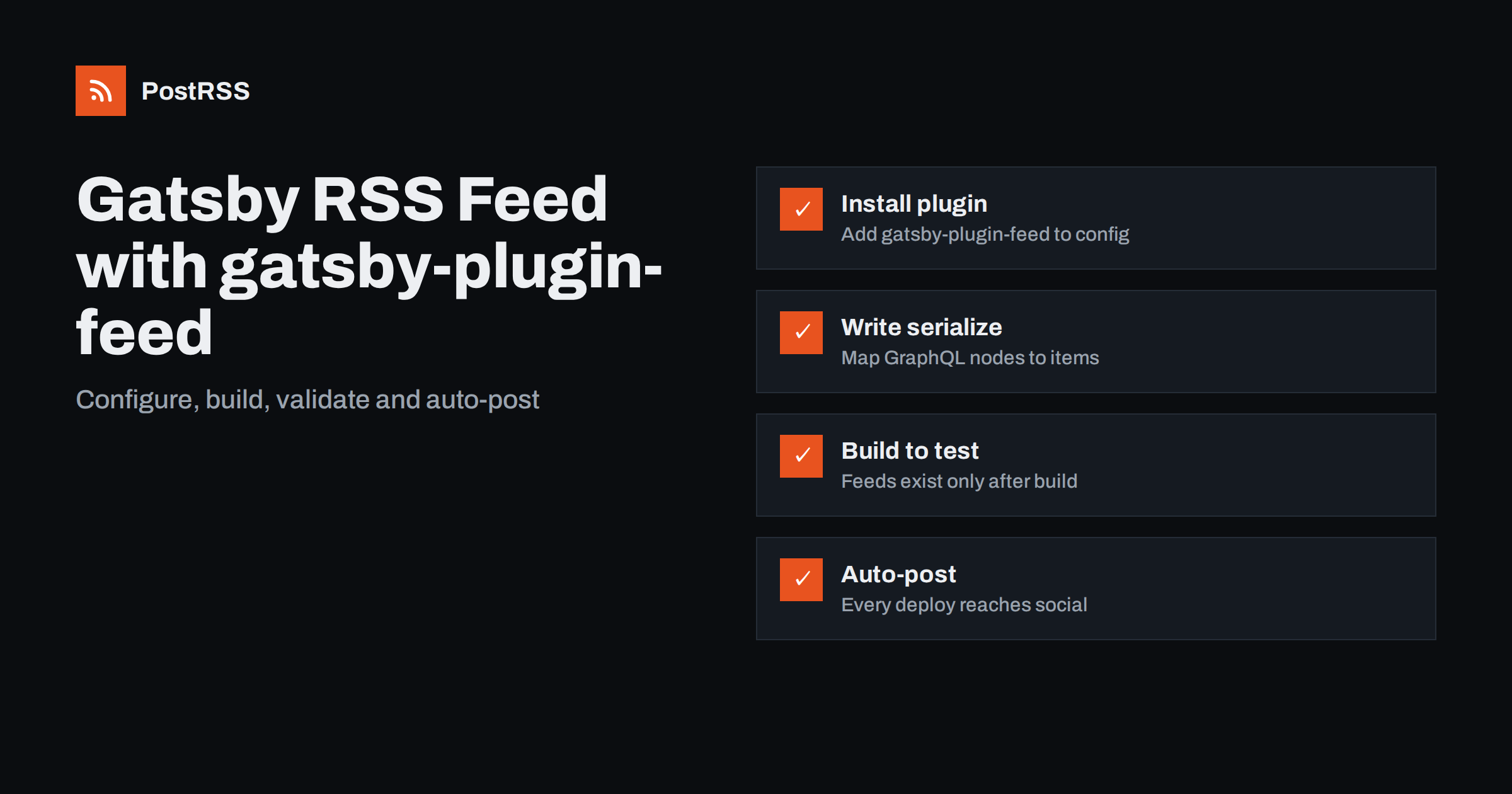
Short answer: Install gatsby-plugin-feed, add it to gatsby-config.js with a GraphQL query and a serialize function that maps your posts to feed items, set siteUrl in siteMetadata, and run gatsby build. The feed appears at the output path you choose, such as /rss.xml. It is not generated by gatsby develop, so always test against a production build before connecting the feed to readers or an auto-posting tool.
Content management systems like WordPress create feeds automatically. Gatsby does not, because it is a framework rather than a finished blogging platform: it has no built-in idea of what a “post” is. Your content might live in Markdown files, MDX, a headless CMS or a combination, and Gatsby only knows about it through GraphQL.
That flexibility is the reason many developers never add a feed at all, and it is a missed opportunity. A feed lets readers subscribe in their feed reader, lets other sites syndicate your updates, and lets automation tools share every new article to social networks without anyone copying links after a deploy. For a static site that rebuilds on every content change, a feed is the cleanest way to announce that something new went live.
The official answer is gatsby-plugin-feed. It runs after the build, executes the GraphQL queries you give it and writes one or more XML files into the public folder, next to your HTML pages.
Install the plugin with your package manager:
npm install gatsby-plugin-feedMake sure your site metadata includes the absolute URL of the production site. The feed needs it to build absolute links:
siteMetadata: {
  title: "Example Blog",
  description: "Notes on gardening and small-space growing",
  siteUrl: "https://www.example.com",
},
Then add the plugin to the plugins array. The following configuration is a typical setup for a blog built from Markdown with gatsby-transformer-remark:
{
  resolve: "gatsby-plugin-feed",
  options: {
    query: `{
      site { siteMetadata { title description siteUrl site_url: siteUrl } }
    }`,
    feeds: [
      {
        serialize: ({ query: { site, allMarkdownRemark } }) =>
          allMarkdownRemark.nodes.map((node) => ({
            title: node.frontmatter.title,
            description: node.excerpt,
            date: node.frontmatter.date,
            url: site.siteMetadata.siteUrl + node.fields.slug,
            guid: site.siteMetadata.siteUrl + node.fields.slug,
            custom_elements: [{ "content:encoded": node.html }],
          })),
        query: `{
          allMarkdownRemark(sort: { frontmatter: { date: DESC } }, limit: 20) {
            nodes { excerpt html fields { slug } frontmatter { title date } }
          }
        }`,
        output: "/rss.xml",
        title: "Example Blog RSS Feed",
      },
    ],
  },
},
The top-level query fetches data shared by all feeds, usually the site metadata. Each entry in feeds has its own query, a serialize function, an output path and a title. The site_url: siteUrl alias exists because the underlying feed library expects a field named site_url.
Older Gatsby versions used a different sort syntax, such as sort: { order: DESC, fields: [frontmatter___date] }. If your build complains about the sort argument, check which Gatsby major version you run and use the matching form.
The serialize function is where most feed quality is decided. It receives the results of both queries and returns an array of item objects. Each object becomes one <item> in the XML.
pubDate, which feed readers and auto-posters use to order and detect new items.guid stable forever. If it changes, feed consumers treat every post as new and may republish your whole archive.content:encoded for the full HTML body.Filter drafts here or in the query. If your frontmatter has a draft flag, exclude those nodes in the GraphQL filter argument so that unpublished posts never reach subscribers.
Including the rendered HTML in content:encoded gives feed reader users the whole article. For auto-posting, the excerpt matters more, because it is what typically becomes the post text. You can include both. If you use MDX rather than plain Markdown, rendered HTML is not always available in the same way, and many MDX sites publish only an excerpt in the feed.
Markdown often contains links and images like /images/photo.jpg. On your site these work, but inside a feed there is no page context, and readers or tools may resolve them incorrectly. Convert relative URLs in the HTML to absolute ones in serialize, for example with a simple string replacement that prefixes siteUrl to src="/ e href="/.
Auto-posting tools usually look for an image in the feed item first, then fall back to the Open Graph image of the linked page. You can add an image to each item with an enclosure object that points to an absolute image URL, or a media:content element through custom_elements if you also declare the media namespace. At the same time, make sure every post page renders an absolute og:image tag through your SEO component or the Gatsby Head API. That covers both routes.
Many Gatsby sites do not keep posts in Markdown files at all. They pull content from a headless CMS through a source plugin, and the feed setup changes only in the GraphQL query and the field names inside serialize.
content:encoded, so many sites use only the summary./feed/, but those links point to the WordPress domain, not to your Gatsby front end. Build the feed in Gatsby instead, so every link sends readers to the public site.serialize, sort the merged array by date yourself and trim it to the newest items.Whatever the source, the rules stay the same: absolute URLs, stable GUIDs, real publication dates and a sensible item limit. The CMS preview or draft state must also be excluded from the query, because a feed is public the moment it is deployed. It is worth adding a short check to your build process that fails when a feed item has no title, no date or a relative link, so that a content mistake is caught before it reaches subscribers and social channels.
Finally, remember that content changes in a headless CMS only reach the feed after a rebuild. If editors publish in the CMS but the site rebuilds only on code changes, connect the CMS publish webhook to your hosting platform’s build hook, or new posts will sit unannounced until the next deploy.
The feeds array can hold several entries, each with its own query and output path. Common patterns include:
/rss.xml with all posts./tutorials/rss.xml, built with a GraphQL filter on a frontmatter field. These let you route different topics to different social accounts.The plugin also adds autodiscovery <link rel="alternate"> tags to your pages. The match option, a regular expression, limits which pages receive the tag for a given feed, and the link option lets you advertise a different public URL if you proxy the feed elsewhere.
The most common question about this plugin is “why is there no feed?” The answer is almost always that it was tested with gatsby develop. The feed is written during the production build only. To test locally:
gatsby build.gatsby serve, which serves the production build locally, by default on port 9000.http://localhost:9000/rss.xml, or whatever output path you configured.Other frequent problems:
siteUrl in siteMetadata.rss.xml longer than your HTML. Set a short cache lifetime for the feed path on your hosting platform.After the first deploy, run the live feed through a feed validator and fix any warnings before connecting it to other services.
Once the feed is live, automatic social posting follows a simple loop: you commit a new post, your hosting platform rebuilds and deploys the site, the feed now contains the new item, and an auto-posting tool that checks the feed publishes it to your connected accounts. Nobody has to remember to share the link after the deploy finishes.
A few details make this loop reliable:
guid identical across rebuilds, so the tool never mistakes an old post for a new one.pubDate.PostRSS reads any RSS 2.0 or Atom feed, so the output of gatsby-plugin-feed works as a source without extra code. It checks the feed every 5 minutes on all plans, or every minute on Enterprise plans, and publishes each new item with its title, text, link and image to the targets you connect, from 66 supported networks including X, LinkedIn, Bluesky, Mastodon, Telegram, Discord and DEV. If an item has no image in the feed, PostRSS can take the picture from the page’s Open Graph tags. Keyword filters, UTM parameters and a start date for older items give you control over what is posted. The features page lists every option.
Gatsby does not create a feed for you, but gatsby-plugin-feed makes it a short configuration task. Set siteUrl, write a careful serialize function with stable GUIDs, absolute URLs and real dates, sort and limit your query, and test with a production build. Once the feed validates, it becomes the hook that tells readers and automation tools about every new post the moment your site deploys.
gatsby-plugin-feed generates the feed during the production build only. Run gatsby build and then gatsby serve, and open the output path such as /rss.xml on the local server.
At the output path you configured, relative to your site root. With output set to /rss.xml, the feed is available at your domain followed by /rss.xml.
Yes. Add several entries to the feeds array, each with its own GraphQL query, filter and output path. Category feeds are useful for sending different topics to different social accounts.
Add an enclosure or a media element with an absolute image URL in the serialize function. Also render an absolute og:image tag on each post page, because many tools fall back to it.
Not if each item keeps the same guid and date across builds. Changing URLs, slugs or the guid logic can make feed consumers treat old posts as new, so keep them stable.
What changed in the networks, what broke, and how to fix it before it costs you reach.
Criadas pela Internet Solutions, a equipe por trás do PostRSS. Cada uma economiza seu tempo de um jeito diferente.
 English
 Lietuviškai
 Deutsch
 Français
 Русский
 Español
 Polski
 Italiano
 Українська
 Čeština
 Português
 日本語
日本語 Latviešu valoda
 Eesti
Eesti Magyar
 Bahasa Indonesia
 Türkçe
 हिन्दी
 Ελληνικά
 العربية
 ไทย
ไทย Tiếng Việt
 Română
 Bahasa Melayu
 বাংলা
বাংলা