WordPress Feed Feed to VKontakte

This tag covers connecting a WordPress site's RSS feed to VKontakte for automated posting through PostRSS. VKontakte is included from PostRSS's Professional plan onward, alongside Facebook and Pinterest, and is one of the few automation tools on the market that supports VK at all. PostRSS formats posts to VKontakte's own layout conventions, including how images and link previews render on VK Pages and public communities, which differ from Facebook's format. Every VKontakte Page or community connected through PostRSS is tracked as a "Target," with each published post counting toward your plan's monthly Task limit. Because WordPress generates its feed automatically, PostRSS connects to it directly without requiring an on-server plugin. This requires PostRSS's Professional plan or higher.
Not Using Automatically Posting Your RSS Feeds Yet? Here Is Why You Should Start Today
Zaktualizowano: 2026-08-30

In the modern digital landscape, content marketing is one of the most powerful engines for driving business growth, building br...

Czytaj więcej »
The Ultimate Guide to Automatically Posting Your RSS Feed to Major Social Networks
Zaktualizowano: 2026-08-30

In the modern digital environment, content distribution is just as important as content creation. You can write the most insigh...

Czytaj więcej »
How to Configure Custom Time Zones in PostRSS for Perfect Social Media Timing
Zaktualizowano: 2026-08-30

When distributing content to a global audience, timing is everything. A brilliant blog post or product announcement won't g...

Czytaj więcej »

Jak znaleźć i pobrać link do kanału RSS swojego bloga Blogspot / Blogger
Zaktualizowano: 2026-08-30

To fully automate your social media content syndication from your Blogger or Blogspot site, you need to find your blog's na...

Czytaj więcej »

Jak znaleźć i pobrać link do kanału RSS bloga WordPress
Zaktualizowano: 2026-08-14

To fully unlock the power of automated social media marketing from your WordPress website, you need to find your site's nat...

Czytaj więcej »

PostRSS: Connect Your Website to Facebook, X, Vkontakte, and LinkedIn
Zaktualizowano: 2026-08-30

Maintaining an active presence across multiple digital platforms is essential for modern website traffic and brand awareness. H...

Czytaj więcej »

Share Your Content to Social Networks Effortlessly with PostRSS
Zaktualizowano: 2026-08-30

If you are looking for an efficient way to autopost your website content directly to major social networks, you are in the righ...

Czytaj więcej »

What is RSS and How to Auto-Post from WordPress to Social Media
Zaktualizowano: 2026-08-30

As a WordPress publisher, you have likely come across the term RSS multiple times. Every standard WordPress website automatical...

Czytaj więcej »
The Better Way to Use Auto-Posting for Facebook, X, LinkedIn, and VKontakte
Zaktualizowano: 2026-08-30

Social media automation is one of the most powerful tools available to modern website owners, digital agencies, and bloggers. I...

Czytaj więcej »

Automate Your Content Syndication: How to Streamline RSS Feeds to Facebook and X
Zaktualizowano: 2026-08-30

Consistently executing a digital marketing strategy requires a continuous presence where your target audience spends their time...

Czytaj więcej »
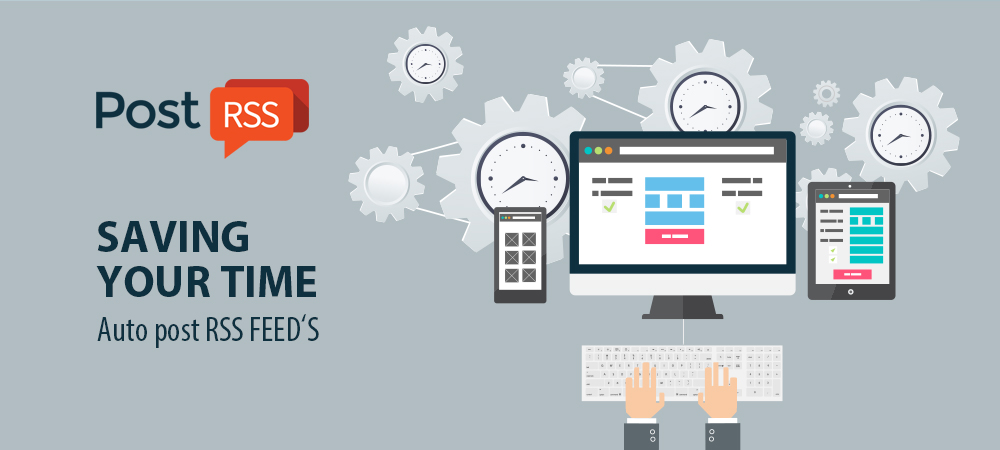
PostRSS: Saving Your Time with Auto Post RSS Feed Functionality
Zaktualizowano: 2026-08-14

Time is the most valuable asset for any digital creator, entrepreneur, or marketer. If you are still manually copying titles, u...

Czytaj więcej »

PostRSS: The Easy Way to Be on Social Media
Zaktualizowano: 2026-08-14

Building and maintaining a consistent brand presence across multiple social networks often feels like a full-time job. Between ...

Czytaj więcej »

Ładowanie kolejnych artykułów…
Menu
x
PostRSS - Platforma automatyzacji kanałów RSS i narzędzie do autopostowania
Przegląd prywatności

Ta strona korzysta z plików cookie, aby zapewnić jak najlepsze wrażenia z użytkowania. Informacje o plikach cookie są przechowywane w przeglądarce i pełnią funkcje takie jak rozpoznawanie użytkownika przy powrocie na stronę oraz pomagają naszemu zespołowi zrozumieć, które sekcje witryny są dla Państwa najciekawsze i najbardziej użyteczne.