RSS do 66 sieci społecznościowych: Facebook, Instagram, X, LinkedIn, Telegram i innych Blog Program partnerski Kontakt
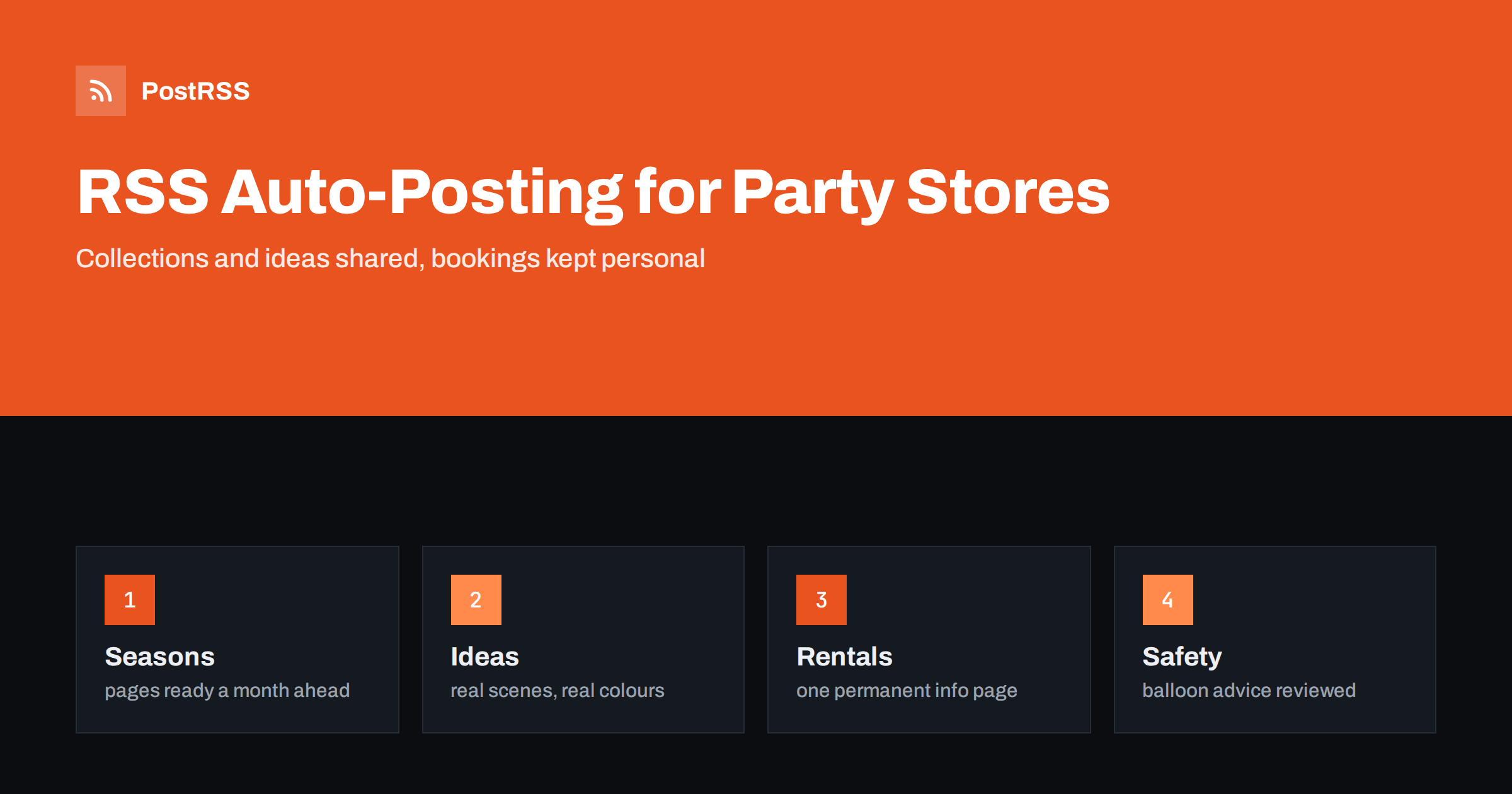
Short answer: RSS auto-posting lets party supply stores and balloon decorators share seasonal collections, new arrivals, theme ideas, rental options, workshop dates and opening hours on social media automatically. Publish each item as a page on your website, let an auto-poster read the RSS feed, and every new page appears on your Facebook Page, Telegram channel and other networks with its link and image. Shoppers see what is in stock for the next celebration without anyone retyping it, while stock counts, custom orders and safety advice about balloons stay in the hands of your staff.
A party store sells a feeling of occasion, and occasions run on a calendar. Customers plan a birthday three weeks ahead and a graduation three months ahead, but they also arrive on a Friday afternoon needing forty balloons and a banner by six. The people who run the shop are busy in the aisles, and they answer the same questions again and again: Do you have this theme? Can you inflate with helium today? Do you rent tables? Most of those questions can be answered once, on a page of the website, and the page can be shared automatically. This guide explains what to publish, how to connect your website to an auto-poster and which topics need a person.
The advice fits many kinds of celebration business:
Each has a catalogue that changes with the seasons, a set of opening hours and a website where news can be listed. That page becomes the source for every other channel.
Most of what a celebration business does can be turned into a short page:
Each page is written once and appears on your website, where someone who searches for a shop near them can find it. The feed then announces it automatically.
Many shops already use a system that creates feeds:
/feed/ and one for every category, such as /category/new-arrivals/feed/. If you are unsure of the address, see how to find your WordPress feed link.Use categories to separate audiences: collections, ideas, rentals, workshops and jobs. Each category has its own feed, and each feed can go to the channel where it works best; collections and ideas to the Facebook Page, rentals to a business channel, jobs to LinkedIn. Routing by category is explained in category filtering for auto-posting.
| Content | Automate? | Notes |
|---|---|---|
| Seasonal collections and new arrivals | Yes | Photograph, short description and where to find it |
| Idea pages and workshop dates | Yes | Date, time and how to book |
| Opening hours and holiday changes | Yes | Dates written out, one permanent hours page |
| Custom orders and rental bookings | No | Confirm details in a conversation |
| Stock counts and last-minute availability | Not alone | Check the shelf or the system before you promise |
| Safety advice and complaints | No | Reply personally and correctly |
A simple rule: if it is general information that helps many people and sits on a finished page of your website, automate it. If it concerns one order, one date or one promise, it needs a human channel.
A party store has a few peaks that decide the year: the winter holidays, the spring season of graduations and celebrations, summer events and the autumn costume rush. Plan the pages for each peak a month before it begins, and publish them on a schedule instead of all at once. A feed is good at this: write the pages in a quiet week, set their dates, and let the auto-poster share them when shoppers start to plan. Take pages down or update them when the season ends, because a banner for last year’s holiday looks careless. Keep one permanent page for each evergreen category, such as birthdays and weddings, so that search engines have a stable address to rank.
Balloons are a joyful product with a few serious risks. Uninflated and broken balloons are a choking hazard for small children, many latex products can cause allergic reactions and helium needs careful handling. Publish a short safety page in plain language, reviewed by the shop owner and consistent with the guidance of the manufacturers and your local authorities, and link to it from posts about balloons. Do not make claims about how long a balloon will float, because it depends on the size, the material and the conditions, and do not promise anything that your staff cannot check on the day. Rules for product safety, labelling and the supply of gas differ from place to place, so follow your local regulations. These points are general guidance, not legal advice.
Party photography works best when it shows a finished scene: a table that is laid, an arch in a doorway, a room that is ready. Use your own pictures, taken in good light, with the colours as they are in real life; shoppers who find that the plates are a different blue from the post will remember it. Show the scale with an object that people know. If a picture includes guests, children or customers, ask for permission first, and for pictures of children ask a parent or guardian. A feed can carry the picture as the featured image of the page, and the auto-poster will use it as the preview image. See how to control which image gets auto-posted to choose the right one.
Rentals and custom decorations are the high-value part of many party businesses, and they depend on details: dates, the size of the room, access, setup time and returns. Give them a permanent information page that explains the process in steps, the lead time you need and how to ask, and link to it from posts. Keep prices out of public text unless you update them every time they change. Never confirm a booking in a comment, and move every request to a form, an email or a call. A short post about a finished installation, with the permission of the client, shows the quality of the work better than a list of items.
Beyond families, party stores serve schools, sports clubs, charities and companies that organize events for many people. These customers plan early, order in quantity and often need an invoice. Give them a short page that explains how to place a larger order, how much notice you need and how to reach the person who handles it, and share it a few times a year. A post on LinkedIn that links to that page can reach event managers who do not follow your shop on other networks. Larger orders should always be confirmed in writing, so that quantities, colours and dates are clear to both sides.
Most party stores do best with a Facebook Page and a simple email list that uses the same pages. Two active channels beat five forgotten ones.
/feed/, and check that it lists recent items.PostRSS has been automating RSS posting since 2014. It checks your website feeds as often as every minute and publishes each new page, with its real image and link, to the channels you connect, from Facebook Pages and Telegram to LinkedIn, Bluesky, Mastodon and many more among its 66 supported networks. You can choose how each post is built, filter items by keywords, add UTM parameters and post only within chosen hours or at exact times in your time zone. See the PostRSS features page for everything it does and the pricing page for plan limits. More ideas for local businesses are under the Local Business tag.
A party store works around a calendar of occasions and a promise that everything will be ready on the day. RSS auto-posting shares each new collection, idea page and workshop automatically on your Facebook Page and other channels. Give every page a real photograph and the facts people need, plan the peaks a month ahead, keep one permanent page for rentals and balloon safety, handle custom orders and stock questions personally and let your team spend the busy Friday in the shop.
Yes. If your website has a blog or news section, its RSS feed can be connected to an auto-poster that shares each new page on your Facebook Page and other channels. Stock and booking confirmations should stay with staff.
Finished installations, idea pages, rental information, workshop dates and opening hours. Keep prices, bookings and client details out of public posts unless the client agrees.
About a month before each peak, so that shoppers who plan early can find them. Use a posting schedule so that they are shared gradually.
Only after you have checked. A post can show a collection, but availability changes quickly, so ask customers to confirm by phone or message.
Yes. PostRSS reads any valid RSS or Atom address that is reachable without a login. Paste the address, connect your channels and new pages are shared as soon as they appear.
What changed in the networks, what broke, and how to fix it before it costs you reach.
Tworzy je Internet Solutions, zespół stojący za PostRSS. Każdy produkt oszczędza czas na swój sposób.
 English
 Lietuviškai
 Deutsch
 Français
 Русский
 Español
 Polski
 Italiano
 Українська
 Čeština
 Português
 日本語
日本語 Latviešu valoda
 Eesti
Eesti Magyar
 Bahasa Indonesia
 Türkçe
 हिन्दी
 Ελληνικά
 العربية
 ไทย
ไทย Tiếng Việt
 Română
 Bahasa Melayu
 বাংলা
বাংলা