RSS do 66 sieci społecznościowych: Facebook, Instagram, X, LinkedIn, Telegram i innych Blog Program partnerski Kontakt
Homeowners associations and community associations run on communication — pool schedule changes, board meeting notices, assessment deadlines, landscaping crew visits, clubhouse reservations, storm prep alerts — yet most HOAs still rely on a single overworked volunteer or management company employee manually copying the same announcement into a Facebook group, a Nextdoor post, an email blast, and a printed flyer. If your community already publishes updates through a website, newsletter platform, or management portal with an RSS feed, most of that repetitive work can run on autopilot instead.
HOA communication has a specific shape that makes it well suited to feed-based automation: it’s frequent (weekly or more during active seasons), it’s genuinely time-sensitive (a pool closure notice posted a day late is a missed notice), and it’s repetitive across channels (the same update needs to reach a private Facebook group, sometimes a public page, sometimes Nextdoor, and often an email digest). Most HOAs and management companies already maintain some kind of centralized announcement source — a community website’s news section, a management platform’s bulletin board, or a simple WordPress-based community site — and if that source can output an RSS feed, everything downstream can be automated.
| Content Type | Good Fit for Auto-Posting? | Notes |
|---|---|---|
| Amenity closures (pool, clubhouse, gym) | Yes | Time-sensitive and identical across every channel — ideal automation candidate |
| Board meeting notices and agendas | Yes | Recurring, public-facing, and required by most association bylaws to be posted |
| Community events and social calendar | Yes | Benefits from wide reach across Facebook, Nextdoor, and email |
| Vendor and contractor work notices | Yes | Landscaping, pest control, or paving schedules residents need advance notice of |
| Assessment due date reminders | Yes, with care | Fine as a general reminder; avoid naming specific delinquent residents |
| Architectural review decisions | Case by case | General policy updates are fine; individual approvals/denials usually aren’t public content |
| Violation notices or enforcement actions | No | Never auto-post anything that names or identifies an individual resident’s compliance issue |
| Emergency and safety alerts | Use with caution | RSS polling delay may be too slow for true emergencies — use a dedicated alert system for those, automation for routine updates |
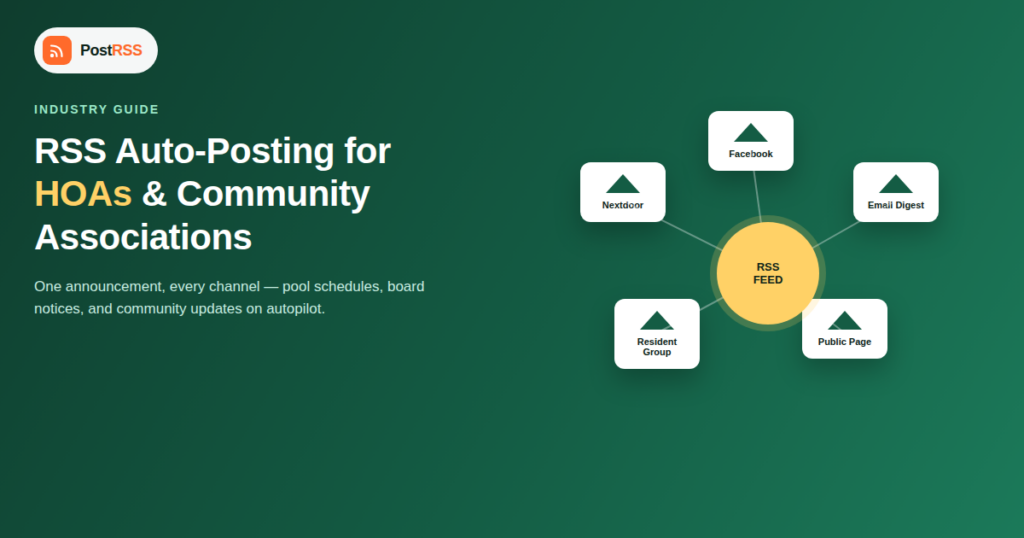
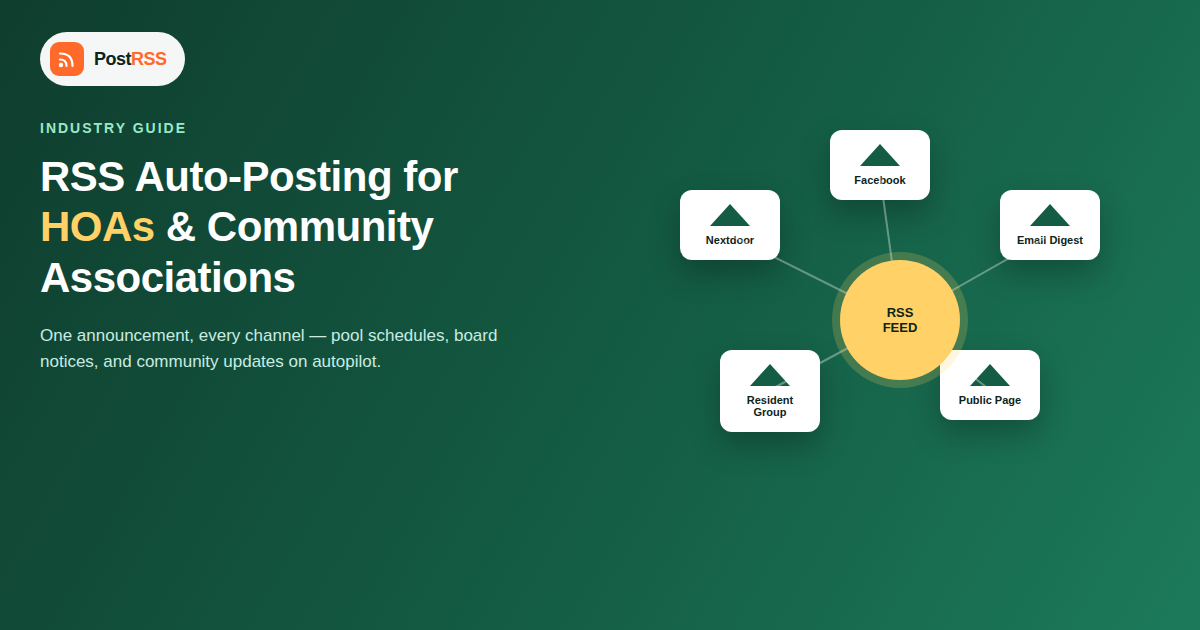
Most communities need the same announcement to land in several different places, each serving a different segment of residents:
Manually posting the same update four times, in four slightly different formats, for every single announcement, is exactly the kind of repetitive task that burns out HOA volunteers and management staff. Centralizing announcements into one feed and letting automation fan them out removes that burden without changing how residents actually receive information.
| Channel | Best For | Typical Reach | Automation Fit |
|---|---|---|---|
| Private Facebook Group | Day-to-day discussion, quick updates | High among residents already active on Facebook | Not possible since April 2024 — Meta closed automated posting to Groups; share Page posts into the group instead |
| Public Facebook Page | Prospective buyers, external visibility | Moderate | Strong |
| Nextdoor | Residents who avoid Facebook, hyperlocal reach | High in many suburban and residential markets | Varies by integration — check current platform support |
| Email newsletter digest | Residents who want a periodic summary, not real-time feeds | High if your association keeps a maintained resident list | Strong via RSS-to-email tools |
| Printed flyers / mailbox notices | Residents without reliable internet access | Universal within the community but slow to produce | None — still manual, but volume drops once digital channels absorb routine updates |
| Text/SMS alerts | True emergencies and time-critical notices | High if opt-in list is current | Not RSS-based — needs a dedicated instant alert service |
Self-managed associations — run entirely by volunteer homeowner boards without a professional management company — feel the repetitive-posting burden more acutely than professionally managed communities, simply because there’s no paid staff whose job includes communications. A volunteer board member who already has a full-time job elsewhere is far more likely to let announcements slip, post inconsistently across channels, or eventually burn out on the communications role entirely if every update requires manually touching four different platforms. Automating the distribution side — while keeping a human firmly in charge of deciding what gets published in the first place — is often the difference between a community that stays consistently informed and one where communication quietly degrades until the next annual meeting complaint session.
Community associations handle more personally identifiable information about residents than almost any other small-organization category on this list — unit numbers, assessment payment status, violation history, and sometimes vehicle or pet registration details. Before connecting any automated distribution pipeline, confirm that whatever content management system feeds your RSS feed is a genuinely public-facing announcements channel, separate from the private board communications, resident complaint logs, or delinquency lists that property management software typically also stores. Automation should only ever touch the intentionally public layer of your community’s communications — never board meeting minutes with executive session details, and never anything that identifies an individual resident’s compliance status.
Community management companies overseeing several HOAs face a scaled-up version of the same problem: each property needs its own announcements distributed to its own resident channels, but a small management team can’t manually post to a dozen different Facebook groups every time any one community has an update. A feed-per-property setup, each mapped to that specific community’s own accounts, lets a single management team maintain consistent communication across a portfolio of associations without a proportional increase in staff time — the same pattern that works for franchise businesses and multi-location local business marketing more broadly.
HOA communication volume isn’t flat throughout the year. Storm season brings a spike in preparation and cleanup announcements. Pool season brings weekly schedule and maintenance updates. Annual meeting season brings a concentrated burst of governance-related notices — ballots, proxy forms, budget presentations. Setting up automation before these predictable spikes, rather than during them, means the infrastructure is already tested and reliable when announcement volume (and resident attention) is highest.
Boards are often cautious about anything described as “automation” touching official community communications, and that caution is reasonable — nobody wants a bot posting something embarrassing or inaccurate on the association’s behalf. The way to address that concern directly is to be clear about the actual scope: automation here only handles distribution of content a human has already written and published to the source feed. Nothing gets generated, rewritten, or decided by the system — it simply copies an already-approved announcement to the channels residents use, faster and more consistently than manual posting achieves. Framing it that way, alongside a short trial period limited to low-stakes content like pool schedules and event reminders, tends to be the fastest way to get a skeptical board comfortable with the approach before expanding it to governance notices.
No. Since April 2024 Meta no longer allows automatic posting to Facebook Groups through its API, so PostRSS posts to Facebook Pages only; the group admin can share each Page post into the residents’ group. If a new way to post to Facebook Groups becomes available, PostRSS will add it and let you know.
A general, community-wide reminder (“Q3 assessments are due October 1st”) is appropriate for automation. Anything that names or could identify a specific delinquent resident should never go through an automated public channel — that’s a private communication matter between the association and that homeowner.
Many community management platforms and simple WordPress setups can generate an RSS feed automatically from an announcements or news page, often without any extra plugin. If your current platform genuinely has no feed option, a lightweight WordPress announcements page is usually a low-cost way to add one.
No. RSS-based automation checks your feed on a polling interval, typically minutes, which is fine for routine updates but not fast or reliable enough for genuine emergencies. Use a dedicated instant alert system (text or push notifications) for anything safety-critical, and reserve feed automation for routine, non-urgent communication.
Yes, if your feed is categorized — most auto-posting tools support routing based on category or tag, so social event announcements can go to your Facebook Page and other networks while governance notices go only to the resident email digest, for example.
Not necessarily — it complements them. Many management platforms (like those used for maintenance requests or payment portals) aren’t built for social distribution. RSS automation typically sits alongside those tools, handling the specific job of getting public announcements onto social channels without requiring a parallel manual process.
For an association posting several updates a week across three or four channels, eliminating manual cross-posting typically saves several hours a month of volunteer or staff time — time that’s often better spent on the substance of community management than on repetitive copy-and-paste publishing.
For a community that already has a website or announcements page capable of producing an RSS feed, connecting it to your primary social channels typically takes under an hour. The larger time investment is usually organizational — deciding which content categories should route where, and getting board sign-off on which communications are appropriate for automated distribution in the first place.
Not every community needs to build a new website to get started. If your association already uses a management platform with a public-facing news or bulletin board section, check first whether it exposes an RSS feed natively — many do, even if it’s not prominently documented. If it doesn’t, a simple dedicated WordPress site for public announcements, kept entirely separate from resident portals containing payment or violation data, is a reasonable low-cost alternative that gives you full control over what gets distributed and how it’s categorized.
HOAs and community associations generate exactly the kind of frequent, repetitive, multi-channel communication that RSS automation is built for — as long as the source feed is limited to genuinely public announcements and kept separate from the sensitive resident data that property management systems also handle. Centralize your public announcements in one feed, connect it to the channels your residents actually use, keep true emergencies on a faster dedicated system, and the routine work of cross-posting the same update four times disappears without changing how well-informed your community actually is.
What changed in the networks, what broke, and how to fix it before it costs you reach.
Tworzy je Internet Solutions, zespół stojący za PostRSS. Każdy produkt oszczędza czas na swój sposób.
 English
 Lietuviškai
 Deutsch
 Français
 Русский
 Español
 Polski
 Italiano
 Українська
 Čeština
 Português
 日本語
日本語 Latviešu valoda
 Eesti
Eesti Magyar
 Bahasa Indonesia
 Türkçe
 हिन्दी
 Ελληνικά
 العربية
 ไทย
ไทย Tiếng Việt
 Română
 Bahasa Melayu
 বাংলা
বাংলা