RSS do 66 sieci społecznościowych: Facebook, Instagram, X, LinkedIn, Telegram i innych Blog Program partnerski Kontakt
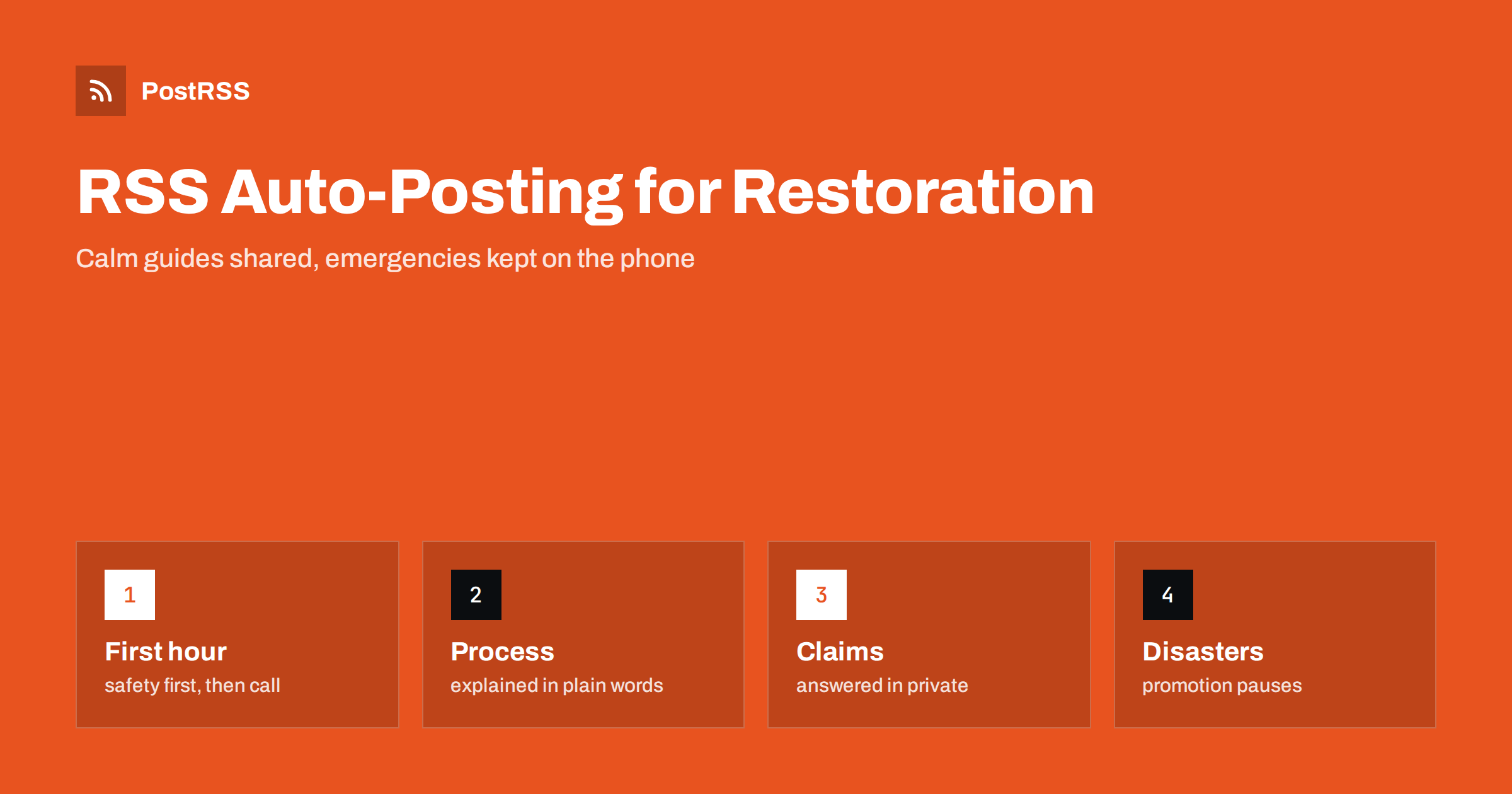
Short answer: RSS auto-posting lets water, fire and storm damage restoration companies share preparation guides, process explanations, seasonal reminders, community notices and hiring calls on social media automatically. Publish each item as a page on your website, let an auto-poster read the feed, and every new page appears on your Facebook Page, Telegram channel and other networks with its link and image. Home owners and property managers find calm, practical information before they ever need you, while emergency calls, claim advice for one case and photographs of damaged homes stay with trained staff and private channels.
People meet a restoration company on one of the worst days of their year. A pipe has burst, a kitchen has caught fire or a storm has opened a roof, and they search with a phone in one hand and a towel in the other. The company wins that moment by being easy to find and easy to trust, and the trust is built long before the emergency, through pages that explain what to do first, how the work proceeds and what a good contractor looks like. Those pages can be written once and shared automatically. This guide explains what to publish, how to connect it and why a business that serves people in distress needs strict rules about tone, privacy and timing.
The advice fits many kinds of restoration and recovery work:
Each has a service area, a response team and a website where news can be listed. That page becomes the source for every other channel.
Most of the useful communication can be turned into a short page:
Each page is written once and appears on your website, where a person who searches for help can find it. The feed then announces it automatically.
Many companies already use a system that creates feeds:
/feed/ and one for every category, such as /category/guides/feed/. If you are unsure of the address, see how to find your WordPress feed link.Use categories to separate audiences: guides, seasonal reminders, community and jobs. Each category has its own feed, and each feed can go to the channel where it works best; guides and reminders to the Facebook Page, jobs to LinkedIn. Routing by category is explained in category filtering for auto-posting.
| Content | Automate? | Notes |
|---|---|---|
| First-hour guides and process pages | Yes | Written with technicians, dated |
| Seasonal reminders and community pages | Yes | Published ahead of the season |
| Hiring pages | Yes | Clear roles and how to apply |
| Emergency calls and dispatch | No | Telephone and your dispatch system |
| Advice on one claim | No | A person answers privately |
| Photographs of customer homes | No | Never without written consent |
A simple rule: if it is general information that helps many people and sits on a finished page, automate it. If it concerns one address, one claim or one emergency, a person handles it in private.
Social media is not an emergency channel. A message sent to a Facebook Page at midnight may be read the next morning, and a comment under a post is public. Put the number of your emergency line at the top of every page and in the first line of every guide. In a real emergency, people should call emergency services first when there is danger to life, such as fire, gas or electricity near water, and then call you. State this clearly. Do not invite people to describe their damage in public comments, and reply to such comments with the number and a short, kind sentence.
Readers of these pages are frightened and often tired. Use short sentences and a steady voice. Start with the facts that matter in the first hour: stay safe, turn off power and water only where it is safe to do so, take photographs for the insurer, and call for help. Avoid dramatic photographs and slogans, and avoid language that suggests that delay will make things worse unless you can explain why in plain terms. A page that stays calm and gives accurate steps is the page that people remember when they need to choose a company. These points are general guidance, not safety, legal or insurance advice, and local rules differ.
This trade has a mixed reputation, and honest wording sets you apart. Describe the process, but do not promise outcomes such as everything will be saved or the home will be as good as new. Do not claim certifications, response times or insurance approvals that you cannot show on request, and add the dates of the certifications that you do hold. Explain that the scope depends on an inspection, and invite people to ask for a written estimate. Never pressure a reader to sign quickly in a public post. A company that explains its limits is more likely to be believed when it explains its strengths.
A damaged home is a private place, and customers often feel shame or grief. Do not publish photographs that show house numbers, names, family pictures, vehicle plates or recognisable neighbourhoods without written consent, and consider whether a before-and-after picture is helpful or intrusive. Use pictures of equipment, of technicians at work with the face of the customer out of frame, and of generic examples. Never name a customer, and do not share thank-you messages that reveal details of the loss. When a disaster hits your area, pause cheerful or promotional posts and share only useful safety information. Give one person the authority to pause every channel at once.
Many of your jobs come through professionals rather than directly from home owners: insurance adjusters, agents, property managers and housing associations. They read your website to judge whether you are organised. A short page for partners that explains how to send a job, what documentation you provide, how photographs and moisture readings are shared and who the contact is makes their work easier. Keep it factual and dated, and share it through LinkedIn when you publish or change it. Do not name the insurers you work with unless they have agreed, and do not publish claim figures or customer details in any post.
The best long-term content for this trade is prevention. Write short pages about checking washing machine hoses, knowing where the main water valve is, keeping gutters clear, testing smoke alarms and storing valuables above floor level in flood-prone areas. Each is useful on its own, and each can be shared again every year before the season it belongs to. Prevention pages do not sell anything, which is why people share them with neighbours, and why they remember the name at the bottom when something goes wrong. Review them each year, add the date and remove advice that no longer matches local guidance.
Most companies do best with a Facebook Page and a simple email list that uses the same pages. Two active channels beat five forgotten ones.
/feed/, and check that it lists recent items.PostRSS has been automating RSS posting since 2014. It checks your website feeds as often as every minute and publishes each new page, with its real image and link, to the channels you connect, from Facebook Pages and Telegram to LinkedIn, Bluesky, Mastodon and many more among its 66 supported networks. You can choose how each post is built, filter items by keywords, add UTM parameters and post only within chosen hours or at exact times in your time zone. See the PostRSS features page for everything it does and the pricing page for plan limits. More ideas for service businesses are under the Home Services tag.
A restoration company is chosen in a moment of crisis, and it is trusted because of what it said before the crisis. RSS auto-posting shares each guide, process page, seasonal reminder and community notice automatically, so that home owners find calm, practical help in advance. Put the emergency number on every page, keep claims advice, customer photographs and dispatch out of the feed, avoid promises about results, pause promotion when a disaster strikes the area and let your technicians do what they do best, which is to dry out a home and give a family back its space.
Yes. If your website has a news or guides section, its RSS feed can be connected to an auto-poster that shares each new page on your Facebook Page and other channels. Emergencies and claims advice must stay with people.
First-hour guides, explanations of each phase of the work, seasonal reminders, questions to ask a contractor, community pages and hiring calls.
No. State clearly that emergencies go to the telephone, and to emergency services first when there is danger to life.
Only with the written consent of the customer, and without house numbers, family items or recognisable details. Pictures of equipment and generic examples are safer.
Yes. PostRSS reads any valid RSS or Atom address that is reachable without a login. Paste the address, connect your channels and new pages are shared as soon as they appear.
What changed in the networks, what broke, and how to fix it before it costs you reach.
Tworzy je Internet Solutions, zespół stojący za PostRSS. Każdy produkt oszczędza czas na swój sposób.
 English
 Lietuviškai
 Deutsch
 Français
 Русский
 Español
 Polski
 Italiano
 Українська
 Čeština
 Português
 日本語
 Latviešu valoda
 Eesti
 Magyar
 Bahasa Indonesia
 Türkçe
 हिन्दी
 Ελληνικά
 العربية
 ไทย
 Tiếng Việt
 Română
 Bahasa Melayu
 বাংলা