RSS do 66 sieci społecznościowych: Facebook, Instagram, X, LinkedIn, Telegram i innych Blog Program partnerski Kontakt
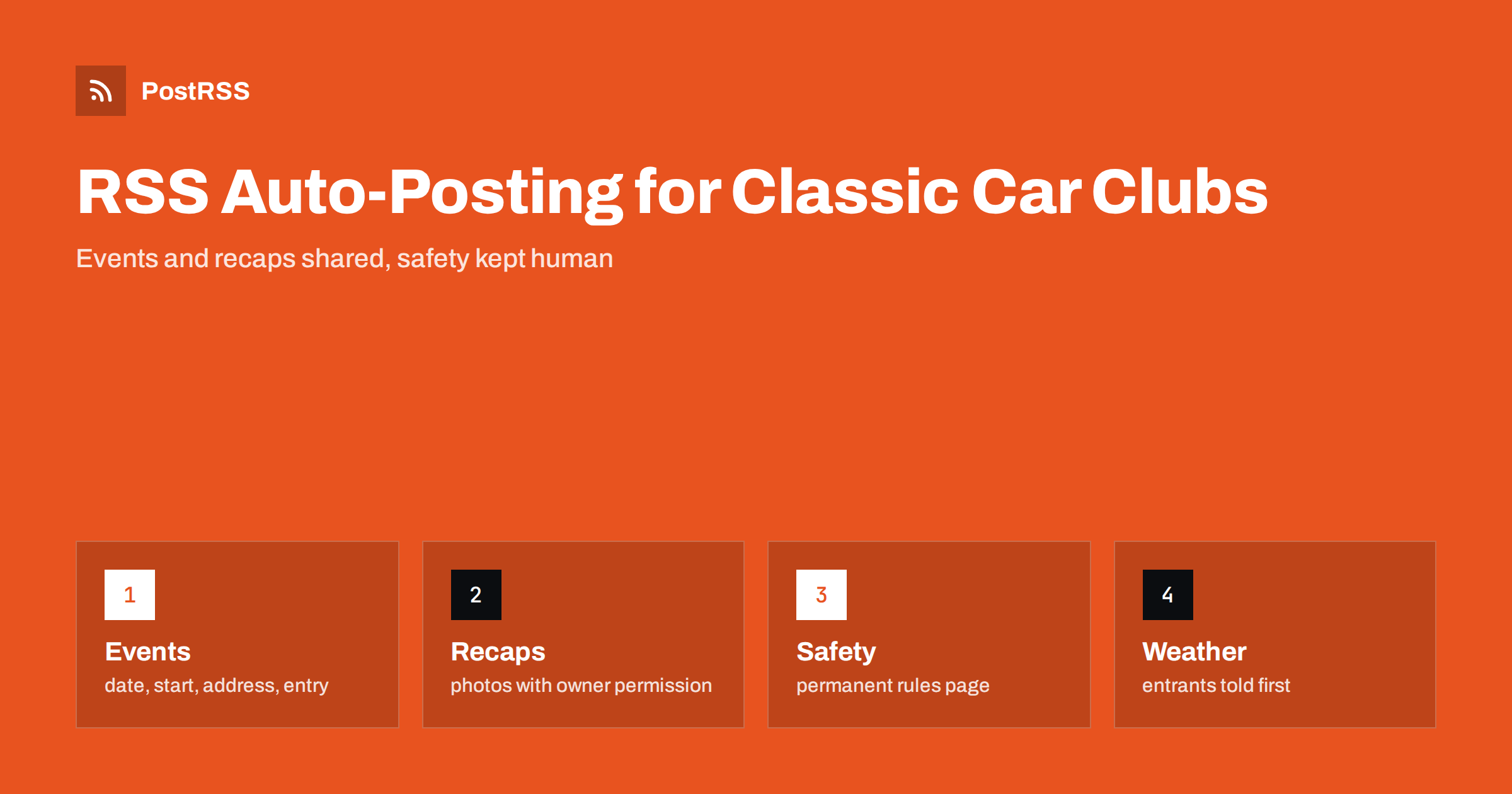
Short answer: RSS auto-posting lets classic car clubs and show organizers share event dates, route plans, entry forms, results, member stories and club news on social media automatically. Publish each item as a page on your website, let an auto-poster read the RSS feed, and every new page appears on your Facebook Page, Telegram channel and other networks with its link and image. Members and visitors see what is planned without a volunteer retyping it, while membership data, entry payments, safety decisions and last-minute changes stay with the committee and are announced through direct channels.
A classic car club is a group of volunteers who share a passion and a calendar. There is a monthly meeting, a spring rally, a summer show, a winter workshop and a newsletter that somebody has to write between work and family. The secretary answers the same questions again and again: Where does the run start? Is the show open to visitors? Can a modern car enter? Which date is the rain date? Most of those answers can be written once, on a page of the club website, and the page can be shared automatically. This guide explains what to publish, how to connect your website to an auto-poster and which topics should never be left to automation.
The advice fits many kinds of group and organizer in the world of historic vehicles:
Each has a calendar of dated events and a website, or at least a page on a larger site, where those events can be listed. That page becomes the source for every other channel.
Most of what a club does can be turned into a short page:
Each page is written once and appears on your website, where a person who searches for a classic car event nearby can find it. The feed then announces it automatically.
Many clubs already use a system that creates feeds:
/feed/ and one for every category, such as /category/events/feed/. If you are unsure of the address, see how to find your WordPress feed link.Use categories to separate audiences: events, recaps, member stories, technical advice and volunteers. Each category has its own feed, and each feed can go to the channel where it works best; events and recaps to the Facebook Page, technical advice to a forum or a hobby network, volunteer calls to a members’ channel. Routing by category is explained in category filtering for auto-posting.
| Content | Automate? | Notes |
|---|---|---|
| Event dates, places and conditions | Yes | Date, start time, address and how to register on every page |
| Recaps, results and thanks | Yes | Ask permission before naming members or showing their cars |
| Technical advice and stories | Yes | Written by members who know the subject |
| Membership data and entry payments | No | Handle each member personally and securely |
| Safety decisions on the day | No | Marshals and organizers decide, and tell people directly |
| Cancellations and weather changes | Not alone | Message entrants first, then post the change |
A simple rule: if it is general information that helps many people and sits on a finished page of your website, automate it. If it concerns one member, one payment or a change that people must hear immediately, it needs a human channel.
Clubs bring valuable and sometimes fragile vehicles together on public roads and in crowded fields. A post can invite people, but it cannot take responsibility for safety. Publish the safety rules for every event on a permanent page: speed limits on the site, rules for children near the cars, the role of marshals and the conditions for entry. Say clearly that participants must follow the law and keep their own vehicles roadworthy and insured. Do not publish detailed route information for a run in a way that encourages people to follow it outside the event. Rules for events, road use, insurance and the protection of the public differ from place to place, so follow your local regulations and the requirements of your insurer. These points are general guidance, not legal advice.
Classic car events are made for good weather, and cancellations are part of the calendar. The decision may come on the morning of the event, and the people who need to know first are the entrants who are already preparing their cars. Decide in advance who makes the call, at what time and how it is announced: a message to registered entrants, a pinned post on the main page, a banner on the website and a note at the gate. A feed can carry a page with the decision, because search engines and followers will find it, but treat that as an extra. Someone who drives two hours with a trailer will remember the experience much longer than a delayed post.
Photographs are the heart of a car club’s content. Use your own pictures, taken in good light, with the car as the owner wants it to be seen. Ask owners before you publish a picture of their car with its registration plate visible, and consider hiding plates in published photographs, because plates can be used to identify an owner. Pictures of people, and especially of children, need permission from them or their guardians. When the club shares photographs from a show, say how a person can ask for a picture to be removed. A feed can carry the picture as the featured image of the page, and the auto-poster will use it as the preview image. See how to control which image gets auto-posted to choose the right one.
Every club needs new members, and the first contact matters. Give newcomers a permanent page that explains who the club is for, how a meeting works, what membership involves and who to ask, in friendly and plain language. Share that page every few months with a new introduction, because the audience of a social channel changes. Show that the club welcomes cars of all conditions, from concours winners to unfinished projects, if that is true, and that younger members are welcome. A short post with a photograph of a typical meeting is more persuasive than a long description, and it brings the people who will eventually run the club.
Most clubs do best with a Facebook Page and a simple email list that uses the same pages. Two active channels beat five forgotten ones.
/feed/, and check that it lists recent items.PostRSS has been automating RSS posting since 2014. It checks your website feeds as often as every minute and publishes each new page, with its real image and link, to the channels you connect, from Facebook Pages and Telegram to LinkedIn, Bluesky, Mastodon and many more among its 66 supported networks. You can choose how each post is built, filter items by keywords, add UTM parameters and post only within chosen hours or at exact times in your time zone. See the PostRSS features page for everything it does and the pricing page for plan limits. More ideas for automotive businesses and clubs are under the Automotive Marketing tag.
A classic car club runs on volunteers, a calendar and trust between members. RSS auto-posting shares each new event page, recap and technical article automatically on your Facebook Page and other channels. Give every event a complete page with the date, start time, address and entry conditions, keep one permanent page for safety rules and membership, handle member data, payments and safety decisions personally, treat weather changes as a job for people and let your volunteers spend the weekend with the cars.
Yes. If your website has a news or events section, its RSS feed can be connected to an auto-poster that shares each new page on your Facebook Page and other channels. Cancellations should also be sent directly to entrants.
Event dates and places, entry conditions, visitor information, recaps and results. Keep membership data, entry payments and safety decisions out of public posts.
Yes, with the owner’s permission. Consider hiding registration plates, and ask for permission before you publish pictures of people and children.
Message registered entrants first, update the pinned post and the website banner and put a note at the gate. A feed can share a confirmation page, but it should not be the only notice.
Yes. PostRSS reads any valid RSS or Atom address that is reachable without a login. Paste the address, connect your channels and new pages are shared as soon as they appear.
What changed in the networks, what broke, and how to fix it before it costs you reach.
Tworzy je Internet Solutions, zespół stojący za PostRSS. Każdy produkt oszczędza czas na swój sposób.
 English
 Lietuviškai
 Deutsch
 Français
 Русский
 Español
 Polski
 Italiano
 Українська
 Čeština
 Português
 日本語
 Latviešu valoda
 Eesti
 Magyar
 Bahasa Indonesia
 Türkçe
 हिन्दी
 Ελληνικά
 العربية
 ไทย
 Tiếng Việt
 Română
 Bahasa Melayu
 বাংলা