RSS do 66 sieci społecznościowych: Facebook, Instagram, X, LinkedIn, Telegram i innych Blog Program partnerski Kontakt
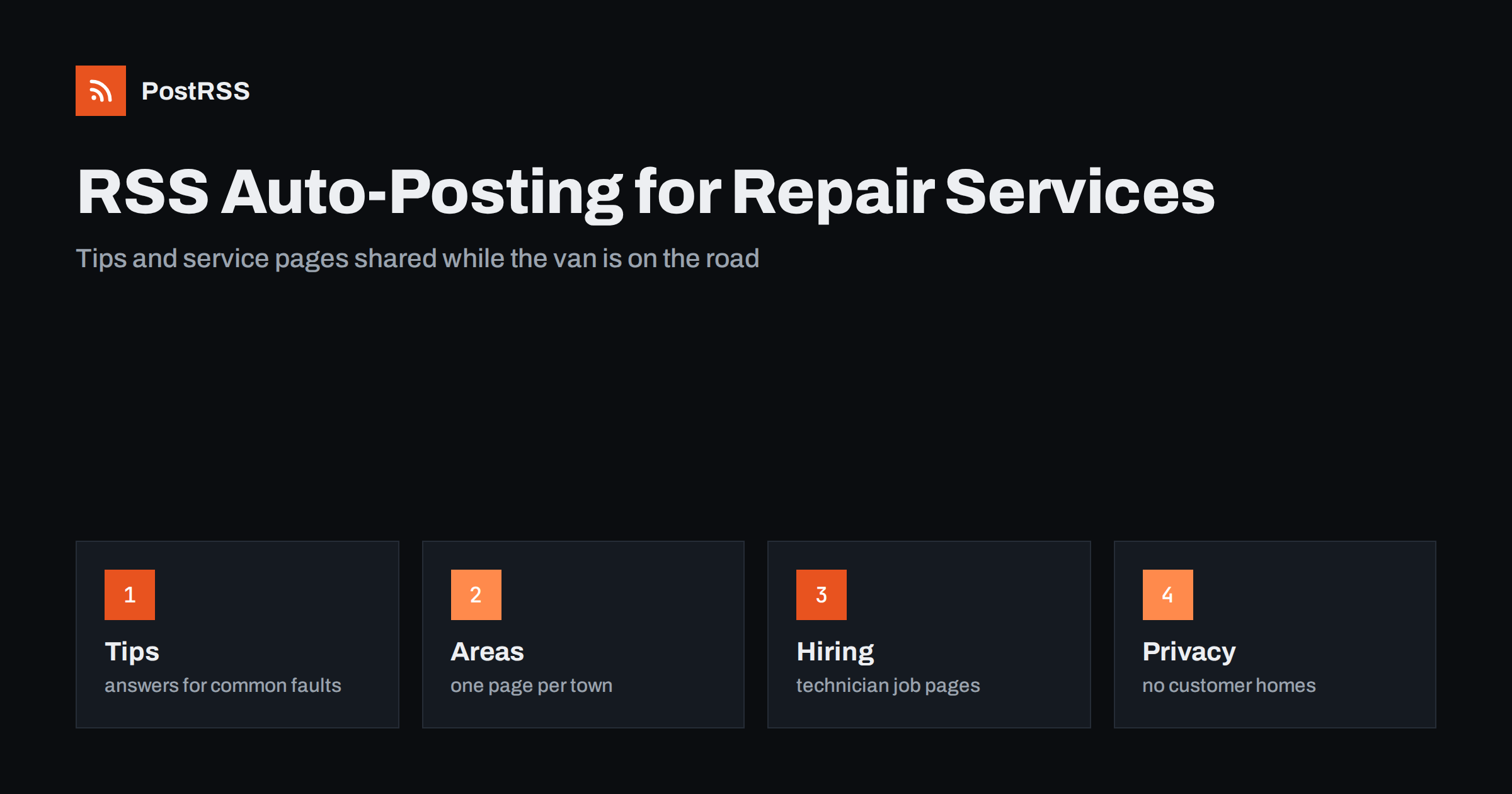
Short answer: RSS auto-posting lets appliance repair companies and handyman services share maintenance tips, repair guides, service area pages and seasonal reminders on social media automatically. Publish each tip or announcement as a page on your website, let an auto-poster read the RSS feed, and every new page appears on your Facebook Page, LinkedIn, Telegram channel and other networks with its link and image. Homeowners find you at the moment something breaks, while customer addresses, photographs of private homes and unsafe do-it-yourself advice stay out of your public posts.
A washing machine stops mid-cycle, the oven will not heat, a door will not close and a shelf falls off the wall. In every case a person picks up a phone and searches for someone nearby who can fix it. Repair businesses are busy exactly when they should be marketing, because the technician who writes a helpful guide in the evening is the same person who drove across town all day. Automation solves the timing problem. You write a short page once, and the feed carries it to every network where your neighbours look. This guide explains what to publish, how to connect your website to an auto-poster and which limits keep a repair business safe and credible.
The advice fits many kinds of home repair and maintenance business:
Each has a steady supply of practical knowledge and almost always a website, even if it is a single page with a phone number. Adding a small blog or tips section turns that site into the source for everything else.
A repair company knows more about how appliances fail than most customers will ever learn, and that knowledge is the best marketing it has:
Every item can be a short page on your own website. When the page is published, the feed announces it. You write it once, in a place you own, and the automation spreads it. A page also appears in search results when somebody types a symptom or a brand and a town, which a social post alone cannot achieve.
Most small business websites run on a system that publishes feeds without extra work:
/feed/ and one for every category, such as /category/repair-tips/feed/. If you are unsure of the address, see how to find your WordPress feed link.Use categories to separate topics: repair tips, seasonal reminders, service areas, careers and company news. Each category has its own feed, and each feed can go to the channel where it works best; tips to the Facebook Page, hiring pages to LinkedIn and a local jobs group, and news to the channel where your regular customers follow you. Routing by category is explained in category filtering for auto-posting.
| Content | Automate? | Notes |
|---|---|---|
| Repair tips and seasonal reminders | Yes | Evergreen pages that keep answering the same questions |
| Service area and appliance pages | Yes | Useful in search as well as on social networks |
| Hiring pages for technicians | Yes | One page per role, closed when filled |
| Photos from customer homes | Only with clear permission | Crop out addresses, family photos and valuables |
| Today’s schedule or a customer’s visit | Never | It shows when a home is empty |
| Advice on gas or mains electrical work | Never as a do-it-yourself guide | Tell people to call a qualified professional |
A simple rule: if it is general information that helps many households and sits on a finished page of your website, automate it. If it concerns one customer, one address or one visit, it stays out of public channels.
Repair advice reaches people who are frustrated and often in a hurry, and some of them will try to follow it. Choose which guides to publish with that in mind. Simple checks that need no tools, such as confirming that a unit is plugged in, cleaning a filter or checking a door seal, are sensible to share. Work that involves gas, mains electricity, refrigerant circuits, water heating elements or stored energy belongs to qualified people, and your page should say so plainly and invite readers to book a visit. A good rule of thumb is to explain how to recognise a problem and what to check safely, then stop before the first step that could hurt somebody. This protects your customers, and it protects you.
Repair work happens inside people’s homes, and a single careless photograph can reveal an address, a child, a security system or valuable belongings. Publish before-and-after pictures only from your own workshop, from a test bench or from a customer who has agreed in writing. Never post the day’s route, the name of a customer or a photograph of a front door. Do not announce that a customer will be away. If you use a form for booking, link to a privacy notice and keep submitted details out of any feed. These points are general guidance, not legal advice. Follow your own policies and the rules in your country.
Customers trust repair companies that are specific and cautious. Describe what you do and how you work, and avoid promises that you cannot always keep, such as repairs on the same day for every call or a guarantee that a part will be in stock. Mention licences, insurance and manufacturer authorisations only when they are current and you can show where to verify them, and update the page when they change. Do not run down other companies by name. When you discuss repair or replace decisions, explain your reasoning and give the customer the choice; readers can tell when a page is written to help and when it is written to sell.
The pages that bring repair customers are rarely about the business. They answer a question typed into a search box at a stressful moment. Make a list of the ten problems you fix most often and write one page for each, with the symptom in the title, a short answer at the top, the common causes in plain words, the checks anyone can do safely and a clear note about when to call. Add the brand and the town where it fits naturally. These pages keep working for years, each is a natural item for a feed, and together they build a reputation that a one-off advertisement cannot buy.
Most repair businesses do best with a Facebook Page and LinkedIn. Two active channels beat five forgotten ones.
/feed/, and check that it lists recent items.PostRSS has been automating RSS posting since 2014. It checks your website feeds as often as every minute and publishes each new tip, service page and announcement, with its real image and link, to the channels you connect, from Facebook Pages and LinkedIn to Telegram, Bluesky, Mastodon and many more among its 66 supported networks. You can choose how each post is built, filter items by keywords, add UTM parameters and post only within chosen hours or at exact times in your time zone. See the PostRSS features page for everything it does and the pricing page for plan limits. More ideas for service businesses are under the Home Services Marketing tag.
A repair business is found by people in the middle of a problem, and has little time for marketing. RSS auto-posting shares each new tip, service page and hiring notice automatically on your Facebook Page, LinkedIn and other channels. Write one clear page for each common problem, keep advice safe, never publish customer addresses or schedules, make only promises you can keep, keep licence and hours pages current, route content by category and leave urgent matters to a phone call.
Yes. If your website has a tips or blog section, its RSS feed can be connected to an auto-poster that shares each new page on your Facebook Page, LinkedIn and other channels. Anything about a customer, an address or a visit should stay out of public posts.
Short guides to common problems, seasonal maintenance reminders, pages for each service area, honest advice on repair or replace decisions and hiring pages. Avoid advice that involves gas or mains electrical work.
Only when the photograph reveals nothing about the home, or the customer has clearly agreed. Pictures from your own workshop or test bench are the safest choice.
Quality matters more than frequency. One useful page a week, shared automatically, is enough to stay visible and to build a library of answers that keeps working.
Yes. PostRSS reads any valid RSS or Atom address that is reachable without a login. Paste the address, connect your channels and new pages are shared as soon as they appear.
What changed in the networks, what broke, and how to fix it before it costs you reach.
Tworzy je Internet Solutions, zespół stojący za PostRSS. Każdy produkt oszczędza czas na swój sposób.
 English
 Lietuviškai
 Deutsch
 Français
 Русский
 Español
 Polski
 Italiano
 Українська
 Čeština
 Português
 日本語
日本語 Latviešu valoda
 Eesti
Eesti Magyar
 Bahasa Indonesia
 Türkçe
 हिन्दी
 Ελληνικά
 العربية
 ไทย
ไทย Tiếng Việt
 Română
 Bahasa Melayu
 বাংলা
বাংলা