RSS do 66 sieci społecznościowych: Facebook, Instagram, X, LinkedIn, Telegram i innych Blog Program partnerski Kontakt
Short answer: A relative URL such as /blog/my-post/ lub ../images/photo.jpg only works inside your own website, because the browser fills in the missing domain. An RSS feed is read by other programs in other places, so relative links and image paths often break there: readers show dead links, and auto-posted social posts arrive without a working link or picture. The fix is to make every URL in the feed absolute, including the domain and https://, which is usually one template or setting change.
A URL can be written in full, like https://example.com/blog/my-post/, or in a shortened form that depends on where it appears. The shortened forms are called relative URLs. There are a few common types:
/blog/my-post/ means “this path on the same domain”.images/photo.jpg lub ../photo.jpg means “relative to the current page’s folder”.//example.com/photo.jpg means “same domain name, same protocol as the current page”.On a web page, the browser knows the page’s own address, so it can resolve every relative URL into a full one. The rules for doing that are defined in RFC 3986, the standard for URI syntax. Web developers use relative URLs all the time because they are short and survive moving a site between a staging domain and a live domain.
An RSS feed is not displayed on your website. It is downloaded by feed readers, aggregators, email tools and auto-posting services, then shown somewhere else entirely. When such a program meets /blog/my-post/, it has to guess which domain to attach. The RSS 2.0 format has no standard way to declare a base address for the HTML inside a description, so different programs guess differently:
<link> or the item <link>, which may give a different answer for document-relative paths.Atom feeds are slightly better placed, because the Atom specification (RFC 4287) allows an xml:base attribute that sets the base for relative references. Support for xml:base in consumers is uneven, though, so even in Atom the safe choice is absolute URLs everywhere.
Relative URLs rarely produce an obvious error message. Instead, you see strange behaviour downstream:
/wp-content/uploads/photo.jpg and the posting service could not download it.<link> itself is relative or empty.<enclosure> URL was relative. The RSS 2.0 rules expect a full http or https URL there.Missing images deserve special attention because they are the most visible problem on social networks. Our guide to broken image links in RSS feeds covers what happens when an image URL fails for other reasons too.
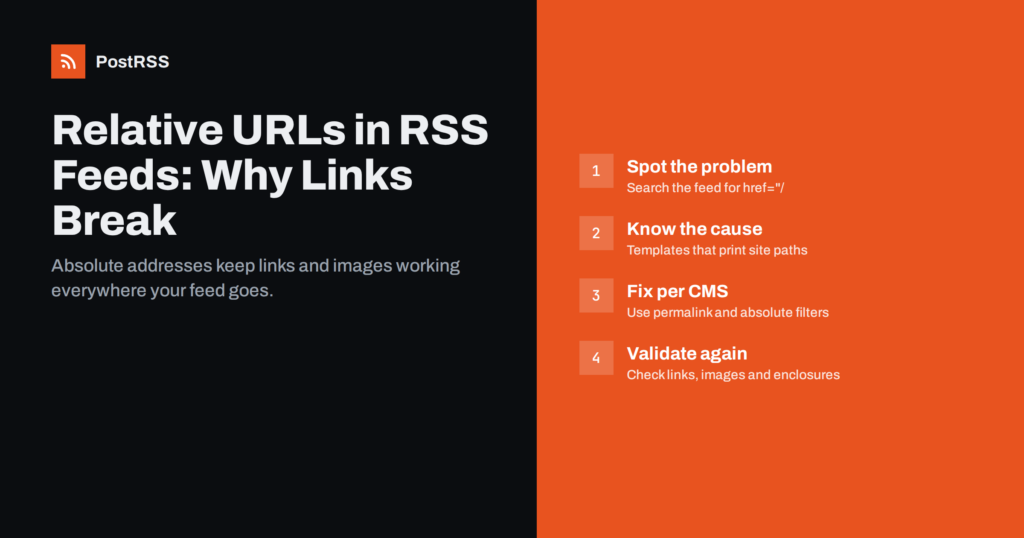
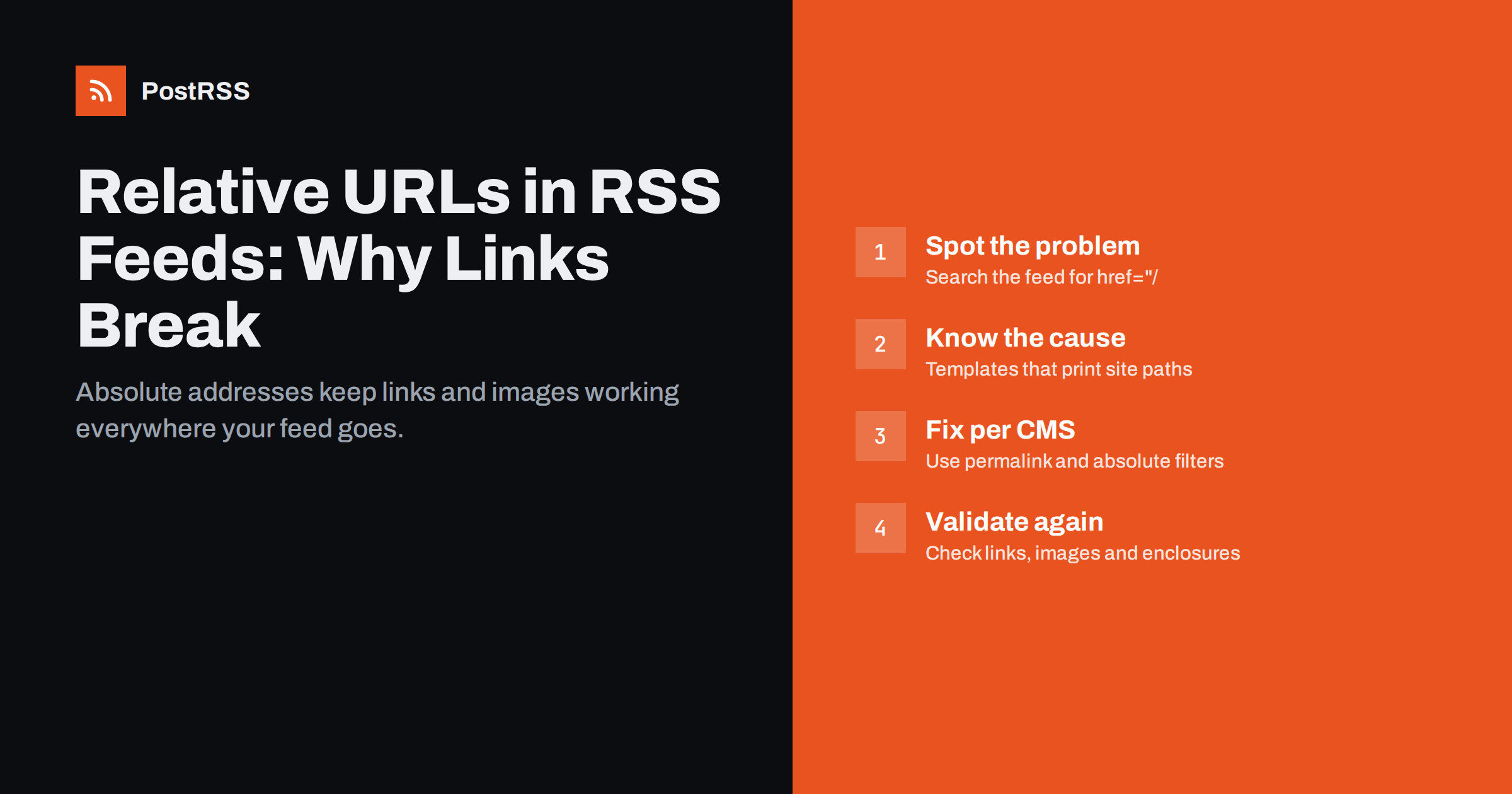
You do not need special software. Open the feed address in a browser, then use “View page source” so you see the raw XML rather than a formatted preview. Then search for these patterns:
<link>/ or a <link> element that does not start with https://. Every item link must be absolute.href="/ oraz src="/ inside the description or content:encoded. These are root-relative links and images inside the HTML.href="../, src="images/ and similar document-relative paths.url="/ inside <enclosure>, <media:content> lub <media:thumbnail>.src="//, protocol-relative image addresses. Many tools handle them, but some do not, so it is better to write https://.If the HTML inside your feed is wrapped in CDATA or encoded as < entities, search for the encoded form too, for example href=&quot;/. Then run the feed through a validator. Validators do not always flag relative links in HTML content, but they catch structural problems that often appear at the same time. See RSS feed validation before auto-posting for a full checklist.
Relative URLs in feeds are almost always produced by a template or a plugin, not by the author of the post. The usual suspects are:
.RelPermalink instead of .Permalink, or the site setting relativeURLs = true, produce relative addresses. Custom RSS templates are the usual place where this slips in.post.url without the absolute_url filter, or a missing url value in the site configuration.If your site is built on a static generator or JavaScript framework, adding an RSS feed to a React or Next.js site explains where the feed is generated and what to check.
The permanent fix is to generate absolute URLs at the source rather than patching them later. In practice:
https:// and the final domain. Many templates build absolute URLs from this value.href oraz src attributes to absolute URLs before it is written into the feed.Once the change is live, publish a short test post and read the raw feed again. Confirm that the item link, every in-text link, every image and any enclosure start with https:// and your live domain. Then open the same item in a feed reader and click through, so you test the result the way subscribers experience it rather than the way your templates intend it.
Avoid the temptation to fix only the image in the auto-posting tool. That hides the problem for one channel while feed readers and other consumers still see broken links.
Relative URLs are sometimes introduced deliberately during a redesign, because they make it easy to copy a site between a test server and production. The side effect only appears later, when the feed starts carrying paths without a domain. The opposite problem is just as common: absolute URLs that still point to the staging domain because the database was copied without a search-and-replace.
After any move, check three things in the feed: that the item links use the live domain, that images load from the live domain or your CDN, and that nothing points to a temporary address. Our article on migrating or changing domains with auto-posting walks through the rest of the checklist, including avoiding a burst of duplicate posts.
Relative URLs in a feed are easy to miss because the people who run a website rarely read their own feed in a feed reader. They check the site in a browser, where every link works, and assume the feed is a faithful copy. Meanwhile, subscribers in readers click dead links and quietly unsubscribe, and nobody reports it.
Auto-posting can hide the issue in a different way. When a social network builds a link preview, it usually fetches the article page and reads its Open Graph tags, so the preview can look perfect even when the feed’s own image path is broken. The problem then appears only on channels that depend on the feed content directly, such as messaging apps, team chats, email digests or blog-to-blog syndication, where the image or the in-text links come straight from the feed HTML.
A few habits catch relative URLs early:
Treat the feed as a public interface of your site, the same way you would treat an API. If it changes, test it.
PostRSS reads your RSS or Atom feed every 5 minutes and posts each new item with its link and image to the networks you connect. For images, it takes the picture from the feed item or from the article page’s Open Graph tags, so an article with correct og:image tags can still carry the right picture even if the feed itself is sparse. It does not rewrite your feed, however, so a relative item link must be fixed at the source. Each post and error is visible in the posting log, which makes it easier to spot items that failed because of a bad address. You can see how feeds, images and formats are handled on the features page.
Relative URLs are convenient on a website and a quiet source of breakage in an RSS feed. Every link, image and enclosure in your feed should be a full https:// address on your live domain. Check the raw feed source once, fix the template that produces relative paths, clear caches, and your feed will work the same in every reader and on every network it reaches.
The RSS 2.0 format expects the channel link, item links and enclosure URLs to be full URLs. Relative paths inside HTML descriptions are not forbidden, but there is no standard way to tell consumers how to resolve them. In practice, absolute URLs are the only reliable choice.
Social networks usually fetch the article page itself and read its Open Graph tags, which can hide a relative link in the feed body. Feed readers display the feed HTML directly, so relative links inside it break there. Fixing the feed makes both consistent.
Atom allows xml:base to declare a base address for relative references, and some readers honour it. Support is not universal and RSS 2.0 has no equivalent, so it should be treated as a fallback. Absolute URLs remain the safe option.
Many tools resolve them, but some consumers fail because they cannot infer the protocol outside a browser. Since practically every site now uses HTTPS, write https:// explicitly. It removes the ambiguity at no cost.
Compare the feed with a post’s HTML source. If the post page shows absolute URLs but the feed does not, the feed template is the cause. If both are relative, the content itself or a site-wide rewriting plugin is producing them.
What changed in the networks, what broke, and how to fix it before it costs you reach.
 English
 Lietuviškai
 Deutsch
 Français
 Русский
 Español
 Polski
 Italiano
 Українська
 Čeština
 Português
 日本語
日本語 Latviešu valoda
 Eesti
Eesti Magyar
 Bahasa Indonesia
 Türkçe
 हिन्दी
 Ελληνικά
 العربية
 ไทย
ไทย Tiếng Việt
 Română
 Bahasa Melayu
 বাংলা
বাংলা