RSS to 66 social networks: Facebook, Instagram, X, LinkedIn, Telegram and more Blog Program partnerski Kontakt
Updated: 2026-09-28
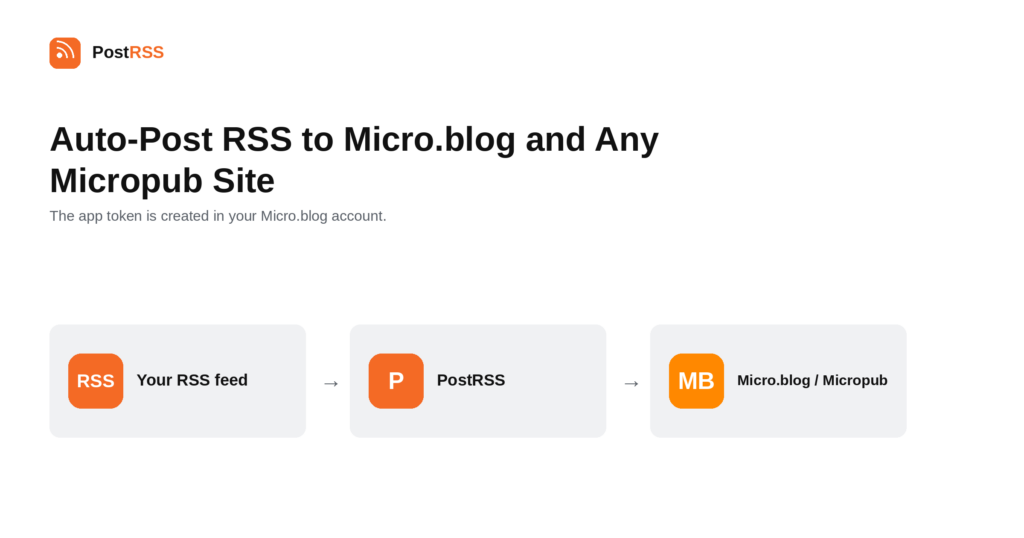
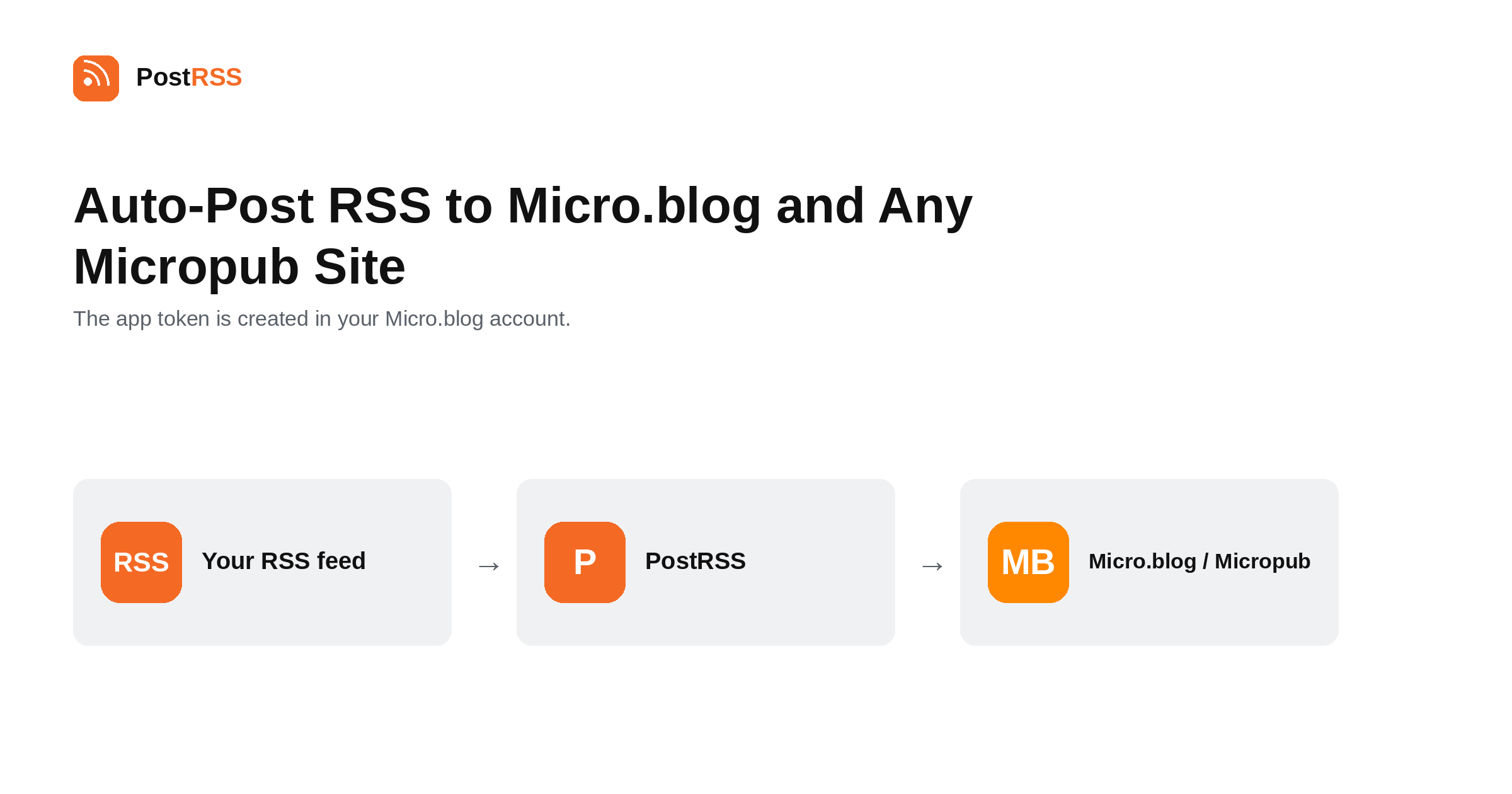
Short answer: create an app token in your Micro.blog account and paste it into PostRSS under Accounts → Add new Micro.blog / Micropub account. PostRSS discovers your Micropub endpoint on its own, so there is nothing else to configure. Then open Cele → Add feed, choose Micro.blog / Micropub in Target settings and add your feed under Add source (Type = RSS feed, Link = your feed address). The same connection works with any site that supports Micropub, not only Micro.blog. Micro.blog / Micropub is included from the Professional plan.
Micro.blog is a small, deliberately calm social network built on open web standards rather than on a proprietary API. That choice is why this integration is unusually broad: the connection is not really to Micro.blog at all, but to Micropub, a W3C standard that Micro.blog happens to implement. This guide is the long version; the auto-post RSS to Micro.blog page has the short one.
Micropub is a standard for publishing to a website from any client — a phone app, a command-line tool, or an automation service. A site that supports it advertises an endpoint, a client discovers that endpoint, and posts are created through it.
Because PostRSS speaks the standard rather than one company's API, the same connection works with any Micropub-capable site. That includes self-hosted IndieWeb setups, static sites with a Micropub server in front of them, and whatever comes next — because the standard outlives the individual products that implement it.
This is the opposite of how most social integrations work, and it is why an IndieWeb-minded publisher should care: connecting to a standard means the setup survives a platform you use being sold, shut down or rewritten.
PostRSS finds your Micropub endpoint by itself. You paste an app token; you do not have to know or enter an endpoint URL.
That matters more for self-hosted setups than for Micro.blog. On a hand-built IndieWeb site the endpoint may live anywhere, and it may move when the site is rebuilt. Discovery means the connection keeps working across those changes instead of quietly pointing at an address that no longer answers.
All three are answers to the same question — what replaces a centralised timeline — and they answer it differently. Mastodon federates servers over ActivityPub. Bluesky separates identity from hosting over the AT Protocol. Micro.blog starts from the position that you should own a blog and that the social layer is secondary.
That last stance is why it feels quieter. There are no public follower counts, no boosts to chase and no algorithmic feed, so the failure mode of the others — optimising for reach — does not really exist. What you get instead is a readership that arrived deliberately.
They are not exclusive. The same feed can reach all three from three Targets, and for a publisher following the POSSE principle that is precisely the intended shape: one original on your own site, copies wherever people read.
PostRSS publishes items that appear in the feed after the Target starts running. It does not import the back catalogue — the alternative would be a destination flooded with years of archive on its first day.
When a destination goes quiet, the feed is usually the cause. Open the feed URL in a browser first.
All four are fixed in your content system.
Micro.blog / Micropub is included from the Professional plan. Each destination you connect counts as one Target, and your plan decides how many Targets and how many posts a month you get. An annual subscription is cheaper than paying monthly. Current limits per tier are on the pricing page, and the full lineup of 66 networks is on the supported networks page. The Micro.blog / Micropub page has the short version of the setup.
No. PostRSS publishes through Micropub, a W3C standard, so the same connection works with any website or blog that supports it — including self-hosted IndieWeb setups.
No. PostRSS discovers the endpoint from your site, so an app token is the only thing you paste in.
A credential you create in your Micro.blog account for one application. It can be revoked on its own without changing your password or affecting anything else.
Yes, it is essentially the point. You publish on your own site, and the feed syndicates the post to Micro.blog while the original stays authoritative.
No. Only items appearing after the Target starts running are published.
The Professional plan, alongside the other open-web destinations such as WriteFreely, Telegraph and Dreamwidth.
Micro.blog has its own syndication features, so a post arriving there can travel further without PostRSS being involved. Whether you use that or connect the other networks directly from the same feed is a matter of preference.
Micro.blog is the destination where connecting to a standard rather than to a product actually pays off: one app token, automatic endpoint discovery, and a setup that works with any Micropub-capable site you run now or later. It is included from the Professional plan.
What changed in the networks, what broke, and how to fix it before it costs you reach.
 English
 Lietuviškai
 Deutsch
 Français
 Русский
 Español
 Polski
 Italiano
 Українська
 Čeština
 Português
 日本語
日本語 Latviešu valoda
 Eesti
Eesti Magyar
 Bahasa Indonesia
 Türkçe
 हिन्दी
 Ελληνικά
 العربية
 ไทย
ไทย Tiếng Việt
 Română
 Bahasa Melayu
 বাংলা
বাংলা