RSS to 66 social networks: Facebook, Instagram, X, LinkedIn, Telegram and more Blog Program partnerski Kontakt
Updated: 2026-09-28
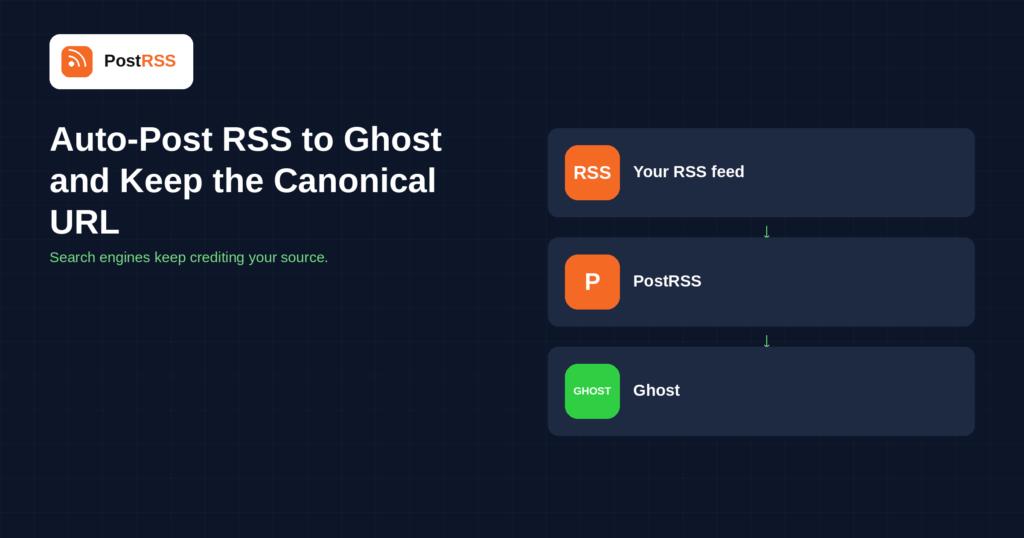
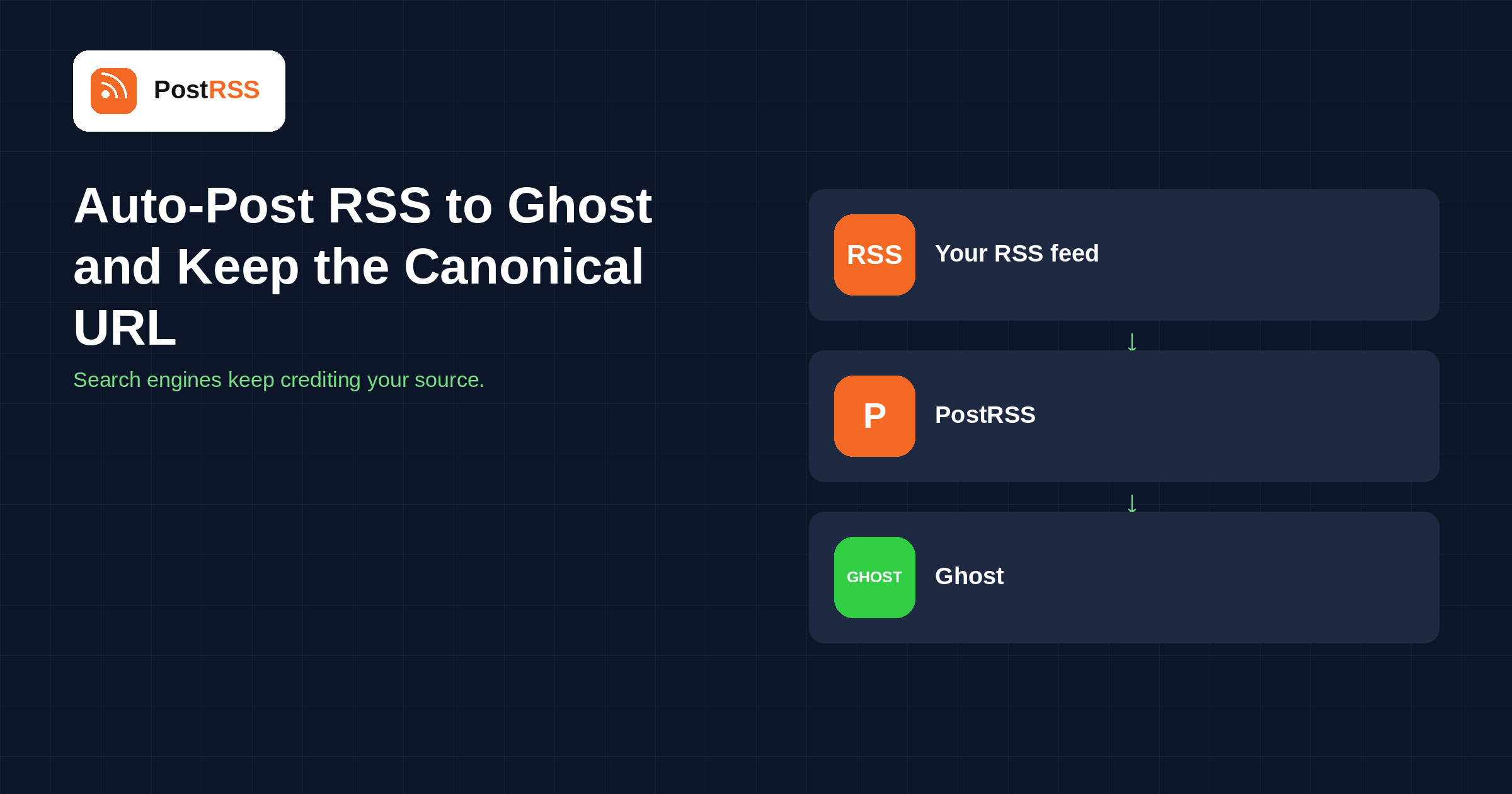
Short answer: in Ghost, go to Settings → Integrations, add a custom integration and copy the Admin API key and your site address. In PostRSS, open Accounts → Add new Ghost account and paste both, then open Cele → Add feed, choose Ghost in Target settings and add your feed under Add source (Type = RSS feed, Link = your feed address). Each item becomes a Ghost post in HTML with the feature image uploaded and a canonical URL pointing back to the original, so search engines keep crediting your source. Ghost is included from the Professional plan.
Ghost is usually the site publishing a feed, not the site receiving one. Pointing a feed into Ghost is the less obvious direction, and the reason to do it is almost always syndication: you publish somewhere, and you want a Ghost site to carry the same article without anyone retyping it.
Republishing the same article on a second domain is duplication, and search engines handle duplication by picking one version to rank. Left to guess, they may pick the copy rather than the original — which is the outcome nobody wants when the copy is the syndication target and the original is your own site.
A canonical link removes the guesswork. It is a single tag on the republished post saying "the authoritative version of this lives here", and search engines honour it. PostRSS sets it on every Ghost post it creates, pointing at the original article the feed item came from. That is what makes this safe to run unattended: you are not quietly building a competitor to your own pages.
It matters just as much in the other direction. If you are the Ghost site receiving someone else's feed under an agreement, the canonical link is what keeps the arrangement honest — you get the content and the readers, they keep the search credit.
The draft option is the one most people should use at least at the start. It costs one click per post and it means a formatting problem in the feed is caught by you rather than by your readers.
PostRSS publishes items that appear in the feed after the Target starts running. Connecting an established feed does not import its back catalogue, which is deliberate — the alternative is a destination flooded with years of archive on day one.
It does not set tags, authors or newsletter segments, and it does not send the Ghost newsletter for you. Those stay in Ghost, where they belong.
Ghost is included from the Professional plan. Each destination you connect counts as one Target, and your plan sets how many Targets and how many posts a month you get. An annual subscription is cheaper than paying monthly. The current limits for every tier are on the pricing page, and the full list of 66 networks is on the supported networks page. The Ghost auto-posting page covers the same setup in short form.
https://, and the URL Ghost itself considers canonical rather than a redirecting alias.Mirroring your own site into Ghost. You publish on WordPress, Webflow or a static site, and you want a Ghost property — usually because of its newsletter and membership tooling — carrying the same articles. The canonical link keeps your primary domain as the version search engines rank, and Ghost handles what it is good at: sending the post to subscribers and taking payments.
Receiving a partner's feed. A publication runs a Ghost site and has an agreement to carry a partner's articles. The feed does the delivery, the canonical link keeps the credit with the partner, and drafts give an editor the chance to look at each piece before it appears. Without the canonical link, the same arrangement slowly damages the partner's search performance, which is how syndication deals sour.
The case for using a general RSS tool here is not that the alternatives fail — it is that the same feed usually needs to reach a dozen other places too, and wiring each of those separately is where the real cost sits.
Not when the canonical URL is set, which PostRSS does on every post it creates. The canonical link tells search engines which copy is authoritative, so the original keeps the credit and the Ghost copy is treated as syndication rather than as a competing page.
Both work. The connection uses a custom integration's Admin API key, which exists on Ghost(Pro) and on any self-hosted Ghost install.
Yes. The Target setting lets you publish each new item straight away or save it as a draft to review first. For syndicated or licensed content, drafts are usually the right choice.
It is uploaded to your Ghost site and set as the post's feature image, so it keeps working even if the original article's image moves or is removed.
The Content API key only reads published content. Creating posts requires the Admin API key, which is the one a custom integration gives you under Settings → Integrations.
No. PostRSS publishes items that appear in the feed after the Target starts running, so an established feed does not backfill years of posts into your Ghost site.
Feeding a Ghost site from RSS is one of the few syndication setups that is genuinely safe to leave running, because the canonical URL is handled for you. Add a custom integration in Ghost, paste the Admin API key into PostRSS, choose published or draft, and point a Target at your feed. It is included from the Professional plan.
What changed in the networks, what broke, and how to fix it before it costs you reach.
 English
 Lietuviškai
 Deutsch
 Français
 Русский
 Español
 Polski
 Italiano
 Українська
 Čeština
 Português
 日本語
日本語 Latviešu valoda
 Eesti
Eesti Magyar
 Bahasa Indonesia
 Türkçe
 हिन्दी
 Ελληνικά
 العربية
 ไทย
ไทย Tiếng Việt
 Română
 Bahasa Melayu
 বাংলা
বাংলা