RSS do 66 sieci społecznościowych: Facebook, Instagram, X, LinkedIn, Telegram i innych Blog Program partnerski Kontakt
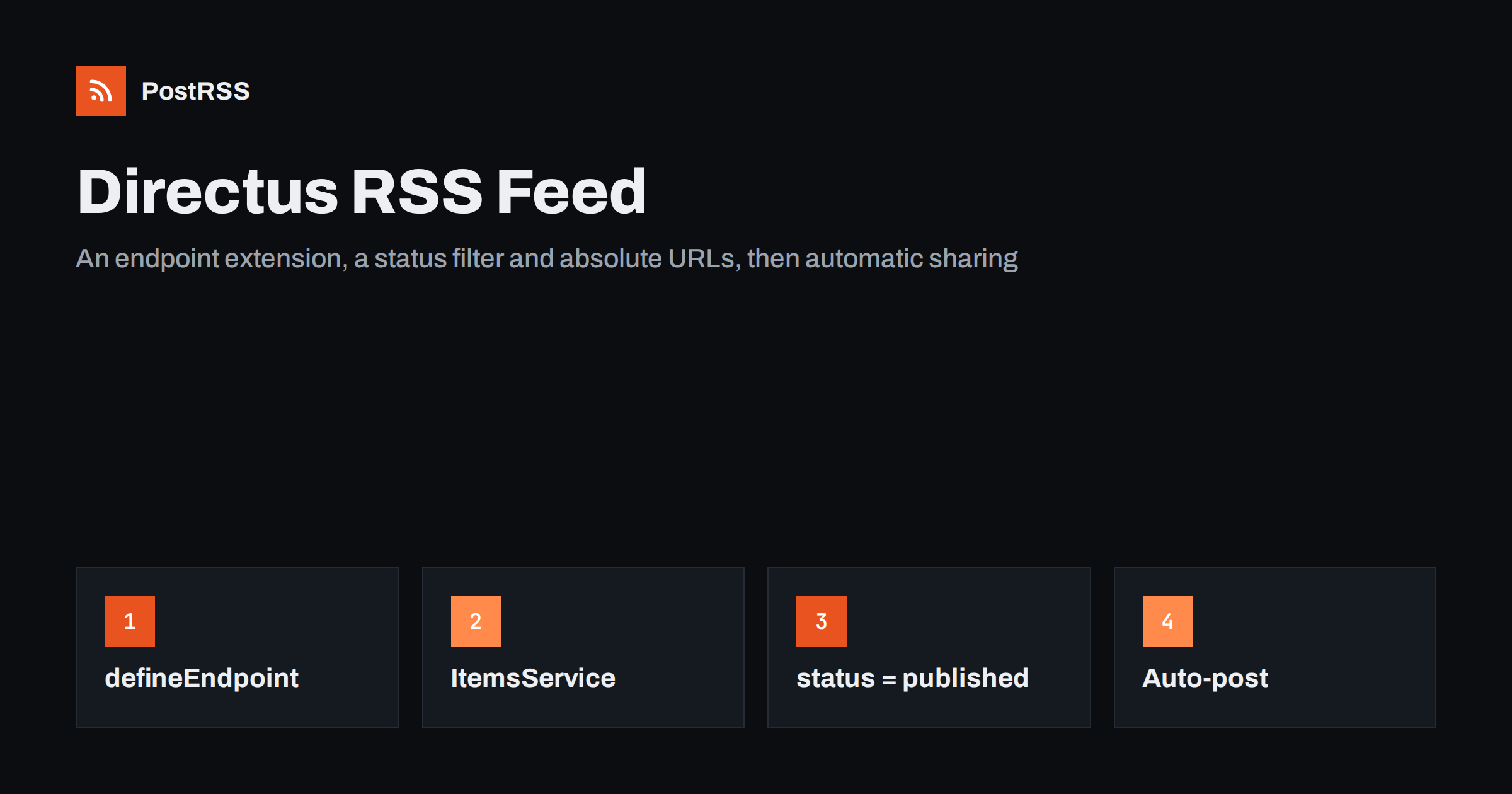
Short answer: Directus has no built-in RSS feed, but you can add one in a few minutes. Create an endpoint extension with defineEndpoint, read the newest published items with ItemsService, build RSS 2.0 XML with absolute links and image URLs, and return it with the content type application/rss+xml. Because services run without permission checks unless you pass an accountability object, always filter on your status field. Then connect the feed address to an auto-poster, and every article you publish in Directus can reach your social channels automatically.
Directus is an open-source data platform that wraps a SQL database in an admin app and instant REST and GraphQL APIs. Many teams use it as a headless CMS for blogs, documentation and product updates. That works well for the website, but the content is stored as JSON, not as a feed that other tools can subscribe to. This guide shows how to add a Directus RSS feed with a custom endpoint, how to do the same from a separate small server, and how to avoid the mistakes that break links, images and dates.
Directus does not know what your collections mean. A collection called articles could be blog posts, release notes or help pages, and only your front end decides which URL belongs to each item. So the feed is left to you, in the same way the page templates are.
Fortunately a feed needs very little: a list of the newest published items, a public link for each, a date, a short text and an image. The general idea for platforms without native RSS is described in auto-posting from a headless CMS without native RSS. This article is the Directus-specific version.
Create or check a collection, for example articles, with these fields:
title, a string, becomes the item title.slug, a string with a unique value, becomes the last part of the public link.status, a dropdown with draft, published oraz archived, separates finished items from work in progress.date_published, a datetime, is the publication date shown in the feed. Do not use date_updated, which changes on every edit and makes old items look new.summary, a plain text field of one or two sentences, becomes the item description and the start of the social post.cover, a file field, provides the picture for previews.The summary field deserves a moment of care. If you build the description from the full rich text, the feed becomes heavy and social posts start with a cut-off paragraph. A separate summary written for readers gives cleaner posts, and the same idea is explained in how to control the excerpt in your RSS feed.
An endpoint extension adds a route to your Directus server, so the feed lives on the same domain as your API. Create the extension with the official scaffolding tool, npx create-directus-extension@latest, choose the endpoint type and a name such as rss. The endpoint is then available at /rss. In the generated source file, write:
import { defineEndpoint } from '@directus/extensions-sdk';
const esc = (value = '') => String(value)
.replace(/&/g, '&')
.replace(/</g, '<')
.replace(/>/g, '>');
export default defineEndpoint((router, context) => {
const { services, getSchema, env } = context;
const { ItemsService } = services;
const site = env.PUBLIC_URL.replace(/[/]+$/, '');
const blog = 'https://www.example.com';
router.get('/', async (_req, res) => {
const schema = await getSchema();
const articles = new ItemsService('articles', { schema });
const items = await articles.readByQuery({
filter: { status: { _eq: 'published' } },
sort: ['-date_published'],
limit: 20,
fields: ['id', 'title', 'slug', 'summary', 'date_published', 'cover'],
});
const entries = items.map((item) => {
const link = blog + '/blog/' + item.slug;
const image = item.cover ? site + '/assets/' + item.cover + '?width=1200' : '';
return '<item>'
+ '<title>' + esc(item.title) + '</title>'
+ '<link>' + esc(link) + '</link>'
+ '<guid isPermaLink="false">article-' + esc(item.id) + '</guid>'
+ '<pubDate>' + new Date(item.date_published).toUTCString() + '</pubDate>'
+ '<description>' + esc(item.summary) + '</description>'
+ (image ? '<enclosure url="' + esc(image) + '" type="image/jpeg" length="0"/>' : '')
+ '</item>';
});
const xml = '<?xml version="1.0" encoding="UTF-8"?>'
+ '<rss version="2.0"><channel>'
+ '<title>Example Blog</title>'
+ '<link>' + blog + '/blog</link>'
+ '<description>News and articles from Example</description>'
+ entries.join('')
+ '</channel></rss>';
res.set('Content-Type', 'application/rss+xml; charset=utf-8');
res.set('Cache-Control', 'public, max-age=300');
res.send(xml);
});
});Build the extension and place it in the extensions folder of your Directus project, then restart the server. The feed is now served at https://your-directus-host/rss.
The helper esc escapes the characters that would break XML: ampersands and angle brackets. Titles such as “Q&A: what changed” would otherwise make the whole document invalid and stop the feed from loading. Text with HTML should go through the escape function too, or be wrapped in a CDATA section; the details are in CDATA and HTML in RSS descriptions.
PUBLIC_URL is the public address of the Directus server. It is used to build absolute image addresses, because the stored value of a file field is only an identifier. The link to the article points to your website, not to Directus, so readers and social networks land on the real page. The address /assets/<file id> serves the file, and the width parameter asks Directus for a resized copy so previews do not load a camera original.
The GUID is built from the item ID, which never changes. If you built it from the slug, editing the slug would make an old article look new and an auto-poster could share it twice. The reasons are explained in why your RSS feed auto-posts the same article twice. The date uses toUTCString(), which produces the RFC 822 format that RSS expects; see RSS date formats and pubDate errors for the common failures.
This is the part that most often goes wrong. When you create ItemsService without an accountability object, as in the example, the service runs with full access and ignores the permission rules of the Public role. That is convenient for server code, but it means the permissions you set in the admin app do not protect the feed.
Two safeguards are worth adding:
Test it once: create an item, leave it as a draft, and check that it does not appear at /rss. If you prefer the feed to follow the Public role permissions exactly, build the accountability object from the role, but for a simple blog an explicit filter is easier to understand and to audit.
If you cannot install extensions, for example on a managed hosting plan, build the feed in your website’s own back end. The official JavaScript SDK reads the same data through the public API:
import { createDirectus, rest, readItems } from '@directus/sdk';

const client = createDirectus('https://your-directus-host').with(rest());

const items = await client.request(
  readItems('articles', {
    filter: { status: { _eq: 'published' } },
    sort: ['-date_published'],
    limit: 20,
    fields: ['id', 'title', 'slug', 'summary', 'date_published', 'cover'],
  })
);
In this variant the Public role needs read permission on the articles collection, limited to items whose status is published, and on the files that covers use. The permission rules then do the protection, and the XML is built exactly as in the extension. This is a good fit for a Node.js or Next.js site that already renders the articles, and it is also the right choice when the website is deployed separately from Directus. If you use Next.js, the Payload CMS feed guide shows a similar route handler.
Social networks use the image of an item to create the preview card. Three habits keep previews sharp:
The type and length of an enclosure are informational. If your covers can be PNG or WebP, return the matching type from the file record instead of hard-coding JPEG.
Auto-posters and feed readers fetch the feed again and again, so make it cheap. The Cache-Control header in the example lets proxies and CDNs keep the response for five minutes. Keep the limit at 20 items; a feed does not need your whole archive, and a long feed slows every check. If you place Directus behind a CDN, check that bot protection does not block the feed address, a problem described in fixing 403 errors on RSS feeds.
curl -i against it. The status must be 200 and the content type application/rss+xml.The extension system, services and permissions are described in the Directus documentation. For a longer checklist of feed problems, see RSS feed validation before auto-posting.
PostRSS has been publishing RSS and Atom feeds to social networks since 2014. Paste the address of your Directus feed, connect your accounts and choose how each post is built from the title, the description or the page title. PostRSS checks the feed as often as every minute and shares each new article, with its image and link, to the channels you choose among 66 supported networks, messengers, team chats and blogs, including LinkedIn, X, Bluesky, Mastodon, Telegram and Discord. Keyword filters, UTM parameters, hashtags from categories and posting windows let you tune each channel, and the REST API and webhooks connect PostRSS to your own systems. See the PostRSS features page and the plan limits on the pricing page. More developer guides are under the Technical Guide tag.
A Directus RSS feed is one custom endpoint or one small server route. Read the newest published items, filter on the status field because services skip permission checks, use a stable ID for the GUID, make every link and image address absolute, and return RSS 2.0 with the right content type. Test it once with a validator and a draft item, and every article you publish in Directus can be shared automatically on your social channels.
No. Directus provides REST and GraphQL APIs but no feed output. You add the feed yourself, either as an endpoint extension on the Directus server or as a route in the website that displays your content.
Services created without an accountability object run with full access and ignore the Public role rules. Add a filter that requires the status field to equal published, and select only the fields you need.
An endpoint extension named rss is served at the path /rss on your Directus host. A feed built in your own website uses whatever route you create, such as /rss.xml.
The file field stores only an identifier. Build the full address from your public URL and the assets path, and make sure the Public role can read the files used as covers.
Yes. Paste the public feed address as a source in PostRSS, connect your social accounts and PostRSS posts each new item automatically. Check that the feed opens without a login first.
What changed in the networks, what broke, and how to fix it before it costs you reach.
Tworzy je Internet Solutions, zespół stojący za PostRSS. Każdy produkt oszczędza czas na swój sposób.
 English
 Lietuviškai
 Deutsch
 Français
 Русский
 Español
 Polski
 Italiano
 Українська
 Čeština
 Português
 日本語
日本語 Latviešu valoda
 Eesti
Eesti Magyar
 Bahasa Indonesia
 Türkçe
 हिन्दी
 Ελληνικά
 العربية
 ไทย
ไทย Tiếng Việt
 Română
 Bahasa Melayu
 বাংলা
বাংলা