RSS do 66 sieci społecznościowych: Facebook, Instagram, X, LinkedIn, Telegram i innych Blog Program partnerski Kontakt
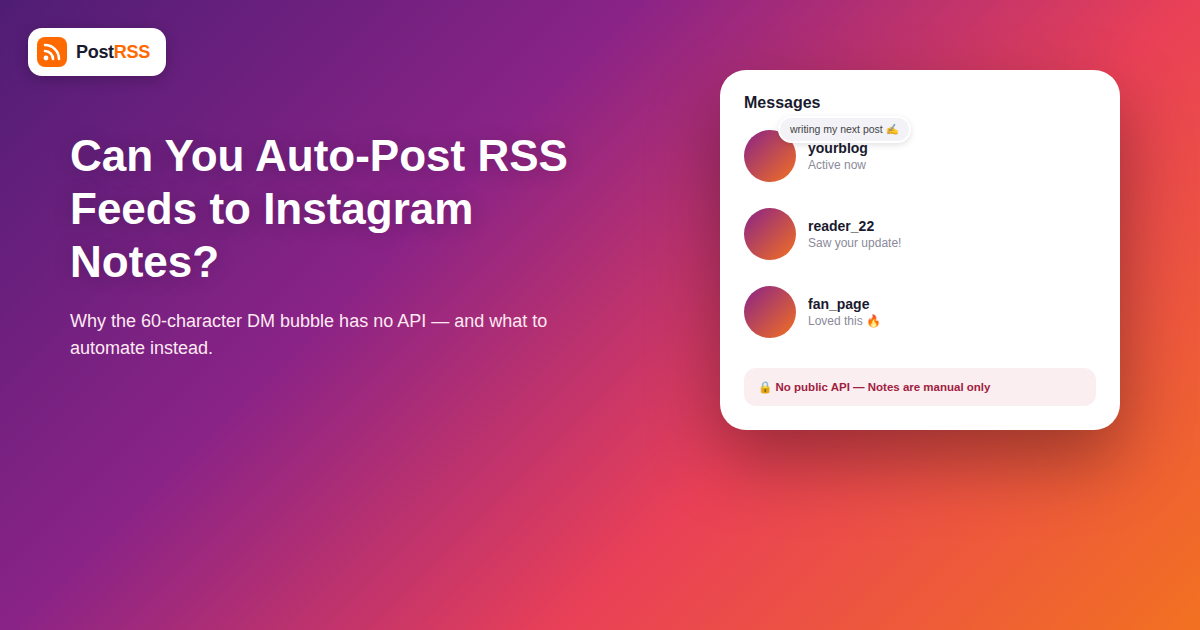
Instagram Notes — the small text bubbles that appear above a contact’s profile picture in your DM inbox, capped at 60 characters and visible to followers or close friends for 24 hours — have quietly become one of the more asked-about Instagram features for anyone running a broader Instagram automation strategy. If your blog or news RSS feed already auto-posts to Facebook, X, and LinkedIn, it’s a fair question: can new headlines from your feed show up as an Instagram Note automatically too?
The direct answer is no, and the reason is specific to how Notes were designed. This guide walks through exactly what Notes are built for, why no RSS-based tool (PostRSS included) can push content into them, and what the closest legitimate automated alternative actually looks like on Instagram in 2026.
Notes live inside Instagram Direct, not the main feed, Stories, or Reels surfaces. A Note is a short status update — a single line of text, occasionally with an emoji or a linked song — that appears at the top of your inbox and above your avatar in a follower’s DM list. It disappears after 24 hours, has no comments, no likes, and no share button. It’s closer to an old-school AIM away message than a piece of publishable content.
That design is deliberate: Meta built Notes as a low-stakes, ephemeral, conversation-starter feature meant to nudge people into DMs, not as a broadcast channel for links or headlines. There’s no “Notes feed” for the public, no discovery surface, and critically, no API endpoint — public or private — that allows a third-party app to create, schedule, or publish a Note on a user’s behalf.
Every platform PostRSS auto-posts to shares one requirement: a documented API (Facebook’s Graph API, X’s API, LinkedIn’s API, and so on) that allows an authorized app to create a post programmatically once a user grants permission. Instagram Notes have no equivalent, for a few concrete reasons:
Any tool or plugin advertising “auto-post to Instagram Notes” is either misrepresenting a Story or feed automation as a “Note,” or relying on unofficial session-hijacking methods that violate Instagram’s terms and put the connected account at risk of suspension.
Notes aside, Instagram automation from an RSS feed is very much alive in 2026 — just through the surfaces that actually have an API. Here’s where PostRSS and similar tools focus their Instagram integration:
| Instagram Surface | API Available? | RSS Auto-Posting Possible? | Best Fit for RSS Content |
|---|---|---|---|
| Feed posts (image/video) | Yes (Graph API) | Yes, with an image from the feed item | New blog posts, product launches, announcements |
| Stories | Yes (Graph API) | Yes, for Business/Creator accounts | Time-sensitive updates, quick teasers |
| Reels | Partial (requires video asset) | Only if your feed carries video enclosures | Video content, podcast clips |
| Carousel posts | Yes (Graph API) | Yes, with multiple images per item | Multi-image galleries, product sets |
| Notes | No | No | Not applicable — manual only, ephemeral by design |
If you specifically want a Note to reflect something timely — “New post is live,” for instance — the only path is doing it by hand: open Instagram, tap your avatar in the DM tab, and type a short line. Because Notes vanish after 24 hours and reach only people already in your DMs or following you, treat this as a light, personal touch for your most engaged audience rather than a distribution mechanic. It works well paired with an automated announcement elsewhere; post the full update to your feed or Stories via your regular RSS-to-Instagram automation, then optionally drop a quick manual Note the same day to nudge close followers into checking their feed.
Notes didn’t appear in isolation — they’re part of a pattern Meta has followed since Stories first launched: give users a lightweight, disappearing format, watch how it’s used, and only then decide whether to open it up to business tools and advertisers. Stories took roughly two years after launch before the Graph API allowed automated publishing to them. Close Friends lists remain manual-only years after launch. Notes are following the same early trajectory, and there’s no indication Meta is fast-tracking business access this time, particularly since Notes’ core appeal (a personal, low-stakes aside) is undermined the moment it becomes another automated marketing surface.
That pattern is useful context if you’re planning your automation roadmap: features Meta ships as “personal and playful” tend to stay manual-only far longer than features shipped as “creator tools” or “business features” from day one, which get API access much faster. Reels launched with heavy creator-economy framing and reached third-party API support relatively quickly; Notes launched framed as a DM feature for friends, which is a strong signal it will stay outside the API for a long time, if it ever gets in at all.
Because Notes can’t be part of a dependable content calendar, it helps to design your Instagram automation around the three surfaces that are reliable: feed posts for evergreen, indexable content; Stories for same-day urgency; and Reels for video-first reach. A simple weekly structure many Instagram marketing setups use looks like this: every new blog post auto-publishes as a feed post the moment the RSS item appears, a Story goes out automatically summarizing the same update with a “link in bio” style prompt, and any video-enclosure items get queued for Reels separately since those typically need a vertical-format asset rather than the horizontal image most blogs provide. None of this requires touching Notes at all, and it covers the actual measurable distribution surfaces search engines and Instagram’s own algorithm reward.
Notes work precisely because they’re rare, personal, and low-friction to read — a single line glanced at while scrolling an inbox. If brands and publishers could auto-post RSS headlines into that space the way they do into feeds, Notes would fill up with marketing copy within weeks and stop being a place people actually check. Meta has kept the feature manual-only for the same reason Digg keeps human moderation in its submission queue: automation at scale tends to destroy the exact quality that made a feature worth having.
For most accounts, the practical setup looks like this: connect your RSS feed to auto-post new items as Instagram feed posts or Stories, using your feed’s featured image and title as the caption source. Layer in Reels only if your RSS enclosures actually carry video. Leave Notes out of the automated stack entirely, and instead use them opportunistically and manually — a habit, not a workflow — for genuine, timely thoughts that don’t need distribution, just presence.
Even setting the API question aside, Notes have a visibility model that would make automated distribution pointless for most content goals. A Note is visible only to the accounts you follow back (mutuals) by default, or to a Close Friends list if you’ve restricted it further — it never reaches the broader public feed, hashtag pages, or Explore. That means even a hypothetical auto-posted Note would only reach a small, already-engaged slice of your audience, not the wider reach an RSS-to-social integration is usually built to capture. Compare that to a feed post or Story, both of which can reach non-followers through hashtags, location tags, and Explore placement. If the goal is turning new RSS content into fresh audience reach, Notes were never going to be the right tool even if the technical barrier didn’t exist — the audience ceiling is simply too low.
If a tool claims to have posted a Note and nothing shows up, one of a few things is happening: the tool actually posted to your Story or feed and mislabeled it in its dashboard, the “Note” was posted through a session-based workaround that Instagram silently blocked, or the tool is using a browser-automation script that Instagram’s fraud detection intercepted before it reached the account. In any of these cases, check your Instagram app directly (Notes only show inside the DM inbox for the account, not in third-party dashboards) rather than trusting a third-party tool’s success message. The auto-post RSS to Instagram page goes through the same process field by field.
As of 2026, Meta has not announced any plans to add Notes to the Instagram Graph API or any other developer-facing surface. Notes remain a manual, in-app-only feature.
No — there’s no API to read Notes either, only to view them manually inside the app. Notes have no public or programmatic read access in either direction.
No, Notes are plain text (with limited emoji and music-attachment support) and don’t render clickable URLs, which is another reason they’re unsuitable for RSS-driven traffic-generation content even if automation were possible.
Stories are part of the Instagram Graph API and can be auto-posted by approved Business/Creator accounts through tools like PostRSS. Notes sit entirely outside that API and have no automation path at all.
It’s a real risk — any tool that logs into your Instagram session to simulate manual actions is operating outside Instagram’s terms of service, and accounts have been temporarily restricted for suspicious automated activity patterns detected this way.
If your account is personal-brand-driven and your audience checks DMs regularly, a few manual, well-timed Notes a month can add a personal touch. For pure content distribution, your effort is better spent on the RSS-automatable surfaces — feed, Stories, and Reels.
No. Instagram support is still being tested at PostRSS (it sits on the Professional Plus plan) and isn’t live yet, so neither feed posts nor Stories can be driven from an RSS feed through PostRSS right now. The 66 networks that are live, and the plan each one sits on, are listed on the pricing page.
There’s no evidence or official documentation suggesting Notes activity influences how the algorithm ranks your feed posts, Stories, or Reels — they appear to operate as a fully separate, isolated feature within the DM inbox.
Business and Creator accounts have access to the same manual Notes feature as personal accounts, with the same 60-character limit and 24-hour lifespan — there’s no expanded or API-connected version offered to professional accounts.
You can’t auto-post RSS feed content to Instagram Notes in 2026 — the feature has no public API, no link support, and is deliberately built as a manual, ephemeral, personal-presence tool rather than a content distribution channel. The right move is to keep Notes as an occasional manual touch and put your automation budget where it actually works: Instagram feed posts, Stories, and Reels, all of which PostRSS can drive directly from your RSS feed the moment new content goes live.
What changed in the networks, what broke, and how to fix it before it costs you reach.
Tworzy je Internet Solutions, zespół stojący za PostRSS. Każdy produkt oszczędza czas na swój sposób.
 English
 Lietuviškai
 Deutsch
 Français
 Русский
 Español
 Polski
 Italiano
 Українська
 Čeština
 Português
 日本語
日本語 Latviešu valoda
 Eesti
Eesti Magyar
 Bahasa Indonesia
 Türkçe
 हिन्दी
 Ελληνικά
 العربية
 ไทย
ไทย Tiếng Việt
 Română
 Bahasa Melayu
 বাংলা
বাংলা