RSS do 66 sieci społecznościowych: Facebook, Instagram, X, LinkedIn, Telegram i innych Blog Program partnerski Kontakt
YouTube gets most of the “auto-post new videos to social media” attention, but plenty of creators, brands, and agencies host on Vimeo instead — for its ad-free player, privacy controls, or client-facing portfolio use. Vimeo’s RSS support has a mixed history worth understanding before you build an auto-posting setup around it.
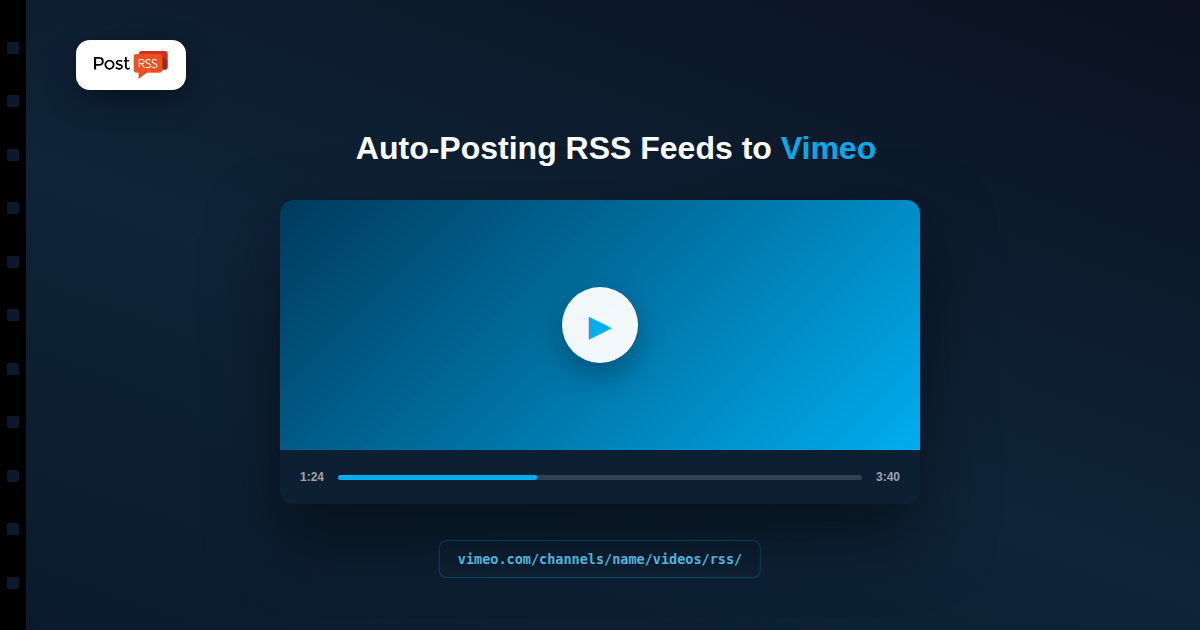
Vimeo Channel feeds follow a predictable pattern: add /videos/rss/ to the end of a channel’s URL. So a channel at vimeo.com/channels/yourchannel/ has its feed at vimeo.com/channels/yourchannel/videos/rss/ — open that URL directly and you should see standard RSS XML listing recent videos, updating as new ones are added to the channel.
Vimeo has discontinued RSS feeds tied directly to individual user accounts and general site activity — not everything Vimeo once exposed via RSS is still available that way. If you’re trying to auto-post from a personal profile rather than a Channel, test the feed URL directly in a browser first; if it doesn’t return valid RSS XML, that’s confirmation it’s one of the deprecated feed types, not a bug in your auto-posting setup.
For Vimeo sources where a native feed isn’t available, third-party feed-generator services (RSS.app and similar tools) can produce a working RSS feed by watching a Vimeo page directly, sidestepping the native-feed gap. That generated feed then becomes a normal RSS source for any auto-posting tool, including PostRSS — the auto-poster doesn’t need to know or care whether the feed came from Vimeo natively or from a generator sitting in front of it.
Test your specific Vimeo URL pattern first (Channel feeds are the reliable option), confirm it returns valid RSS XML, then add that URL as a PostRSS source and connect it to your destinations — Facebook, X, LinkedIn, Pinterest, or others. From there, new videos added to the channel post automatically on your schedule, the same as any other RSS source.
Once a working Vimeo feed is added as a source, each new video in it becomes one post on every target you connect. PostRSS builds that post from the feed item: the text comes from the message format you pick for the target (nine combinations of the item title, the item description, the page title or your own static text), and the link points to the video page on Vimeo.
The picture is taken from the feed item when it carries one, for example as an enclosure or a media:content tag, and otherwise from the Open Graph tags of the linked page. Video pages usually expose a thumbnail through Open Graph, so the post on Facebook, LinkedIn or Pinterest normally shows a real still from the video rather than a bare link. If a thumbnail looks wrong, check the video’s own thumbnail setting on Vimeo first, because that is what the page advertises.
A Vimeo Channel often collects more than one kind of video: finished client work, behind-the-scenes clips, teasers and older archive uploads. You rarely want all of them on every network. PostRSS lets you set keyword filters per source, matched against the item title and description, so you can include only videos whose titles contain a word such as “trailer” or exclude anything marked “draft” or “internal”.
If you maintain separate Channels for different audiences, add each Channel feed as its own source and connect it to different targets. One feed can post to many accounts, each with its own settings, so a portfolio Channel can go to your LinkedIn and Facebook Page while a tutorial Channel goes to a Discord or Telegram community instead.
PostRSS checks each feed as often as every minute, and you can choose a slower interval up to once a week if new videos appear rarely. On paid plans you can also set posting windows or exact posting times in your time zone, which helps when a video is uploaded late at night but should reach your audience in the morning.
When you first connect a Channel, you can pick a start date and turn on catch-up so that older videos that were never shared are posted too. The order setting (newer first, older first or random) and the maximum number of posts per update keep that backlog from flooding your pages in one go.
Add your own query parameters, such as utm_source=postrss, to every link PostRSS posts. If you link to a page on your own site that embeds the Vimeo video, your analytics will show which network sent each visit. For the complete list of options, see the PostRSS features page, and compare plan limits on the pricing page.
No — Channel feeds (via the /videos/rss/ URL pattern) generally still work, but Vimeo has deprecated feeds tied to individual personal accounts and general activity. Test your specific URL directly to confirm before building automation around it.
A third-party feed-generator service can create a working RSS feed by watching your Vimeo page directly, which then works as a normal source for any RSS-based auto-posting tool.
No, and it doesn’t need to — both are just RSS feeds by the time they reach the auto-posting tool, which treats them identically regardless of how the feed itself was produced.
Vimeo Channel feeds still follow a working, predictable URL pattern, even though personal-account RSS has been deprecated. Test your specific feed URL first; if it’s a Channel, you’re likely set, and if it’s a personal profile that no longer has native RSS, a third-party generator closes that gap without changing how your auto-posting setup works from there.
What changed in the networks, what broke, and how to fix it before it costs you reach.
Tworzy je Internet Solutions, zespół stojący za PostRSS. Każdy produkt oszczędza czas na swój sposób.
 English
 Lietuviškai
 Deutsch
 Français
 Русский
 Español
 Polski
 Italiano
 Українська
 Čeština
 Português
 日本語
日本語 Latviešu valoda
 Eesti
Eesti Magyar
 Bahasa Indonesia
 Türkçe
 हिन्दी
 Ελληνικά
 العربية
 ไทย
ไทย Tiếng Việt
 Română
 Bahasa Melayu
 বাংলা
বাংলা