RSS uz 66 sociālajiem tīkliem: Facebook, Instagram, X, LinkedIn, Telegram un citiem Blogs Partner programma Kontakti

Short answer: WordPress custom post types, such as events, listings, projects or recipes, can have their own RSS feeds. The add...
Lasīt vairāk »
A staging site RSS feed is one of the quietest ways to embarrass yourself on social media. You clone your website to test a red...
Lasīt vairāk »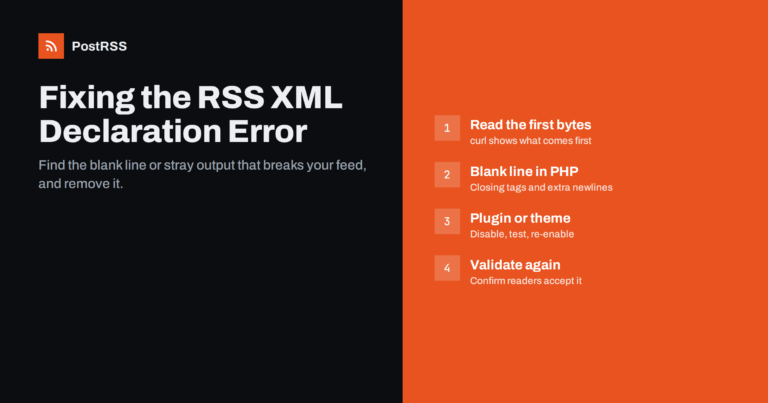
Short answer: The error "XML declaration allowed only at the start of the document" means something is printed before the <?...
Lasīt vairāk »
Most of the time, an RSS feed behaves exactly the way you'd expect: newest post first, in the order things were actually publis...
Lasīt vairāk »
This is one of the more frustrating troubleshooting situations in RSS auto-posting precisely because every individual piece of ...
Lasīt vairāk »
Updated: September 23, 2026 If you've spent any time digging through WordPress security recommendations, you've probably seen a...
Lasīt vairāk »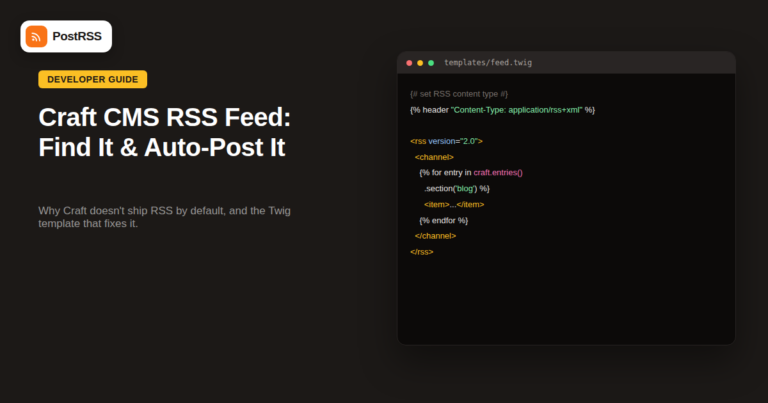
Craft CMS has a loyal following among developers and design-focused agencies precisely because it doesn't force opinions on you...
Lasīt vairāk »
Table of Contents Planning Your Blog Setting Up Your Blog Designing Your Blog Creating Content That Ranks Grow...
Lasīt vairāk »
Advanced Custom Fields (ACF) is one of the most widely installed WordPress plugins for a reason: it lets a site store structure...
Lasīt vairāk »
If you sell through WooCommerce, you already have most of what you need to auto-post new products to social media the moment th...
Lasīt vairāk »
If your auto-posting tool has ever gone quiet for a day or two and then caught up with a burst of posts, the usual suspect peop...
Lasīt vairāk »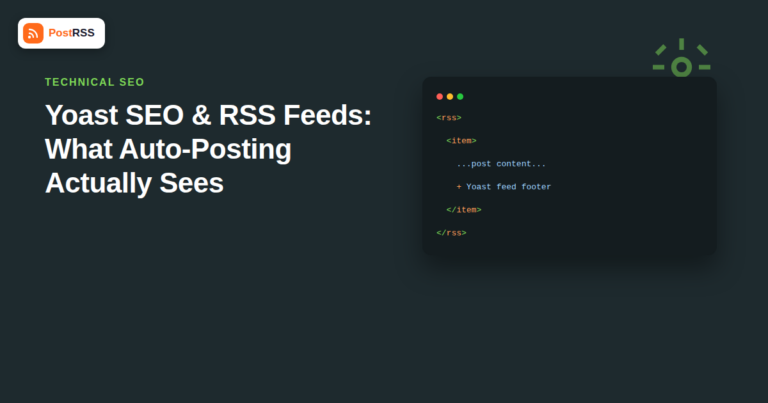
If your site runs on WordPress, there's a good chance Yoast SEO is installed — it's the most-used WordPress SEO plugin by a wid...
Lasīt vairāk »Izstrādājusi Internet Solutions — PostRSS komanda. Katrs produkts ietaupa laiku savā veidā.
 English
 Lietuviškai
 Deutsch
 Français
 Русский
 Español
 Polski
 Italiano
 Українська
 Čeština
 Português
 日本語
日本語 Latviešu valoda
 Eesti
Eesti Magyar
 Bahasa Indonesia
 Türkçe
 हिन्दी
 Ελληνικά
 العربية
 ไทย
ไทย Tiếng Việt
 Română
 Bahasa Melayu
 বাংলা
বাংলা