RSS uz 66 sociālajiem tīkliem: Facebook, Instagram, X, LinkedIn, Telegram un citiem Blogs Partner programma Kontakti
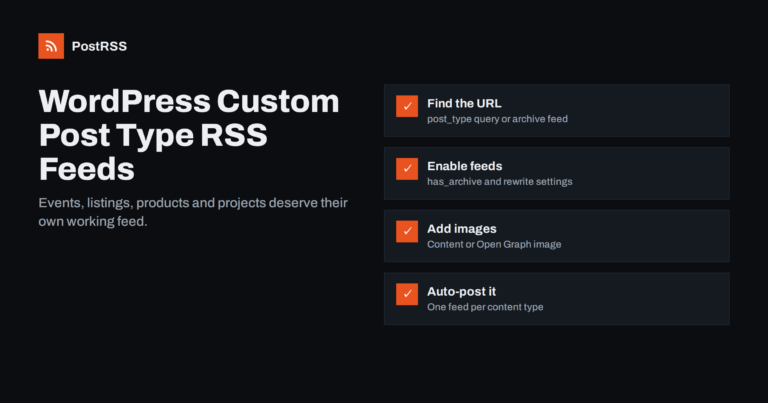
Short answer: WordPress custom post types, such as events, listings, projects or recipes, can have their own RSS feeds. The add...
Lasīt vairāk »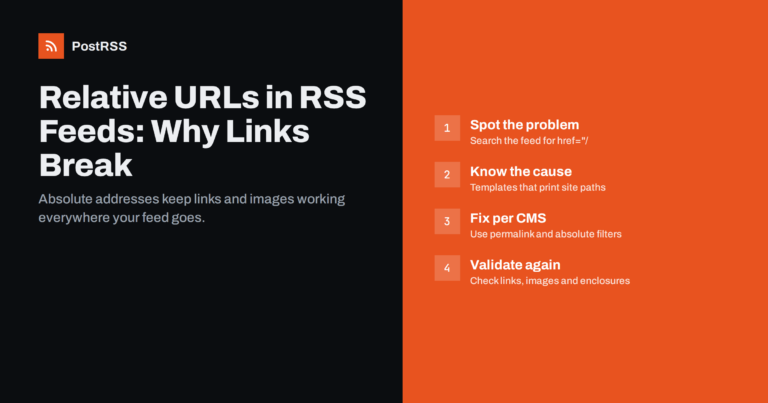
Short answer: A relative URL such as /blog/my-post/ or ../images/photo.jpg only works inside your own website, because the brow...
Lasīt vairāk »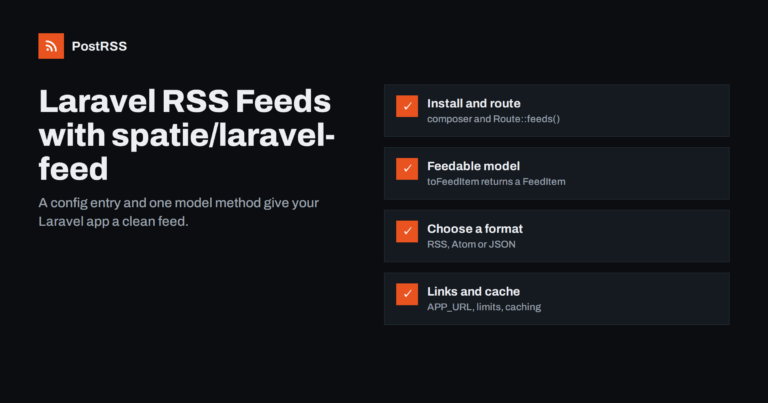
Short answer: The most common way to add a feed to a Laravel application is the open-source spatie/laravel-feed package. You in...
Lasīt vairāk »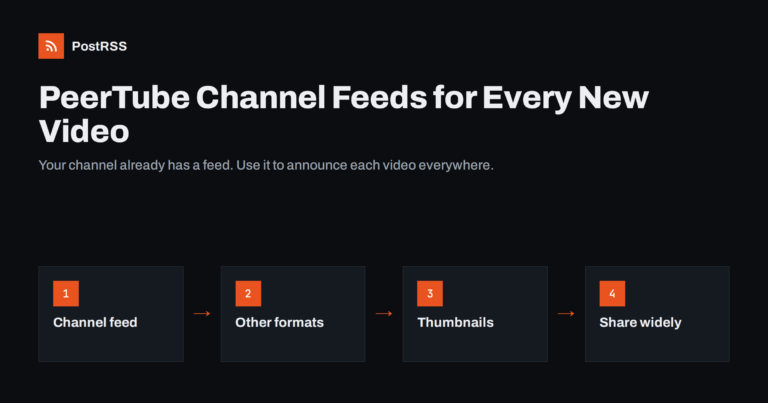
Short answer: Every PeerTube channel and account has built-in feeds. The standard video feed is at /feeds/videos.xml?videoChann...
Lasīt vairāk »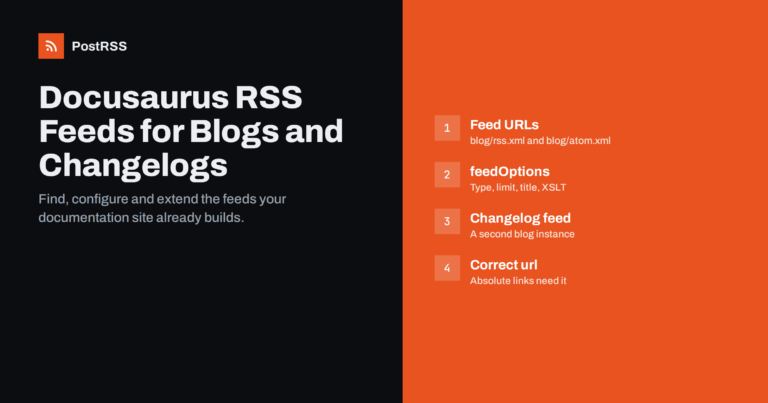
Short answer: Docusaurus generates feeds for its blog automatically. With the default classic preset, the blog plugin builds an...
Lasīt vairāk »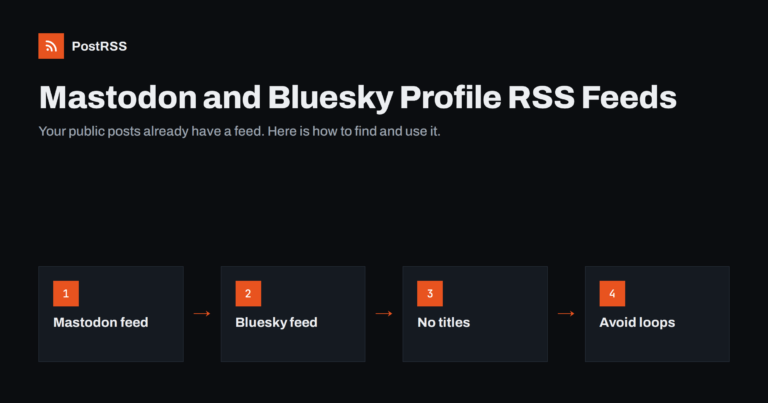
Short answer: Public Mastodon profiles have an RSS feed at the profile address with .rss added, for example https://mastodon.so...
Lasīt vairāk »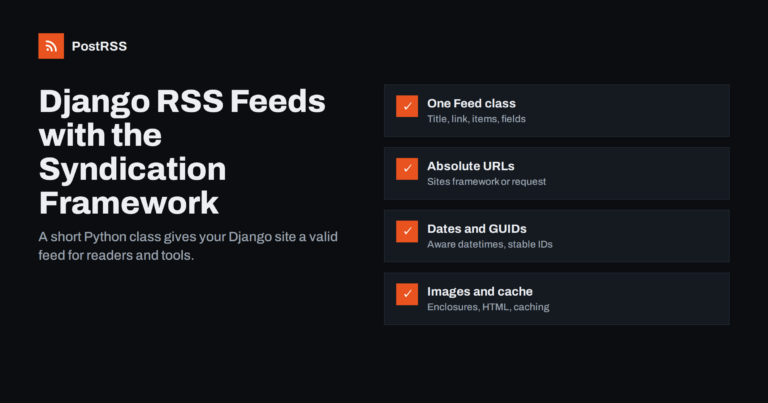
Short answer: Django includes a syndication framework, django.contrib.syndication, that turns a short Python class into a valid...
Lasīt vairāk »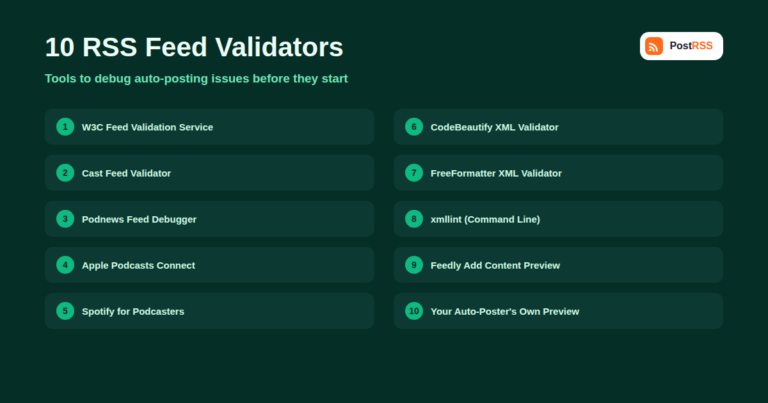
A surprising number of auto-posting problems — missing images, dropped items, garbled titles — trace back to a feed that's tech...
Lasīt vairāk »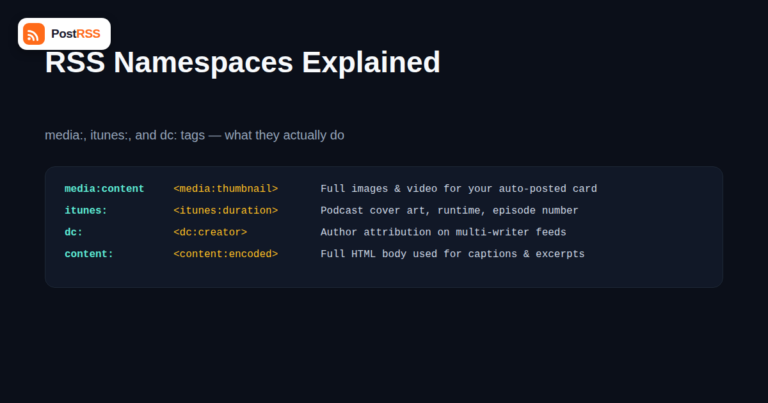
If you've ever opened your own RSS feed in a text editor and seen tags like media:content, itunes:image, or dc:creator mixed in...
Lasīt vairāk »
Beehiiv has become one of the default homes for independent newsletters, and a growing number of publishers who write on Beehii...
Lasīt vairāk »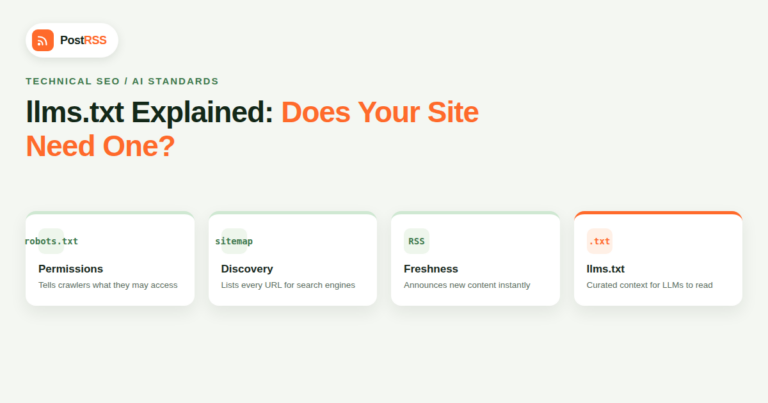
If you've spent any time in SEO or web dev circles in the last couple of years, you've probably seen a new file mentioned along...
Lasīt vairāk »
Type a question into ChatGPT, Perplexity, or Google's AI Overviews today and there's a good chance the answer arrives with a ha...
Lasīt vairāk »Izstrādājusi Internet Solutions — PostRSS komanda. Katrs produkts ietaupa laiku savā veidā.
 English
 Lietuviškai
 Deutsch
 Français
 Русский
 Español
 Polski
 Italiano
 Українська
 Čeština
 Português
 日本語
日本語 Latviešu valoda
 Eesti
Eesti Magyar
 Bahasa Indonesia
 Türkçe
 हिन्दी
 Ελληνικά
 العربية
 ไทย
ไทย Tiếng Việt
 Română
 Bahasa Melayu
 বাংলা
বাংলা