WordPress
This tag covers connecting a WordPress site's built-in RSS feed to PostRSS, using the standard feed URL every WordPress installation generates automatically without any plugin required. It focuses on locating category, tag, and author-specific feed variants for more granular control, and on why a feed-based tool avoids the added server load, plugin conflicts, and update burden that a WordPress-native social auto-poster plugin would introduce. Articles here also cover getting featured images and excerpts set correctly at the WordPress level, since both flow directly into how PostRSS formats the resulting social posts. This tag pairs with wordpress-integration for the more general setup and security considerations. It's the most broadly applicable platform tag on the blog, given WordPress's overall market share.

Updated: 2026-09-27
A mid-size club booking six or seven shows a week doesn't have a content problem — it has a re-typing problem. The lineup for T...
続きを読む » 
Updated: 2026-09-29
When an auto-posted item shows up with the wrong picture — or no picture at all — the cause is almost never the auto-posting to...
続きを読む » 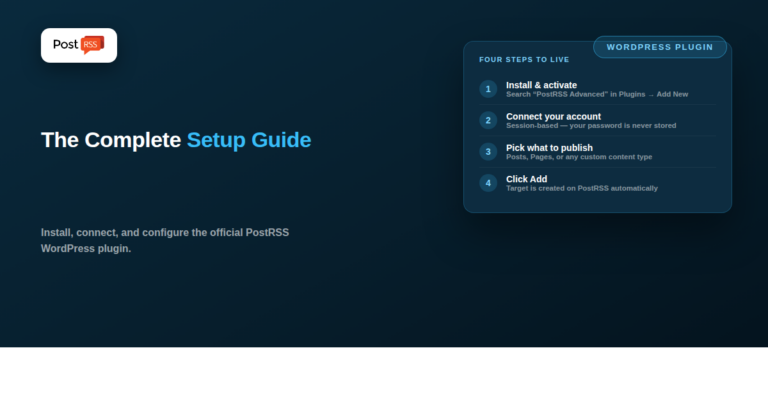
Updated: 2026-09-29
PostRSS Advanced Dashboard Integration is the official PostRSS plugin for WordPress — it connects your PostRSS account directly...
続きを読む » 
Updated: 2026-09-29
Updated: 2026-09-27 Short answer: you probably don't need a plugin at all — WordPress's built-in feed already...
続きを読む » 
Updated: 2026-09-29
Updated: August 21, 2026
For a web design or SEO agency, every client site that publishes content represents a small, re...
続きを読む » 
Updated: 2026-09-28
Updated: August 21, 2026
WordPress powers a huge share of the websites on the internet, and one of its quietest buil...
続きを読む »  English
 Lietuviškai
 Deutsch
 Français
 Русский
 Español
 Polski
 Italiano
 Українська
 Čeština
 Português
 日本語
 Latviešu valoda
 Eesti
 Magyar
 Bahasa Indonesia
 Türkçe
 हिन्दी
 Ελληνικά
 العربية
 ไทย
 Tiếng Việt
 Română
 Bahasa Melayu
 বাংলা
