Link Previews
Link preview content covers how the image, headline, and description card actually gets built when a link is shared on Facebook, LinkedIn, X, and similar platforms — and why that card sometimes shows the wrong thing entirely. This is closely tied to Open Graph meta tags, since the preview card is generated from the destination page's own markup rather than from the RSS feed or the automation tool posting the link. Expect practical troubleshooting: how to diagnose a broken preview, force platforms to re-fetch a corrected page, and set up tags correctly the first time. A recurring cause is a page that publishes before its image is in place, which locks the wrong preview into the platform's cache. The fix is usually to correct the markup and then force a re-fetch, rather than to delete and repost. None of it is controlled by the feed, which is why this sits next to the Open Graph tag rather than under feed formatting.
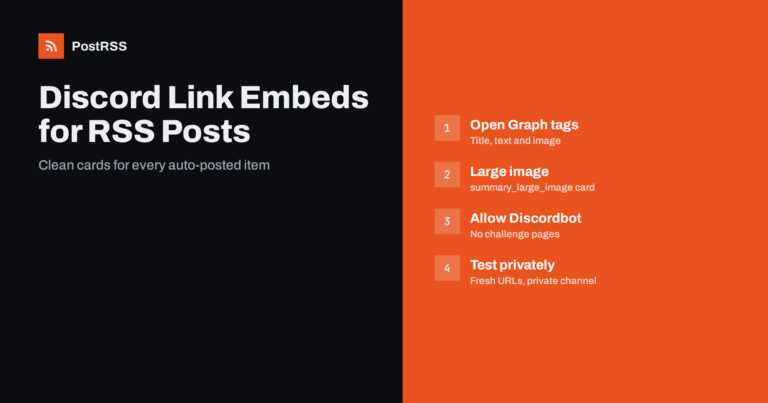
Updated: 2026-10-13
Short answer: When an RSS item is posted to a Discord channel through a webhook, Discord creates the link embed itself by fetch...
続きを読む » 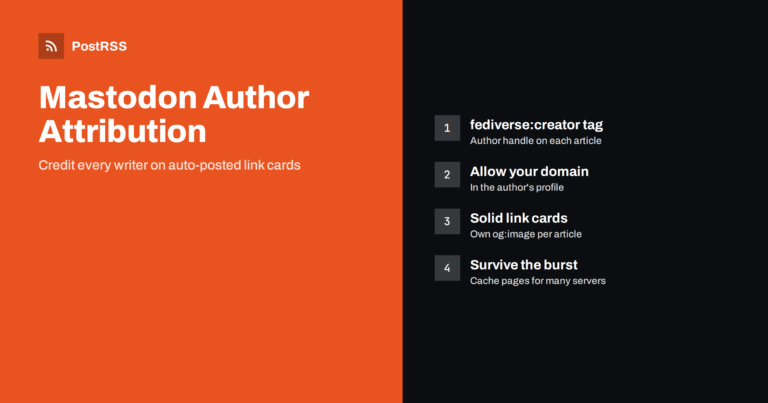
Updated: 2026-10-08
Short answer: Mastodon author attribution adds a "More from" byline to the link card of your article, pointing to the writer's ...
続きを読む » 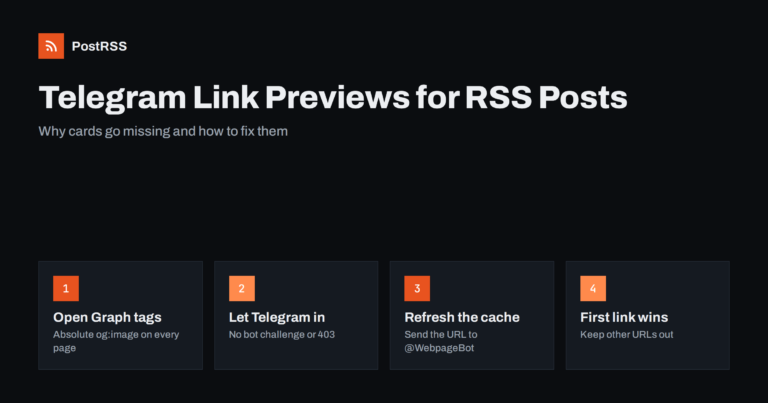
Updated: 2026-10-07
Short answer: When an RSS item is posted to a Telegram channel as a message with a link, Telegram builds the link preview itsel...
続きを読む » 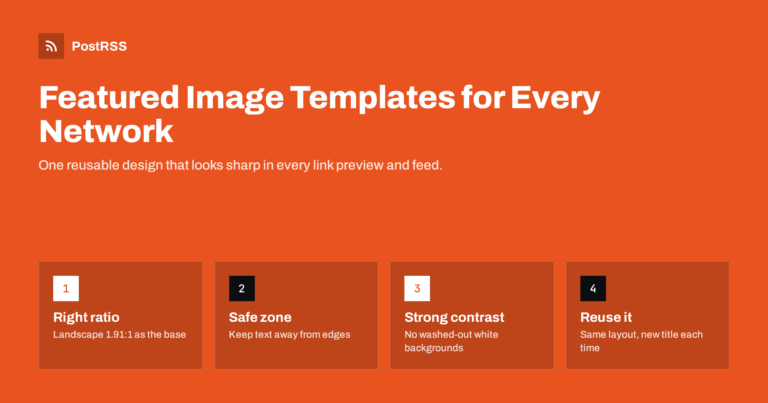
Updated: 2026-09-30
Short answer: A featured image template is a reusable design for your blog's main images, built so every post looks good as a l...
続きを読む » 
Updated: 2026-09-30
Short answer: Putting the link in the post is the simplest, most reliable option: readers see a preview card and can click imme...
続きを読む » 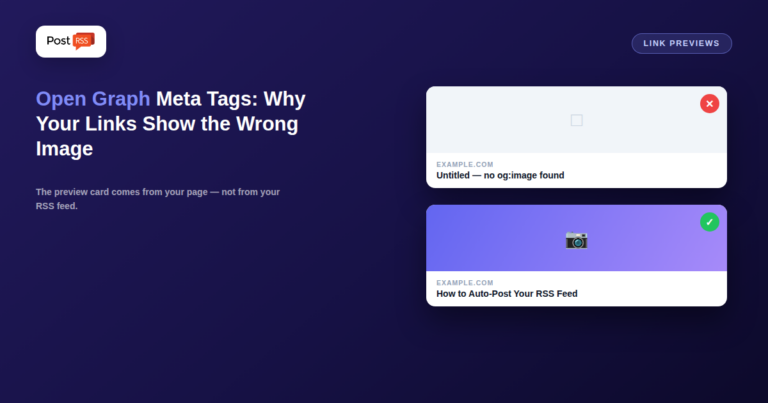
Updated: 2026-09-27
You publish a new blog post, your automation pushes it to Facebook and LinkedIn, and the link preview shows your logo instead o...
続きを読む »  English
 Lietuviškai
 Deutsch
 Français
 Русский
 Español
 Polski
 Italiano
 Українська
 Čeština
 Português
 日本語
 Latviešu valoda
 Eesti
 Magyar
 Bahasa Indonesia
 Türkçe
 हिन्दी
 Ελληνικά
 العربية
 ไทย
 Tiếng Việt
 Română
 Bahasa Melayu
 বাংলা
