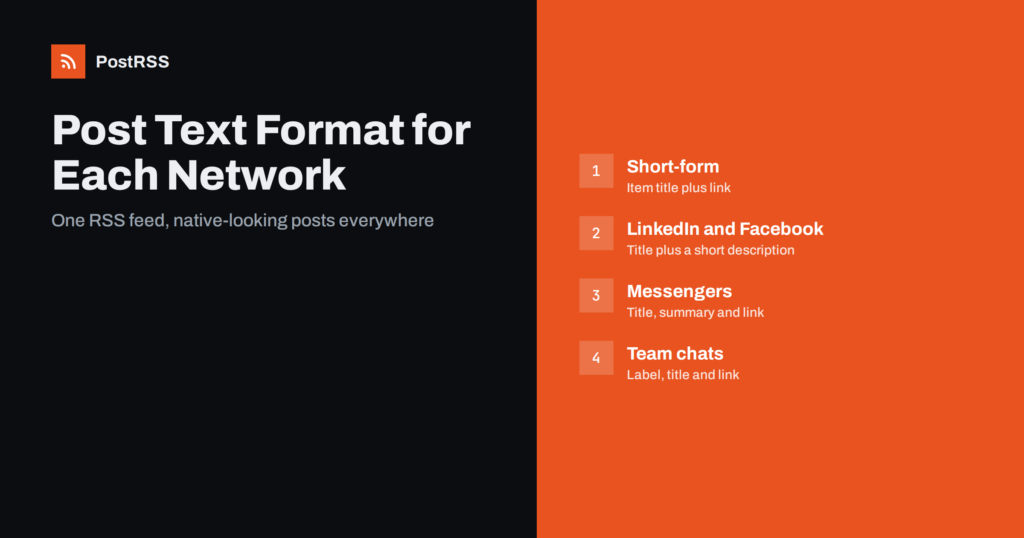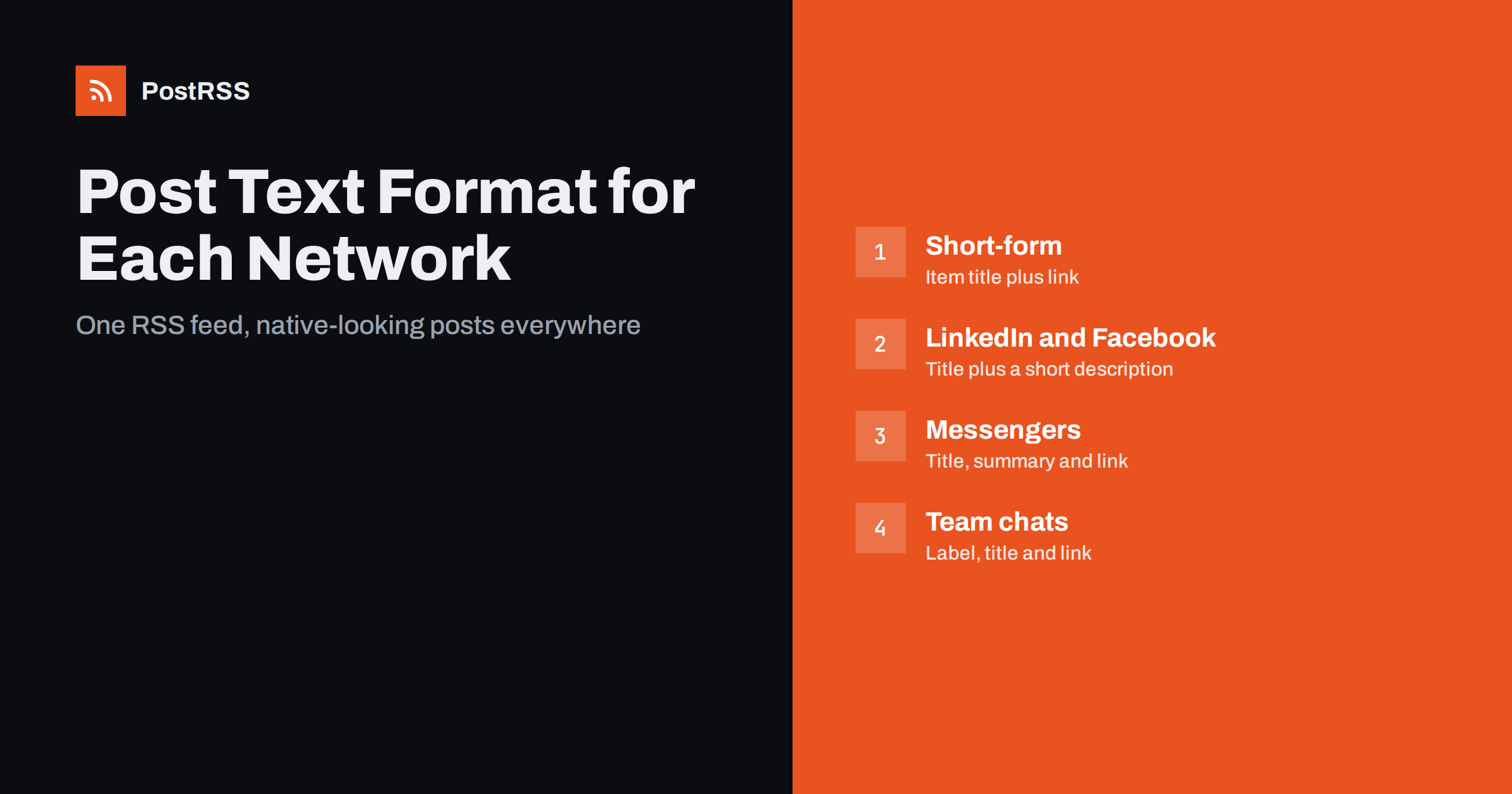
Short answer: When one RSS feed posts to several networks, choose the post text format separately for each one. Short-form networks such as X, Bluesky and Threads work best with the item title and link, long-form networks such as LinkedIn and Facebook Pages can carry the title plus the description, messengers suit a title with a short summary, and team chats need only a clear title and link. A short static line can add context, and hashtags belong only where they help.
An RSS item offers several pieces of text: the item title, the item description, the title of the linked page, and anything you add yourself. Most auto-posters let you combine these into the post. Using the same combination everywhere is the easiest choice, but it rarely gives the best result: a full description is cut off on short-form networks, while a bare title looks thin on LinkedIn. This guide explains the building blocks, how each network treats them and which format to choose per network, so one feed produces posts that look native everywhere.
Every auto-posted text is assembled from a few sources:
title of the feed item, usually the article headline. It is short, written by the author and almost always present.description in RSS or the summary または content in Atom. It can be a one-sentence excerpt, several paragraphs or the full article, depending on the feed. The difference is covered in content:encoded vs description.The structure of item elements is defined in the RSS 2.0 specification. In practice, what matters is what your own feed contains, so open it and read a few items before choosing a format.
Networks differ in three ways that affect the text:
A complete list of limits is in platform character limits and formatting. The rest of this guide turns those differences into concrete format choices.
On short-form networks the safest and usually best format is the item title plus the link. The headline is written to attract a click, it fits the limit, and the preview card shows the image.
Remember that links count toward the limit on most networks. On X a link counts as a fixed number of characters regardless of its length; on other networks the full address may count, so long tracking parameters reduce the space for text.
LinkedIn and Facebook Pages give room for more context, and posts with a short introduction usually read better than a bare headline. Good formats are:
If the description is the full article, do not post it as the text. Either switch the feed to excerpts or write a custom excerpt for each article; see custom RSS feed excerpts. Facebook-specific advice is in Facebook post formatting for automated content.
Channel subscribers read posts one after another, often on a phone. A title with a short summary and the link is the most useful format: readers can decide from the message alone whether to open the article.
The way channels differ from timelines is explained in messaging channels vs social feeds.
In Slack, Microsoft Teams, Google Chat, Mattermost and similar tools, posts are notifications, not marketing. The best format is the title and the link, perhaps with a fixed prefix that tells colleagues what kind of item it is, such as New blog post or New support article. Long summaries make channels noisy, and hashtags have no function there.
If a webhook passes the item to another system, such as an automation platform, send the richest data available and let that system decide what to show.
On Pinterest, the image is the post and the text is a short description. Use the title, or a description of one or two sentences, and make sure the item carries a good image. Pin titles and descriptions have their own limits, so long text is cut.
Blogs and publishing platforms such as WordPress, Ghost or DEV receive the item as a new article. There the description or full content is the body, and the title becomes the article title. Point the canonical link back to the original where the platform allows it.
The link is part of the text budget, and it deserves the same per-network thinking as the words around it. Tracking parameters are valuable because they show which network brought each visit, but they make links longer. On networks that count the full address toward the character limit, a long tracking string leaves less room for the headline. Keep parameter values short and consistent, such as the network name for the source and a short word for the campaign.
Placement matters too. Most networks build the preview card from the first link in the post, so put the article link before any other links. In messenger channels, a link at the end of a short summary reads naturally. In team chats, a link directly after the title is clearest. Whether to put the link in the post or in a first comment is a separate question, discussed in link in post vs first comment.
Finally, check how each network shortens or hides long addresses. Some show the full link, some display only the domain, and some replace it with the preview card entirely. Look at one real post on every network after you set the format.
Static text is the one part of the post you write once and reuse forever, so it should earn its place. Useful uses include:
Avoid static text that sounds generic or repetitive, such as Check out our latest post on every item. Followers notice the pattern quickly. More on natural wording is in how to make auto-posted captions sound human.
Here is an example plan for a company blog feed that goes to seven targets:
| Target | Text format | Hashtags |
|---|---|---|
| X | Item title plus link | One at most |
| Bluesky | Item title plus link | None or one |
| Mastodon | Item title plus link | Two or three |
| LinkedIn company page | Title plus description | Two or three |
| Facebook Page | Description plus link | None or one |
| Telegramチャンネル | Title, short summary, link | None |
| Slack channel | Static label plus title and link | None |
Treat such a plan as a starting point and adjust it after a few weeks based on clicks and replies. Testing two formats against each other on one network is described in how to A/B test auto-posted captions.
The best format cannot rescue poor source text. Before fine-tuning formats, improve what the feed carries:
Good source text makes every format better at once, which is why it is worth more than any amount of per-network tuning.
PostRSS has posted RSS and Atom feeds to social networks since 2014. For each target you choose one of nine message formats built from the item title, the item description, the page title or your own static text, so the same feed can post a headline to X, a summary to LinkedIn and a labelled notification to a team chat. Categories and tags of each item can become hashtags up to a set limit on networks where hashtags make sense, links can carry your UTM parameters, and the real image is taken from the feed item or the page’s Open Graph tags. PostRSS supports 66 networks, messengers, team chats and blogs. See the features page and the plan limits on the pricing page. More formatting guides are under the Platform Formatting tag.
One feed can produce native-looking posts on every network if each target gets its own text format. Use the item title and link on short-form networks, add the description on LinkedIn and Facebook, give messenger channels a short summary and keep team chat notifications to a title and link. Use static text only where it adds context, keep hashtags where they help discovery, and invest first in good headlines and excerpts, because they improve every format at once.
It depends on the network. The item title works best on short-form networks, while the title plus a short description suits LinkedIn, Facebook Pages and messenger channels.
The item title is the headline in the feed. The page title is the HTML title of the linked page, often an SEO version that ends with the site name, so it can be longer and less natural in a post.
Usually not. Descriptions often exceed the character limits of short-form networks and get cut off. The title and link are safer, and the preview card adds the image.
When it adds context, such as a series name, a content label on a mixed channel or a language hint. Generic phrases repeated on every post tend to look automated.
Yes, if your tool sets the format per target. Connect the feed to each network as a separate target and choose the text format that suits each one.
What changed in the networks, what broke, and how to fix it before it costs you reach.
PostRSSを手がけるInternet Solutionsが開発。どの製品も、それぞれの形で時間を節約します。
 English
 Lietuviškai
 Deutsch
 Français
 Русский
 Español
 Polski
 Italiano
 Українська
 Čeština
 Português
 日本語
日本語 Latviešu valoda
 Eesti
Eesti Magyar
 Bahasa Indonesia
 Türkçe
 हिन्दी
 Ελληνικά
 العربية
 ไทย
ไทย Tiếng Việt
 Română
 Bahasa Melayu
 বাংলা
বাংলা