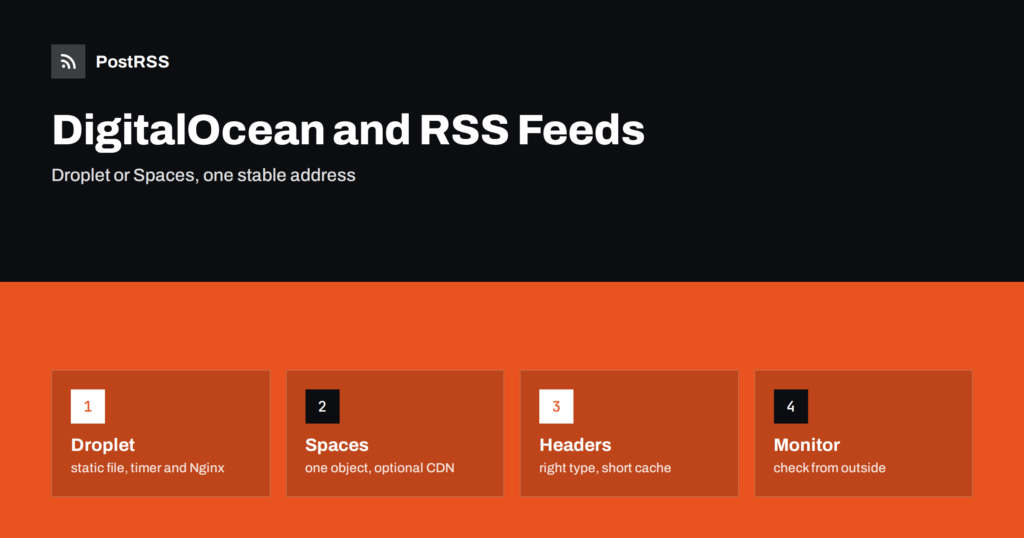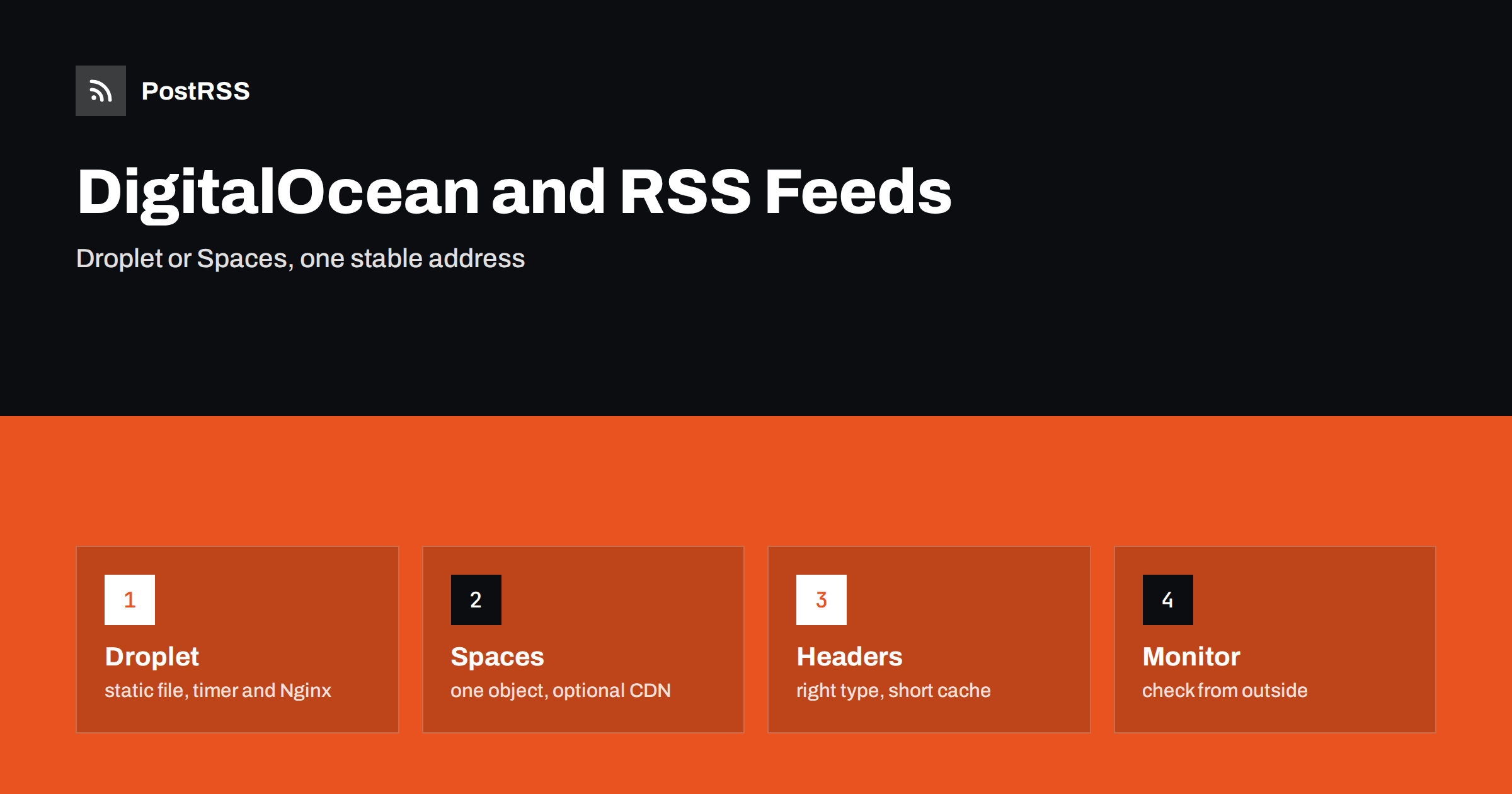
Short answer: On DigitalOcean you can serve an RSS feed in two simple ways. On a Droplet, a small script rewrites a static XML file on a systemd timer and Nginx serves it with the right content type and cache headers. With Spaces, the same script uploads the file to S3-compatible object storage, optionally behind the built-in CDN. Either way the feed is a static file with a stable HTTPS address, which PostRSS can read and post to your social networks.
DigitalOcean is a favorite of small teams, freelancers and agencies because it keeps hosting simple: a virtual machine called a Droplet, managed databases, object storage called Spaces and an app platform for deployments. A feed is a small thing, but where you host it determines how reliable it is. This guide compares the two most practical designs, shows complete working examples, explains how to secure and monitor them and points out the mistakes that make feeds go stale without anyone noticing. The examples use Python and Nginx, which are common on Droplets, but the principles apply to any language and any web server.
The first decision is whether the feed file should sit on the Droplet that already runs your application or in a separate object store. A file on the Droplet is the simplest: the web server serves it from a directory, and no extra service is needed. A file in Spaces keeps the feed available even if the Droplet is rebooting or being rebuilt, and it can be delivered through the content delivery network that Spaces offers. For a single small site, the Droplet is usually enough. For an agency that runs many client sites, a shared object store is easier to manage.
The design has three parts: a script that builds the XML, a timer that runs it and a web server that serves the result. Put the script in a dedicated directory, run it as an unprivileged user and write the output to a directory that Nginx can read. The script should query your database or call your application, render the newest twenty or thirty items and replace the file atomically.
import os, tempfile

def write_atomic(path, xml):
    fd, tmp = tempfile.mkstemp(dir=os.path.dirname(path), suffix=".tmp")
    with os.fdopen(fd, "w", encoding="utf-8") as handle:
        handle.write(xml)
    os.chmod(tmp, 0o644)
    os.replace(tmp, path)

write_atomic("/var/www/feeds/news.xml", build_feed())
Atomic replacement matters: a reader that fetches the file while it is half written sees invalid XML. A rename on the same filesystem is atomic, so readers see either the old complete file or the new complete file.
Cron is fine, but a systemd timer gives you logs and a clear status. Create a service unit that runs the script once and a timer unit that starts it every ten minutes.
# /etc/systemd/system/feed-build.service
[Unit]
Description=Build the RSS feed

[Service]
Type=oneshot
User=feedbuilder
ExecStart=/usr/bin/python3 /opt/feed/build.py

# /etc/systemd/system/feed-build.timer
[Unit]
Description=Run the feed build regularly

[Timer]
OnBootSec=1min
OnUnitActiveSec=10min

[Install]
WantedBy=timers.target
Enable the timer with the usual systemctl command and read the output with journalctl. If the build fails, the unit shows as failed, and you can alert on that. The one-minute delay after boot makes sure the feed is rebuilt soon after a restart.
Nginx needs only a few lines to serve the file with the right headers. The most important details are the content type, a short cache lifetime and HTTPS.
location = /feeds/news.xml {
    alias /var/www/feeds/news.xml;
    types { }
    default_type application/rss+xml;
    add_header Cache-Control "public, max-age=300";
    charset utf-8;
}
A certificate from a free certificate authority takes a few minutes to set up and removes warnings from browsers and auto-posting services. Redirect plain HTTP to HTTPS, and keep the feed address the same forever.
Spaces speaks the S3 protocol, so any S3 client works. Create a Space, generate an access key pair and upload the feed with the endpoint of your region.
import boto3, os

s3 = boto3.client(
    "s3",
    region_name="nyc3",
    endpoint_url="https://nyc3.digitaloceanspaces.com",
    aws_access_key_id=os.environ["SPACES_KEY"],
    aws_secret_access_key=os.environ["SPACES_SECRET"],
)

def publish(xml):
    s3.put_object(
        Bucket="my-public-feeds",
        Key="news.xml",
        Body=xml.encode("utf-8"),
        ContentType="application/rss+xml; charset=utf-8",
        CacheControl="public, max-age=300",
        ACL="public-read",
    )
Use a Space that holds only public feeds. Making a whole Space public to publish one file is a common mistake, and it exposes everything else in it. Replace nyc3 with the region where you created the Space. An object upload becomes visible only when the request completes, so you do not need the temporary-file trick.
Spaces can deliver files through a content delivery network, and you can attach your own subdomain with a certificate. A clean address on your own domain is better than the raw storage address, because it hides the hosting details and lets you move the feed later without breaking readers. Choose a short cache lifetime for the feed and, if you use the CDN, remember that it adds its own caching layer, so a purge after each upload may be needed for the freshest results.
The job can live on a Droplet, in a container on the app platform or on a laptop for a tiny site. A Droplet with a systemd timer is the most transparent choice. If your site already runs on the app platform, a scheduled job there can run the same script. Check the current documentation for how scheduled jobs are configured, because platform features change over time. Whatever you choose, make sure the job has access to the data source and to the storage with the minimum permissions it needs.
Run the build script as a dedicated user with no shell and no write access outside the feed directory. Use a database account that can only read the tables needed for the feed. Keep the Spaces keys in the environment of the service, not in the source code, and use a key that is limited to the feed Space. Turn on the cloud firewall so that only the ports you need are open. Never include drafts or private notes in the feed: filter on the published status in the query itself.
The feed file can always be rebuilt, so you do not need to back it up. Back up the script, the unit files and the Nginx configuration in version control, so that a new Droplet can be configured in minutes. Snapshots of the Droplet are a convenient safety net before upgrades. For Spaces, versioning is a useful extra if you want to roll back a bad upload.
The best check is the one a customer would run. Fetch the public address from another network, parse the XML and compare the newest item with the newest published article in your system. Alert if the request fails, if the XML is invalid or if the newest item is older than your tolerance. Also check the age of the file through its modification time or the Last-Modified header. Monitoring inside the Droplet tells you that the machine is healthy, but only an external check proves that DNS, the certificate and the web server work together.
Hosting is only half of the work. The XML itself must be valid and stable. Every item needs a title, an absolute link, a unique identifier that never changes, a publication date with a time zone and, ideally, an image address that opens without a login. Escape special characters or use CDATA sections for descriptions, and keep the encoding UTF-8 from the database to the file. Validate the output with a standard feed validator whenever you change the template. A feed that is hosted perfectly but contains a malformed date will still be rejected by some readers.
When you update the build script, test it on a copy first. Run it with an output path in a temporary directory, open the file, validate it and compare it with the live version. Only then replace the script. Keep the previous version in version control, so that you can go back in a minute if something is wrong. If you move the feed to a new server, keep the old one running until DNS has fully switched, and check that the new address returns the same identifiers for the same items, because changed identifiers make auto-posters think old items are new.
A feed costs almost nothing to host. A small Droplet is far more than enough, and Spaces is priced for storage and transfer, which are tiny for a file of a few kilobytes. The scaling question is not size but request volume: a popular feed may be fetched thousands of times a day by readers and bots. A short cache in Nginx or the CDN absorbs that traffic cheaply. If you notice a spike, check the access log before you decide anything, because a single misconfigured client requesting the feed every second is more common than a real surge of readers.
When the feed seems stale, work through the chain in order. First open the public address and look at the newest item and the response headers. If the content is old, check whether the timer ran by reading its status and recent log lines. If the timer ran but the file did not change, run the script by hand and read the error. If the file is fresh on the server but old in the browser, look at the cache headers and any CDN layer. If the file is fine but the auto-poster shows nothing new, check the item identifiers and dates. Following the order saves time, because each step rules out one layer of the system.
PostRSS only needs a valid RSS or Atom address that opens without a login. It checks the address, finds items it has not posted before and publishes them, with image and link, to the networks you connect. Whether the file sits on a Droplet or in Spaces makes no difference to it. The features page lists the networks and options such as keyword filters and posting windows, and the pricing page shows which plan fits the number of targets you need.
DigitalOcean offers two easy homes for an RSS feed. A static file on a Droplet with a systemd timer and Nginx is the simplest. A file in Spaces, optionally behind the CDN, is more independent of your servers. In both cases build the whole feed from the current state, write it atomically or upload it as one object, set the right content type and a short cache, use least-privilege accounts and monitor from outside. Then give the address to an auto-poster, and new articles reach your audience without manual work.
A Droplet is simplest for one site. Spaces keeps the feed available when the server is busy or being rebuilt and works well for many sites.
Every five to fifteen minutes is enough for most sites. Run it after publication as well if you want new items within seconds.
Use application/rss+xml with a UTF-8 charset for RSS or application/atom+xml for Atom.
No. It helps with bursts of requests and distance, but a small feed works without it. If you use it, keep the cache short.
Yes. PostRSS reads any valid RSS or Atom address that is reachable without a login, wherever it is hosted.
What changed in the networks, what broke, and how to fix it before it costs you reach.
PostRSSを手がけるInternet Solutionsが開発。どの製品も、それぞれの形で時間を節約します。
 English
 Lietuviškai
 Deutsch
 Français
 Русский
 Español
 Polski
 Italiano
 Українська
 Čeština
 Português
 日本語
 Latviešu valoda
 Eesti
 Magyar
 Bahasa Indonesia
 Türkçe
 हिन्दी
 Ελληνικά
 العربية
 ไทย
 Tiếng Việt
 Română
 Bahasa Melayu
 বাংলা