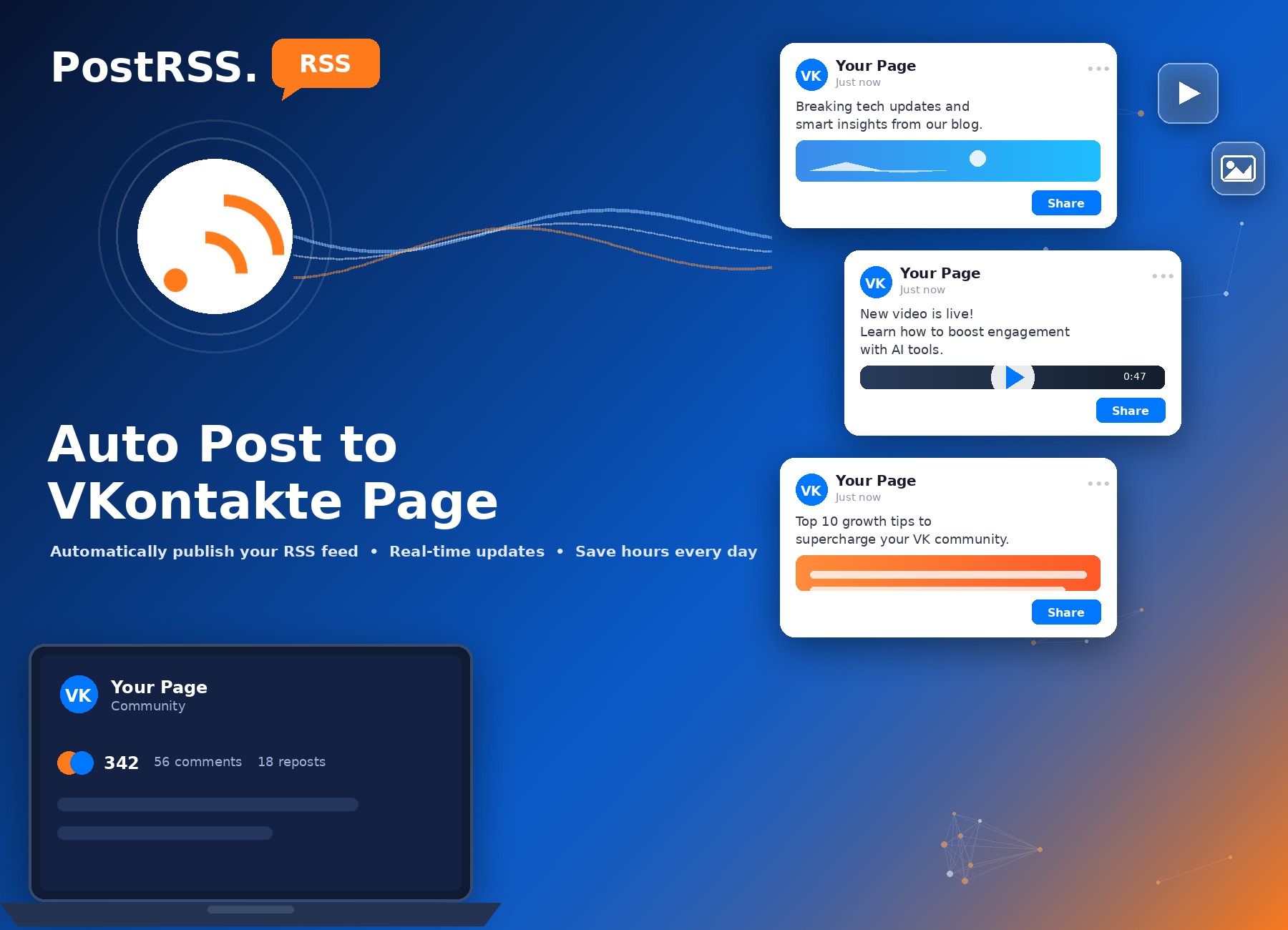
Expanding your brand's digital presence means reaching audiences on the networks they actually use. With PostRSS, you can automate your content distribution on VKontakte. Automatically publish updates from your website, blog, or e-commerce store directly to your VKontakte Page or Community the moment new content goes live.
Maintain a consistent presence and keep your regional audience engaged without manual formatting.
VKontakte automation is available starting on PostRSS's Professional plan ($10/month), alongside Facebook and Pinterest.
There is a fuller setup walkthrough on our auto-post RSS to VK page.
Automating your VK presence takes just a few steps:
Automation handles distribution, not translation. PostRSS publishes content in whatever language your source feed uses — if your primary audience reads a different language than your VK community, reaching them effectively usually means maintaining a separate, localized content feed rather than relying on automatic translation, since none is performed.
Each new item in your feed becomes one post on your VK community wall. PostRSS assembles the post from the parts of the item you pick: the item title, the item description, the page title or a line of your own static text. There are nine message formats to choose from, so a news site can post just the headline and link, while a shop can add the short product description underneath.
The image travels with the post. PostRSS takes it from the feed item itself or from the Open Graph tags of the linked page, so your community sees the real article or product photo instead of a grey placeholder. If a post goes out with the wrong picture, the fix is almost always on the website side: set a clear featured image or correct Open Graph tags, and the next items will carry them.
Community members follow a page for a reason, and a feed that posts everything can dilute that. PostRSS gives each source a few controls that help:
If your site already publishes separate feeds per category, connecting only the relevant category feed is often the simplest filter of all.
One feed can serve many targets. The same website feed that fills your VK community can also publish to a Facebook Page, a Pinterest board and dozens of other networks, and each target keeps its own settings for message format, filters and timing. That means you can post full descriptions on VK and short headlines elsewhere without maintaining two feeds.
For a broader strategy, including how to plan content for audiences in several countries, see our guide on automating VKontakte content distribution for global reach. To see which networks are included in each plan, check the pricing page.
PostRSS can add your own query parameters, such as utm_source=postrss, to every link it publishes. Give VK its own tag and your analytics will show how many visits, sign-ups or orders came from the community, and which articles or products earned them. Over a few weeks that tells you which topics your VK audience actually responds to, so you can publish more of what works.
Yes — each is configured as a separate Target, so you can automate both independently.
Yes — VKontakte can run from the same feed connection as Facebook, Pinterest, X, and LinkedIn, depending on your plan.
Typically within about 5 minutes on standard plans, or within about 1 minute on Enterprise tiers.
Yes. PostRSS can turn the categories and tags of each feed item into hashtags, up to a limit you set, so posts on the same topic are easier for community members to find.
Yes. Choose the date to start from and turn on catch-up, and PostRSS also posts older feed items that were never published, which helps a new community start with some content on its wall.
What changed in the networks, what broke, and how to fix it before it costs you reach.
PostRSSを手がけるInternet Solutionsが開発。どの製品も、それぞれの形で時間を節約します。
 English
 Lietuviškai
 Deutsch
 Français
 Русский
 Español
 Polski
 Italiano
 Українська
 Čeština
 Português
 日本語
日本語 Latviešu valoda
 Eesti
Eesti Magyar
 Bahasa Indonesia
 Türkçe
 हिन्दी
 Ελληνικά
 العربية
 ไทย
ไทย Tiếng Việt
 Română
 Bahasa Melayu
 বাংলা
বাংলা
