RSS verso 66 social network: Facebook, Instagram, X, LinkedIn, Telegram e altri Blog Affiliazione Contatti
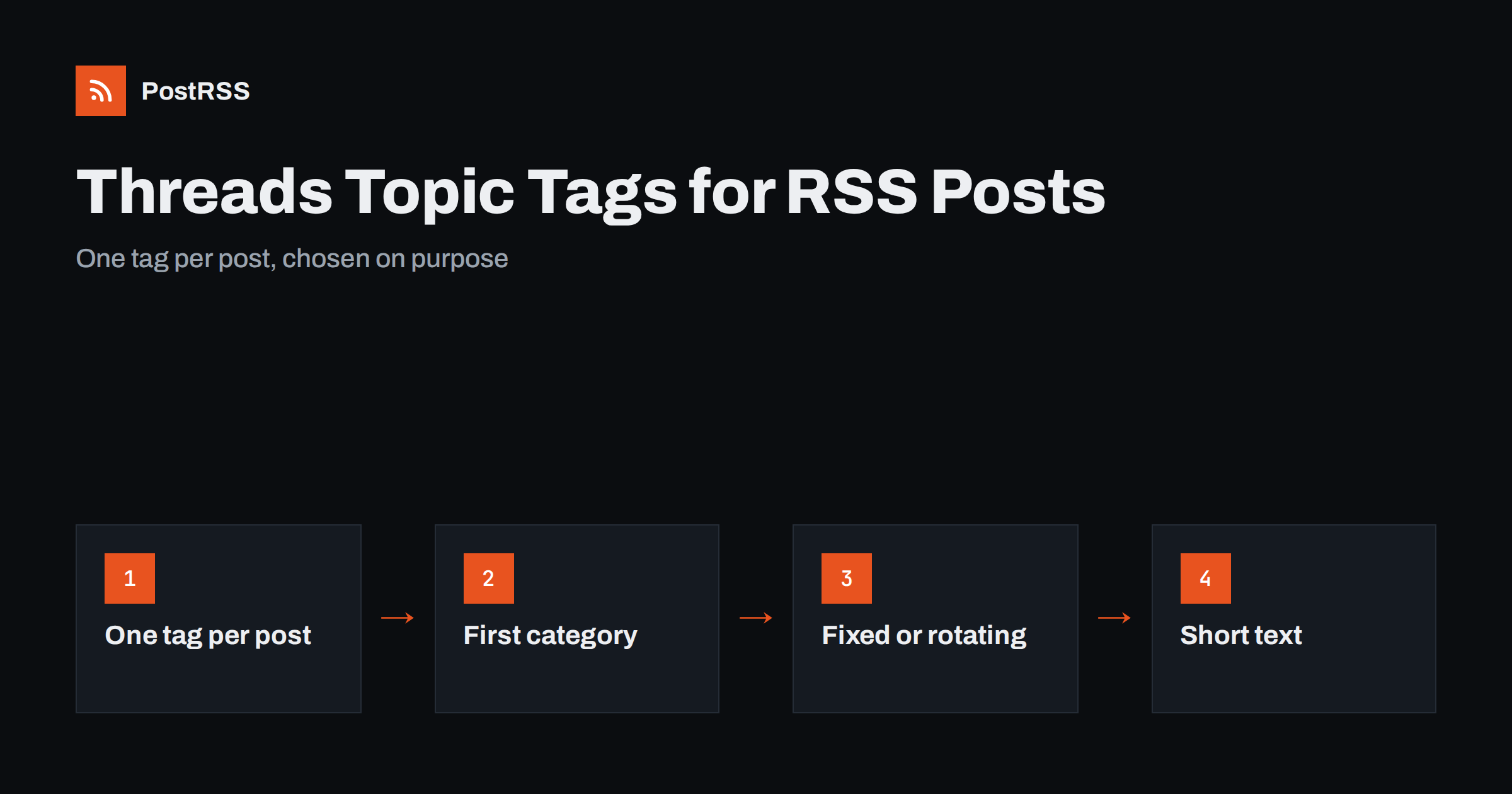
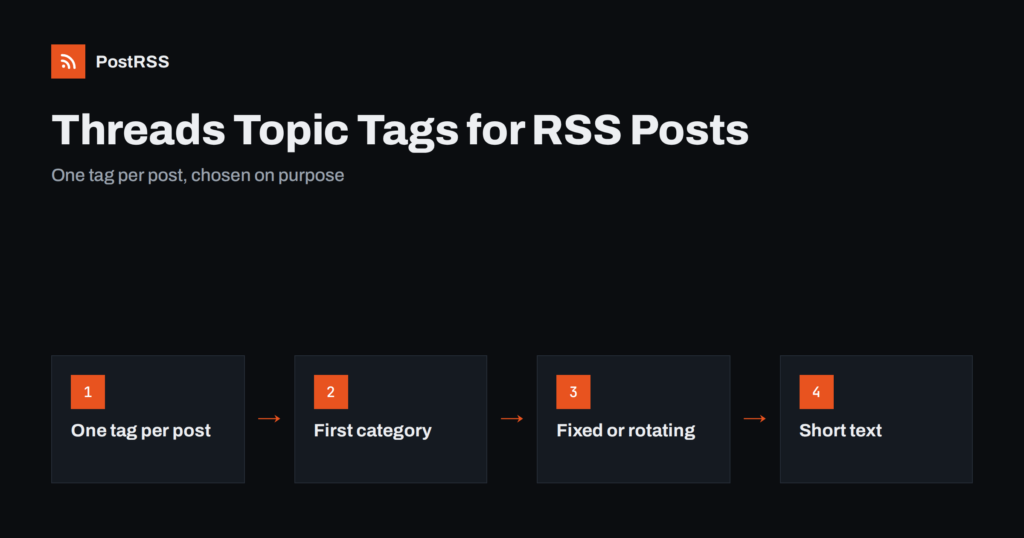
Short answer: A Threads post can carry one topic tag, and that tag places the post in a topic feed where people who do not follow you can find it. For auto-posted RSS items, the best setup is a single, specific tag per post: either the item’s most important category turned into one hashtag, or one fixed tag that describes the whole feed. Extra hashtags cannot act as additional tags, so they add clutter without adding reach. Keep the text short, let the link card carry the article, and choose the tag deliberately.
Most networks let you add as many hashtags as you like, and automation tools have long treated hashtags as a list to append to the end of every post. Threads works differently. Meta designed tags around one topic per post to keep conversations focused and to discourage hashtag stuffing. That design changes how you should configure hashtags for an RSS feed. This guide explains how Threads topic tags work, how to pick the right tag for automated posts, how to set it up from feed categories or a fixed list, and which mistakes to avoid.
When you add a tag to a Threads post, the tag is highlighted in the post and becomes clickable. Tapping it opens a feed of posts with the same tag, and people searching for that topic can find your post there. For accounts with a small following, which includes many brand and feed accounts, this is one of the few ways a post reaches people beyond existing followers.
The key rule is that a post has one tag. You can type more words with a hash sign in front of them, but only one tag can belong to the post. In practice, that makes the choice of the single tag the whole hashtag strategy on Threads. It also means habits from other networks do not transfer well: a block of ten hashtags at the end of a post, common on some networks, simply looks out of place here.
Developers can read how posts and their parameters are handled in the Threads API documentation. For the purposes of automated posting, what matters is the outcome: one meaningful topic per post.
It is tempting to see the one-tag rule as a limitation. For automated content it is closer to an advantage, because it forces a decision that improves quality:
The general principles of hashtags for automated posts are covered in the complete hashtag strategy guide for automated RSS posts. Threads is the network where the “fewer, better” rule applies most strictly.
An RSS item does not contain hashtags by itself, but it usually contains something better: categories. In RSS 2.0 each item can have category elements, and Atom has a similar category element. Content management systems fill them automatically. WordPress, for example, lists a post’s categories and tags in its feed, with the categories first.
The RSS 2.0 specification allows any number of categories per item and does not rank them, so the order you see is simply the order your CMS writes them. That order matters when only one of them can become the tag, which is why it is worth checking a few real items before you decide.
That gives you three practical sources for the single Threads tag:
Which option fits depends on how tidy your categories are. Sites with dozens of overlapping tags per post, or with categories such as Uncategorized and Featured, should not rely on them for Threads.
Automatic hashtags are only as good as the categories behind them. Spend ten minutes on the feed before switching anything on:
category elements of recent items. Note which one comes first.Multi-word categories are joined into one hashtag in CamelCase, such as #VeganRecipes, which is easy to read and works with screen readers. If you need a separate feed for one topic, most systems provide category feeds; see category filtering for auto-posting.
PostRSS has hashtag settings on each source, under Filters and hashtags, so the Threads target can have its own configuration even when the same feed also goes to other networks:
Hashtags that would not fit the network’s text limit are left out rather than cut in half. On Threads, PostRSS sends the article link as a separate link attachment, so the link does not use up the 500 characters of the post text and the headline, tag and card all fit comfortably.
| Feed type | Recommended tag source | Setting |
|---|---|---|
| Single-topic blog | One fixed tag | Your hashtags with one tag |
| Blog with clean categories | First category | Automatic hashtags, maximum 1 |
| Feed with a few related topics | Rotating tag from a list | Random hashtags, 1 per post |
| News site with many tags per post | Category feeds per topic | One target per topic, fixed tag each |
| Shop product feed | Product category | Automatic hashtags, maximum 1 |
The tag is one part of a good Threads post. The rest should be just as simple:
These are the patterns that make automated Threads accounts look careless:
Threads provides insights for your account, including views and interactions on posts. To judge tags, compare similar posts over a few weeks rather than individual posts on single days. Add UTM parameters to the links so your analytics shows visits from Threads separately, and note which tags were used. If posts with a specific category tag consistently bring more replies or visits, make that category come first in your feed, or use it as the fixed tag. Our guide on reading social media performance after automating explains how to read the numbers without overreacting.
PostRSS has posted RSS and Atom feeds to social networks since 2014, and Threads is one of its 66 supported networks. You connect your Threads account, add a feed and choose the message format. Each new item is published with its link as an attachment, while the hashtag settings let you use the item’s own categories, a fixed tag or a tag picked at random from your list, with a limit you choose. Keyword filters, posting windows and UTM parameters complete the setup. See the auto-post RSS to Threads page for the connection steps, the features page for everything else, and the pricing page for plan limits.
On Threads, hashtag strategy comes down to one decision per post. Clean up your feed categories, give the Threads target its own hashtag settings, and use exactly one specific tag: the first category, a fixed tag for the whole feed, or one picked from a short list. Keep the text short, let the link card do the work, spread posts out, and check where your tags lead after the first few posts.
One. Threads allows a single topic tag per post, so extra hash-words cannot work as additional tags. For automated posts, choose the one tag that best describes the item.
Yes. PostRSS can turn an item’s categories and tags into hashtags. Set the maximum to one for the Threads target, and the first usable category in the feed becomes the tag.
Usually not. Networks treat hashtags differently, and a block of several hashtags that is normal elsewhere looks out of place on Threads. Give the Threads target its own hashtag settings.
Not when it is sent as a link attachment, which is how PostRSS posts to Threads. The post text keeps its full 500 characters for the headline and the tag.
A specific topic that matches the content and that people actually browse, such as a niche or community name. Avoid broad words, layout categories and trending tags that do not fit the post.
What changed in the networks, what broke, and how to fix it before it costs you reach.
Realizzati da Internet Solutions, il team dietro PostRSS. Ognuno ti fa risparmiare tempo in modo diverso.
 English
 Lietuviškai
 Deutsch
 Français
 Русский
 Español
 Polski
 Italiano
 Українська
 Čeština
 Português
 日本語
日本語 Latviešu valoda
 Eesti
Eesti Magyar
 Bahasa Indonesia
 Türkçe
 हिन्दी
 Ελληνικά
 العربية
 ไทย
ไทย Tiếng Việt
 Română
 Bahasa Melayu
 বাংলা
বাংলা