RSS verso 66 social network: Facebook, Instagram, X, LinkedIn, Telegram e altri Blog Affiliazione Contatti
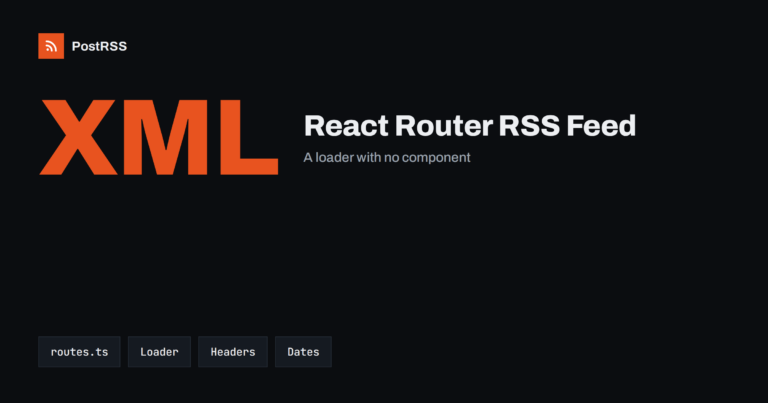
Short answer: In React Router framework mode you publish an RSS feed with a resource route: a route module that exports a loade...
Leggi di più »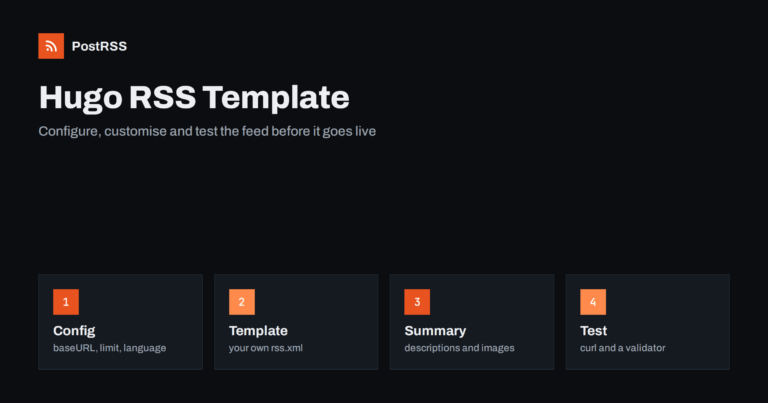
Short answer: Hugo builds an RSS feed for your home page, sections and taxonomy terms without any setup, and you can change wha...
Leggi di più »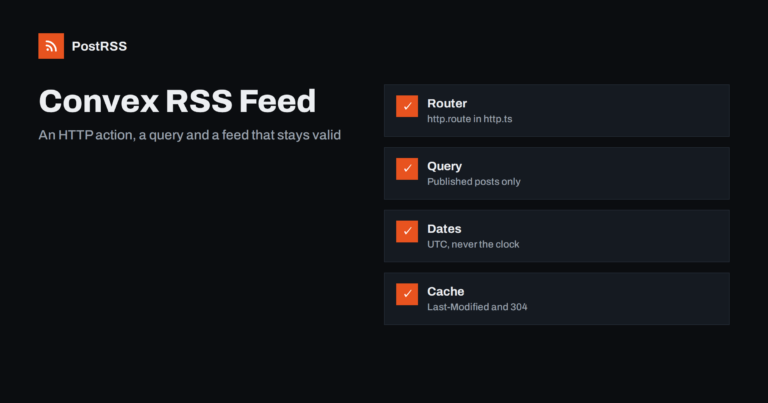
Short answer: To serve an RSS feed from Convex, create an HTTP action in convex/http.ts, register it with http.route on a GET p...
Leggi di più »
Short answer: To publish a feed from a Jekyll site, add the jekyll-feed gem to your Gemfile, list it under plugins in _config.y...
Leggi di più »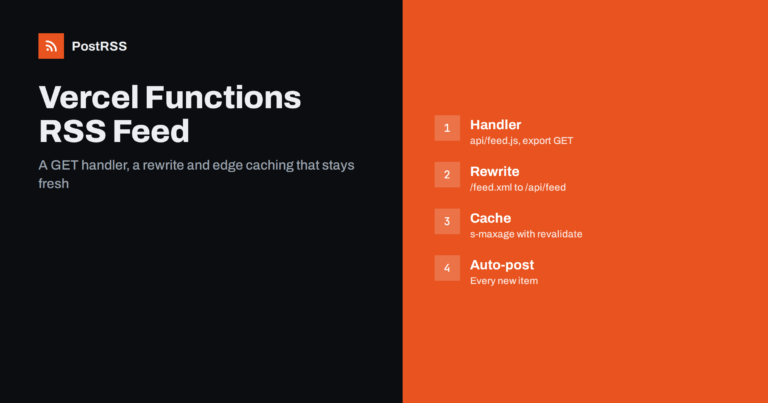
Short answer: To serve an RSS feed from Vercel, create a function in the api folder that exports a GET handler, load your publi...
Leggi di più »
Short answer: To add an RSS feed to an Eleventy site, install the official feed plugin with npm, register it in your Eleventy c...
Leggi di più »
Short answer: To add an RSS feed to a Lume site, import the feed plugin in _config.ts and call site.use with an output file suc...
Leggi di più »
Short answer: Sphinx has no feed of its own, but the ablog extension adds a blog to a documentation site and writes an Atom fee...
Leggi di più »
Short answer: To add an RSS feed to an Analog application, create a server route file named feed.xml.ts in src/server/routes th...
Leggi di più »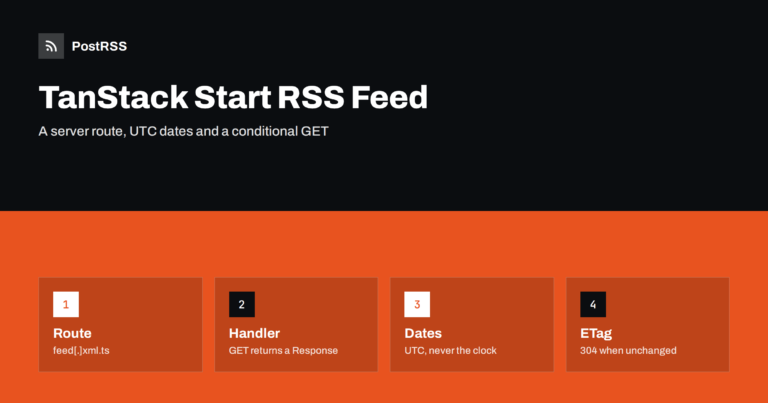
Short answer: To add an RSS feed to a TanStack Start application, create a server route file named feed[.]xml.ts in the routes ...
Leggi di più »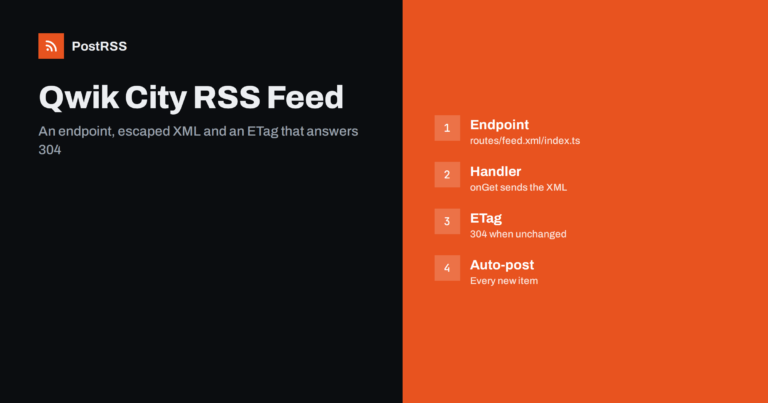
Short answer: To add an RSS feed to a Qwik City site, create a route folder named feed.xml with an index.ts file that exports a...
Leggi di più »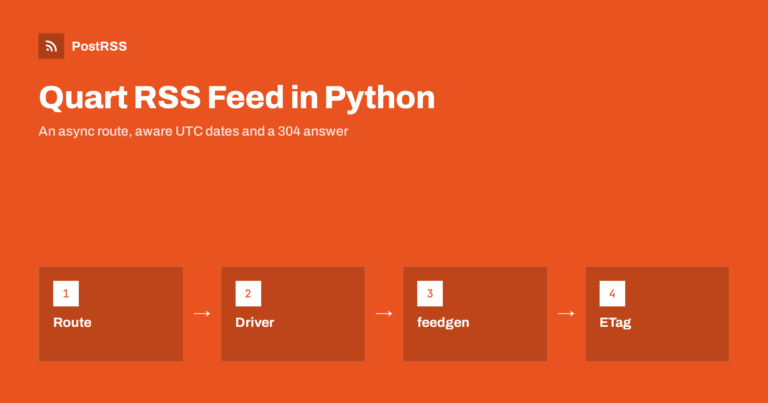
Short answer: To serve an RSS feed from a Quart application, add an async GET route for /feed.xml, load the newest published ro...
Leggi di più »Realizzati da Internet Solutions, il team dietro PostRSS. Ognuno ti fa risparmiare tempo in modo diverso.
 English
 Lietuviškai
 Deutsch
 Français
 Русский
 Español
 Polski
 Italiano
 Українська
 Čeština
 Português
 日本語
日本語 Latviešu valoda
 Eesti
Eesti Magyar
 Bahasa Indonesia
 Türkçe
 हिन्दी
 Ελληνικά
 العربية
 ไทย
ไทย Tiếng Việt
 Română
 Bahasa Melayu
 বাংলা
বাংলা