RSS verso 66 social network: Facebook, Instagram, X, LinkedIn, Telegram e altri Blog Affiliazione Contatti
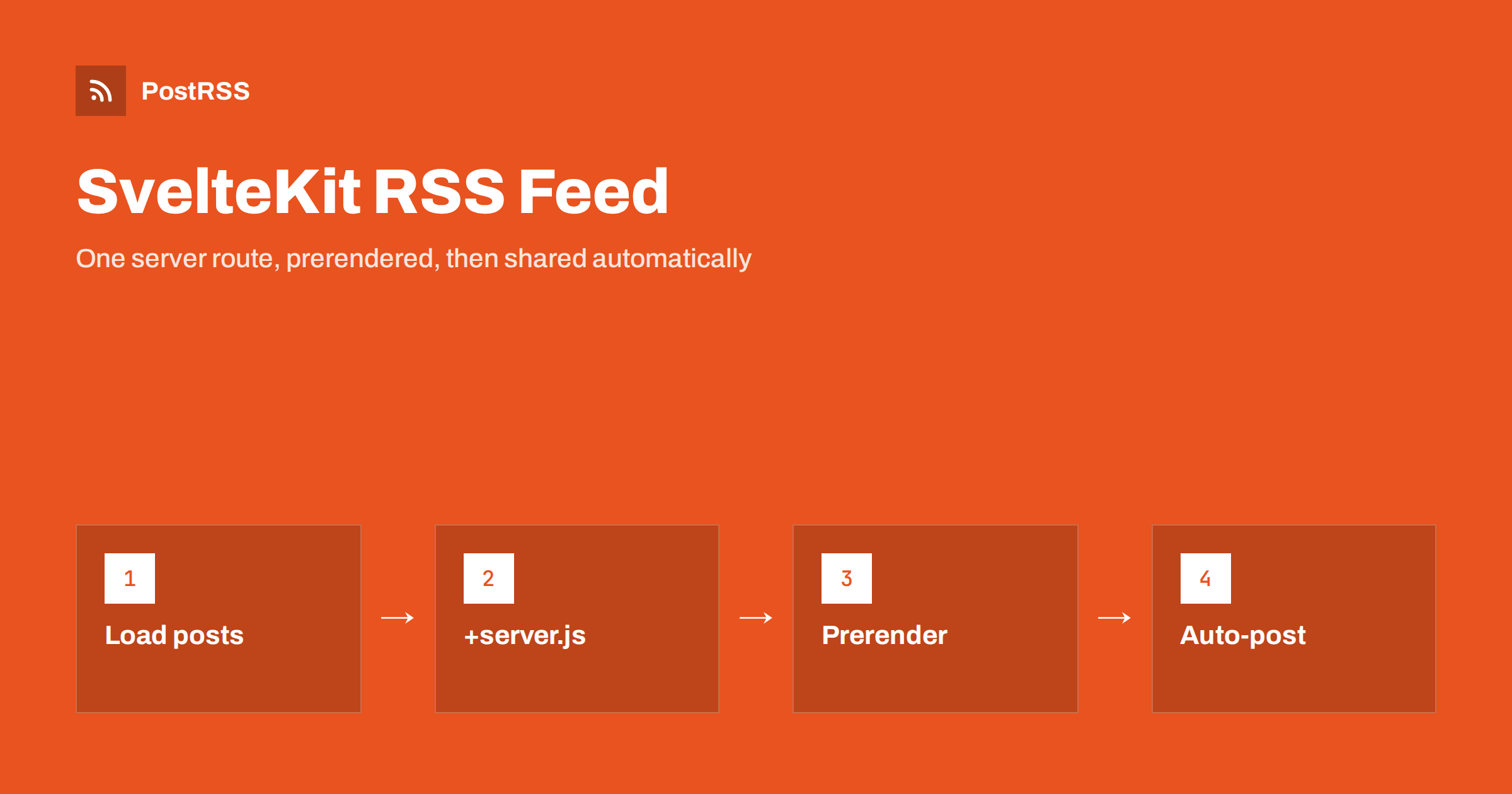
Short answer: A SvelteKit RSS feed is a server route. Create src/routes/rss.xml/+server.js, export a GET function that builds the XML from your posts and returns it with an RSS content type, and add export const prerender = true if your site is static. Then link the feed from the page head, validate it, and connect it to an auto-poster so every new post is shared on social media automatically.
SvelteKit does not ship a feed generator, and it does not need one. Its server routes let you return any response you like, including XML, and its prerendering turns that route into a static file at build time. That makes a SvelteKit RSS feed small and fast, but it also means every detail is your responsibility: absolute URLs, escaping, dates, stable identifiers and the correct origin during the build. This guide covers all of it, with code you can copy, and ends with how to share new posts automatically.
No. A new SvelteKit project has no feed, and neither the framework nor the static adapter creates one. What it gives you instead are building blocks:
+server.js file can export GET and return a standard Response with any body and headers.prerender = true, the route runs once during the build and its output is saved as a file.import.meta.glob loads all your Markdown or mdsvex posts and their front matter in one call.svelte:head for the autodiscovery link and Open Graph tags on each page.Put together, a complete feed is about forty lines of code.
Keep the list of posts in a small module, so the blog index, the post pages and the feed all agree on what is published. This example assumes Markdown posts processed by mdsvex, each with title, date, description and an optional published flag in its front matter:
// src/lib/posts.js
export function getPosts() {
  const files = import.meta.glob('/src/posts/*.md', { eager: true });
  return Object.entries(files)
    .map(([path, file]) => ({
      slug: path.split('/').pop().replace('.md', ''),
      ...file.metadata
    }))
    .filter((post) => post.published !== false)
    .sort((a, b) => new Date(b.date) - new Date(a.date));
}
If your posts come from a headless CMS or a database, the same function can fetch them instead. What matters is that drafts are filtered out and the newest post comes first. A draft that slips into the feed will be shared by any auto-poster reading it, and the shared link will lead nowhere.
Create src/routes/rss.xml/+server.js. The folder name becomes the URL, so the feed is served at /rss.xml:
import { getPosts } from '$lib/posts';
export const prerender = true;
const SITE = 'https://example.com';
const esc = (s = '') =>
s.replace(/&/g, '&').replace(/</g, '<').replace(/>/g, '>');
export function GET() {
const items = getPosts().slice(0, 20).map((p) => `
<item>
<title>${esc(p.title)}</title>
<link>${SITE}/blog/${p.slug}</link>
<guid isPermaLink="true">${SITE}/blog/${p.slug}</guid>
<pubDate>${new Date(p.date).toUTCString()}</pubDate>
<description>${esc(p.description)}</description>
</item>`).join('');
const xml = `<?xml version="1.0" encoding="UTF-8"?>
<rss version="2.0" xmlns:atom="http://www.w3.org/2005/Atom">
<channel>
<title>Example Blog</title>
<link>${SITE}/</link>
<description>New articles from Example</description>
<atom:link href="${SITE}/rss.xml" rel="self" type="application/rss+xml"/>
${items}
</channel>
</rss>`;
return new Response(xml.trim(), {
headers: { 'Content-Type': 'application/rss+xml; charset=utf-8' }
});
}Two details in this code prevent the most common SvelteKit feed bugs. The esc function escapes ampersands and angle brackets, because a single unescaped character in a title makes the whole feed invalid. And xml.trim() removes whitespace before the XML declaration; a blank line in front of <?xml is enough for strict parsers to reject the feed.
With prerender = true, SvelteKit runs the route during vite build and writes rss.xml to the output, so the static adapter can serve it like any other file. During prerendering, however, there is no real request, and the origin defaults to a placeholder rather than your domain. That is why the example uses a hard-coded SITE constant instead of url.origin.
If you prefer to use url.origin, set the origin used for prerendering in svelte.config.js:
// svelte.config.js
const config = {
  kit: {
    prerender: { origin: 'https://example.com' }
  }
};
export default config;
Either way, check the built file in the output directory and make sure every link starts with your real https domain. A feed full of placeholder or localhost links is the most common SvelteKit feed mistake, and auto-posters will share those broken links exactly as written. The SvelteKit page options documentation explains prerendering in detail.
toUTCString() returns a date such as Mon, 12 Oct 2026 05:15:00 GMT, which is a valid RFC 822 date for RSS. Make sure the front matter date is a real date. A date written as plain text in a local format may be parsed differently on the build server, which can reorder or hide posts. More on this in RSS date format and RFC 822 errors.
The GUID tells feed readers and auto-posters which items they have already seen. Using the post URL is fine as long as it never changes. Watch out for trailing slashes: SvelteKit’s trailingSlash option decides whether your pages live at /blog/post oppure /blog/post/. Write links and GUIDs exactly as your canonical URLs appear, and do not change the setting later. If it changes, every GUID changes, and auto-posters treat old posts as new. See why a feed auto-posts the same article twice.
| Setting | Recommended value | Why |
|---|---|---|
| Route | src/routes/rss.xml/+server.js | Clean, permanent feed URL |
| prerender | true for static sites | Feed built as a file |
| Links | Absolute https URLs | Work outside your site |
| pubDate | toUTCString() | Valid RFC 822 date |
| guid | Canonical URL, never changed | No duplicate posts |
| Content-Type | application/rss+xml | Correct parsing |
Social posts with an image get more attention than plain links. Auto-posters look for an image in the feed item first and in the page’s Open Graph tags second. If your posts have a cover image in the front matter, add an enclosure to each item, using an absolute URL. Also add Open Graph tags to the post layout:
<svelte:head>
  <meta property="og:title" content={data.title} />
  <meta property="og:description" content={data.description} />
  <meta property="og:image" content={`https://example.com${data.image}`} />
</svelte:head>
Images in static/ are served from the site root, so prefix them with your domain. Images imported through Vite get hashed file names, which is fine as long as the final URL is absolute. The full picture-selection logic is in how to control which image gets auto-posted.
Add an autodiscovery link in your root layout, so browsers, readers and auto-posting tools can find the feed from any page:
<!-- src/routes/+layout.svelte -->
<svelte:head>
  <link rel="alternate" type="application/rss+xml"
        title="Example Blog" href="https://example.com/rss.xml" />
</svelte:head>
A visible link in the footer helps human readers too. Why autodiscovery matters is explained in Rilevamento automatico del feed RSS.
If your posts change without a rebuild, for example because they come from a CMS, leave out prerender and let the route run on each request. Then set a short cache so the feed is cheap to serve but still fresh:
return new Response(xml.trim(), {
  headers: {
    'Content-Type': 'application/rss+xml; charset=utf-8',
    'Cache-Control': 'public, max-age=300'
  }
});
Five minutes is a good balance. A cache of several hours delays every auto-post by the same amount. Static hosts usually serve .xml files as application/xml, which feed consumers accept; check the header with your browser tools or curl -I. See the RSS feed content type header e why auto-posts are delayed by caching.
A dynamic route such as src/routes/tags/[tag]/rss.xml/+server.js can produce one feed per tag. For prerendered sites, export an entries function that lists every tag, so SvelteKit knows which feeds to build. Tag feeds let you send each topic to the right audience, for example tutorials to a developer community and company news to LinkedIn. The idea is explained in category filtering for auto-posting.
The example puts a short description in each item, taken from the front matter. That is the best choice for auto-posting, because networks show only the first sentences anyway, and a clear summary makes a better preview than the opening of a long article. If you also want full articles in the feed for readers, mdsvex components can be rendered to HTML on the server with Svelte’s render function, and the result can go into a content:encoded element inside a CDATA section. Check two things when you do this: that relative links and image paths are rewritten to absolute URLs, and that interactive components degrade to plain HTML. A feed reader will not run your Svelte code. The trade-offs are compared in full-text vs excerpt RSS feeds, and the link problem is covered in relative URLs in RSS feeds.
A feed often breaks silently. The site still works, nobody looks at the XML, and the first sign of trouble is that social posts stop appearing. A few minutes of testing prevent that:
npm run build and open the generated rss.xml in the output folder.npm run preview and request /rss.xml to check the response headers.GET(), reads the response text and checks that it starts with the XML declaration and contains the newest post.Repeat the check after upgrading SvelteKit or changing adapters, because both can change how routes are built and served.
prerender = true or use a server adapter.kit.prerender.origin.Validate the built file with the W3C Feed Validation Service after each change to the route.
PostRSS has been publishing RSS and Atom feeds to social networks since 2014. Paste the address of your SvelteKit feed, or several tag feeds, connect your accounts and choose the post format. PostRSS checks the feeds as often as every minute and shares each new post, with its image and link, to the networks you choose among 66 supported networks, messengers, team chats and blogs, including Mastodon, Bluesky, LinkedIn, Telegram, Discord and DEV. Keyword filters, UTM parameters, hashtags from categories and posting windows let you tailor each channel. See the PostRSS features page and the plan limits on the pricing page. More developer guides are under the Technical Guide tag.
A SvelteKit RSS feed is one server route that returns XML, prerendered for static sites or rendered on request for dynamic ones. Escape your text, trim the output, use absolute https links, write RFC 822 dates and keep GUIDs stable. Add an autodiscovery link, validate the result, and the feed is ready for readers and for automatic sharing of every new post.
No. SvelteKit has no feed generator, but a server route in src/routes/rss.xml/+server.js can return the XML, and prerendering turns it into a static file at build time.
During prerendering there is no real request, so url.origin is a placeholder. Use a constant with your real domain or set kit.prerender.origin in svelte.config.js.
For static sites, yes. If your posts come from a CMS and change without a rebuild, render the route on request and use a short cache instead.
Yes. Packages such as feed build RSS and Atom from JavaScript objects. The rules stay the same: absolute links, valid dates and stable identifiers.
Connect the feed URL to an auto-poster. It checks the feed regularly and publishes each new item, with its title, image and link, to the networks you choose.
What changed in the networks, what broke, and how to fix it before it costs you reach.
Realizzati da Internet Solutions, il team dietro PostRSS. Ognuno ti fa risparmiare tempo in modo diverso.
 English
 Lietuviškai
 Deutsch
 Français
 Русский
 Español
 Polski
 Italiano
 Українська
 Čeština
 Português
 日本語
日本語 Latviešu valoda
 Eesti
Eesti Magyar
 Bahasa Indonesia
 Türkçe
 हिन्दी
 Ελληνικά
 العربية
 ไทย
ไทย Tiếng Việt
 Română
 Bahasa Melayu
 বাংলা
বাংলা