RSS verso 66 social network: Facebook, Instagram, X, LinkedIn, Telegram e altri Blog Affiliazione Contatti
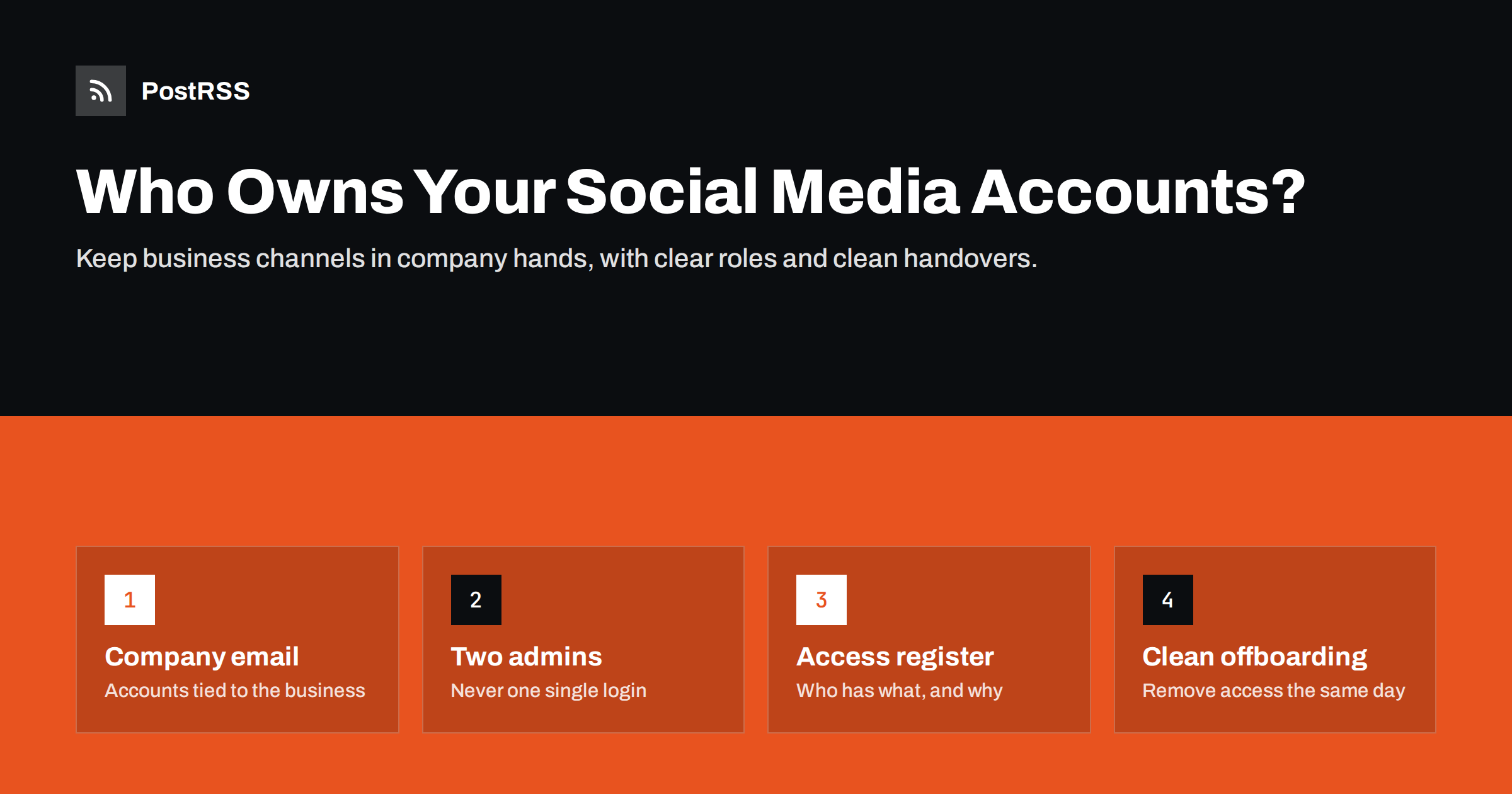
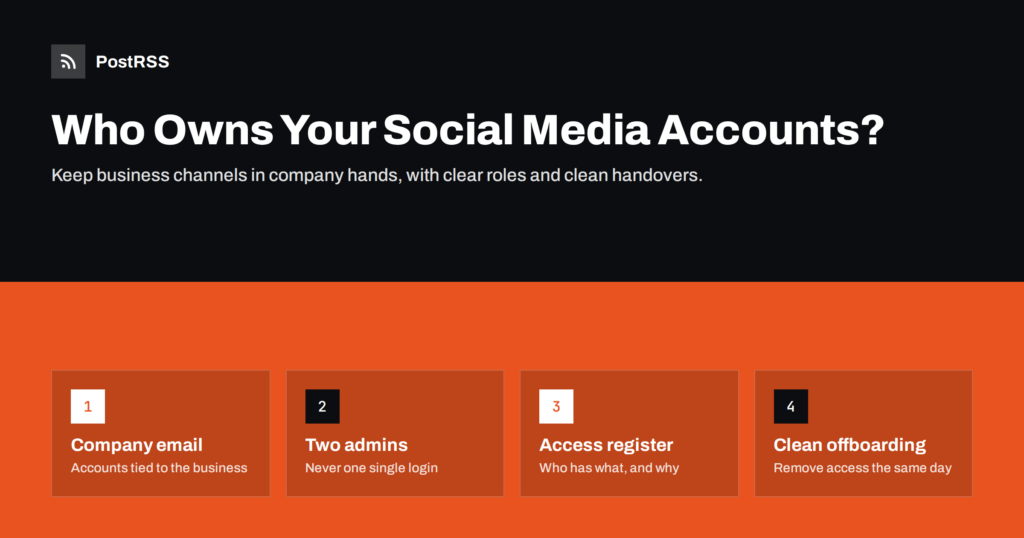
Short answer: Your business social accounts should belong to the business, not to whichever person set them up. In practice that means registering them with company email addresses, having at least two trusted admins on every page, giving freelancers and agencies role-based access instead of passwords, turning on two-factor authentication with recovery options the company controls, and keeping a simple register of who has access to what. When someone leaves, you remove their access the same day and check that connected tools, including your automated posting, still work.
Most small businesses do not think about social media ownership until something goes wrong. The typical story goes like this: years ago, an enthusiastic employee, a family member or a freelancer created the company’s Facebook Page, Instagram account and X profile. They used their personal email, their personal phone number for verification and their own login as the only admin. Everything worked fine, until that person left, fell out with the company, lost their phone or simply stopped answering messages.
At that point the company discovers that it cannot post, cannot change the profile picture, cannot reply to messages and cannot even delete an outdated page. Recovering access through the platforms’ support processes can take weeks and is not always successful, especially when the business cannot prove who created the account.
Agencies create a similar risk. An agency that builds your channels using its own accounts, or holds the only admin role, effectively controls your audience. Most agencies act in good faith, but relationships end, and a messy ending should not cost you years of followers.
There are quieter versions of the same problem too. A page may still be accessible, but only through a login nobody remembers, or the verification codes go to a phone number that was disconnected years ago. A business can run happily like this for a long time and only find out when the network asks for a security check, a password reset or a new verification, often at the worst possible moment, such as during a product launch or a crisis when the company urgently needs to post.
The good news is that prevention is simple and mostly free. It takes an afternoon to put the right structure in place and a few minutes whenever someone joins or leaves.
Every business account should be tied to identities the company controls:
[email protected] oppure [email protected] for account registration and recovery, not a personal address and not an individual employee’s work address that will be deleted when they leave.Some networks still require a personal account behind the scenes, for example a Facebook Page is managed through personal Facebook profiles with Page roles. That is fine, as long as more than one trusted person holds full control, and the business-level settings are in company hands.
If you are starting from a messy situation, fix the most important accounts first. List every account you know about, note which email and phone each uses, and change them one by one to company-controlled details. Record each change in the access register described below, so the work is not lost if the person doing it moves on.
For every account, at least two people should be able to act with full control. Usually that means the owner or a manager plus the person who runs social media day to day. In very small businesses, the second admin might be the owner’s business partner or a trusted long-term employee.
Two admins protect you against the obvious risks, such as someone leaving, but also against ordinary ones: a holiday, an illness, a lost phone with the authenticator app on it. They also make it harder for one compromised account to lock everyone else out.
For networks where an account has a single login rather than roles, store the credentials in a company password manager with shared access for the people who need it, and make sure the recovery email and phone are company-controlled.
Sharing one password among several people used to be common. It is a bad idea: you cannot see who did what, you cannot remove one person without changing the password for everyone, and passwords end up in chat messages and spreadsheets.
Wherever a network offers roles, use them:
Give each person the lowest role that lets them do their job. It limits the damage from mistakes and from compromised accounts, and makes offboarding a matter of removing one role.
Two-factor authentication is one of the most effective protections against account takeover, and many networks require or strongly encourage it for business accounts. Turn it on for every admin. Then think about recovery:
Do not forget the email account itself. If the company email address used for registration is protected by a weak password, or if only one person can log in to it, the whole structure rests on that weak point. Apply the same rules to the mailbox: strong password, two-factor authentication and at least two people who can recover it.
A simple document or spreadsheet, kept somewhere only managers can edit, makes everything else easier. For each account, record:
Review the register every six months and whenever someone joins or leaves. It also helps when a connected tool asks you to reconnect an account, because you know immediately who can log in and approve it.
When someone joins the social media work, whether an employee, freelancer or agency:
When someone leaves:
The connected-tools step is often forgotten. Automated posting typically runs on permissions granted by a specific user. Removing that user can silently stop your posts, which is why it is worth checking the posting log the day after any access change.
Keep offboarding calm and routine. Treating access removal as a standard step for everyone, rather than a sign of distrust, makes it easier to do promptly and avoids awkward conversations. A short handover meeting, where the departing person walks through scheduled posts, open conversations and any campaigns in progress, prevents loose ends that customers would notice.
Outside help is valuable, and a clear agreement protects both sides. Before work starts, agree in writing that:
It also helps to agree how the agency will connect any tools it uses on your behalf. If the agency connects your accounts to its own scheduling or reporting software, list those connections in your register and ask for them to be removed when the contract ends.
If an agency already holds the only admin role on one of your pages, ask them now to add you as a full admin. It is a normal request, and a good agency will agree immediately.
PostRSS publishes new items from your RSS or Atom feed to the accounts you connect; the features page lists 66 networks. Each connection is authorised by someone who has access to the account, so it is worth making that person one of your permanent admins rather than a temporary helper. If a connection stops working after a password change, a two-factor reset or a role removal, reconnecting through a current admin usually restores it, and the PostRSS log shows which posts went out and which failed.
On Enterprise plans, additional users can be invited to the same PostRSS account from the Team menu, so colleagues can work together without sharing one login. The details of plans and team access are on the PostRSS pricing page.
Your followers are a business asset, and access to them should never depend on one person’s login. Register accounts with company identities, keep at least two full admins, use roles instead of shared passwords, protect everything with two-factor authentication and company-held recovery codes, and maintain a simple access register. When people join or leave, follow the checklist and check that your automated posting still runs. It takes an afternoon to set up and saves you from one of the most painful problems a small business can have online.
First, ask them politely to add a company admin, which resolves most cases quickly. If they cannot or will not, use the platform’s official help process for page access, and gather evidence that the page represents your business, such as your business registration and website. Recovery through support can be slow, which is why prevention matters.
It is better not to. Use role-based access on networks that support it, so you can see their activity and remove them without changing passwords for everyone. For single-login accounts, use a password manager that allows sharing and revoking access.
At least two with full control, and rarely more than three or four. Everyone else should have a lower role that fits their work.
It can, if the automation was connected through that employee’s login. Check your posting tool’s log after any access change and reconnect the account through a current admin if needed.
Every six months, and whenever someone joins or leaves. A quick review of the access register and each network’s role list usually takes less than an hour.
What changed in the networks, what broke, and how to fix it before it costs you reach.
 English
 Lietuviškai
 Deutsch
 Français
 Русский
 Español
 Polski
 Italiano
 Українська
 Čeština
 Português
 日本語
日本語 Latviešu valoda
 Eesti
Eesti Magyar
 Bahasa Indonesia
 Türkçe
 हिन्दी
 Ελληνικά
 العربية
 ไทย
ไทย Tiếng Việt
 Română
 Bahasa Melayu
 বাংলা
বাংলা