RSS verso 66 social network: Facebook, Instagram, X, LinkedIn, Telegram e altri Blog Affiliazione Contatti
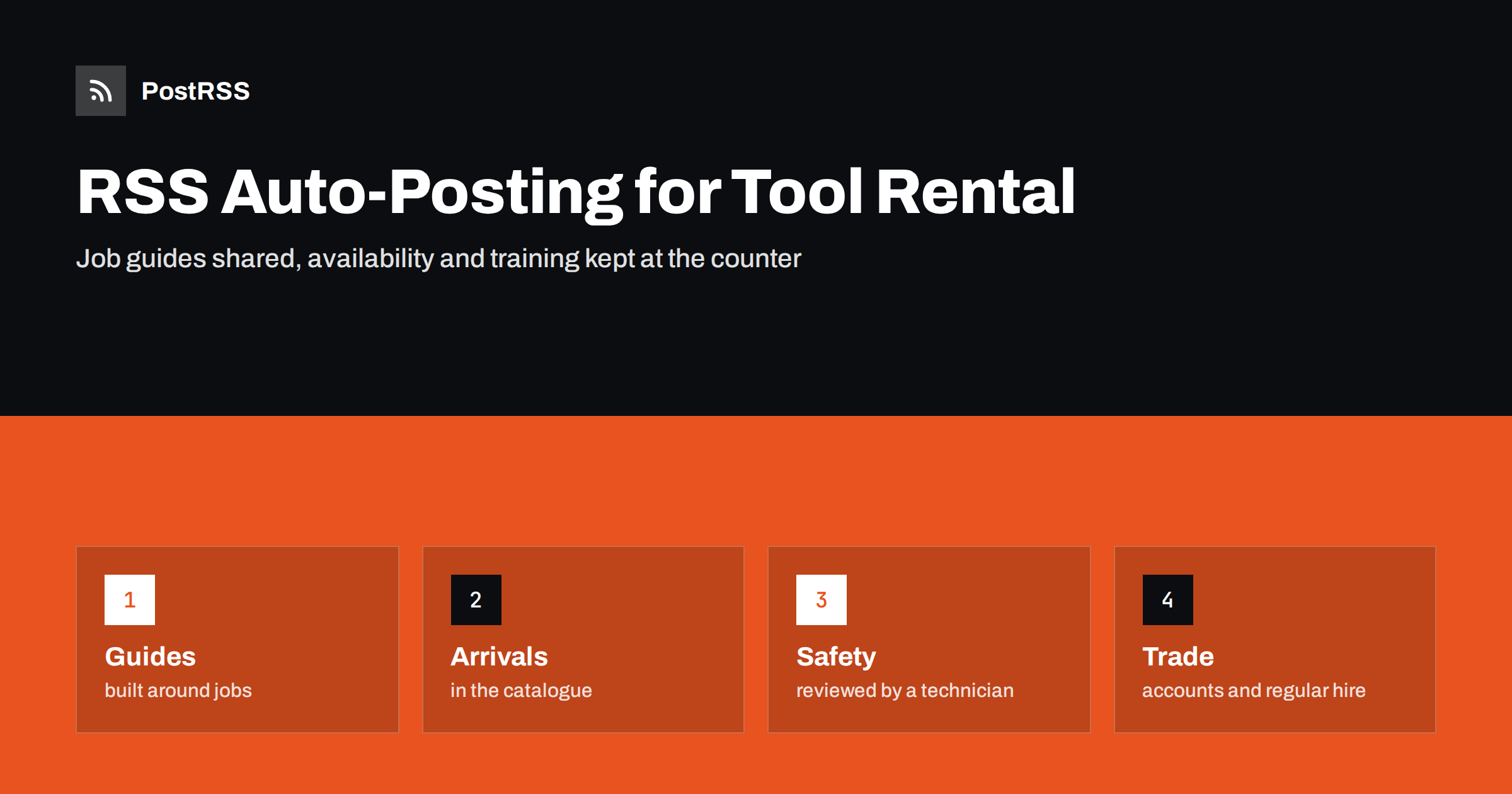
Short answer: RSS auto-posting lets tool and equipment rental shops share new arrivals, how-to guides, safety reminders, seasonal tool lists, contractor account information and hiring calls on social media automatically. Publish each item as a page on your website, let an auto-poster read the feed, and every new page appears on your Facebook Page, Telegram channel and other networks with its link and image. Do-it-yourself customers and trade users learn what they can rent and how to use it safely, while live availability, deposits for one customer and training for a specific machine stay with the counter staff.
A rental shop sells time on a machine. The customer who needs a floor sander for a weekend, a mini excavator for a week or a stump grinder for an afternoon wants to know three things quickly: do you have it, how does it work and what will it cost to get it wrong. The staff answer the same questions all day, face to face and on the telephone. Many of those answers are general, such as which saw suits which job or how to prepare a surface for a sander, and they can be written once as guides on the website and shared automatically. This guide explains what to publish, how to connect it to an auto-poster and why availability and safety need extra care in this trade.
The advice fits many kinds of equipment rental:
Each has a catalogue, a counter, a delivery or pick-up routine and a website where news can be listed. That page becomes the source for every other channel.
Most of what a shop communicates can be turned into a short page:
Each page is written once and appears on your website, where a person who searches for a tool nearby can find it. The feed then announces it automatically.
Many shops already use a system that creates feeds:
/feed/ and one for every category, such as /category/guides/feed/. If you are unsure of the address, see how to find your WordPress feed link.Use categories to separate audiences: guides, new equipment, safety, trade and jobs. Each category has its own feed, and each feed can go to the channel where it works best; guides and arrivals to the Facebook Page, trade news to LinkedIn. Routing by category is explained in category filtering for auto-posting.
| Content | Automate? | Notes |
|---|---|---|
| Job guides and seasonal lists | Yes | Written by staff who know the tools |
| New arrivals | Yes | What it does, which jobs it suits |
| Safety reminders | Yes | General advice, with the manufacturer manual as the final word |
| Live availability | Not alone | Use your booking system and link to it |
| Training on one machine | No | Done in person at pick-up |
| Customer accounts and documents | No | Never in a public post |
A simple rule: if it is a general guide that helps many customers and sits on a finished page, automate it. If it concerns availability at this moment, one customer or one machine, the counter should handle it.
Customers rarely search for a machine by its model. They search for a job: remove wallpaper, lay a lawn, cut a trench, clean a carpet after a flood. Write your guides around those jobs. A good page names the job, lists the tools and the protective equipment, describes the steps in a few short paragraphs, warns about the common mistakes and links to the rental page of each tool. Add a photograph of the actual machine in your shop, so that the customer recognises it at the counter. Avoid exact times, quantities and costs that depend on the site. Say that conditions vary and invite the reader to ask the staff.
Nothing frustrates a customer more than driving to a shop for a machine that is already out. A feed cannot know what is on the shelf, so do not use posts to announce that something is available now. If your booking system has a public page that shows availability, link to it from your guides. Otherwise, publish the general rule: popular machines are booked ahead in busy seasons, and a call or a reservation guarantees a place. When you add a new machine, say that it is in the catalogue, and not that it is in stock. A short sentence of that kind saves the staff many angry conversations.
Rental tools can cause serious injuries, and your reputation depends on safe use. Publish pages about protective equipment for each category: eye, ear and breathing protection, gloves, boots and clothing. Explain the basics of safe handling, such as keeping guards in place, never working alone with a heavy machine and checking for utilities before digging. Always add that the manufacturer manual and the instructions from the staff come first, and avoid advice that replaces training or a licence. Have an experienced technician read each safety page, and add the date of the review. These points are general guidance, not legal advice, and requirements differ by country and by machine.
Contractors are the steady income of many rental shops. They look for reliability: early opening, quick service at the counter, delivery on time and clear invoices. A page for the trade that explains how an account works, how to book regular hire, which machines are available for long periods and who to contact gives them confidence. Share it on LinkedIn with a short post, and update it when your opening hours or terms change. Do not publish the names of contractors or projects without their agreement, because some of them prefer that competitors do not know where they work.
Disputes at the return desk are the most unpleasant part of rental work, and clear pages reduce them. Publish a plain description of what customers should check when they collect a machine, how to photograph its condition, what normal wear means and what happens if something breaks during use. Explain how cleaning is expected and how late returns are handled in general terms. The page should link to the full rental conditions and should not replace them. When customers read the rules before they arrive, the conversation at the counter is shorter, and the staff can say that the page was available and was shared in public.
Rental equipment is inspected and serviced regularly, and customers appreciate knowing it. A short page about how you check and maintain machines, written in general terms, builds trust without claims that you cannot prove. If a manufacturer issues a safety notice for a machine, remove the machine from the shelf first, contact the customers who hold it directly and only then publish a calm note that links to the official notice. Do not use the feed for urgent safety calls to individuals. It is a general channel, and the people who need to act must receive a direct message.
Most shops do best with a Facebook Page and a simple email list that uses the same pages. Two active channels beat five forgotten ones.
/feed/, and check that it lists recent items.PostRSS has been automating RSS posting since 2014. It checks your website feeds as often as every minute and publishes each new page, with its real image and link, to the channels you connect, from Facebook Pages and Telegram to LinkedIn, Bluesky, Mastodon and many more among its 66 supported networks. You can choose how each post is built, filter items by keywords, add UTM parameters and post only within chosen hours or at exact times in your time zone. See the PostRSS features page for everything it does and the pricing page for plan limits. More ideas for local businesses are under the Local Business tag.
A rental shop helps people finish jobs they could not do alone. RSS auto-posting shares each job guide, new arrival and safety page automatically, as soon as it is published on your website, so that customers arrive knowing what they need. Write guides around jobs and not around model numbers, keep live availability, customer documents and machine training out of the feed, have an experienced technician review every safety page and let your counter staff spend their time with the people who are about to start a project.
Yes. If your website has a news or guides section, its RSS feed can be connected to an auto-poster that shares each new page on your Facebook Page and other channels. Availability and training should stay at the counter.
Job guides, new arrivals, seasonal tool lists, safety reminders, trade account information, opening hours changes and hiring pages.
Not through a feed. Say that it is in the catalogue and link to your booking page, because availability changes during the day.
General advice reviewed by an experienced technician is fine. State that the manufacturer manual and staff instructions come first, and never replace training.
Yes. PostRSS reads any valid RSS or Atom address that is reachable without a login. Paste the address, connect your channels and new pages are shared as soon as they appear.
What changed in the networks, what broke, and how to fix it before it costs you reach.
Realizzati da Internet Solutions, il team dietro PostRSS. Ognuno ti fa risparmiare tempo in modo diverso.
 English
 Lietuviškai
 Deutsch
 Français
 Русский
 Español
 Polski
 Italiano
 Українська
 Čeština
 Português
 日本語
 Latviešu valoda
 Eesti
 Magyar
 Bahasa Indonesia
 Türkçe
 हिन्दी
 Ελληνικά
 العربية
 ไทย
 Tiếng Việt
 Română
 Bahasa Melayu
 বাংলা