RSS verso 66 social network: Facebook, Instagram, X, LinkedIn, Telegram e altri Blog Affiliazione Contatti
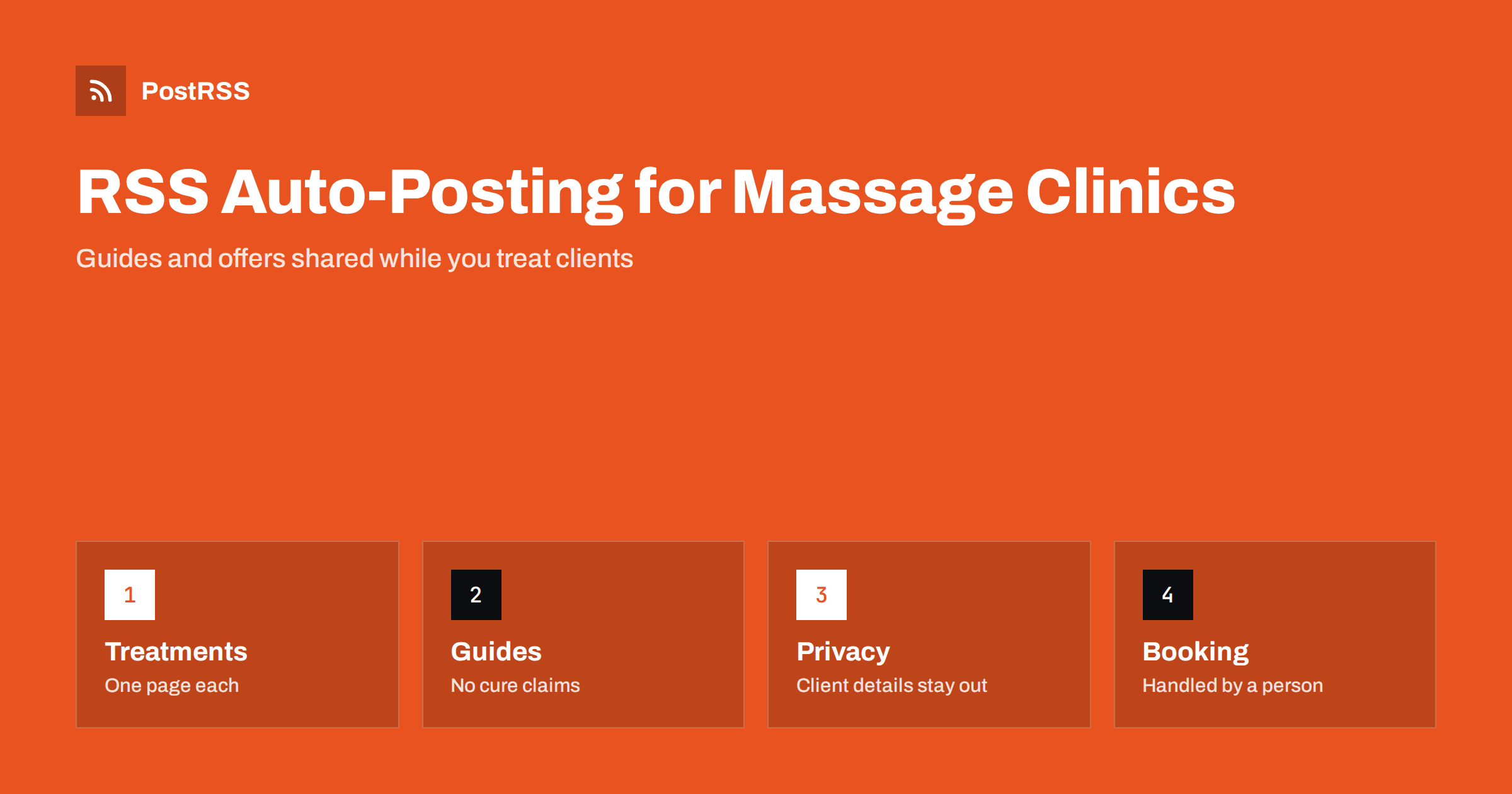
Short answer: RSS auto-posting lets massage therapists and acupuncture clinics share new articles, seasonal offers, practitioner news and wellbeing guides on social media automatically. Publish each item as a page on your website, let an auto-poster read the RSS feed, and it appears on your Facebook Page, Pinterest boards, Telegram channel and other channels with its link and image. Clients see what is new while you are with someone on the table, while appointments, health questions and anything personal stay in human hands, and every page avoids promises about cures.
A massage therapist or an acupuncturist works with their hands and their full attention. A session is quiet, private and unhurried, and there is no good moment to check a phone. Yet people choose a practitioner after reading, looking at photographs and asking friends. A potential client wants to know what a deep tissue session involves, whether acupuncture is suitable during pregnancy, how long a treatment lasts and what to wear. A clinic website can answer these questions with short, careful pages, and automation can carry those pages to the networks where people look for a local therapist. This guide explains how to set it up and where accuracy, privacy and professional rules need a human decision.
A practice has a steady stream of things people want to know:
Each of these can be a short page on your own website. When the page is published, the feed announces it. You write it once, in a place that you own, and the automation spreads it to the networks where clients spend time. Pages on your site also appear in search results when someone looks for a therapist in your town, which social posts alone do not achieve.
Most practice websites run on platforms that publish feeds without extra work:
/feed/ and a feed for every category, such as /category/wellbeing/feed/. If you are unsure of the address, see how to find your WordPress feed link.Use categories to separate the audiences: treatments, wellbeing guides, news and offers. Each category has its own feed, and each feed can go to the channel where it works best; guides to Pinterest, news and offers to the Facebook Page. Routing by category is explained in category filtering for auto-posting.
| Content | Automate? | Notes |
|---|---|---|
| Treatment descriptions and guides | Yes | One page per treatment, with duration, what to expect and a link to booking |
| Wellbeing articles | Yes | Evergreen pages that keep bringing visitors |
| Practitioner and clinic news | Yes | New qualifications, hours and rooms |
| Vouchers and seasonal offers | Yes | Keep dates and conditions on the page |
| Client stories and treatment results | By hand | Only with written consent and within the rules of your profession |
| Health questions, availability and cancellations | By hand | A person answers privately, with care |
A simple rule: if it is general information on a finished page of your website, automate it. If it concerns one client, one appointment or anyone’s health, handle it personally and privately.
A good treatment page answers the questions a client would ask at reception. How long does a session last, and what happens during it? Does it hurt, and how is the pressure adjusted? What should the client wear, and how do they prepare? Who should speak to a doctor first? Which qualifications does the practitioner hold? Give each treatment its own page with those answers, a photograph of the treatment room and a clear link to booking. Use calm, plain language, and describe the experience instead of promising results.
Evergreen guides are where a practice can build lasting visibility: stretching routines for people who work at a desk, a short guide to preparing for a first acupuncture visit, aftercare advice for the day after a deep massage or a page that explains the difference between relaxation and remedial massage. They answer questions that people search for, and they show that the practitioner is thoughtful. Check every statement against the rules of your profession and your country. Avoid claiming that a treatment cures, prevents or treats a medical condition unless you are allowed to say so and can support it, and add a sentence inviting readers with medical concerns to talk to their doctor.
Keep file sizes reasonable so pages load quickly on a phone; see image optimization for RSS auto-posting. If a network shows the wrong picture, check the Open Graph tags of the page as described in why auto-posted links show the wrong image.
Many practices earn a large share of their bookings around gift seasons and after busy periods. A page for gift vouchers, with a clear explanation of how they work, how long they are valid and how to order them, can be shared before each holiday. A page for regular clients, describing how often sessions are useful and what a course of treatments looks like, helps people plan without pressure. Mention dates and conditions on the page, and keep the tone friendly and honest.
Most practices do best with a Facebook Page and Pinterest. Add others only if you can keep them active.
/feed/, and check that it lists recent items.Demand in a treatment practice follows the year: stiff shoulders after the first cold weeks, sports injuries in spring, travel tension in summer and stress before the holidays. Planning a handful of pages around these moments means that your feed always has something relevant to say. Consistency matters more than volume. One careful page every week, published on a schedule, builds more trust than a burst of posts followed by silence, and an auto-poster keeps that rhythm even in your busiest weeks.
PostRSS has been automating RSS posting since 2014. It checks your website feeds as often as every minute and publishes each new guide, offer and piece of news, with its real image and link, to the channels you connect, from Facebook Pages and Pinterest boards to Telegram, LinkedIn and many more among its 66 supported networks. You can choose how each post is built, filter items by keywords, add UTM parameters and post only within chosen hours or at exact times in your time zone. See the PostRSS features page for everything it does and the pricing page for plan limits. More ideas for local businesses are under the Local Business tag.
A massage therapist or acupuncturist gives clients full attention, which leaves little time for social media. RSS auto-posting shares each new treatment page, wellbeing guide, offer and piece of news automatically on your Facebook Page, Pinterest boards and other channels, on time and with the right image. Give every treatment its own page, describe rather than promise, keep client details out of every post, follow the rules of your profession, keep prices and availability on the booking page and answer health questions and appointments personally.
Yes. If your website has a news or blog section, its RSS feed can be connected to an auto-poster that shares each new page on your Facebook Page, Pinterest boards and other channels. Anything about a particular client should still be handled privately.
Treatment descriptions, what to expect at a first visit, wellbeing guides, practitioner news and seasonal offers. Each item should have its own page on your website so the feed can share it.
Only with the client’s written consent and within the advertising rules of your profession. Never edit a quote, and do not include health details that identify a person.
Yes, and they differ by country and profession. Describe what a treatment involves and avoid promising cures or outcomes. Check the guidance from your professional body before publishing.
A Facebook Page reaches local clients who read news and reviews, Pinterest suits stretching routines and self-care guides that people save, and Telegram helps with regular clients and new opening hours.
What changed in the networks, what broke, and how to fix it before it costs you reach.
Realizzati da Internet Solutions, il team dietro PostRSS. Ognuno ti fa risparmiare tempo in modo diverso.
 English
 Lietuviškai
 Deutsch
 Français
 Русский
 Español
 Polski
 Italiano
 Українська
 Čeština
 Português
 日本語
日本語 Latviešu valoda
 Eesti
Eesti Magyar
 Bahasa Indonesia
 Türkçe
 हिन्दी
 Ελληνικά
 العربية
 ไทย
ไทย Tiếng Việt
 Română
 Bahasa Melayu
 বাংলা
বাংলা