RSS verso 66 social network: Facebook, Instagram, X, LinkedIn, Telegram e altri Blog Affiliazione Contatti
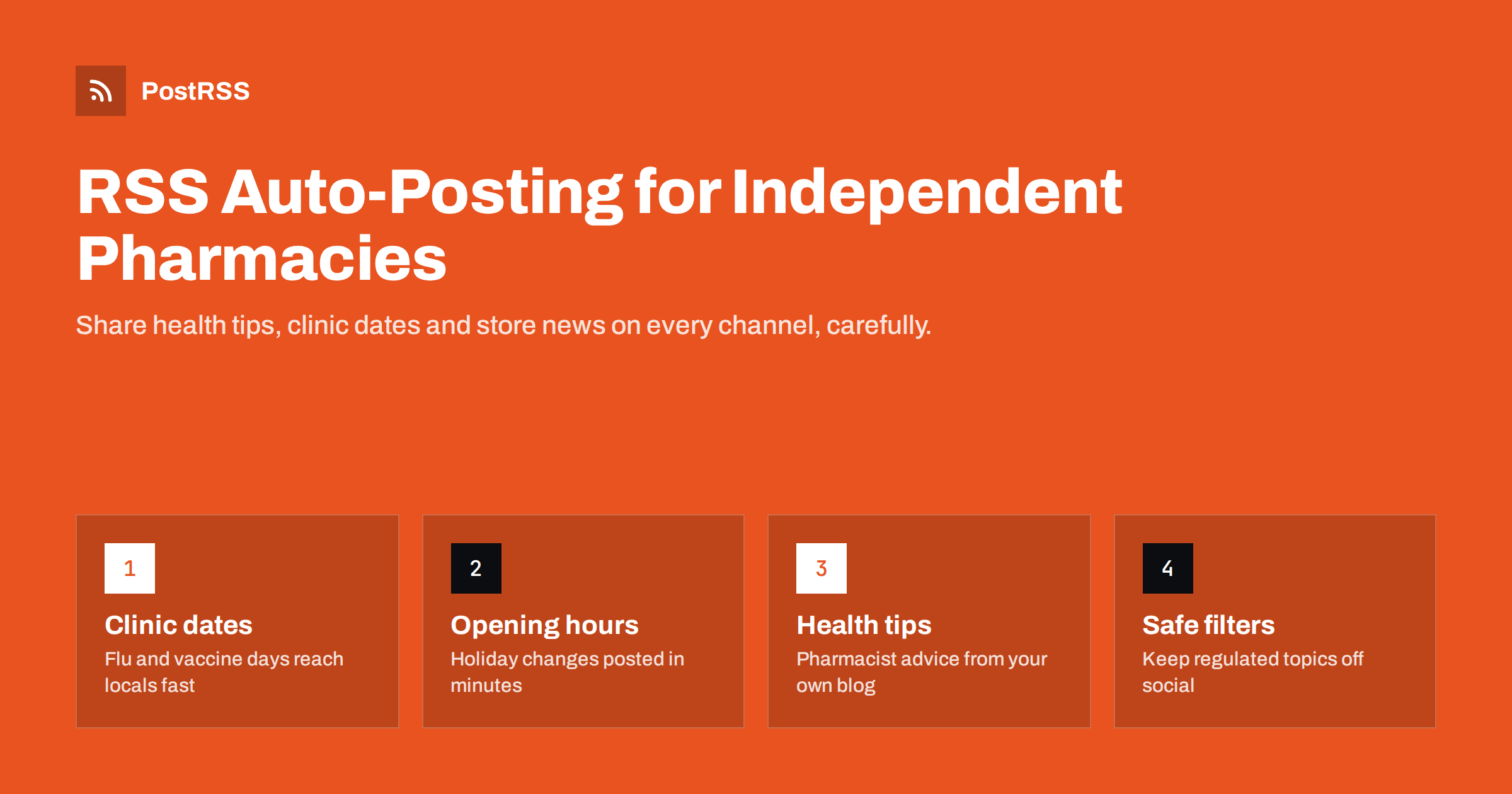
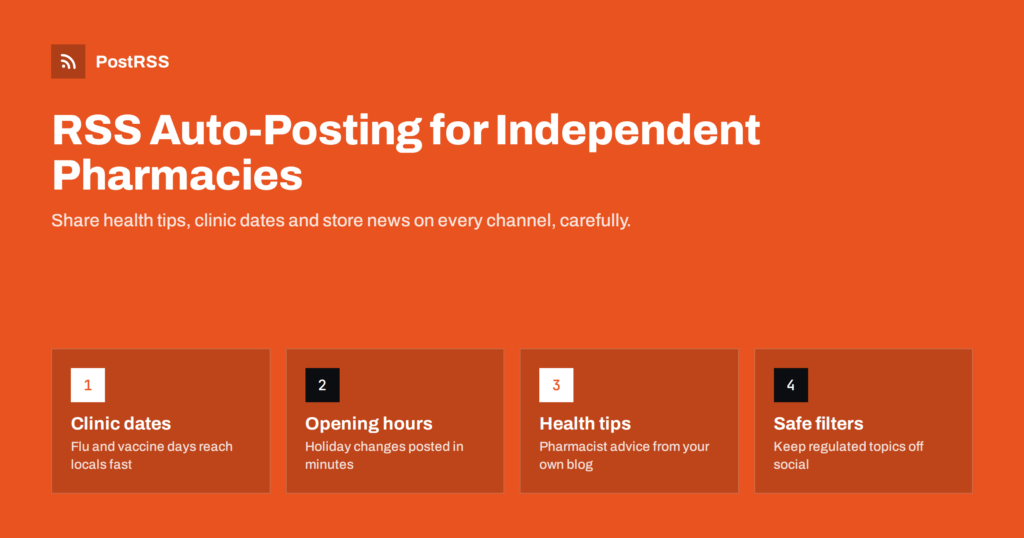
Short answer: An independent pharmacy can publish health tips, vaccination clinic dates, holiday opening hours and service news on its own website, and let an RSS auto-posting tool share each new post to Facebook, X, LinkedIn, Telegram and other channels automatically. The pharmacist writes once, the feed does the distribution, and keyword filters keep anything that should not go on social media off it. The main care point is regulated content: never let automation publish claims about prescription-only medicines or anything that touches patient information.
Independent and community pharmacies usually have a strong local reputation and a very small marketing budget. The pharmacist is often also the manager, the buyer and the person who answers the phone. Social media ends up at the bottom of the list, which is a pity, because the questions customers ask every day are exactly the kind of content that works well online: when the flu clinic starts, whether the store is open on a public holiday, which travel vaccines need an appointment, or how to dispose of old medicines safely.
Chain pharmacies have central teams that post on every channel every day. An independent store competes with that presence using a few enthusiastic but irregular posts. The result is a Facebook Page that was last updated three months ago, which quietly tells a new customer that the business may not be very active.
RSS auto-posting changes the equation. Instead of logging in to several apps, the pharmacy publishes a short post on its own website, and every channel is updated from that single action. The website stays the main source of truth, which also matters for search: people looking for “pharmacy open Sunday near me” land on a page the pharmacy controls.
Good pharmacy content is practical, local and calm. It answers questions customers already have and positions the pharmacist as an approachable expert. Content that tends to work well includes:
Each of these can be a short blog post of a few paragraphs with one good photo. That is enough for the feed, and it gives search engines a steady stream of useful local pages.
Almost every website platform a small pharmacy is likely to use, including WordPress, Wix, Squarespace, Joomla and many pharmacy website builders, produces an RSS feed of new posts automatically. The feed is a machine-readable list of your latest articles, each with a title, a short description, a link and usually an image.
An auto-posting service checks that feed on a schedule. When it finds a new item, it creates a post on each connected channel using the title, text, image and link from the feed. With PostRSS, for example, feeds are checked as often as every 5 minutes, and the image from the feed item or the page’s Open Graph tags travels with the post, so the clinic poster you uploaded appears on Facebook and LinkedIn rather than a grey placeholder.
If you do not know where your feed is, start with how to find your WordPress RSS feed link. The setup itself usually looks like this:
Pharmacies operate under rules that most retailers never meet. The details differ by country, so check with your pharmacy regulator or professional body before you start, but some principles are close to universal:
The safest structure is to separate your website content into categories. Put general health tips, clinic dates and store news in categories that are auto-posted. Keep anything more sensitive, such as detailed medicine information pages, in categories that are not part of the social feed. The broader principles are covered in our guide on compliant content distribution for healthcare practices.
Most CMS platforms give each category its own feed, and a good auto-posting tool lets you add keyword rules on top. In PostRSS you can list keywords to include or exclude for each source, and it checks them against the item title and description before posting. That gives a pharmacy two layers of protection:
Filters are not a substitute for a human reading the post before it is published on the website, but they catch the occasional slip, such as a post saved in the wrong category. If you have never set this up before, filtering an RSS feed by category explains the mechanics.
A pharmacy’s audience is local, so timing matters more than for a national blog. A post about a Saturday flu clinic published at 2 a.m. may still be seen, but a post that appears at 8 a.m. on Thursday is more useful. Two practical approaches:
For urgent changes, such as a closure because of a power cut, publish immediately. The 5-minute check interval means the post reaches your channels quickly, which is often faster than updating each app by hand from a phone.
You do not need to be everywhere. Start with the channels your customers already use and add others only if there is a reason. The table below summarises typical choices.
| Channel | Typical pharmacy use | Notes |
|---|---|---|
| Facebook Page | Local community, opening hours, clinic dates | Auto-posting works for Pages only, not personal profiles or Groups |
| Google Business Profile | Updates shown in local search and Maps | Currently marked as being tested in PostRSS |
| Telegram or Viber channel | Direct updates for regular customers | Good for short, practical notices |
| Pagina LinkedIn | Recruitment, partnerships with local clinics | Useful for multi-branch independents |
| X | Quick notices, local health campaigns | Keep captions short |
For many small pharmacies, a Facebook Page plus one messaging channel covers most customers. Groups of independent pharmacies with several branches can connect one feed per branch, each to its own local Page.
Because the same text powers the website and the social posts, write with both in mind:
Add UTM parameters to links so your analytics shows which channel brought visitors to the clinic booking page. That tells you where to focus without guessing.
PostRSS is an RSS auto-posting service that has been running since 2014. It reads your website feed every 5 minutes and posts each new item, with its image and link, to the channels you connect, including Facebook Pages, X, LinkedIn, Telegram, Viber and many others. For a pharmacy, the useful parts are the include and exclude keyword filters, posting windows on paid plans, UTM tags on links, and the ability to send one feed to several targets, such as the Pages of different branches. There is a free plan for a single Facebook Page, and the full list of networks and limits per plan is on the pricing page.
An independent pharmacy does not need a marketing department to stay visible. Publish short, useful posts on your own website, keep regulated topics in categories that never reach social media, and let RSS auto-posting share the rest to the channels your customers already use. Customers get accurate opening hours and clinic dates, and the pharmacist gets back the time that manual posting used to take.
Yes, automation itself is not the issue; the content is. Pharmacies must follow the same advertising and professional rules whether a post is manual or automated. Keep regulated topics out of the feed that reaches social media and check your national rules before you start.
Opening hours, holiday changes, clinic dates and short health tips are the most useful posts. They answer questions customers already ask at the counter. One or two posts a week is enough for most independent pharmacies.
Yes. Use website categories so only selected categories are in the auto-posted feed, and add exclude keywords in the auto-posting tool as a second layer. Anything that matches an excluded word is skipped.
Yes. You can connect one feed to several targets, or give each branch its own feed and its own Facebook Page. That keeps local news local while shared health tips go to every branch.
You need some source of new items, and a news or blog section on your website is the simplest. On higher plans PostRSS can also post from a CSV file, where one row becomes one post, if you prefer to prepare posts in a spreadsheet.
What changed in the networks, what broke, and how to fix it before it costs you reach.
 English
 Lietuviškai
 Deutsch
 Français
 Русский
 Español
 Polski
 Italiano
 Українська
 Čeština
 Português
 日本語
日本語 Latviešu valoda
 Eesti
Eesti Magyar
 Bahasa Indonesia
 Türkçe
 हिन्दी
 Ελληνικά
 العربية
 ไทย
ไทย Tiếng Việt
 Română
 Bahasa Melayu
 বাংলা
বাংলা