RSS verso 66 social network: Facebook, Instagram, X, LinkedIn, Telegram e altri Blog Affiliazione Contatti
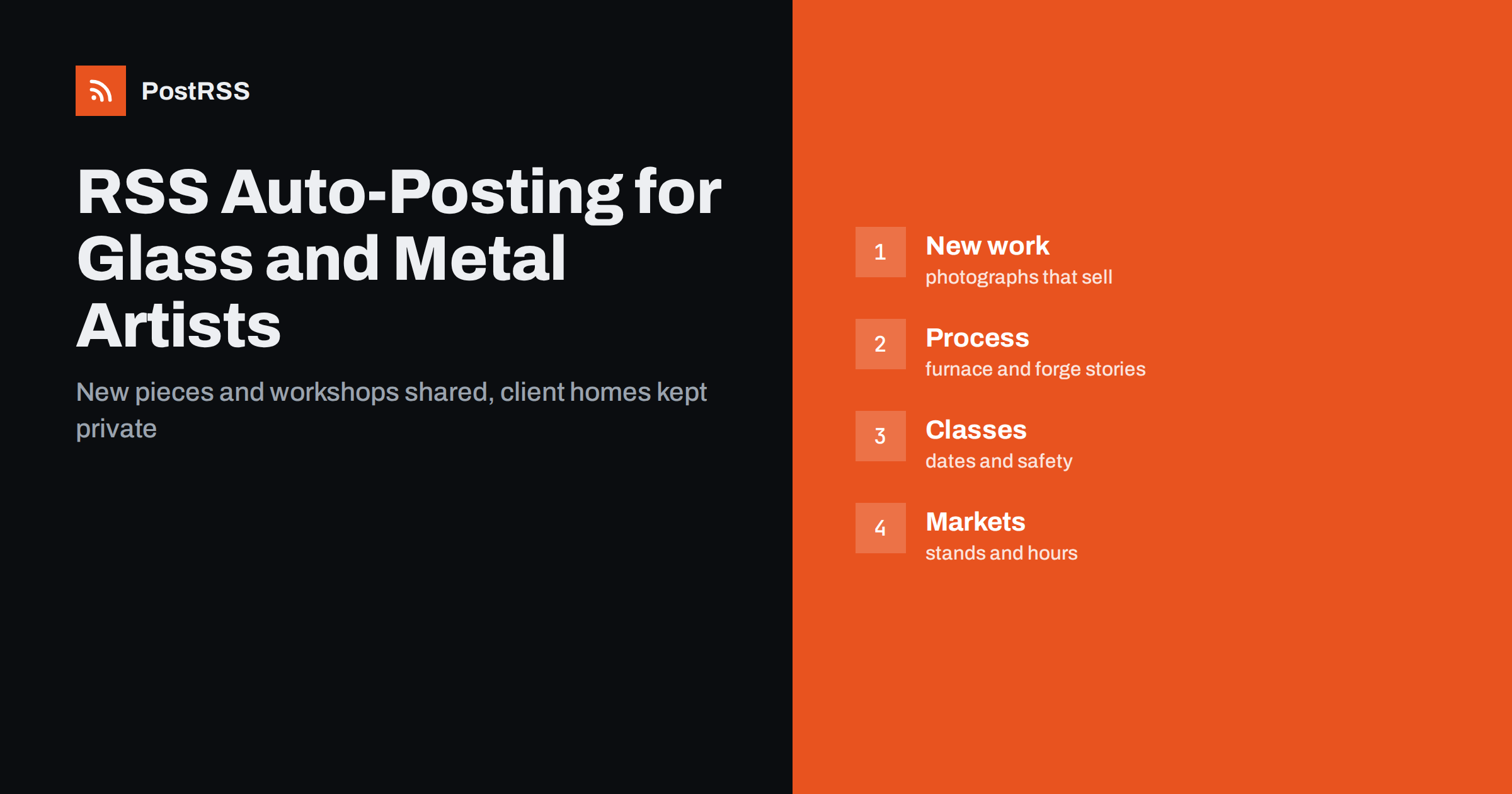
Short answer: RSS auto-posting lets glassblowers, blacksmiths and metal artists share new pieces, commission stories, workshop dates, market appearances and studio news on social media automatically. Publish each item as a page on your website or shop blog, let an auto-poster read the feed, and every new page appears on your Facebook Page, Pinterest boards, Bluesky account, Tumblr blog and other networks with its photograph and link. Buyers see finished work and upcoming classes, while the hours at the furnace and the forge stay with the craft.
Hot glass and hot iron are slow crafts. A vase can take a day to make and a day to cool, a gate can take weeks, and a commission may begin with a sketch on a napkin. The people who make such things are often alone in a studio with a furnace, a hammer and a growing list of orders, and they have little time for writing posts. Yet buyers decide by looking: at the colour of a bowl, the line of a handrail, the way light passes through a lamp. They also want to know when the next market is, whether a workshop has places and how long a commission takes. A feed turns each page on your website into a post as soon as it is published, so that every new piece and every announcement reaches the people who follow your work. This guide explains what to publish, how to connect it and where to be careful, because the work is physical, the pictures sell it and promises about dates must be kept.
The advice fits many makers who shape glass and metal:
Each has a workshop, a way to show finished work and a few regular events. The website is the natural source for every other channel.
Much of the daily work can be turned into short pages:
Each page stays on your site, where a buyer searching for a handmade piece can find it. The feed then announces it elsewhere without more typing.
Most makers already use a system that creates feeds:
/feed/ and one for every category, such as /category/new-work/feed/. If you are unsure of the address, see how to find your WordPress feed link.Use categories to separate topics: new work, commissions, workshops, events and care guides. Each category has its own feed, and each feed can go where it works best, for example new work to Pinterest and workshop dates to a Facebook Page. Routing by category is explained in category filtering for auto-posting.
| Content | Automate? | Notes |
|---|---|---|
| New pieces and finished work | Yes | Good photographs, size and technique |
| Workshop and event dates | Yes | Date, place, places left to ask about |
| Care guides and technique pages | Yes | Plain words, one topic each |
| Commission stories | With permission | Never show a home or a private address |
| Prices and delivery promises | No | Link to a page you keep current |
| Client names and messages | No | Handle in private |
A simple rule: if it shows the work and teaches something about it, automate it. If it concerns one client, one price or one delivery date, it needs a person and a private channel.
Glass and metal are difficult to photograph. Glass needs a plain background and soft light, so that colour and transparency are visible and reflections do not hide the shape. Metal needs a light that shows texture without glare. Take the main picture of each piece against a calm background, add a detail shot and a picture that shows the scale, such as a hand or a shelf. Write the size and the material in the text, not only in the image. A feed carries the image that your page marks as the main one, so decide which picture represents each page before you publish. The ways to control that choice are explained in controlling which image gets auto-posted. Add a short alternative text to every image, which also helps people who use screen readers.
Buyers love to see how a piece is made, and process pictures build trust: a gather of molten glass on a pipe, a bar of iron glowing in the forge, a weld being ground smooth. Add a short story to each picture and show the stages in order. For commissions, ask the client before you publish the project, and describe it in general terms unless they agree to be named. Never show the front of a private house, a street name or a view that identifies the home, because that can invite theft or unwelcome visitors. A line such as a railing for a country house in the hills is enough. Keep safety in view, too: pictures of people working without eye protection, gloves or sturdy shoes send the wrong message to students and buyers.
Many studios earn a good part of their income from teaching. Give every class a page of its own with the date, the length, the number of places, what a beginner will make, what is included, the minimum age and what to wear. State clearly that the studio is hot and noisy, that closed shoes and natural fibre clothes are required and that long hair must be tied back. Explain the cancellation rules in plain words, and say whether the class can be given as a gift. After the class, publish a short page with permitted photographs of finished pieces. People who loved the first class book the second one, and a regular programme tells the world that the studio is alive.
Maker markets and open studio weekends bring in many sales, and visitors plan their route in advance. Publish a page for each appearance with the name of the event, the dates, the opening hours, the stand number and a list of what you will bring, such as small pieces for gifts and a few large works. Mention whether you take card payments and whether visitors can order a commission on the spot. After the event, change the page to say that it has finished or remove it. Share the announcement again a week before with a fresh opening line, and the feed will carry it to your channels. Link to the organiser’s website for the official programme instead of copying details that may change.
Buyers who have never ordered handmade work do not know what to expect. Publish one page that explains the steps: an enquiry, a conversation about size, colour, budget and place, a sketch or a sample, an agreement on the date, the making, the packing and the delivery or installation. State what you need from the client, such as measurements and photographs of the space, and how long each stage usually takes. Be honest that glass and metal sometimes need a second attempt and that weather, materials and annealing times can move a date. A clear page prevents misunderstandings and saves many emails.
Most makers do best with Pinterest and a Facebook Page, plus the website and an email address that is read every day.
/feed/, and check that it lists recent pages.PostRSS has been automating RSS posting since 2014. It checks your website feeds as often as every minute and publishes each new page, with its real image and link, to the channels you connect, from Facebook Pages and Pinterest boards to Bluesky, Mastodon, Tumblr and many more among its 66 supported networks. You can choose how each post is built, filter items by keywords, add UTM parameters and post only within chosen hours or at exact times in your time zone. See the PostRSS features page for everything it does and the pricing page for plan limits. More ideas for small businesses are under the Local Business tag.
Glass and metal are slow crafts, and the feed makes the promotion fast. RSS auto-posting shares every new piece, commission story, workshop date and market announcement automatically, as soon as it is published on your website. Photograph each piece with care, keep client names, homes and prices out of automated posts, show safe working habits, write plain pages for classes and markets and let the furnace and the forge have your time, not the keyboard.
Yes. If you have a website with a news or gallery section, its RSS feed can be connected to an auto-poster that shares each new page on Pinterest, Facebook and other channels.
New pieces, process stories, care guides, workshop dates and market appearances. Keep client names, private addresses and messages out of automated posts.
Yes. Ask the client before you publish, and describe the project in general terms unless they agree to be named or shown.
It is safer to link to a page that you keep up to date, because prices change with materials and time. Posts can describe the piece and invite readers to enquire.
Yes. PostRSS reads any valid RSS or Atom address that is reachable without a login. Paste the address, connect your channels and new pages are shared as soon as they appear.
What changed in the networks, what broke, and how to fix it before it costs you reach.
Realizzati da Internet Solutions, il team dietro PostRSS. Ognuno ti fa risparmiare tempo in modo diverso.
 English
 Lietuviškai
 Deutsch
 Français
 Русский
 Español
 Polski
 Italiano
 Українська
 Čeština
 Português
 日本語
 Latviešu valoda
 Eesti
 Magyar
 Bahasa Indonesia
 Türkçe
 हिन्दी
 Ελληνικά
 العربية
 ไทย
 Tiếng Việt
 Română
 Bahasa Melayu
 বাংলা