RSS verso 66 social network: Facebook, Instagram, X, LinkedIn, Telegram e altri Blog Affiliazione Contatti
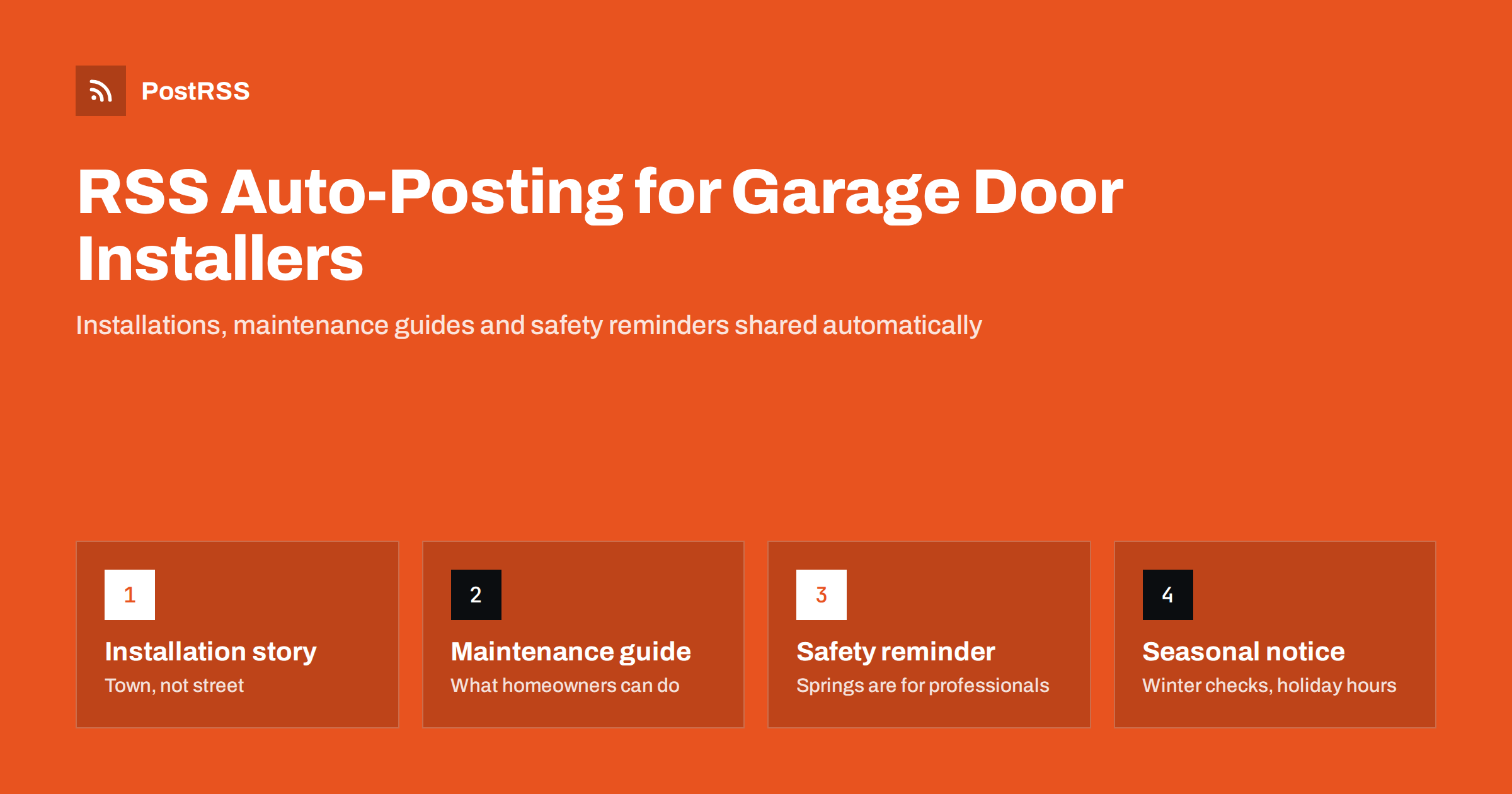
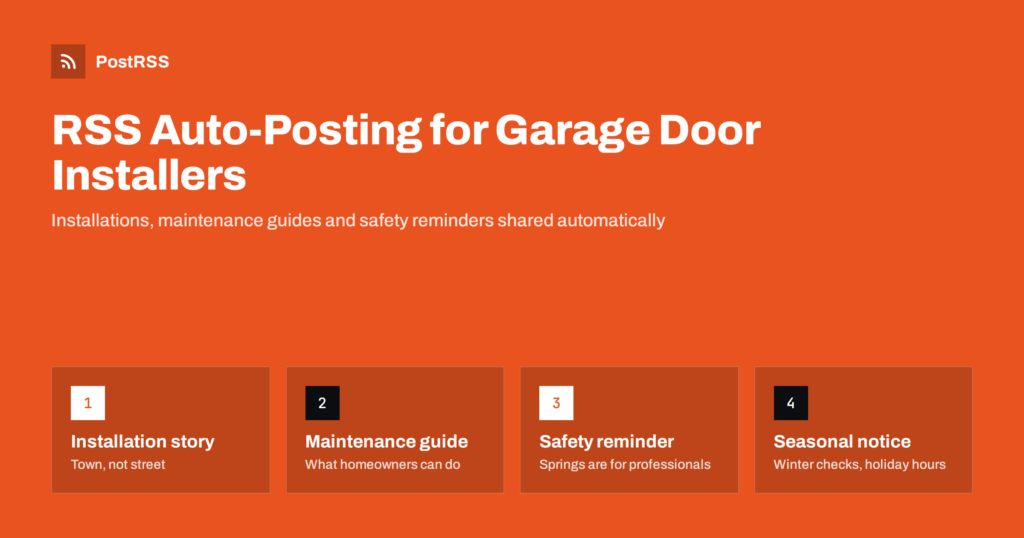
Short answer: RSS auto-posting lets garage door companies, gate installers and automatic door specialists share installation stories, maintenance guides, safety reminders, product updates and seasonal notices on social media automatically. Publish each story or guide as a page on your website, let an auto-poster read the RSS feed, and it appears on your Facebook Page, Pinterest boards, Instagram and other channels with its link and image. Homeowners and property managers see your work every week, while you stay on site with the installation crew.
A garage door or an automatic gate is bought a few times in a lifetime, usually when the old one breaks, and the customer picks a company they have seen before: a neighbour’s new door, a van in the street, a page that explained why the opener kept reversing. That visibility comes from showing the work steadily, but the people who could show it are fitting doors in the rain. Posting by hand on three networks after every job is not realistic, and so company pages go quiet for months. Because a website can hold a short page for every installation, every guide and every reminder, automation can carry those pages to the networks without adding another task. This guide explains how to set it up and where safety advice, warranties and customer privacy must stay in human hands.
A garage door installer, a gate automation company or a commercial door contractor has a steady flow of content that customers are glad to see:
Each of these can be a short page on your own website. When the page is published, the feed announces it. You write it once, in a place that you own, and the automation spreads it to the networks where homeowners, builders and property managers spend time. Pages on your site also appear in local search results when someone looks for a garage door repair nearby, which social posts alone do not achieve.
Most trade websites run on platforms that publish feeds without extra work:
/feed/ and a feed for every category, such as /category/installations/feed/. If you are unsure of the address, see how to find your WordPress feed link.Use categories to separate the audiences: installations, maintenance guides, safety, products, commercial and company news. Each category has its own feed, and each feed can go to the channel where it works best; installations to Facebook and Pinterest, commercial work to LinkedIn, safety reminders everywhere. Routing by category is explained in category filtering for auto-posting.
| Content | Automate? | Notes |
|---|---|---|
| Installation stories | Yes | With the owner’s agreement; town, not street |
| Maintenance and safety guides | Yes | General advice only; springs and cables are for professionals |
| Product and style updates | Yes | Describe insulation and ratings exactly as the maker states |
| Seasonal notices and hours | Yes | Schedule ahead; post sudden changes by hand as well |
| Diagnosing a specific fault | By hand | A door that will not close needs a visit, not a guess |
| Quotes, complaints and warranty claims | By hand | A person answers, promptly and in writing |
A simple rule: if it is general information on a finished page of your website, automate it. If it concerns one door, one gate or one customer, handle it personally.
A page about a finished job is your best advertisement, because the next customer is often a neighbour. For each installation, write a short page with a clear title, the type of door or gate, the material and finish, the opener or automation fitted, the problem the owner wanted solved and what you did. Add a few photographs: the finished door from the street, a detail of the track or the hinges, the opener and the keypad, and, if the owner agrees, the old door before the work. Give the town or the district, never the street or the house number, and ask for permission before publishing; note it in the job file. Describe the standards you worked to only if you can prove them. A steady flow of installation pages shows that the business is busy and careful, and the feed shares each page without extra effort.
Homeowners search for the same questions every season: why does the door reverse before it closes, how often should the tracks be lubricated, why is the door noisy, how do I replace the remote battery, what should I check before winter. Write one page for each question in plain language, with short steps that a homeowner can safely follow: cleaning the photo-eyes, lubricating hinges and rollers with the right product, testing the auto-reverse with a block of wood, replacing a weather seal. Explain where the line is: a door that is heavy, crooked or has a snapped spring or frayed cable needs a professional, because the parts are under high tension. These evergreen guides attract visitors from search engines for years, and the feed shares each one once when it appears. Offer an annual service and link the booking page from every guide.
Garage doors and automatic gates are heavy, powered machines, and any page that touches safety must be accurate and cautious. Explain, in general terms, the monthly auto-reverse and photo-eye tests that makers recommend, and tell readers to follow the instructions of the opener manufacturer. Say clearly that torsion springs, extension springs, cables and bottom brackets must only be handled by trained people, and never publish instructions for adjusting or replacing them. For automatic gates, explain force limits, safety edges and the need for professional installation and periodic checks, and point readers to the official guidance in your country. Never claim that a door or a gate is safe after a visit; describe what you inspected and adjusted. Clear, humble safety pages protect customers and the business, and they are what a careful homeowner or property manager hopes to find.
Rules for powered doors and gates, electrical work and advertising differ by country and sometimes by region, so check the requirements that apply to you. Accurate, modest statements protect the business if there is ever a dispute.
Keep file sizes reasonable so pages load quickly; see image optimization for RSS auto-posting. If a network shows the wrong picture, check the Open Graph tags of the page as described in why auto-posted links show the wrong image.
Most garage door and gate companies do best with a Facebook Page and Pinterest, with LinkedIn for commercial work. Add others only if you can keep them active.
/feed/, and check that it lists recent items.PostRSS has been automating RSS posting since 2014. It checks your website feeds as often as every minute and publishes each installation story, guide and notice, with its real image and link, to the channels you connect, from Facebook Pages, Pinterest and Instagram to LinkedIn, Telegram, Bluesky and many more among its 66 supported networks. You can choose how each post is built, filter items by keywords, add UTM parameters and post only within chosen hours or at exact times in your time zone. See the PostRSS features page for everything it does and the pricing page for plan limits. More ideas for trades and local businesses are under the Home Services tag.
Garage door and gate companies are chosen by people who have seen their work, and the next customer is often on the same street. RSS auto-posting shares each installation story, maintenance guide, safety reminder and seasonal notice automatically on Facebook, Pinterest, Instagram and your other channels, on time and with the right image, while you stay on site. Give every job and every guide its own page, keep safety advice general and cautious, never publish spring or cable instructions, state certifications and warranties exactly, ask before using photographs, route content by category and handle faults, quotes and complaints personally.
Yes. If your website has a news, projects or guides section, its RSS feed can be connected to an auto-poster that shares each new page on your Facebook Page, Pinterest and other channels. Specific faults, quotes and warranty claims should still be handled personally.
Installation stories, maintenance guides, safety reminders, product and style updates, seasonal notices and commercial work. Each item should have its own page on your website so the feed can share it.
General advice is useful, such as cleaning photo-eyes, lubricating hinges and testing the auto-reverse. Never publish instructions for springs, cables or bottom brackets, which are under high tension and must be handled by trained people.
A Facebook Page reaches local homeowners, who also read reviews there, and Pinterest suits door styles and driveway gates during renovations. LinkedIn helps with commercial and property management work.
One page for each installation, guide or notice is enough for most businesses. Prepare seasonal guides in advance and schedule them on your website so the feed keeps posting during the busy months.
What changed in the networks, what broke, and how to fix it before it costs you reach.
Realizzati da Internet Solutions, il team dietro PostRSS. Ognuno ti fa risparmiare tempo in modo diverso.
 English
 Lietuviškai
 Deutsch
 Français
 Русский
 Español
 Polski
 Italiano
 Українська
 Čeština
 Português
 日本語
日本語 Latviešu valoda
 Eesti
Eesti Magyar
 Bahasa Indonesia
 Türkçe
 हिन्दी
 Ελληνικά
 العربية
 ไทย
ไทย Tiếng Việt
 Română
 Bahasa Melayu
 বাংলা
বাংলা