RSS verso 66 social network: Facebook, Instagram, X, LinkedIn, Telegram e altri Blog Affiliazione Contatti
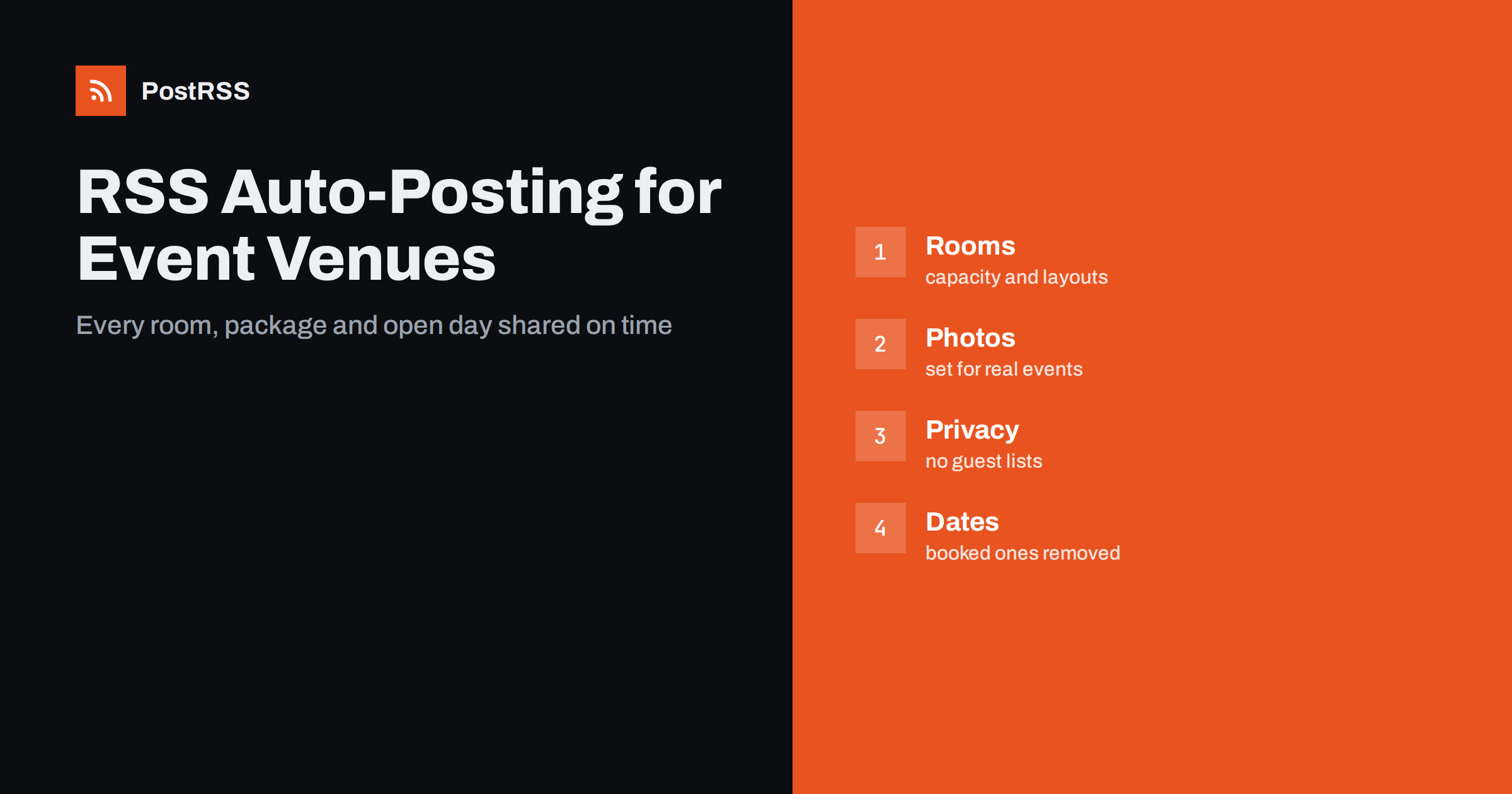
Short answer: RSS auto-posting lets event venues and banquet halls share new availability, open days, real weddings, seasonal packages and venue news on social media automatically. Publish each item as a page on the venue website, let an auto-poster read the feed, and every new page appears on your Facebook Page, Pinterest boards, LinkedIn page, Telegram channel and other networks with its image and link. Couples and planners see fresh, accurate content all year, while the sales team spends its time on tours and enquiries instead of retyping announcements.
A venue sells one thing that cannot be stored: a date. Every empty Saturday is revenue that is gone for good, and the people who book a hall usually look for months, compare several places and decide after a visit. Marketing therefore has to run all year, and it has to show the room in use, not only the empty room on the brochure. The manager is also the host, the coordinator and the person who answers the telephone on the day of an event, so social media posts are easy to postpone. The website is the place where the work already happens: a page for each space, each package and each real event. A feed turns every new page into a post at the moment it is published. This guide explains what a venue can publish, how to connect it and which details need care.
The advice fits many kinds of rented spaces:
Each has a calendar, a team that runs it and a website with a page per space. That page becomes the source for every other channel.
Most of what a venue communicates can be turned into a short page:
Each page is written once and appears on your website, where a couple searching for a place in your area can find it. The feed then announces it everywhere else without more typing.
Most venues already use a system that creates feeds:
/feed/ and one for every category, such as /category/news/feed/. If you are unsure of the address, see how to find your WordPress feed link.Use categories to separate audiences: weddings, corporate events, parties, news and open days. Each category has its own feed, and each feed can go where it works best: weddings to Facebook and Pinterest, corporate events to LinkedIn, open days to a local community channel. Routing by category is explained in category filtering for auto-posting.
| Content | Automate? | Notes |
|---|---|---|
| Rooms, packages and facilities | Yes | Capacity, features and a clear photograph |
| Open days and viewing evenings | Yes | Date, time and how to register |
| Real events and reviews | Yes, with permission | Ask the hosts and the guests in the pictures |
| Availability for open dates | Yes | Remove the page when the date is booked |
| Quotes, budgets and contracts | No | Private to each client |
| Guest lists and private events | No | Never publish who is attending |
A simple rule: if it helps many couples or planners imagine their own event, automate it. If it concerns one client, one date or one private arrangement, it needs a person and a private channel.
People choose a venue with their eyes, and an auto-poster uses the featured image of each page. Pick one strong picture for every space: wide enough to show the room, bright, straight and free of clutter. Show the room set for the event it hosts, a dinner table, a ceremony aisle or a conference layout, because a bare hall is hard to imagine in use. Take pictures in daylight and in the evening, since the mood changes, and keep the same colours across pages so that your feed looks like one brand. Avoid heavy filters and text on the picture, because the words will be unreadable in a small feed card. Write what the room can do in the post text: the capacity, the layout and the date of the open day. Describe each image in a few plain words in the alternative text, which helps screen reader users and search engines alike. How the image is chosen from your page is described in the guide to controlling the image.
Nothing sells a venue like a real celebration, and nothing damages trust like a post that the hosts did not approve. Agree on the rules in the booking contract: whether the venue may photograph the event, whether it may publish the pictures and whether the hosts need to see them first. Many couples are happy to share, and some guests are not, so avoid close-up faces of children and guests who have not agreed. Write the story in a friendly, factual way, naming the suppliers with their approval and linking to their pages, which is also a good way to build a referral network. Never publish the guest list, the seating plan, a home address or a date that reveals when a family will be away. If a host asks you to remove a post, do it quickly and update the page, because a good name in a small community is worth more than any picture.
A venue lives by the calendar, and old information is worse than none. Create a page for each seasonal offer, state the dates and the days it covers and unpublish it when it ends, so that the feed does not keep promoting an expired package. For open dates, write the exact day and the way to enquire, and remove the page as soon as the date is taken. Do not publish prices in automated posts unless the venue has decided to show them, because they change with the season and the day of the week, and a reader who sees an old figure feels misled. Plan the year around the peaks: engagement season, the spring before wedding season, the autumn corporate events and the weeks before the winter holidays. Publish a few pages in advance and use posting windows so that notices appear when planners are online, for example on weekday evenings and Sunday mornings, when couples tend to browse together.
A visit is where most bookings are won, so give every open day a page of its own. State the date, the start and end times, how long a tour takes, whether children are welcome and how to register. After the day, change the page to say that it has finished, or remove it, so that nobody arrives on the wrong evening. A short follow-up page with three photographs of the day, written with the permission of the people shown, gives the next visitor a reason to come. If you offer private viewings by appointment, say so on the same page and give one phone number and one email address that your team really answers.
Most venues do best with two or three active channels and a website that is always current. Six forgotten channels are worse than two that are kept alive.
/feed/, and check that it lists recent pages with images.PostRSS has been automating RSS posting since 2014. It checks your website feeds as often as every minute and publishes each new page, with its real image and link, to the channels you connect, from Facebook Pages and Pinterest boards to LinkedIn, Bluesky and Telegram, among its 66 supported networks. You can choose how each post is built, filter items by keywords, add UTM parameters and post only within chosen hours or at exact times in your time zone. See the PostRSS features page for everything it does and the pricing page for plan limits. More ideas for neighbourhood businesses are under the Local Business tag.
A venue sells dates, and dates expire. RSS auto-posting shares every room, package, open day and real event automatically, as soon as it is published on the venue website. Write each page for a couple or a planner who has never seen the space, show the room set for real events, ask permission before publishing anything about a celebration, keep budgets, guest lists and private arrangements out of public posts, unpublish offers and booked dates promptly and let the team spend its energy on tours and hospitality, not on retyping announcements.
Yes. If your venue has a website with a news or events section, its RSS feed can be connected to an auto-poster that shares each new page on your Facebook Page, Pinterest boards and other channels.
The name of the room, the capacity for each layout, one strong photograph, the best uses and a clear way to enquire or book a tour. Put the key facts in the text, not only in the image.
Yes. Agree on photography in the booking contract, ask the hosts before you publish and avoid close-ups of guests or children who have not agreed.
It is safer to leave prices out of automated posts, because they change with the date and the season. Link to a page that you keep up to date, or invite readers to enquire.
Yes. PostRSS reads any valid RSS or Atom address that is reachable without a login. Paste the address, connect your channels and new pages are shared as soon as they appear.
What changed in the networks, what broke, and how to fix it before it costs you reach.
Realizzati da Internet Solutions, il team dietro PostRSS. Ognuno ti fa risparmiare tempo in modo diverso.
 English
 Lietuviškai
 Deutsch
 Français
 Русский
 Español
 Polski
 Italiano
 Українська
 Čeština
 Português
 日本語
 Latviešu valoda
 Eesti
 Magyar
 Bahasa Indonesia
 Türkçe
 हिन्दी
 Ελληνικά
 العربية
 ไทย
 Tiếng Việt
 Română
 Bahasa Melayu
 বাংলা