RSS verso 66 social network: Facebook, Instagram, X, LinkedIn, Telegram e altri Blog Affiliazione Contatti
Short answer: RSS auto-posting lets charity shops and thrift stores share donation guidance, featured finds, themed sales, volunteer calls and impact stories on social media automatically. Publish each item as a page on your website, let an auto-poster read the RSS feed, and it appears on your Facebook Page, Pinterest boards, Telegram channel and other channels with its link and image. Shoppers and donors see what is new while the volunteers sort bags in the back room, and one-of-a-kind stock, prices and personal details stay in human hands.
A charity shop lives on two flows that both depend on goodwill: things coming in and people coming through the door. Donors need to know what the shop can accept, when to drop it off and what happens to it. Shoppers want to know what has just arrived, whether a themed sale is on this weekend and where their money goes. Volunteers want to know when the next shift needs help. Most of the people who could answer these questions are volunteers with a few hours a week, a pile of bags to sort and no time for social networks. A website can hold a short page for every donation guide, every sale, every impact story and every volunteer opening, and automation can carry those pages to the networks where neighbours spend time. This guide explains how to set it up and where accuracy, privacy and the nature of one-of-a-kind stock need a human decision.
A shop has a steady stream of things people want to know:
Each of these can be a short page on your own website. When the page is published, the feed announces it. You write it once, in a place that you own, and the automation spreads it to the networks where neighbours spend time. Pages on your site also appear in search results when someone looks for where to donate or shop second-hand in your town, which social posts alone do not achieve.
Most shop websites run on platforms that publish feeds without extra work:
/feed/ and a feed for every category, such as /category/donations/feed/. If you are unsure of the address, see how to find your WordPress feed link.Use categories to separate the audiences: donations, sales, volunteers, impact stories and news. Each category has its own feed, and each feed can go to the channel where it works best; donation guidance to the Facebook Page, volunteer calls to a local group channel, sales to every channel. Routing by category is explained in category filtering for auto-posting.
| Content | Automate? | Notes |
|---|---|---|
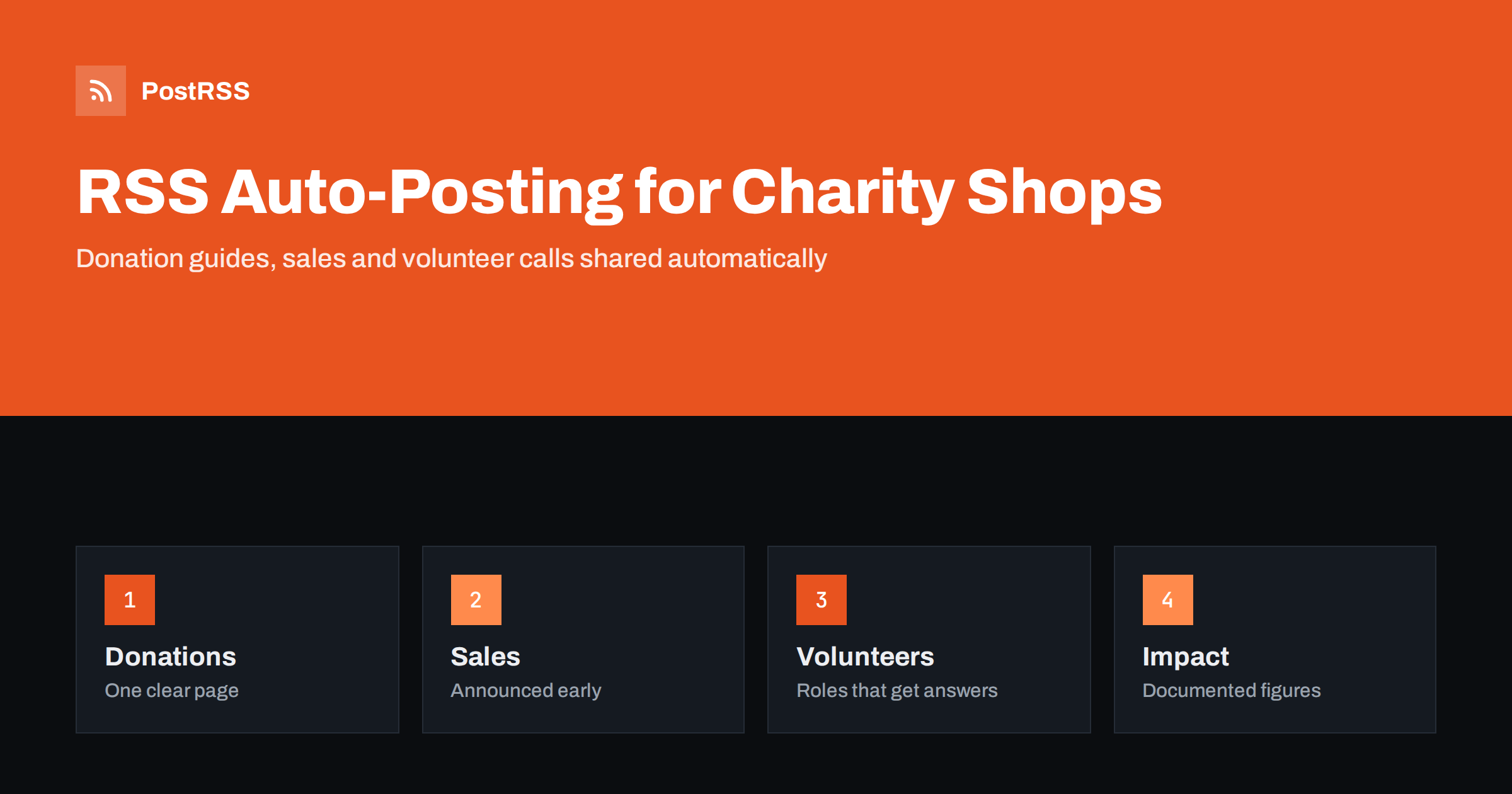
| Donation guidance and drop-off hours | Yes | One clear page, updated in one place |
| Themed sales and seasonal events | Yes | Publish early with dates and what to expect |
| Volunteer calls and training dates | Yes | General roles on a page; applications stay in the sign-up form |
| Impact stories | Yes | Only figures and outcomes you can document |
| One-of-a-kind items and sold-out notices | By hand | A unique piece may be gone in minutes; post it only when it is on the shelf |
| Donor questions, valuations and complaints | By hand | A person answers kindly and privately |
A simple rule: if it is general information on a finished page of your website, automate it. If it concerns one item on the shelf, one donor or one volunteer, handle it personally.
The most useful page a charity shop can publish is a clear guide to donating. What does the shop accept, and what can it not take, such as items that are unsafe, damaged beyond use or restricted by law? When can donors bring things, and where exactly is the entrance? How are large items collected? What will happen to items that are not sold? Give the page a friendly tone, a photograph of the drop-off door and a short list that fits on a phone screen. When the answers change, update the page and the feed announces the change, so donors stop arriving with items you cannot take and volunteers stop explaining the same rules all day.
Second-hand stock is unique by nature, which makes automation trickier than in a normal shop. A post about a specific jacket or a particular armchair may be out of date before anyone reads it. Feature categories and themes instead: a page on winter coats that are arriving this month, a guide to this weekend’s book sale, a gallery of vintage tableware that the shop receives in good quantities. State clearly that stock changes daily, and avoid prices and sizes in scheduled posts. When a truly special item arrives, such as a signed first edition or a designer piece, post about it by hand and take it down by hand when it sells.
Keep file sizes reasonable so pages load quickly on a phone; see image optimization for RSS auto-posting. If a network shows the wrong picture, check the Open Graph tags of the page as described in why auto-posted links show the wrong image.
Volunteers keep a charity shop open, and recruiting them is a permanent task. A page for each role, such as sorting, till work, window displays or van driving, describes the hours, the training and the kind of person who enjoys it. Add the contact route and a link to the sign-up form, and let the feed share the page when a role opens. Stories from existing volunteers, written with their permission, are the most convincing recruiting material: a short page about why someone gives a Tuesday morning every week says more than any slogan. Keep applicants’ details in the form and out of any public address.
Most charity shops do best with a Facebook Page and a messaging channel for regulars. Add others only if you can keep them active.
/feed/, and check that it lists recent items.PostRSS has been automating RSS posting since 2014. It checks your website feeds as often as every minute and publishes each donation guide, sale announcement and volunteer call, with its real image and link, to the channels you connect, from Facebook Pages and Pinterest boards to Telegram, Bluesky, Mastodon and many more among its 66 supported networks. You can choose how each post is built, filter items by keywords, add UTM parameters and post only within chosen hours or at exact times in your time zone. See the PostRSS features page for everything it does and the pricing page for plan limits. More ideas for local organisations are under the Local Business tag.
A charity or thrift shop runs on donated goods, volunteer time and the trust of its neighbours, and the people who could keep the community informed are busy sorting bags. RSS auto-posting shares each donation guide, sale, volunteer call and impact story automatically on your Facebook Page, Pinterest, Telegram and other channels, on time and with the right image. Give every guide and event its own page, feature categories instead of single items, state impact figures only when documented, protect donor and volunteer privacy, keep prices off scheduled posts and handle one-of-a-kind finds, donor questions and complaints personally.
Yes. If your website has a news or blog section, its RSS feed can be connected to an auto-poster that shares each new page on your Facebook Page, Pinterest boards and other channels. One-of-a-kind items and anything about a particular donor should still be handled personally.
Donation guidance, themed sales, categories of arriving stock, volunteer calls, impact stories and opening hours. Each item should have its own page on your website so the feed can share it.
Only by hand, and only when the item is on the shelf. A unique piece can sell within minutes, so scheduled posts about single items often become wrong quickly. Feature categories and themes instead.
Yes, when you can document them and say which period they cover. Fundraising wording must follow the rules that apply to your organisation, and they differ by country.
A Facebook Page reaches neighbours, donors and local groups, Pinterest suits styling and upcycling guides, and a Telegram channel keeps regulars and volunteers informed about sales and shifts.
What changed in the networks, what broke, and how to fix it before it costs you reach.
Realizzati da Internet Solutions, il team dietro PostRSS. Ognuno ti fa risparmiare tempo in modo diverso.
 English
 Lietuviškai
 Deutsch
 Français
 Русский
 Español
 Polski
 Italiano
 Українська
 Čeština
 Português
 日本語
日本語 Latviešu valoda
 Eesti
Eesti Magyar
 Bahasa Indonesia
 Türkçe
 हिन्दी
 Ελληνικά
 العربية
 ไทย
ไทย Tiếng Việt
 Română
 Bahasa Melayu
 বাংলা
বাংলা