RSS verso 66 social network: Facebook, Instagram, X, LinkedIn, Telegram e altri Blog Affiliazione Contatti
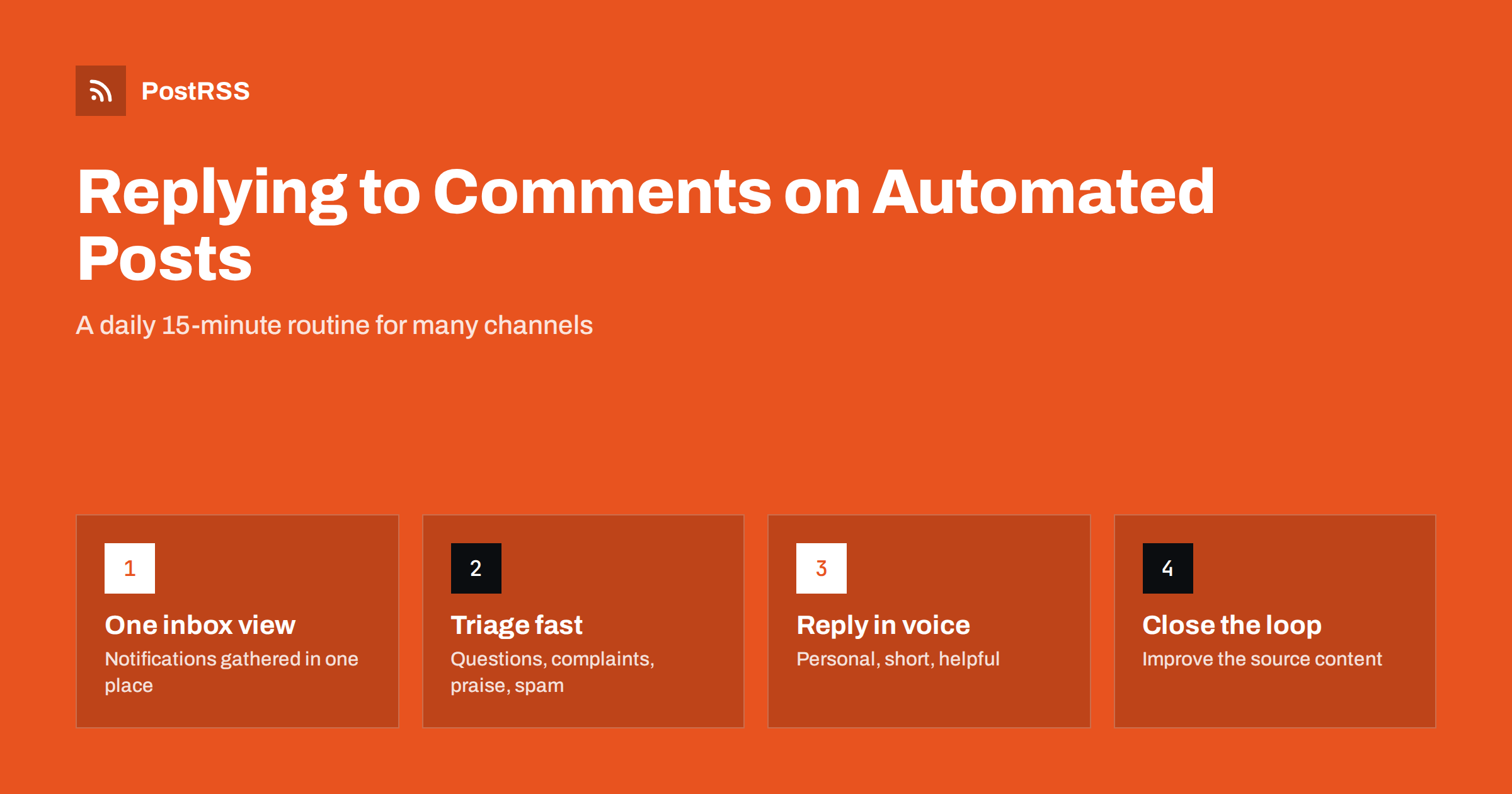
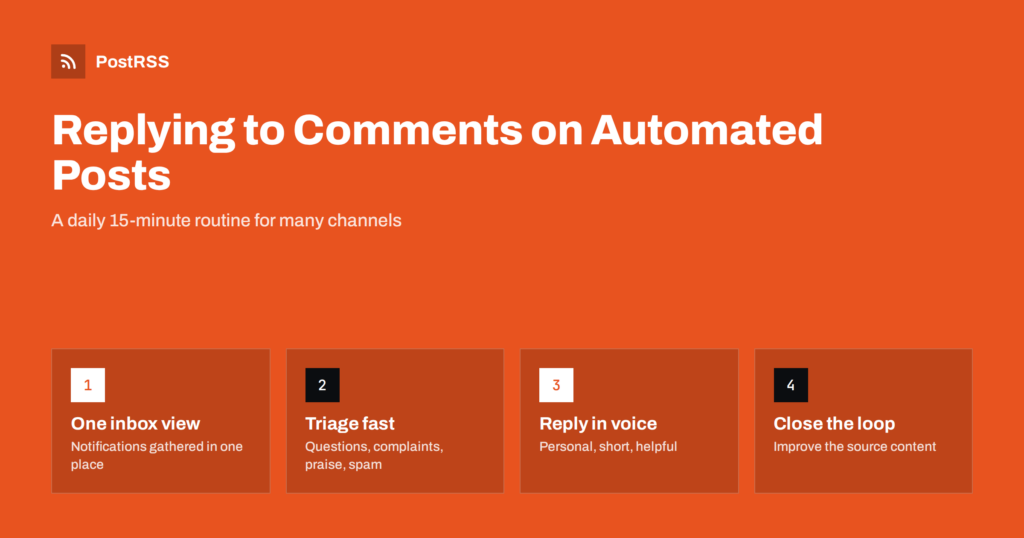
Short answer: Automate the publishing, not the conversation. Turn on notifications for every account your posts go to, set a fixed daily time to check them, triage comments into questions, complaints, praise and spam, and reply personally within a day. Keep a few reply templates as starting points, move private matters to direct messages, and feed recurring questions back into your website content so the next automated post answers them.
Once you connect your blog or website to an auto-posting tool, your content starts appearing on several networks at once: a Facebook Page, an X account, LinkedIn, Mastodon, a Telegram channel, perhaps Threads or Bluesky. That is exactly the point. But every one of those posts is also an invitation to reply, and people do. They ask questions, add their experience, point out a mistake, complain about an order, or simply say thanks.
The risk of automation is not that the posts look robotic. It is that nobody is watching the replies. A question left unanswered for a week under a post tells every later visitor that the account is unattended. On networks where replies influence how widely a post is shown, silence can also reduce reach over time. And on a business account, an ignored complaint in public is worse than no post at all.
The good news is that replying does not require being online all day. It requires a routine: knowing where replies arrive, checking them at a predictable time, and having simple rules for what to do with each kind of comment.
Start with an inventory. List every account and channel your automated posts go to, and for each one write down where replies and messages appear:
Then make sure notifications for each of these reach someone. Many teams connect accounts once, when setting up automation, and never turn on notifications. A shared mailbox or a dedicated phone for notifications works for small teams; larger teams may use a social inbox tool that combines several networks.
Predictable beats constant. For most small businesses and blogs, one or two short sessions a day are enough:
If you use posting windows, align them with these checks. Publishing at 9:00 and checking replies at 11:00 and 16:00 means early commenters get an answer the same day. Publishing at midnight with nobody checking until the next afternoon leaves questions hanging.
For agencies managing several clients, put the check in the same calendar slot every day and rotate responsibility, so that holidays and sick days do not leave accounts unattended.
Going through comments is quicker when each one gets a category first. Four groups cover almost everything:
| Tipo | Examples | What to do |
|---|---|---|
| Domande | “Does this work on Shopify?” “Are you open on Sunday?” | Answer publicly if the answer helps others; link to the relevant page. |
| Complaints and problems | Late order, broken link, disagreement with the post | Acknowledge publicly, move details to a private message, follow up. |
| Praise and discussion | “Great tips, we do the same.” Personal stories. | Thank, add something useful, ask a follow-up question if natural. |
| Spam and abuse | Scam links, bots, harassment | Hide or delete according to your policy; block repeat offenders. |
Questions and complaints come first, because they are time-sensitive and visible to everyone. Praise can wait a few hours. Spam should be removed quickly, because scam links under your posts can harm followers who trust your account.
A reply is the part of social media that cannot be automated well, and that is exactly why it matters. A few principles keep replies helpful and consistent:
Keep three to five template replies in your style guide for common situations, such as order problems, “where can I find this” questions and general thanks. Treat them as starting points and adapt each one. Identical copy-pasted replies under every comment look worse than no reply.
Some conversations should not happen in public. Order numbers, addresses, account details, health or financial information and anything involving a specific customer’s situation belong in direct messages or e-mail. The pattern is simple: acknowledge publicly (“Sorry to hear that, we have sent you a message to sort it out”), then continue privately. Other readers see that the issue was taken seriously, and the person’s details stay private.
Be careful with automation here too. Some platforms and tools offer automatic replies to comments or messages. Automatic acknowledgement of a direct message (“Thanks, we usually reply within one working day”) is helpful. Automatic public replies to comments usually are not: they read as spam and often trigger platform restrictions.
Comments are free research. If three people ask the same question under a post, the post, or your website, is missing something. Keep a simple running list of recurring questions and act on it:
This is where automation and engagement work together: replies tell you what to write, and automation makes sure the answer reaches everyone.
A routine works on normal days. A few situations need a plan of their own, and it is easier to write that plan before you need it.
Holidays and absences. Automated posts keep going out while you are away, which is good for consistency but means replies keep arriving too. Before a holiday, either arrange cover for the daily check or reduce publishing for that period. A short note in your profile (“Replies may be slower until 6 January”) sets expectations honestly.
Agencies and client accounts. When you manage social channels for clients, agree in writing who replies to what. Many clients want to answer product or order questions themselves, while the agency handles general comments and spam. Forward anything outside your remit to the client the same day, with a link to the comment.
Viral or controversial posts. Occasionally a post attracts far more attention than usual, sometimes for the wrong reasons. Check that post more often for a few days, answer the most common question once in a pinned or top-level reply, and do not try to respond to every hostile comment individually.
Sensitive news. If something serious happens in your community or industry, consider pausing automated posts for a day. A cheerful scheduled post appearing next to difficult news reads badly, and the replies it attracts can be harder to handle. Decide in advance who has the authority to pause publishing, and make sure they know how.
Mistakes in a post. If an automated post contains an error, correct the source page first, then reply under the post explaining the correction. Deleting a post that already has a lively discussion can look like hiding the mistake.
You do not need complex analytics. Track a few simple indicators once a month:
If one network produces almost no conversation, that is useful information too. You might keep posting there automatically but check it less often, and spend the saved time where your audience actually talks.
PostRSS handles the publishing side: it checks your RSS or Atom feed every 5 minutes and posts each new item, with its image and link, to the networks you connect, 66 in total, including Facebook Pages, X, LinkedIn, Mastodon, Bluesky, Threads, Telegram and team chats. It does not reply to comments on your behalf, which is deliberate: conversations belong to you. On paid plans you can restrict posting to chosen hours or exact times, which makes it easy to publish when someone is available to answer replies, and the log shows every post, error and retry. See the features page and the pricing page for details.
Automated posting works best when a person is visibly present in the replies. Know where comments arrive, check them at fixed times, triage them into questions, complaints, praise and spam, reply briefly and personally, take private matters to private channels, and turn recurring questions into better content. Fifteen minutes a day is enough for most small teams.
Aim for the same working day for questions and complaints. Most replies arrive in the first hours after a post is published, so a check a few hours after posting catches the majority of them.
Generally no. Automatic public replies look like spam and can trigger platform restrictions. An automatic acknowledgement for direct messages is fine, as long as a person follows up.
Turn on notifications for that account or check it on a fixed weekly schedule. If it rarely produces conversation, keep posting there automatically but add a note to your profile explaining the best way to contact you.
Acknowledge the comment politely and publicly, then move details to a private message. Correct genuine mistakes in the source content, and never argue at length in public.
Yes, if notifications are gathered in one place and checked at fixed times. A social inbox tool helps once you manage many accounts, but a disciplined daily routine is enough for most small businesses.
What changed in the networks, what broke, and how to fix it before it costs you reach.
Realizzati da Internet Solutions, il team dietro PostRSS. Ognuno ti fa risparmiare tempo in modo diverso.
 English
 Lietuviškai
 Deutsch
 Français
 Русский
 Español
 Polski
 Italiano
 Українська
 Čeština
 Português
 日本語
日本語 Latviešu valoda
 Eesti
Eesti Magyar
 Bahasa Indonesia
 Türkçe
 हिन्दी
 Ελληνικά
 العربية
 ไทย
ไทย Tiếng Việt
 Română
 Bahasa Melayu
 বাংলা
বাংলা