RSS verso 66 social network: Facebook, Instagram, X, LinkedIn, Telegram e altri Blog Affiliazione Contatti
Short answer: every PostRSS plan includes e-mail and chat support, and phone support is included from the Ultimate plan. The chat bubble in the corner of the site is the fastest way to ask a question, because it answers first and a person takes over when needed, and e-mail is answered by a person within one working day. You will get a useful answer much faster if you send the right details: the network, the target, the feed address, the time of the problem and what the report says. This guide explains how to reach support, how to check the common causes yourself in five minutes and exactly what to include in a message.
When an automation stops, the first minutes decide whether you lose an hour or an afternoon. Some people write a short message that says only that posting does not work, and then wait for a reply that asks four questions. Others spend a day experimenting before they ask anyone. Both habits are avoidable. PostRSS publishes how to contact it, shows its plan limits openly and keeps a report for every run, which means that most problems can be described precisely and many can be solved without any help at all. This guide is a short manual for the moments when something looks wrong. The facts about support come from the public contacts page and the plan list, and they can change, so check the contacts page for the current details.
The contacts page describes two main ways to ask. The first is the chat: the chat bubble in the corner of the page is the fastest way, it answers first and a person takes over when needed. The second is e-mail: a person answers within one working day. The page adds that questions about feeds, networks or plans are welcome, and that a person will answer.
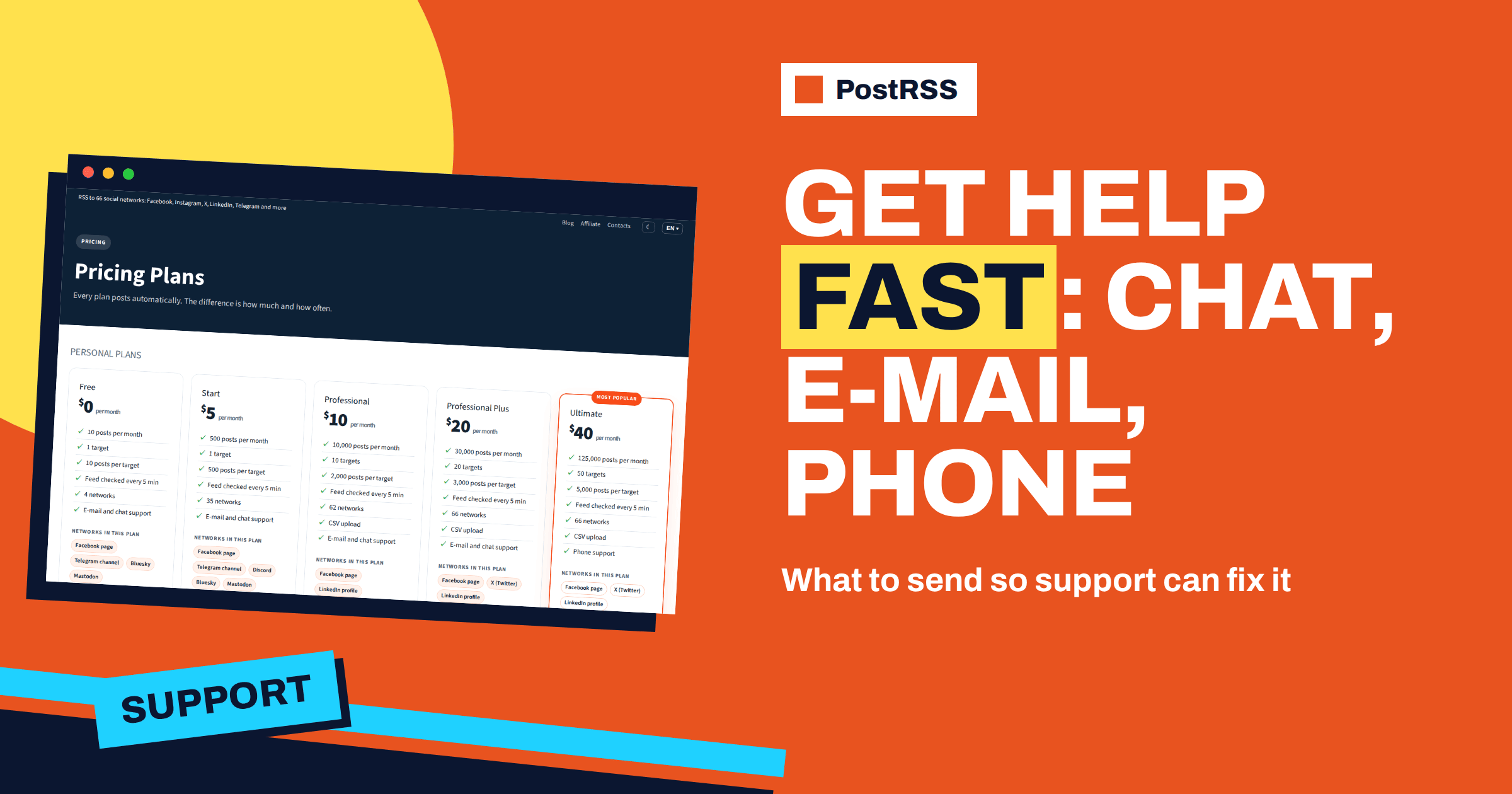
Phone support is a feature of the higher plans. The contacts page says that phone support is included from the Ultimate plan, and the plan list shows it for Ultimate and Enterprise. Every plan, including Free, has e-mail and chat support.
It helps to know who answers. The contacts page says that PostRSS is built and operated by Internet Solutions, UAB, a company in Lithuania, and that it has been running since 2014. That history matters for support in a practical way: the team has seen the problems that feeds, networks and permissions can cause for many years, and most questions have a known answer.
Before you write, spend five minutes on the checks that solve most cases. They also give you the facts that support will ask for.
First, open the report of the target that has the problem. It lists the latest runs, with the time, whether each succeeded and a failure reason when it did not, and the items of each run with their statuses. The guide to reading PostRSS reports and item statuses explains them. Second, open your feed address in a browser and confirm that it loads and contains the new items. Third, check the connected account: is it still active, and does it still have the permission that PostRSS needs, such as a bot that is an administrator of a channel or a webhook that still exists? Fourth, check the plan: is the target within the limits and does the plan include the network? The pricing page lists the limits and the networks of every plan. Fifth, think about what changed recently: a new theme on your website, a different feed address, a changed password at the network, a new filter.
| Symptom | First check |
|---|---|
| Nothing is posted | The report of the target: did the runs succeed and were items seen? |
| Runs succeed but zero items are seen | The feed in a browser: does it contain new items? |
| Items are seen but not posted | Item statuses: filtered, skipped, already posted or waiting for the posts-per-update limit |
| A post has no picture | The feed item and the Open Graph tags of the page |
| A network refuses the connection | The permissions of the account, tokens and whether the plan includes the network |
| Posts appear at the wrong time | Exact times, posting window and your time zone |
| Too many posts at once | Posts per update, publishing order and catch-up |
A good support message is short and complete. Include the following and the first reply is likely to be an answer and not a question.
A screenshot of the report with the relevant row is often more useful than a paragraph of description. If the problem concerns one item, send its link.
Do not send passwords. Do not send access tokens, app passwords, API keys or private keys. Do not paste the full address of a webhook, because anyone who has it can post to your channel. Support can work with a description such as the webhook of the updates channel in Discord, and if something has to be checked on the access, it can be done in other ways. If you have accidentally sent a secret, regenerate it at the network and update PostRSS. A key that has been exposed in a chat or a mail should be treated as lost.
Support can explain what you see, point to the cause in a report, advise on settings and tell you what your plan includes. Support cannot change the rules of another platform, speed up an approval that a platform is reviewing or make a network accept something that its interface forbids. For example, a network that carries the label being tested is waiting for the platform, and Facebook Groups and personal profiles cannot be automated because Meta closed publishing access for them. Knowing these limits saves time, since no amount of settings will change them.
Here is how a complete message reads in practice. The sender writes the account e-mail and says that the Telegram channel for news stopped receiving posts on Tuesday at about ten in the morning, Central European time. The feed is the blog feed, which loads fine in a browser and shows three new items. The report of the target shows runs that succeed with three items seen and none posted, and the items carry the status failed with a reason that mentions a permission. On Monday the owner of the channel changed its administrators. The sender expected the items to be posted and asks what to check. A message like this can be answered in one reply, and the likely cause, the bot that is no longer an administrator, is already in the text.
Some questions are worth asking before you start, not after something fails. Ask whether a network that you plan to use is available on your plan and in what state. Ask how a feed with an unusual structure will be read, if you are not sure. Ask about limits if your feed publishes in bursts. Ask for advice on a setup with many targets before you build it. A question asked in advance often saves an hour of work later, and the team has seen enough setups to suggest the simplest one.
Use the chat for quick questions and for things that you are trying to do right now: how to connect a network, why a button is disabled, what a status means. The chat answers first and a person takes over when needed. Use e-mail for problems that need details, attachments or a record: a long description of a failure, screenshots, a request from your accountant or an agreement with a client. An e-mail leaves a trail that you can forward to a colleague.
If you are on the Ultimate plan or above and the problem is urgent, phone support is available. Prepare the same facts before you call, so that the conversation is short.
If you manage PostRSS for clients, set a simple rule: whoever notices a problem writes the message with the details above and copies the account owner. On plans that allow additional users, colleagues work inside the same account and can see the same reports, which makes it easier to describe a problem. Keep a short document for each client with the networks, the targets and the feeds, so that anyone can answer the first questions without asking the client.
Much of what you need is public. The features page lists the options and the networks. The pricing page lists the plans, limits and networks of each plan. The integrations page lists feed addresses and plugins. Each network has its own page with the connection method and a short list of questions. The API documentation describes every call, error and status for developers. The blog has guides for common tasks. Searching these first often gives an answer in a minute, and if it does not, the effort gives you the vocabulary to ask a precise question.
When the problem is solved, take a minute to write down the cause and the fix in your own notes. The next time the same thing happens, you will know. If the fix was a setting, keep the setting in your documentation. If the cause was outside PostRSS, such as a changed permission or a feed that went down, note whom to contact first. A short habit like this turns every incident into a small improvement of your setup.
Support at PostRSS is a chat that answers first and a person who takes over, e-mail that is answered within one working day and phone support from the Ultimate plan. Spend five minutes on the report, the feed, the account, the plan and recent changes, then write a message that contains the network, the target, the feed, the time, the failure reason and what you expected. Never send secrets. The contact details are on the contacts page, the options are on the features page and the plans are on the pricing page.
Use the chat bubble in the corner of the site or write by e-mail through the contacts page. A person answers e-mail within one working day.
Il supporto telefonico è incluso dal piano Ultimate. Ogni piano include supporto via e‑mail e chat.
Your account e-mail, the network and target, the feed address, the time of the problem, what the report says, what you expected and what changed recently.
No. Never send passwords, tokens, app passwords or webhook addresses. Describe the setup instead, and regenerate any secret that was exposed.
PostRSS è sviluppato e gestito da Internet Solutions, UAB, ed è attivo dal 2014.
What changed in the networks, what broke, and how to fix it before it costs you reach.
Realizzati da Internet Solutions, il team dietro PostRSS. Ognuno ti fa risparmiare tempo in modo diverso.
 English
 Lietuviškai
 Deutsch
 Français
 Русский
 Español
 Polski
 Italiano
 Українська
 Čeština
 Português
 日本語
 Latviešu valoda
 Eesti
 Magyar
 Bahasa Indonesia
 Türkçe
 हिन्दी
 Ελληνικά
 العربية
 ไทย
 Tiếng Việt
 Română
 Bahasa Melayu
 বাংলা