RSS verso 66 social network: Facebook, Instagram, X, LinkedIn, Telegram e altri Blog Affiliazione Contatti
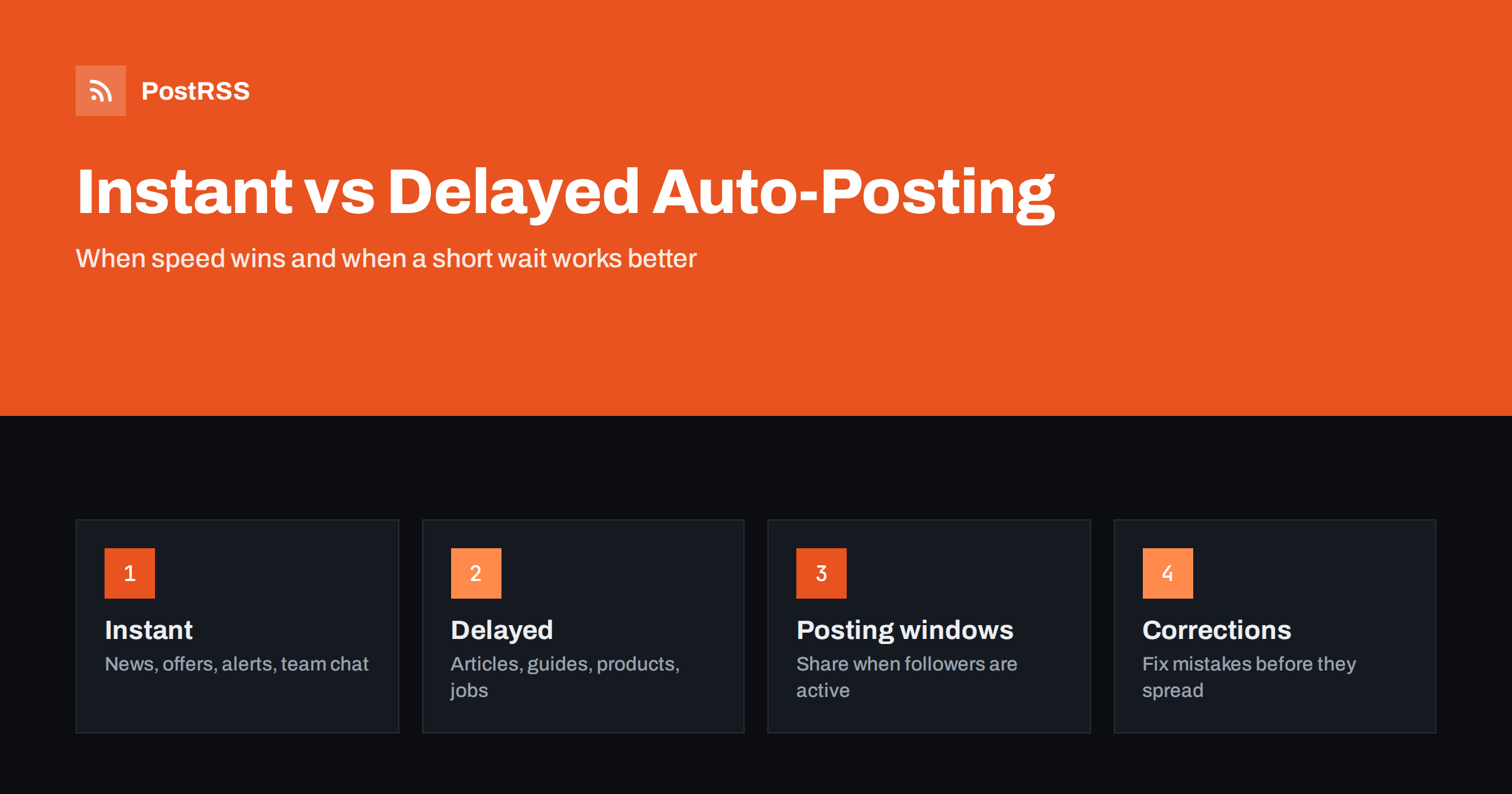
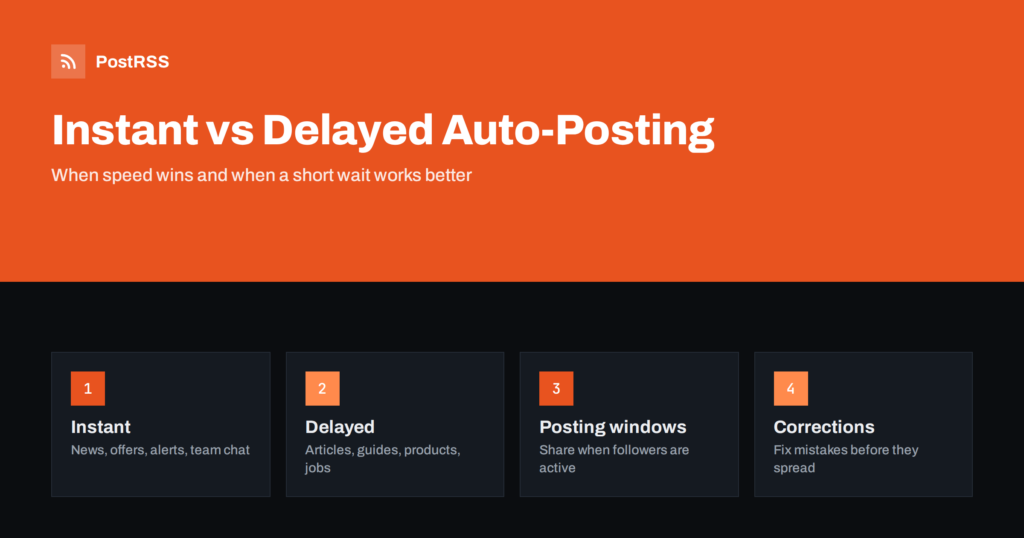
Short answer: Instant auto-posting shares a new article as soon as it appears in the feed, which suits news, offers and anything time-sensitive. Delayed auto-posting waits, for example until a posting window opens or for a fixed time, which gives you room to fix typos, lets images and preview tags settle and puts posts in front of followers when they are active. Most sites do best with instant posting on a few urgent channels and delayed, scheduled posting everywhere else.
When people set up RSS automation, the default is usually as fast as possible: the article is published, the feed updates and the post goes out. Speed is a real advantage, but it is not always the right goal. A post that goes out at 3 a.m., or with a typo that was fixed two minutes later, or with a link preview that shows no image, costs more than it gains by being early. This guide explains when instant posting wins, when waiting is better, and how to build each approach with ordinary feed and scheduling settings.
No RSS automation is truly instant. Between pressing publish and seeing the post on a network there are several steps: the CMS regenerates the feed, any page or CDN cache expires, the auto-poster checks the feed, and the network processes the post. In practice:
Both are legitimate choices. The question is which one fits each type of content and each channel.
Some content loses value by the hour. For these, speed matters more than perfect timing:
For these feeds, choose the shortest check interval your plan allows, keep the feed cache short and avoid posting windows that hold items back. The factors that cause lag are explained in RSS feed caching explained.
For evergreen articles, product pages, guides and most blog posts, a short delay has real benefits:
The preview problem deserves extra attention. Social platforms cache link previews, and the Facebook Sharing Debugger exists mainly so you can refresh a preview that was scraped too early or with the wrong data. Avoiding the bad first scrape is easier than fixing it. See why auto-posted links show the wrong image.
Most sites have a mix of content. A simple decision table helps:
| Content type | Suggested timing | Reason |
|---|---|---|
| Breaking news, alerts | Instant | Value drops quickly |
| Flash sales, limited offers | Instant | The offer may end soon |
| Blog articles and guides | Delayed to a posting window | Room for fixes, better audience timing |
| New products | Delayed slightly | Images, prices and stock data settle first |
| Job openings | Delayed to business hours | Candidates browse during the day |
| Event announcements | Delayed to a planned time | Fits the campaign schedule |
| Team chat notifications | Instant | Colleagues need to act on them |
If one feed mixes urgent and non-urgent content, consider splitting it. A news category feed can go to an instant target, while the general blog feed goes to a target with posting windows. Category routing is explained in category filtering for auto-posting.
You do not need special software to delay posts. There are four common methods, and they can be combined:
The CMS method has a catch: the article is also public on the site only from that moment. When the timing of the public article matters, as with an embargo, read scheduling auto-posts around an embargo.
Even with a delay, some mistakes slip through. Know in advance how corrections work:
How tools treat edited items is covered in why auto-posters repost edited articles. The practical lesson is simple: the cheapest correction is the one made before the post goes out, which is the strongest argument for a short delay on non-urgent content.
Delays sometimes happen by accident. A posting window set in the wrong time zone can hold every post for hours, and a daylight saving change can move all slots by an hour twice a year. Set windows and exact times in the time zone of the audience, not of the server or the editor, and check the first posts after each clock change. Background is in time zones and daylight saving in RSS auto-posting.
Caching can also add delays you did not choose. If your server tells clients to keep the feed for a long time, the auto-poster may see new items late. The caching rules that control this are described in the MDN guide to HTTP caching.
The same article does not need to reach every network at the same moment. Each channel has its own rhythm, and the timing choice can differ per target:
Staggering also reduces the effect of a mistake. If the brand page posts immediately and the other networks follow later in the day, a problem spotted on the first post can be fixed before it spreads everywhere.
Timing advice is general; your audience is specific. Test it with your own numbers instead of trusting rules of thumb:
Keep other things equal while you test, such as the post format and hashtags, so you know the difference comes from timing. A method for this kind of comparison is described in how to track the ROI of RSS automation with UTM parameters.
If you are not sure where to start, this setup works for many small businesses and blogs:
The point is not that one approach is better, but that the timing should be a decision rather than a default.
PostRSS has published RSS and Atom feeds to social networks since 2014. You choose how often each source is checked, as often as every minute on Enterprise plans or as rarely as once a week, and paid plans add posting windows and exact posting times on chosen days in your time zone. You can also set the maximum number of posts per update and whether newer or older items go first. Because one feed can go to several targets with their own settings, urgent channels can post at once while others wait for their window, across 66 supported networks, messengers, team chats and blogs. See the features page and the plan limits on the pricing page. More articles on timing are under the Posting Schedule tag.
Instant auto-posting is right for news, offers, alerts and team notifications, where every hour counts. For most other content, a short deliberate delay pays off: it leaves time for corrections, lets link previews and caches settle and places posts when followers are active. Build delays with posting windows, exact times, a slower check interval or CMS scheduling, set them in the audience’s time zone, and split feeds when one source mixes urgent and evergreen content.
It depends on the content. Time-sensitive items such as news and offers should go out immediately, while articles, guides and product pages usually perform better when shared in a planned posting window.
Use posting windows, exact posting times, a slower feed check interval or scheduled publishing in your CMS. These methods can be combined for different feeds and channels.
Common causes are feed caching on the server or CDN, a long check interval, a posting window in the wrong time zone or a limit on posts per update that queues items.
Usually not. Once an item has been posted, editing the article does not change the shared post, so mistakes have to be corrected on each network where editing is possible.
Yes, if your tool lets each target have its own schedule. Connect the feed to several targets and give only some of them posting windows or fixed times.
What changed in the networks, what broke, and how to fix it before it costs you reach.
Realizzati da Internet Solutions, il team dietro PostRSS. Ognuno ti fa risparmiare tempo in modo diverso.
 English
 Lietuviškai
 Deutsch
 Français
 Русский
 Español
 Polski
 Italiano
 Українська
 Čeština
 Português
 日本語
日本語 Latviešu valoda
 Eesti
Eesti Magyar
 Bahasa Indonesia
 Türkçe
 हिन्दी
 Ελληνικά
 العربية
 ไทย
ไทย Tiếng Việt
 Română
 Bahasa Melayu
 বাংলা
বাংলা