RSS verso 66 social network: Facebook, Instagram, X, LinkedIn, Telegram e altri Blog Affiliazione Contatti
Webinars and virtual events live and die by registration numbers in the days leading up to them, which makes consistent, repeated promotion across social channels genuinely important — not a nice-to-have. Most teams promote a webinar once when it’s announced, then let momentum fade until a rushed “starting in 1 hour” post the morning of, missing the mid-campaign window where a second or third well-timed touchpoint would typically have driven the most incremental registrations of the entire promotional window. RSS automation gives event marketers a way to keep a webinar visible across the full promotional window without a person manually re-posting the same announcement on a calendar reminder.
This guide covers the actual mechanics: how to structure an RSS feed of upcoming webinars so an auto-posting tool can pick them up, how to handle the “countdown” style repeated promotion many events need, how to measure whether the cadence is actually driving registrations, and where automation should hand off to manual, real-time coverage.
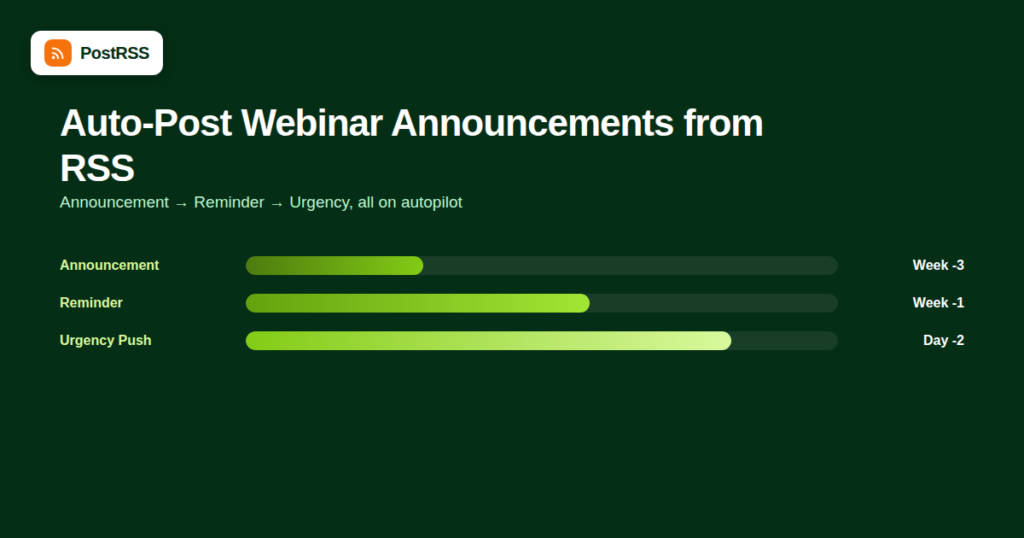
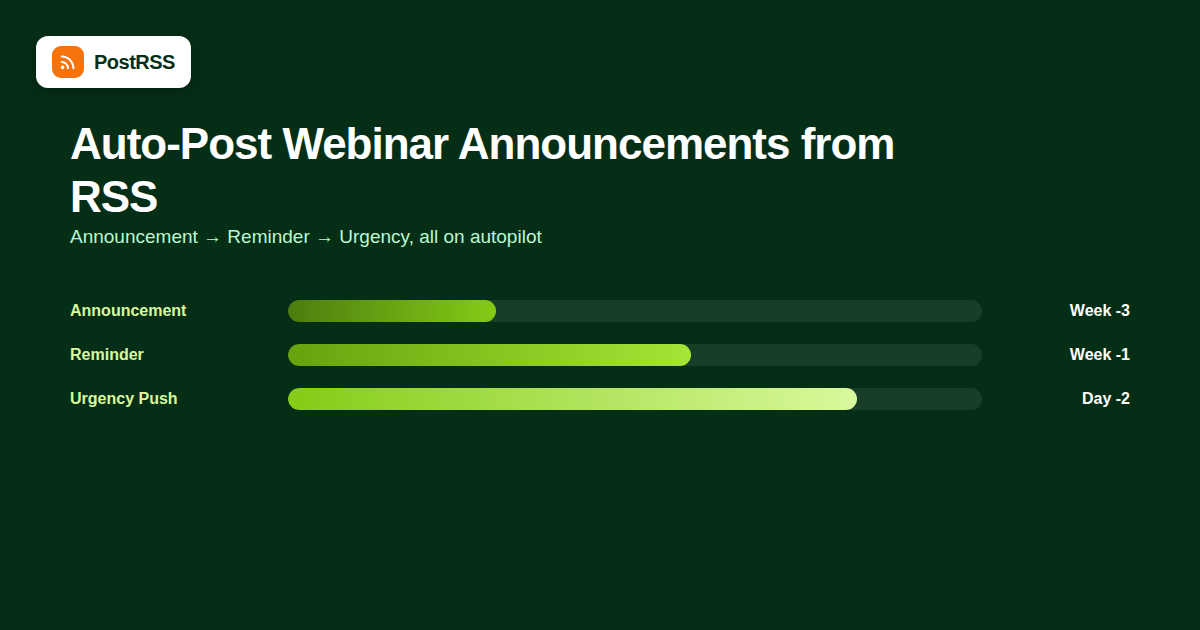
A normal blog post gets auto-posted once, when it’s published, and that’s the end of its distribution lifecycle. A webinar has a fundamentally different promotional shape: it needs visibility at announcement, a reminder push in the days before, and often a final urgency push hours before it starts — three or four distinct touchpoints from one event, not one. Standard RSS-to-social automation, built around “post once when new,” doesn’t naturally handle this pattern without some adaptation.
The most reliable setup treats each webinar as its own feed item, published to a dedicated events or webinars category the moment the event is scheduled — not the day it happens. This gives the auto-posting tool something to pick up as soon as registration opens, which is exactly when initial promotion should start. Most event platforms (Eventbrite, Zoom Webinars via a companion landing page, HubSpot Events) either expose their own feed or can be mirrored into a WordPress “Events” custom post type that generates a feed automatically.
| Event Source | RSS Feed Availability | Practical Setup |
|---|---|---|
| WordPress Events plugin (The Events Calendar, etc.) | Native RSS feed per category/type | Point auto-posting directly at the plugin’s feed URL |
| Eventbrite | No native public RSS feed | Mirror event details into a WordPress post or events plugin when publishing on Eventbrite |
| HubSpot / Marketing Automation Platform landing pages | No native RSS feed | Publish a corresponding announcement post on the main blog with a link to the registration page |
| Zoom Webinars | No native RSS feed | Same as above — treat the blog announcement as the automation source, not Zoom itself |
Since most auto-posting tools only trigger on new feed items, getting more than one automated touchpoint per webinar requires one of two approaches:
The second approach is generally the safer bet, since it doesn’t rely on undocumented feed-update behavior working consistently across every platform in your distribution mix.
A reasonable default cadence for a single webinar, based on how most B2B event marketing teams structure it:
Automating the first three touchpoints through scheduled feed items covers the bulk of the promotional workload, leaving only the final same-day push as a manual task if precise, last-minute timing matters more than automation can reliably guarantee.
Once a webinar concludes, the same feed-based approach works for distributing the recording — publishing a new post with the on-demand link once it’s available, auto-posted through the same connection that handled pre-event promotion. This also extends the content’s useful life well past the live date, since on-demand webinar recordings often continue generating registrations (for gated access) or views for weeks afterward.
| Platform | What Works Well |
|---|---|
| Strong fit for B2B webinars; company page posts with a clear registration link perform reliably | |
| X (Twitter) | Good for the urgency/reminder posts closer to the event date; less effective for the initial long-lead announcement |
| Facebook’s native Events feature is separate from a standard link post; auto-posting a link announcement still works but won’t create a native Facebook Event object | |
| Link-in-caption limitations make this a weaker channel for direct registration; better suited to awareness rather than conversion |
Because webinar promotion has a hard deadline and a clear conversion metric (registrations), it’s easier to measure than most ongoing content distribution. A few numbers worth tracking per event:
Tracking this across even three or four webinars starts to reveal a pattern specific to your audience — some teams find their X audience never converts to registrations but their LinkedIn audience reliably does, which is exactly the kind of finding that should reshape where automated effort goes next time.
| Mistake | Why It Hurts | Better Approach |
|---|---|---|
| One announcement post, no follow-up | Registrations trickle in early then stall; no urgency push near the date | Plan the full 3-4 touchpoint cadence before the event is even announced |
| Identical copy across all reminder posts | Repeat viewers of your feed tune it out as an obvious repost | Vary the framing and add a fresh detail (speaker quote, agenda item) each time |
| No plan for what happens if the event is rescheduled | Automated posts keep referencing an outdated date, confusing registrants | Build a manual override step into the promotional checklist for date changes |
| Same cadence used for every event regardless of size | A small internal webinar gets the same heavy promotion as a flagship annual event, or vice versa | Scale the number of touchpoints to the event’s actual importance and audience size |
No — third-party APIs generally don’t expose the ability to create native event objects on Facebook or LinkedIn. Auto-posting handles standard link posts announcing the event, not the event object itself, which typically still needs to be created manually inside each platform if a native event listing is wanted.
Two to three weeks before the webinar is a common default for B2B events, giving enough lead time for registrants to plan their calendar without the announcement going stale by the time the event actually happens.
No — even minor variation (different framing, a new speaker quote, an updated registration count) performs better and reads as intentional rather than a stale, forgotten repost.
This needs a manual correction post rather than relying on automation to detect the change — update the original post and publish a clear “rescheduled” announcement through the same feed connection so it reaches the same audience that saw the original promotion.
Yes, and it works especially well there — each episode becomes its own feed item following the same promotional cadence, which is far less manual effort than recreating a promotion plan from scratch for every recurring session.
If the auto-posting tool supports per-platform caption customization, yes — a more formal LinkedIn caption and a shorter, punchier X caption from the same underlying feed item is a common and effective setup.
For a single event, the setup overhead may not be worth it compared to a few manual posts — the real value of this approach shows up with a recurring or high-frequency webinar program where the promotional workload compounds over many events.
Yes — keeping it in the same feed and the same automated connection means the post-event audience gets reached through exactly the same channels that saw the original promotion, without needing to reconfigure anything for the follow-up content, and without losing the historical reporting continuity of that single connection.
Before the first automated post goes live for a new webinar, it’s worth running through a short checklist to avoid the most common setup errors:
Teams running a regular content distribution cadence for webinars tend to build this checklist into their standard event-planning template rather than re-deriving it every time, which is what actually makes the automation reliable over a full year of events rather than just the first one or two.
Automation is not the right fit for every promotional moment in a webinar’s lifecycle. Live, in-the-moment updates — a speaker change announced an hour before the event, a last-minute capacity increase, or a “we’re live now, join here” post timed to the literal start of the stream — all benefit from a person posting in real time rather than a pre-scheduled feed item. The practical dividing line: anything planned more than a day in advance is a strong candidate for automation; anything reactive or same-hour is better handled manually.
Webinar promotion needs more than a single auto-post at announcement time, but the fix isn’t abandoning automation — it’s structuring multiple distinct feed items around a fixed promotional cadence instead of expecting one feed entry to carry the whole campaign. Combined with a reliable auto-posting connection, consistent UTM tracking, and a clear plan for the final same-day push, this approach keeps a webinar visible through its entire promotional window without turning it into a recurring manual task for the marketing team every single time an event goes on the calendar.
What changed in the networks, what broke, and how to fix it before it costs you reach.
Realizzati da Internet Solutions, il team dietro PostRSS. Ognuno ti fa risparmiare tempo in modo diverso.
 English
 Lietuviškai
 Deutsch
 Français
 Русский
 Español
 Polski
 Italiano
 Українська
 Čeština
 Português
 日本語
日本語 Latviešu valoda
 Eesti
Eesti Magyar
 Bahasa Indonesia
 Türkçe
 हिन्दी
 Ελληνικά
 العربية
 ไทย
ไทย Tiếng Việt
 Română
 Bahasa Melayu
 বাংলা
বাংলা