RSS verso 66 social network: Facebook, Instagram, X, LinkedIn, Telegram e altri Blog Affiliazione Contatti
Short answer: If your data lives in PostgreSQL behind Hasura, you can build an RSS feed with a small service that sends one GraphQL query for the newest published rows, renders the XML and writes the file atomically. Give it a dedicated Hasura role that can read only published articles and only the columns the feed needs, run it on a schedule and trigger it from a Hasura event trigger when an article changes. The feed is an ordinary address that PostRSS can read and post to your social networks.
Hasura exposes a database as a GraphQL API with permissions, subscriptions and event triggers, and it has become the backend of many web and mobile applications. When a team already has its content in tables managed through Hasura, an RSS feed is a natural extra. The question is where the XML should be produced. Hasura itself speaks JSON, not RSS, so a thin service must sit in front: it asks Hasura for data and turns the answer into a feed. This guide shows how to design that service, how to configure the role so that nothing private can leak, how to use event triggers to refresh the file within seconds and how to keep the whole chain reliable. The examples use Node.js, but any language with an HTTP client will do.
Hasura can return the newest articles as JSON in one request, but feed readers and auto-posting services expect RSS or Atom. You could convert the data in the browser or in a serverless function on every request, but a static file is cheaper, faster and more reliable. A small service that renders the feed once per change and writes a file moves the cost out of the request path, and it keeps Hasura from becoming a public endpoint for anonymous feed traffic. The service is only a few dozen lines of code, and it can run next to your other workers.
The most important step is the permission model. In Hasura, create a role used only by the feed, for example feed_reader. Give it select permission on the articles table, restrict the rows to those with the published status and a publication time in the past, allow only the columns the feed needs and set a limit on the number of rows. A row filter expressed in the permission means that even a faulty query cannot return drafts, because the database layer refuses to show them.
Keep personal data out of the allowed columns. The feed needs a title, a slug or link, a summary, an image address, a publication time and an identifier. It does not need the author’s e-mail, internal notes or any field you would not print on a billboard.
The query asks for the newest items in a fixed order with a small limit. Pass the current time as a variable, so that the filter on the publication date is explicit.
query LatestArticles($now: timestamptz!) {
  articles(
    where: { published_at: { _lte: $now } }
    order_by: { published_at: desc }
    limit: 30
  ) {
    id
    title
    slug
    summary
    image_url
    published_at
  }
}
The status filter is not repeated in the query because it is enforced by the role. Repeating it is harmless, but relying on the permission is what keeps the design safe when someone edits the query later. A limit of thirty items is plenty for a feed, and most readers and auto-posters look only at the newest few.
For server-to-server calls, Hasura accepts the admin secret together with a role header, which makes the request run with that role’s permissions. Keep the secret in the environment of the service and never in the source code.
const query = `query LatestArticles($now: timestamptz!) { ... }`;

async function fetchArticles() {
  const response = await fetch(process.env.HASURA_URL + "/v1/graphql", {
    method: "POST",
    headers: {
      "content-type": "application/json",
      "x-hasura-admin-secret": process.env.HASURA_SECRET,
      "x-hasura-role": "feed_reader",
    },
    body: JSON.stringify({
      query,
      variables: { now: new Date().toISOString() },
    }),
  });
  const result = await response.json();
  if (result.errors) throw new Error(JSON.stringify(result.errors));
  return result.data.articles;
}
Always check the errors field. A GraphQL server can answer with a success status and an error inside the body, and a service that ignores it might write an empty feed. Treat an error as a failure and keep the previous file.
The renderer builds a valid RSS 2.0 document from the rows: a channel with a title, a link and a description, and an item for each article with a title, an absolute link, a stable identifier, a publication date in the standard format and the summary. Use a tested XML library or a template with proper escaping, because summaries often contain ampersands and quotes. Then write the file to a temporary name in the target directory and rename it over the final name, which is atomic on the same filesystem, so readers never see a half-written file.
import { writeFile, rename } from "node:fs/promises";

async function writeAtomic(path, xml) {
  const tmp = path + "." + process.pid + ".tmp";
  await writeFile(tmp, xml, { mode: 0o644 });
  await rename(tmp, path);
}Hasura event triggers call a webhook when rows are inserted, updated or deleted. Configure one on the articles table that calls your service. The service does not need to read the payload in detail: it only needs to know that something changed. It schedules a rebuild, rebuilds from the current state and returns a success status quickly.
Hasura delivers event trigger calls at least once and retries failures according to the configuration, so your handler can receive the same event more than once. That is fine, because the rebuild is idempotent: it reads the newest published rows and replaces the file. To avoid many rebuilds during a burst of edits, add a small debounce of a second or two inside the service, so that ten quick saves cause one or two rebuilds.
Event triggers are reliable, but they are not the only thing that can go wrong. A deployment may disable the trigger, a migration may recreate the table without it or the service may be down while events are retried and eventually dropped. Add a slow timer, for example every fifteen or thirty minutes, that runs the same rebuild. It costs almost nothing and guarantees that the feed catches up. Think of the trigger as the fast path and the timer as the guarantee.
Many content systems let editors schedule an article for a future time. No database event fires at that moment, because the row was saved earlier. If you publish by comparing the publication time with the current time, the timer is what makes the feed update when the clock passes the scheduled time. Choose a timer interval that matches how precisely you want scheduled items to appear. If a few minutes of delay are acceptable, a timer that runs every few minutes is enough, and it also repairs any other missed update.
The admin secret is powerful, so protect it. Run the service in a private network where possible, keep the secret in a secret manager or an environment variable, and restrict the role so that even if the secret leaks, the damage is limited to what the role allows. Do not expose the service’s webhook endpoint to the public internet without a check: use a shared secret header that Hasura sends with the event, and reject requests that lack it. The public part of the system is only the static feed file.
Watch the age of the file and the age of its newest item, and compare the newest item with the newest published row in the database. Check Hasura’s event log for failed deliveries to your webhook, since it shows which events were retried and why. An external check that fetches the public feed and parses it is the best single test, because it covers DNS, the web server and the file in one go. Alert when the file is older than three times the timer interval.
Run the service against a staging copy of the database. Create a published article, a draft and an article scheduled for the future, trigger a rebuild and read the file. Only the published article should appear. Edit the published article and confirm that the event trigger fires, that the file changes within seconds and that the identifier stays the same. Stop the service, edit two articles, start it again and check that the timer repairs the feed. Validate the XML with a standard feed validator and open the first image address in a private window. Repeat this test after every change to the role, the query or the template.
Applications evolve, and the table behind the feed will change. Renaming a column or changing a type can break the query, and a service that fails loudly is better than one that quietly returns nothing. Keep the query in version control next to the migrations, run the staging test in your deployment pipeline and review the role permissions whenever you add columns. If you expose a new column to the feed role, ask whether it is safe to publish, because everything the role can read is one query away from a public file.
The summary of an item becomes the caption of a social post, so store a short plain-text summary in its own column, one or two sentences without markup. For the image, expose a full public address that opens without a login. Both are cheap to add to the role and the query, and they make the difference between a post that looks finished and one that looks like a bare link.
PostRSS only needs a valid RSS or Atom address that can be opened without a login. It checks the address, finds items it has not posted before and publishes them, with image and link, to the networks you connect. It does not matter that Hasura and GraphQL sit behind the file. The features page lists the networks and options such as keyword filters and posting windows, and the pricing page shows which plan fits the number of targets you need.
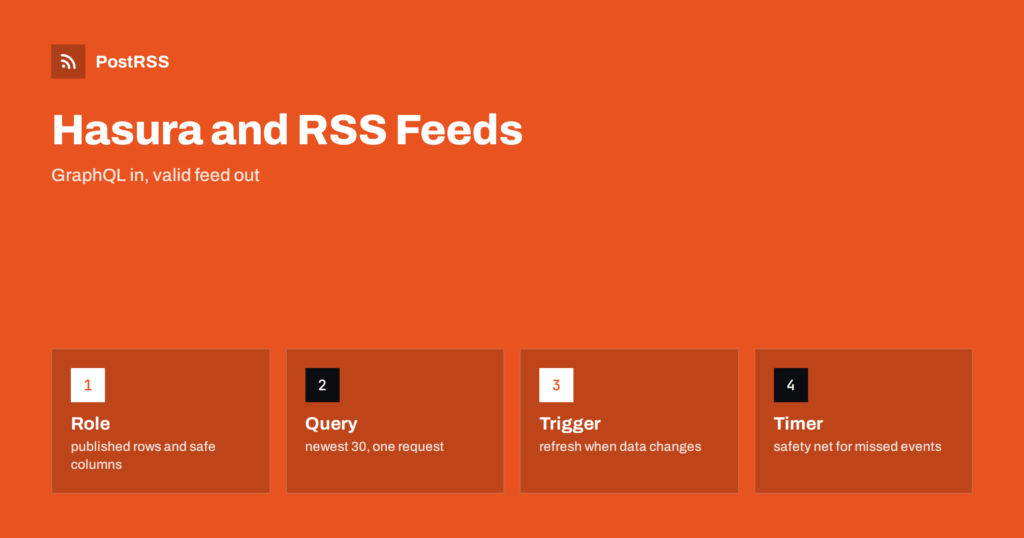
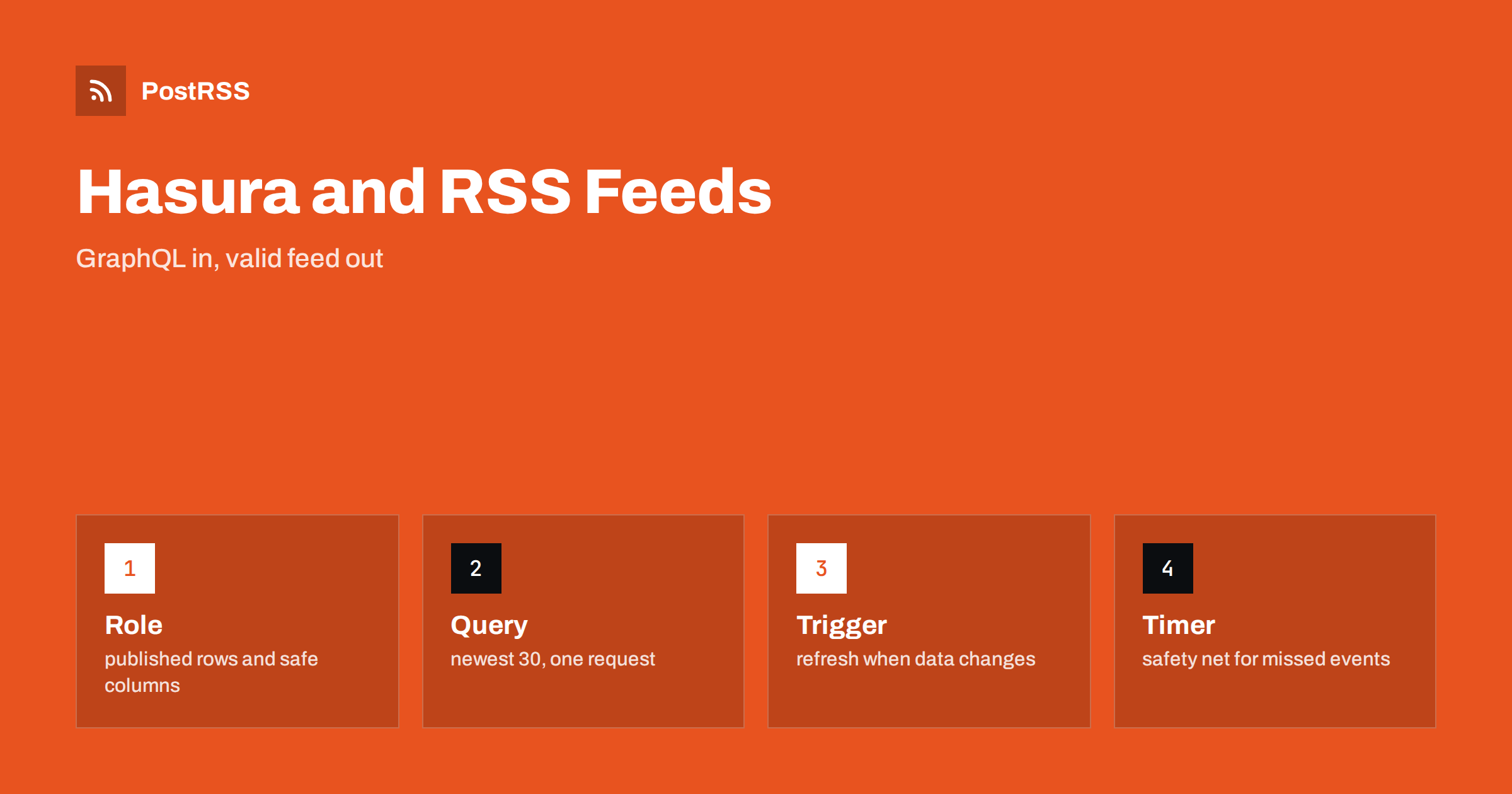
Hasura makes it easy to read your content, and a small service turns it into an RSS feed. Create a role that can see only published rows and safe columns, query the newest thirty items, check GraphQL errors, render valid XML, write the file atomically, refresh it from an event trigger and keep a timer as a safety net. Monitor the file from outside. Then give the address to an auto-poster, and every new article reaches your audience without manual work.
No. Hasura returns JSON through GraphQL. A small service queries it and renders the RSS or Atom document.
Create a dedicated role whose row permission allows only published articles, and use that role for the feed query so that the database layer enforces the rule.
No, but it makes the feed update within seconds. A timer alone works for many sites, and you should keep a timer even if you use triggers.
Nothing harmful happens when the rebuild is idempotent. It reads the current state and replaces the file, so repeated events produce the same result.
Yes. PostRSS reads any valid RSS or Atom address that is reachable without a login, however the file is produced.
What changed in the networks, what broke, and how to fix it before it costs you reach.
Realizzati da Internet Solutions, il team dietro PostRSS. Ognuno ti fa risparmiare tempo in modo diverso.
 English
 Lietuviškai
 Deutsch
 Français
 Русский
 Español
 Polski
 Italiano
 Українська
 Čeština
 Português
 日本語
 Latviešu valoda
 Eesti
 Magyar
 Bahasa Indonesia
 Türkçe
 हिन्दी
 Ελληνικά
 العربية
 ไทย
 Tiếng Việt
 Română
 Bahasa Melayu
 বাংলা