RSS verso 66 social network: Facebook, Instagram, X, LinkedIn, Telegram e altri Blog Affiliazione Contatti
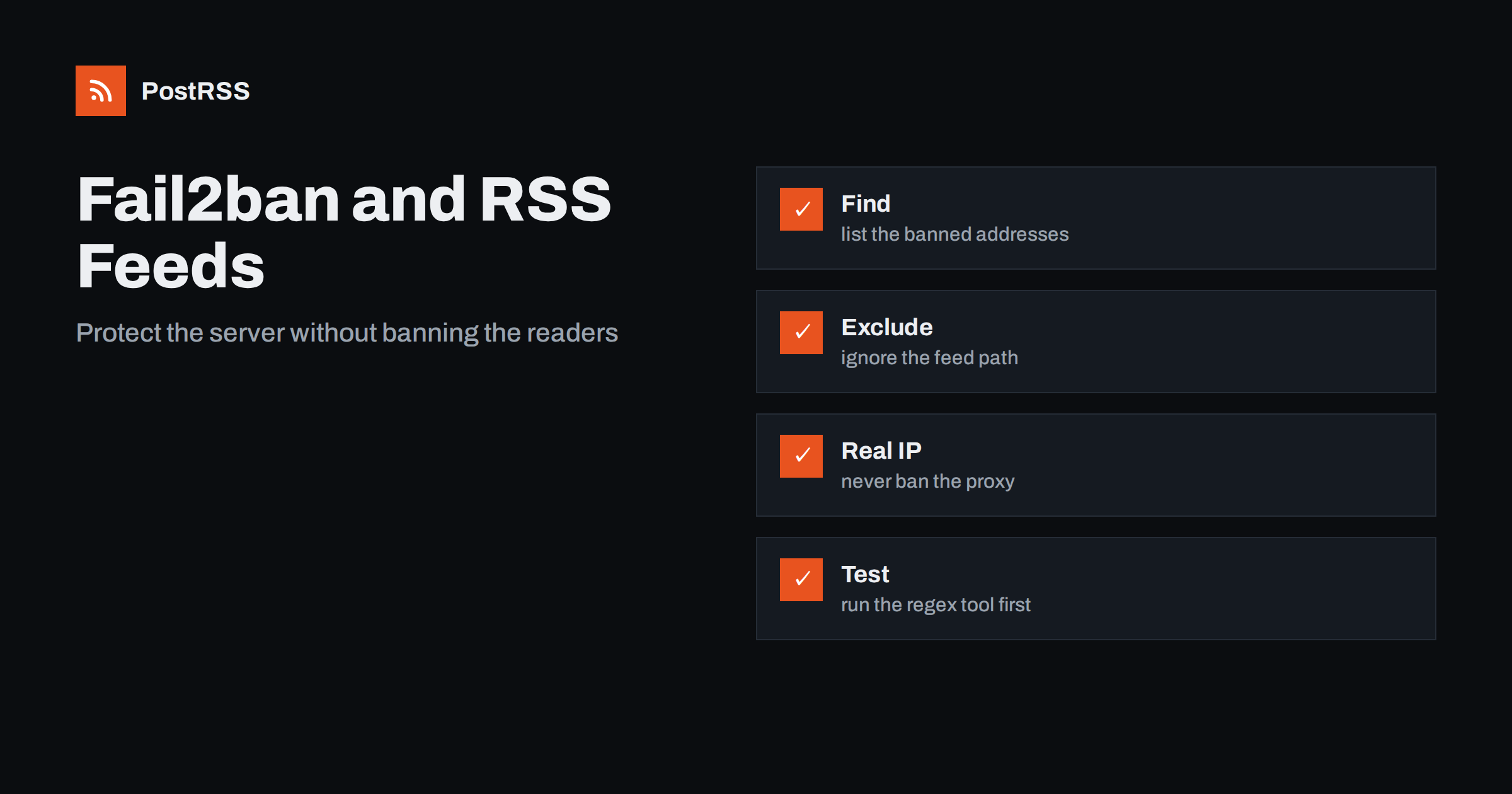
Short answer: Fail2ban protects a server by banning addresses that behave badly in the logs, and an auto-poster that fetches your RSS feed every minute can look exactly like that. To keep the feed reachable, find out whether a tool was banned, exclude the feed path from the filters that count requests or errors, make sure the log shows the real visitor address and not a proxy, never ban a content delivery network by mistake, use bans that grow with repeat offences instead of long first bans and test every filter with the regex tool before you enable it. Then check the feed address from a clean network and connect it to an auto-poster so that every new article reaches your social channels.
Public servers are attacked constantly: password guessing, scans for vulnerable plugins, floods of requests to expensive pages. Fail2ban is a popular and sensible answer. It reads log files, finds patterns that match abuse and asks the firewall to block the address for a while. The trouble is that a feed reader is a regular visitor with an odd profile. It sends many requests, on a fixed schedule, without a browser, often from a data centre, and sometimes to an address that no longer exists after a migration. To a rule that counts requests or 404 errors, that looks like a scanner. When a tool is banned, it does not complain, it simply fails, and the feed seems to be down for some readers and fine for others. This guide explains how to recognise the problem, how to fix the rules without weakening your protection and how to keep the setup healthy.
A jail combines a log file, a filter and a few numbers: how many matches within how long cause a ban, and for how long the ban lasts. Several common jails can hit a feed reader. A request rate filter counts requests per address, and a tool that polls every minute and fetches a few related paths can exceed a limit set for people. A filter against bots that search for missing pages counts 404 and 403 answers, and a tool that keeps asking for an old feed address after a migration produces a steady stream of 404 lines. A filter that matches suspicious user agents may match the name of a feed library. An authentication filter can be triggered if the feed sits behind a password page and the tool retries with wrong credentials.
| Jail type | Why a feed tool may match | Fix |
|---|---|---|
| Request rate limit | Regular polling counts as a flood | Ignore the feed path or raise the limit |
| Missing page scanner | Old feed address gives repeated 404 | Redirect the old address |
| User agent filter | Library name looks like a script | Narrow the pattern, not the feed |
| Authentication failures | A tool retries a protected feed | Make the feed public or exclude it |
| Proxy in front of the server | The proxy address is banned for everyone | Log the real visitor address |
Start with the facts. List the jails, look at the banned addresses and compare them with the tools that fetch your feed. If you know that your auto-poster fetches the feed from certain addresses, look for those. If you do not know the addresses, look for bans that appeared at the time your tool started to report errors.
sudo fail2ban-client status
sudo fail2ban-client status nginx-limit-req
sudo grep "Ban " /var/log/fail2ban.log | tail -20
The first command lists the jails, the second shows the currently banned addresses of one jail and the third shows the latest bans with their times. Each ban line contains the jail name, which tells you which rule fired. Then look in the access log at what that address requested before the ban. If it asked for your feed again and again, you have found the cause. Remove a wrong ban at once so that the tool can reach the feed.
sudo fail2ban-client set nginx-limit-req unbanip 203.0.113.25The address in the example belongs to a range reserved for documentation, so replace it with the real one. Unbanning fixes today, but the same ban will come back unless you change the rule.
The cleanest fix is to tell the filter to ignore lines that are requests for the feed. Filters have a list of patterns that count and a list of patterns that never count. Add the feed path to the second list. The example below is a filter for a request rate jail with an exception for the feed.
# /etc/fail2ban/filter.d/web-rate.conf
[Definition]
failregex = ^<HOST> .* "(GET|POST) [^"]*" \d+ .*$
ignoreregex = ^<HOST> .* "(GET|HEAD) /(feed|feed\.xml|rss|atom\.xml)[/? ].*$
The first pattern counts every request line, and the second removes requests for the common feed paths before counting. Adjust both to the format of your log and to the paths that you use. Keep the exception narrow: an exception for a whole folder or for every path ending in xml can become a hole that attackers use to avoid detection. A feed path is read-only and cheap to serve, especially when it is cached, so the risk of ignoring it is small, as long as the server can handle the load.
Fail2ban includes a tool that applies a filter to a log file and shows what would match. Use it with a real log and look at the numbers and at sample lines.
sudo fail2ban-regex /var/log/nginx/access.log /etc/fail2ban/filter.d/web-rate.confThe output tells you how many lines matched, how many were ignored and which addresses would be counted. Run it on a day that contains feed traffic, and confirm that the feed lines are in the ignored group. A filter that is not tested is a risk in both directions: it may ban the wrong visitor or fail to ban the attacker. Make this step part of every change to a filter, and keep the old version until the new one has run for a while. Reload the service only after the test passes.
If your site sits behind a reverse proxy, a load balancer or a content delivery network, the web server sees the address of that service, not of the visitor, unless it is configured to read the forwarded address. In that situation, fail2ban counts requests per proxy address, and one noisy visitor can cause a ban that blocks the proxy, which means every visitor who comes through it, including every auto-poster. This is one of the most damaging mistakes in the field, and it looks like a total outage. Configure the web server to log the real address from the header that your proxy sets, trust the header only from known proxy addresses and then check that the access log shows individual visitor addresses. Also add the addresses of your own proxy and monitoring services to the list of addresses that are never banned.
[DEFAULT]
ignoreip = 127.0.0.1/8 ::1 10.0.0.0/8
Place the setting in your local configuration file, not in the file that the package overwrites. Never add the published address ranges of a large public service as a way to be safe: ranges change, and an open list is an invitation for abuse. The best protection is correct logging and narrow filters.
A long first ban is harsh on a mistake and light on a persistent attacker. A better design is to start with a short ban and increase it for repeat offences. Fail2ban supports this, and it reduces the damage of a false positive while still wearing down attackers.
[DEFAULT]
bantime = 10m
findtime = 10m
maxretry = 20
bantime.increment = true
bantime.factor = 2
bantime.maxtime = 1w
With these values, an address that breaks the rules is banned for ten minutes, then for twenty, forty and so on up to a week. If your auto-poster is caught by mistake, it is back after ten minutes while you fix the rule, instead of being out for a day. Choose the numbers for your traffic, and review the log of bans every week at the start, to see who is caught. A reasonable count of requests for a human visitor is much lower than for a polling tool, which is another reason to treat the feed path separately.
If a scanner jail bans a tool that asks for an old feed address, the real problem is that the old address answers with an error. After a migration, a change of platform or a rename, redirect each old feed path directly to the canonical address with a permanent redirect, so that the tool receives a normal answer, not an error, and learns the new address. Check the access log for repeated 404 answers on feed-like paths and fix each one. The meaning of each status is explained in the guide to feed status codes. Make sure that the feed is also not blocked by a file that tells crawlers what to avoid, as described in the guide to robots.txt and feeds.
Fail2ban is only one of several layers. A cache in front of the feed removes most of the load that a rate rule is meant to protect against, because a cached answer is cheap. A content delivery network or a firewall may have its own bot rules, which can block your tool without any log entry on your server. If the tool still reports errors after you fixed fail2ban, look at those layers as well. A related case, with its own fixes, is described in the guide to blocked feeds. And think about where the protection is needed: a feed is public and read-only, so it deserves a light touch, while login pages and admin paths deserve strict rules.
curl -sI https://example.com/feed.xml
for i in 1 2 3 4 5 6 7 8 9 10; do curl -s -o /dev/null -w '%{http_code} ' https://example.com/feed.xml; done; echo
sudo fail2ban-client status nginx-limit-reqRun the test from a network that is not on your allow list, because a test from your office address can hide a problem. A longer routine is in the feed validation guide, and a shorter one in debugging a feed with curl.
PostRSS has been publishing RSS and Atom feeds to social networks since 2014. Paste the address of your feed, connect your accounts and choose how each post is built from the title, the description or the page title. PostRSS checks the feed as often as every minute and shares each new entry, with its image and link, to the channels you choose among 66 supported networks, messengers, team chats and blogs, including LinkedIn, X, Bluesky, Mastodon and Telegram. Keyword filters, UTM parameters and posting windows let you tune each channel. See the PostRSS features page and the plan limits on the pricing page. More developer guides are under the Technical Guide tag.
Fail2ban keeps servers safe, and it can quietly lock out the tools that share your articles. Check the list of banned addresses when a tool reports errors, exclude the feed path from filters that count requests and errors, log the real visitor address and never ban a proxy, start with short bans that grow, test every filter with the regex tool, redirect old feed paths instead of letting them return errors and verify the result from a clean network. Then connect the feed to an auto-poster, so that every article you publish reaches your social channels without being mistaken for an attack.
Yes. A tool that polls often or keeps asking for an old address can match request rate or missing page filters. Check the banned addresses and exclude the feed path from the filter.
Use the client command with the jail name and the address to remove it from the ban list. Then fix the filter, because the same ban will return otherwise.
The web server logs the proxy address instead of the visitor address. Configure real address logging from the forwarded header and trust it only from known proxies.
Run the regex tool against a real access log and the filter file. Check the counts of matched and ignored lines and confirm that feed requests are in the ignored group.
Yes. PostRSS reads any valid RSS or Atom address that is reachable without a login. Make sure your rules do not ban the tool, paste the address, connect your channels and new articles are shared as soon as they appear.
What changed in the networks, what broke, and how to fix it before it costs you reach.
Realizzati da Internet Solutions, il team dietro PostRSS. Ognuno ti fa risparmiare tempo in modo diverso.
 English
 Lietuviškai
 Deutsch
 Français
 Русский
 Español
 Polski
 Italiano
 Українська
 Čeština
 Português
 日本語
 Latviešu valoda
 Eesti
 Magyar
 Bahasa Indonesia
 Türkçe
 हिन्दी
 Ελληνικά
 العربية
 ไทย
 Tiếng Việt
 Română
 Bahasa Melayu
 বাংলা