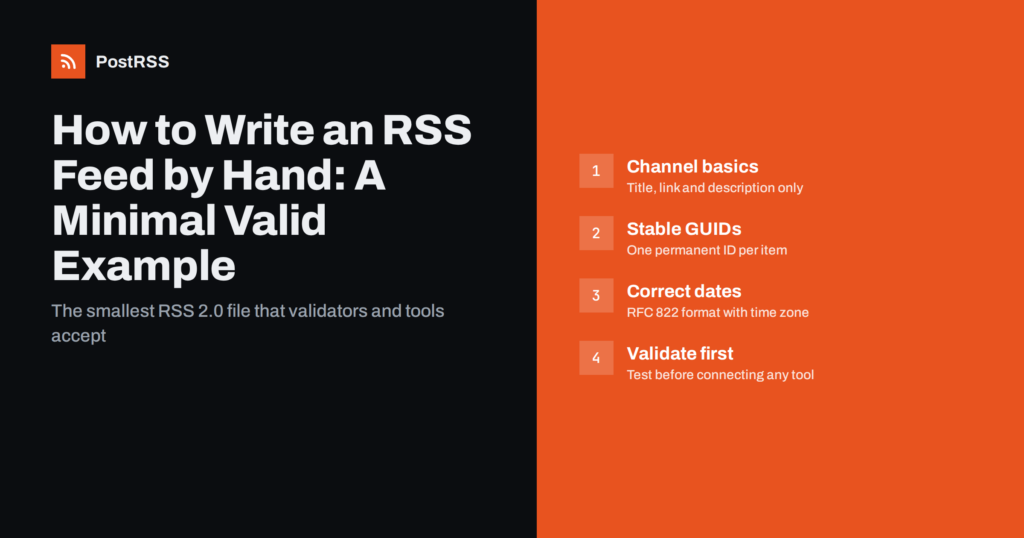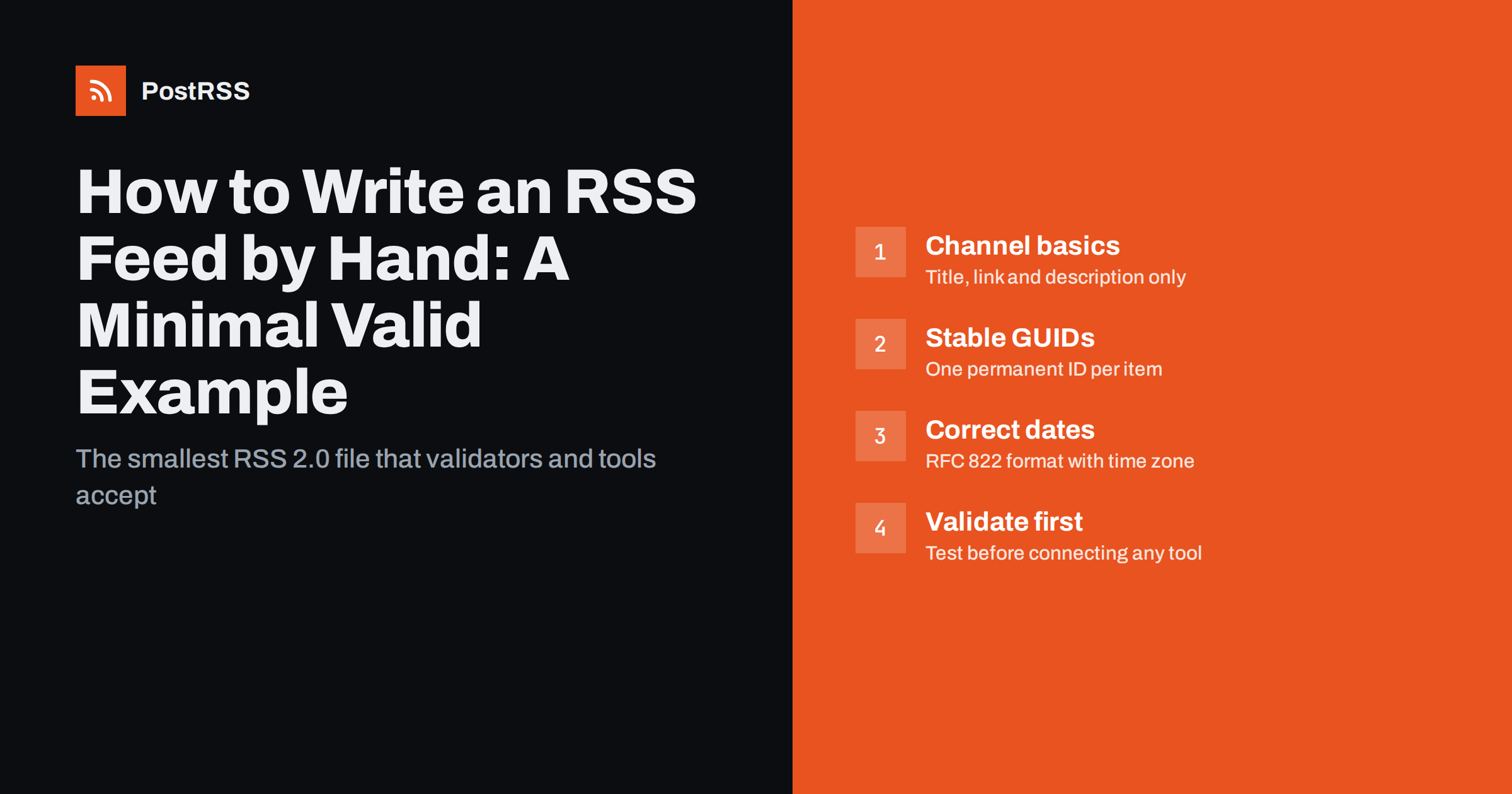
Short answer: A minimal valid RSS 2.0 feed is a UTF-8 XML file with an rss root element, one channel containing a title, link and description, and one item per entry. For reliable auto-posting, give every item a title, a link, a permanent guid and a correctly formatted pubDate, then run the file through a validator before you connect it to any tool.
Most websites never need a hand-written feed. WordPress, Ghost, Shopify, Squarespace, Wix and nearly every static site generator create one automatically. But there are real situations where writing or generating the XML yourself is the simplest option:
If your platform already produces a feed, use it. If it does not, the good news is that RSS is deliberately simple. A useful feed can be a few dozen lines long.
Here is a complete feed with one item. It passes validation and contains everything an auto-posting tool needs:
<?xml version="1.0" encoding="UTF-8"?>
<rss version="2.0">
  <channel>
    <title>Example Hardware News</title>
    <link>https://www.example.com/</link>
    <description>Stock updates and tips from Example Hardware</description>
    <item>
      <title>Garden tools are back in stock</title>
      <link>https://www.example.com/news/garden-tools/</link>
      <description>Spades, rakes and hoses arrived this week.</description>
      <guid isPermaLink="true">https://www.example.com/news/garden-tools/</guid>
      <pubDate>Tue, 29 Sep 2026 08:00:00 +0000</pubDate>
    </item>
  </channel>
</rss>
That is all. The channel’s three elements (title, link, description) are the only ones the RSS 2.0 specification requires. Inside an item, technically only a title or a description is required, but in practice you want all five elements shown above. The full rules are in the RSS 2.0 specification published by the RSS Advisory Board.
Understanding what every line does helps you avoid the mistakes that break feeds later.
rss version="2.0". The root element. The version attribute is required.channel. Describes the feed as a whole: its name, the website it belongs to and a one-line description.item. One entry, such as a blog post, a news update or a product announcement. Put the newest items first; most tools do not depend on order, but people reading the raw file do.title. In most auto-posting setups this becomes the main text of the social post, so write it as a complete, readable headline.link. The absolute URL of the page for this item. Always include the scheme and domain; relative links break in feed readers and social previews.description. A plain-text summary or HTML excerpt. If you include HTML, escape it or wrap it in CDATA.guid. A unique, permanent identifier. Tools use it to decide whether they have already seen an item. If it changes, the item looks new and may be posted again.pubDate. The publication date in RFC 822 format, including a time zone offset.Once the minimal version works, a few optional elements make the feed more useful without adding much complexity:
| Element | Where | What it does |
|---|---|---|
language | channel | Declares the feed language, for example en-us. |
lastBuildDate | channel | When the feed content last changed. |
atom:link rel="self" | channel | The feed’s own URL; validators recommend it. Requires the Atom namespace on the root element. |
enclosure | item | Attaches a media file (image, audio, video) with its URL, length in bytes and MIME type. |
category | item | Topic labels; some tools turn them into hashtags or use them for filtering. |
author | item | The author’s e-mail address (RSS 2.0 expects an e-mail, optionally followed by a name). |
To add the self link, change the root element to <rss version="2.0" xmlns:atom="http://www.w3.org/2005/Atom"> and add <atom:link href="https://www.example.com/feed.xml" rel="self" type="application/rss+xml" /> inside the channel.
Social posts with images usually perform better than bare links, so it is worth deciding how an image reaches the post. There are three common routes:
enclosure element on each item pointing at a JPEG or PNG. It needs the file size in bytes in the length attribute and a correct type, such as image/jpeg.img tag. Many tools pick the first image they find there.og:image meta tag, tools and social networks can take the image from the page even when the feed has none.The third route is the most robust, because the same tag also controls how links look when people share them manually. Our guide on Open Graph tags and wrong images covers the details.
Hand-written feeds tend to fail in the same three places.
Dates. RSS 2.0 uses the RFC 822 date format: a short weekday, day, short month, four-digit year, time and a time zone, for example Tue, 29 Sep 2026 08:00:00 +0000. Formats like 2026-09-29 atau 29/09/2026 are invalid. Some tools guess, others ignore the item or treat it as very old. Always include the offset or GMT.
GUIDs. The simplest safe choice is the item’s permanent URL with isPermaLink="true". If URLs might change, use a stable string such as example-news-2026-0142 with isPermaLink="false". Never reuse a GUID for a different item and never change the GUID of an existing one.
Escaping. XML reserves a few characters. An ampersand in a title, as in “Tools & Hardware”, must be written as &. A less-than sign must be <. If you put HTML in a description, either escape every tag or wrap the whole description in a <![CDATA[ ... ]]> section. A single unescaped ampersand makes the whole file invalid, and strict parsers will refuse to read any of it.
Save the feed as something like feed.xml in your website root and upload it with the rest of your site. A few server details matter:
application/rss+xml atau application/xml, with charset=utf-8. Most servers do this automatically for .xml files.<link rel="alternate" type="application/rss+xml" title="News" href="/feed.xml"> to the head of your pages so browsers and tools can find the feed.To add a new item later, copy an existing item block, put it at the top, change the title, link, description, GUID and date, update lastBuildDate and upload the file again. Keep a reasonable number of items, for example the latest 10 to 30, rather than your entire history.
Before connecting a hand-written feed to anything, check it. The W3C Feed Validation Service accepts a URL or pasted XML and explains every error and warning. Fix errors first: they mean some parsers will reject the file. Warnings, such as a missing self link, are worth fixing but will not usually stop a feed from working.
Then open the feed URL in a browser to confirm that the server returns XML and not an HTML error page, and add it to a feed reader to see how the items look to a real client. Our article on RSS feed validation goes deeper into what each check tells you.
If you are starting from scratch, you may wonder whether RSS 2.0 is still the right choice. There are two main alternatives:
2026-09-29T08:00:00Z, requires an id and an updated element for every entry, and has clearer rules for HTML content. It is an excellent format, and almost every reader and automation tool supports it.For a hand-written feed that should work everywhere, RSS 2.0 remains the safest default simply because every tool accepts it. If you prefer ISO dates and stricter structure, Atom is equally good. What matters far more than the format is that the file is valid, the links are absolute and the identifiers never change.
A hand-maintained file is fine for a few updates a month. Once you publish often, manual editing becomes error-prone: a forgotten date, a duplicated GUID or a stray ampersand will eventually slip through. At that point, generate the feed from your data instead. Nearly every programming language has a small library for building RSS, and static site generators such as Hugo, Jekyll and Eleventy produce feeds from templates. The rules you learned here still apply; you just stop typing them.
PostRSS reads any valid RSS 2.0 or Atom feed and checks it every 5 minutes on all plans, or every minute on Enterprise plans. Each new item is published with its image and link to the networks you connect, from Facebook Pages, X and LinkedIn to Telegram, Mastodon, Bluesky and team chats, 66 networks in total. It takes the image from the feed item or from the page’s Open Graph tags, can add UTM parameters to links, and lets you build the post text from the item title, the description, the page title or your own static text. If you have no feed at all, a CSV upload is available on the Professional plan and above. The features page lists everything, and the pricing page shows which networks each plan includes.
A valid RSS feed is small: an XML declaration, an rss root, a channel with three elements and one item per entry. Give each item an absolute link, a permanent GUID and a correct RFC 822 date, escape special characters, validate the result and serve it publicly over HTTPS. Do that, and any feed reader or auto-posting tool will be able to use it.
The root rss element with version 2.0, one channel element, and inside the channel a title, a link and a description. Items are technically optional, but a feed without items has nothing to distribute.
Yes. Any editor that saves UTF-8 text works. Save the file with an .xml extension, upload it to your website and check it with a feed validator before relying on it.
RSS 2.0 uses the RFC 822 format, for example Tue, 29 Sep 2026 08:00:00 +0000. Dates such as 2026-09-29 are not valid in pubDate and can cause tools to skip or misorder items.
It can be. Using the item’s permanent URL with isPermaLink set to true is the simplest option. If your URLs may change, use a stable unique string and set isPermaLink to false.
XML treats an ampersand as the start of an entity reference, so a bare ampersand makes the file malformed. Strict parsers stop reading at the first error, which means the entire feed fails. Write it as & or wrap the text in CDATA.
What changed in the networks, what broke, and how to fix it before it costs you reach.
Dibuat oleh Internet Solutions, tim di balik PostRSS. Masing-masing menghemat waktu Anda dengan caranya sendiri.
 English
 Lietuviškai
 Deutsch
 Français
 Русский
 Español
 Polski
 Italiano
 Українська
 Čeština
 Português
 日本語
日本語 Latviešu valoda
 Eesti
Eesti Magyar
 Bahasa Indonesia
 Türkçe
 हिन्दी
 Ελληνικά
 العربية
 ไทย
ไทย Tiếng Việt
 Română
 Bahasa Melayu
 বাংলা
বাংলা