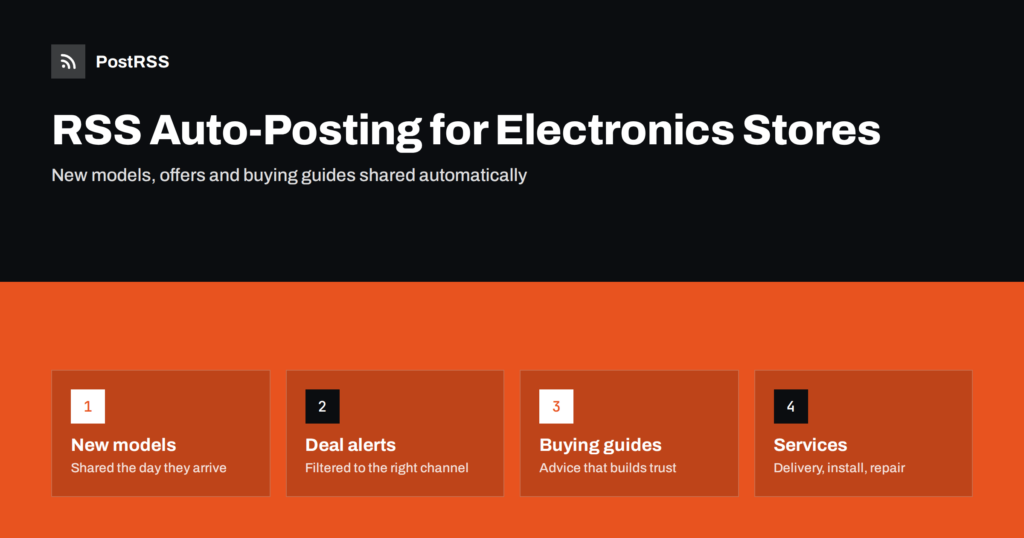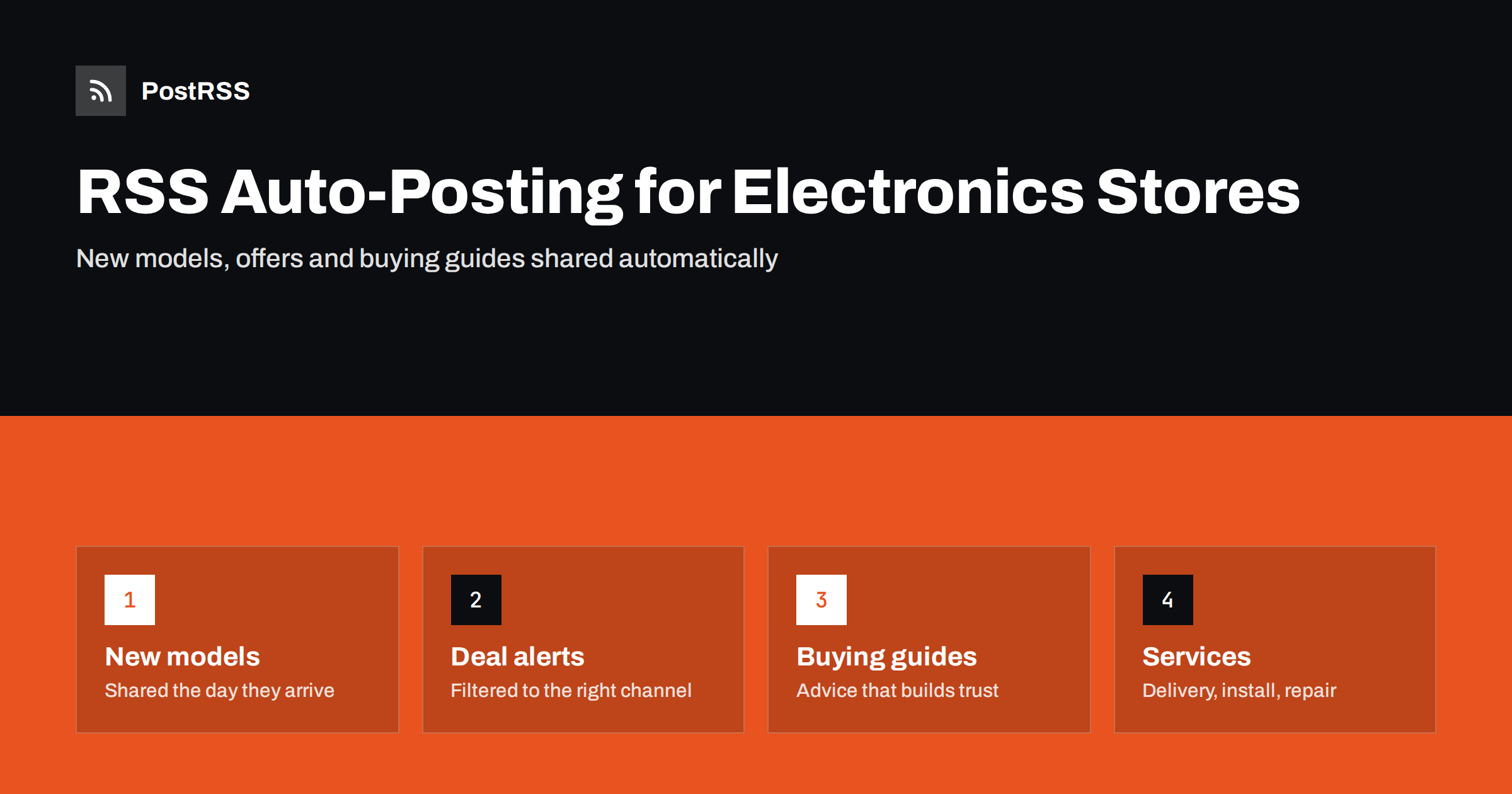
Short answer: RSS auto-posting lets electronics and appliance stores share every new product, price drop, buying guide and store event on social media automatically. Your web shop and blog already publish RSS feeds; an auto-poster reads them and posts each new item, with its product image and link, to your Facebook Page, Pinterest boards, Telegram channel and other accounts. Staff keep handling demos, customer questions and local stories, while the constant stream of catalogue updates goes out on its own.
Electronics and home appliance retail moves quickly. New phone and laptop models arrive several times a year, televisions and washing machines change with every season, and promotions run around Black Friday, back to school and the holidays. Customers compare prices and specifications online, often on their phones, and they follow the stores that keep them informed. Independent electronics shops and regional appliance retailers compete with large chains here, and one of the few advantages a chain has is a social media team. RSS automation narrows that gap: every product you list and every guide you publish reaches your channels without anyone retyping it.
A typical electronics or appliance store publishes a lot of content, most of it in the web shop:
Posting each of these by hand on several networks is not realistic for a small team. The result is usually a social page that is busy in December and silent in March. Automation keeps the rhythm steady: when a product or article goes live on the website, it appears on your channels with the same title, picture and link.
Most shop systems create feeds automatically:
Separate feeds are useful because different products suit different channels. A feed of new laptops may belong on LinkedIn for business customers, while kitchen appliances and smart home gadgets do well on Pinterest and Facebook.
| Content | Automate? | Notes |
|---|---|---|
| New products and models | Yes, from product or category feeds | Clear product image and model name in the title |
| Offers and clearance items | Yes, from a deals category | Remove expired offers promptly |
| Buying guides and comparisons | Yes, from the blog feed | Evergreen, builds trust |
| Service pages (installation, repair) | Yes | Share again when terms change |
| Demos, unboxing and store life | By hand | Personal, often video, shows real staff |
| Customer questions and complaints | By hand | Fast, human replies matter most |
A simple rule: if it is finished and published on the website, automate it. If it involves a conversation or a moment in the store, do it yourself.
Start with two or three channels and do them well. Our article on Pinterest product pins for e-commerce catalogs explains how product content works there.
Electronics customers care about exact models and specifications. The quality of an automated post depends on the product page:
If a network shows the wrong image, the page’s Open Graph tags are usually the cause; see why auto-posted links show the wrong image.
Electronics retail has a clear calendar: new phones in the autumn, Black Friday and Cyber Monday, holiday gifts, back to school in late summer, and appliance promotions in spring. Automation helps you keep up without losing control:
Seasonal planning is covered in more detail in seasonal campaign planning with RSS automation.
Large catalogues compete on price; local stores win on advice. A blog with honest buying guides gives your feed content that keeps working all year:
One guide a week, plus product updates, keeps your channels varied: not every post is a sales pitch, and customers learn to trust your recommendations.
Many appliance stores earn as much from delivery, installation, recycling of old appliances and repairs as from the products themselves. These services are often invisible on social media because they are not “new”. Give each service a clear page and share it, then share it again when something changes, such as new delivery areas or same-day installation. Short articles answering common questions, for example “what happens to your old fridge when we deliver a new one”, are perfect feed content.
Many stores sell refurbished phones, ex-display televisions or graded appliances with small cosmetic marks. These items are often unique, priced attractively and gone within days, which makes them ideal for automation. Put them in their own category with a feed, and send that feed to a channel where regular customers look for bargains. Describe the condition honestly in the product title or first sentence, for example “ex-display, small scratch on the side panel”, so the automated post sets the right expectations. If you run trade-in days, publish each one as an event page; the feed announces it everywhere, and you can share the results afterwards by hand with photos from the store.
After a month of automated posting, look at the numbers. Which channel brings visitors who add products to the basket? Do buying guides lead to sales a few days later? Are deal alerts on messengers worth more than Facebook posts? UTM parameters on every automated link answer these questions in your analytics. Use the answers to adjust: move more effort to the channels that sell, change the post format where clicks are low, and write more guides on the topics people read. Small changes based on real data usually beat adding yet another network.
PostRSS has been automating RSS posting since 2014. It checks your product and blog feeds as often as every minute and publishes each new item, with its real image and link, to the channels you connect, from Facebook Pages and Pinterest boards to Telegram, Viber, LinkedIn and many more among its 66 supported networks. You can filter items by keywords, choose newer or older items first, cap the number of posts per update, add UTM parameters, turn categories into hashtags and post only within chosen hours. Official plugins for WordPress, PrestaShop and OpenCart build the feed and create targets for you. See the PostRSS features page and the pricing page for plans and limits. More ideas for shops are under the E-Commerce tag.
Electronics and appliance stores already publish everything their social channels need: new models, offers, buying guides and services. RSS auto-posting shares each item automatically with the right image and link, filtered and timed for each channel, so a small team can stay as visible as a big chain. Keep demos, store life and customer conversations personal, and let the feed handle the catalogue.
Yes. Shop systems such as WooCommerce, PrestaShop, OpenCart and Shopify publish feeds that an auto-poster can read. Each new product is then shared with its image and link on the channels you choose.
Use category feeds or keyword filters. Send main products to your Facebook Page and route accessories to a deals channel, or exclude them completely.
It is safer to link to the product page, which always shows the current price. Prices in post text become outdated quickly and can frustrate customers who click later.
Facebook is usually the main channel for local retailers. Pinterest works well for kitchen and home technology, messengers suit deal alerts, and LinkedIn helps if you sell to businesses.
Not if you set it up carefully. When connecting a product feed for the first time, choose to start from new items only, and cap the number of posts per update.
What changed in the networks, what broke, and how to fix it before it costs you reach.
Dibuat oleh Internet Solutions, tim di balik PostRSS. Masing-masing menghemat waktu Anda dengan caranya sendiri.
 English
 Lietuviškai
 Deutsch
 Français
 Русский
 Español
 Polski
 Italiano
 Українська
 Čeština
 Português
 日本語
日本語 Latviešu valoda
 Eesti
Eesti Magyar
 Bahasa Indonesia
 Türkçe
 हिन्दी
 Ελληνικά
 العربية
 ไทย
ไทย Tiếng Việt
 Română
 Bahasa Melayu
 বাংলা
বাংলা