Short answer: An independent car rental company can publish fleet news, seasonal offers, branch and airport pickup updates, and practical driving tips for visitors on its website, and let an RSS auto-posting tool share each new post to Facebook, X, LinkedIn, Telegram, Viber and other channels automatically. Customers planning a trip see an active, trustworthy business, and the team spends less time copying posts between apps. The main care points are accurate offer conditions on the linked page, timing posts for travellers in other time zones and keeping urgent location updates fast.
Car rental is a trust purchase made at a distance. A traveller booking a car for next month’s holiday often cannot visit the office first. They compare prices on booking sites, then check the rental company’s own website and social pages to see whether it looks reliable: are there recent posts, real photos of the cars, clear information about the pickup location, answers to common questions?
For independent and regional rental companies competing with large international brands, that impression matters a lot. A page with regular, practical posts signals an active local business that looks after its customers. A page last updated two years ago raises doubts, even if the service is excellent.
Social channels also help with the part of the customer journey that booking sites do not cover. After booking through a comparison site, many customers look up the actual rental company to find the office, check opening hours or ask a question. If those details are easy to find in recent posts, customers arrive calmer and better prepared, and your staff spend less time on the phone.
At the same time, a small rental company’s staff are busy with handovers, returns, cleaning, damage checks and phone calls. Social media is easy to neglect. RSS auto-posting takes the repetitive part away: publish once on the website, and every connected channel is updated automatically.
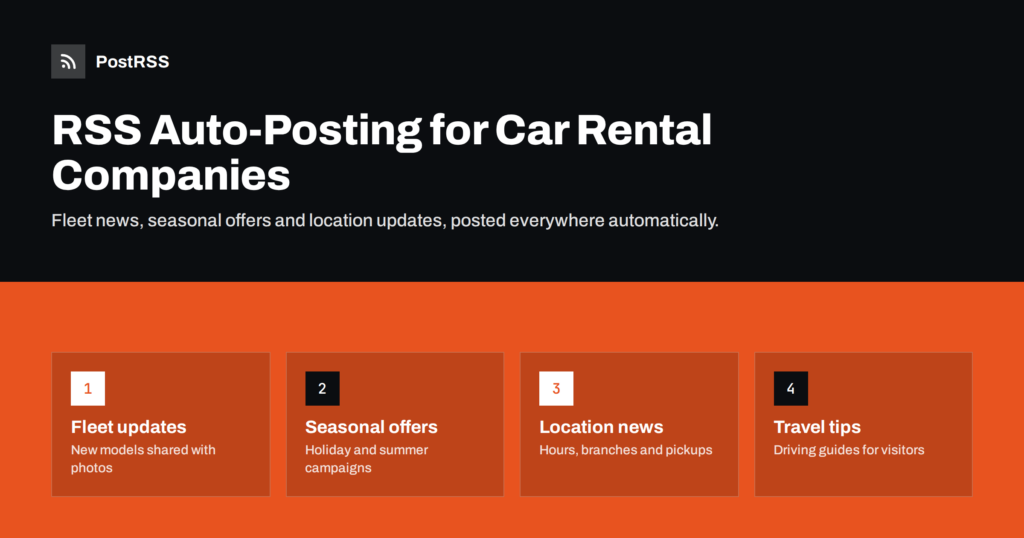
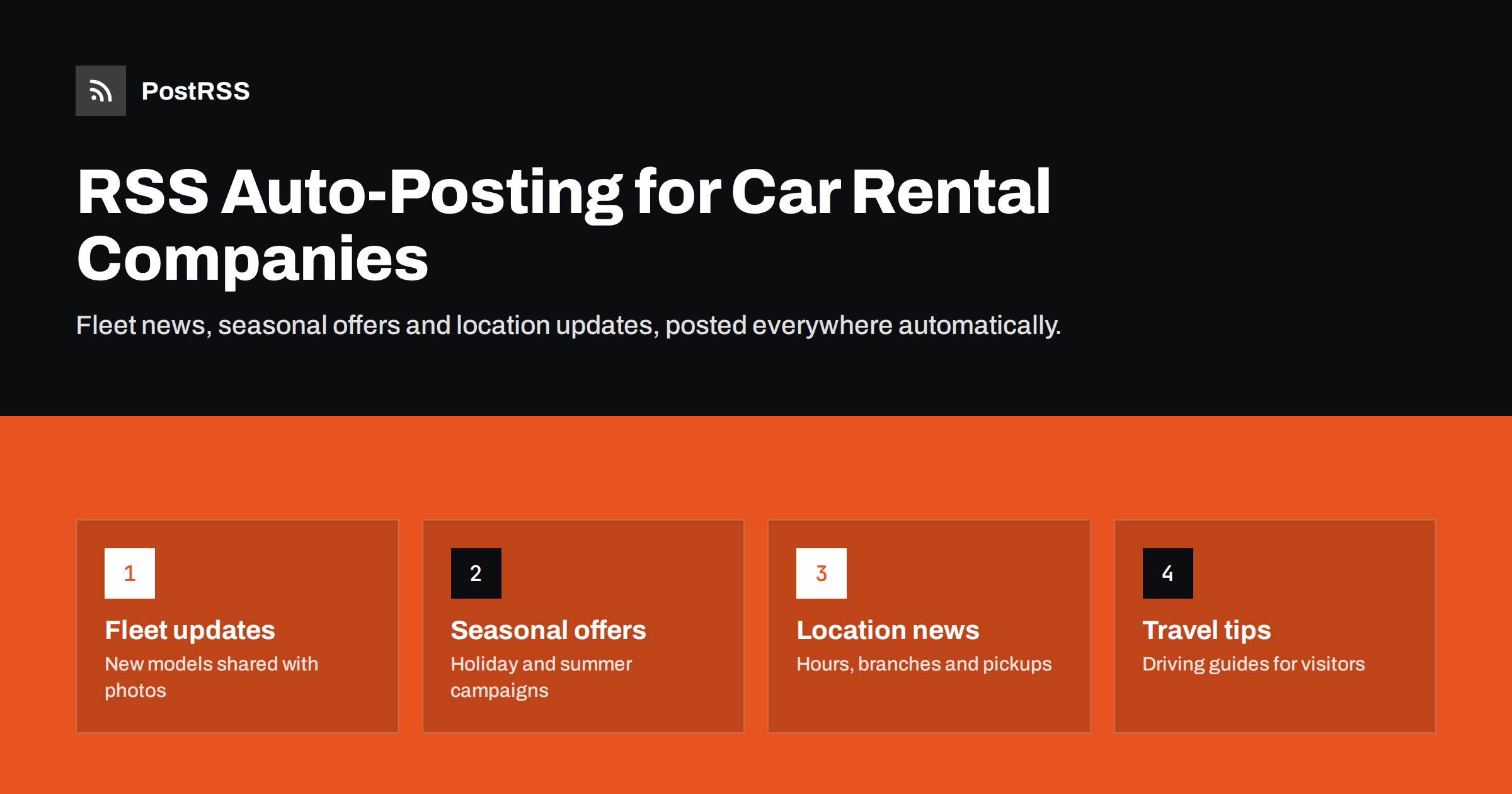
Useful content for rental customers is practical and specific. Good topics include:
Local knowledge is your advantage here. A national brand rarely writes about the best way to reach the old town from your branch, where to park near the beach or which mountain road is closed in winter. An independent company that shares this kind of detail shows customers that it knows the area and cares about their trip, not only about the rental contract.
Travel tips and booking guidance are particularly valuable. They answer questions customers search for before a trip, they reduce repetitive phone calls and emails, and they keep bringing visitors to your website long after publication.
Most rental company websites run on a CMS such as WordPress, Joomla or a website builder, often with a booking engine integrated or linked. The blog or news section of the site almost always produces an RSS feed. An auto-posting tool checks that feed regularly and, when a new post appears, publishes it to each connected channel with the title, text, image and link.
A typical setup:
You do not need to post every day. For most rental companies, one or two useful posts a week, plus timely notices when something changes, keeps channels active without overwhelming followers. Writing several posts in one quiet afternoon and scheduling them in the CMS spreads them evenly over the following weeks, and the feed releases each one on its date.
If you run several branches, consider a category feed for each location, connected to that branch’s own page. A new airport pickup point is relevant to one region, not to every follower.
Add UTM parameters to the links as part of the setup. After a few months, your analytics will show which channels send visitors who go on to open the booking page, which is the most useful signal for deciding where to spend your limited time.
Promotions are an important part of rental marketing, but automated posts should not become the place where terms are defined. Prices, availability, deposits and conditions change often, and a social post cannot be updated everywhere once it is published.
Seasonality also shapes promotion. Summer demand is planned months ahead, winter sports trips need cars with winter equipment, and business travel slows during holidays. Publishing campaign posts on the website with scheduled dates, well before each season, lets automation release them when customers start planning rather than when your team finally finds time.
This approach keeps your posts accurate and avoids complaints from customers who saw an old price in their feed.
Many rental customers are visitors from abroad. That affects both language and timing.
Reviews and questions from international customers often arrive in their own language as comments under your posts. Even a short reply in plain English, or in the customer’s language where your team can manage it, shows that someone is paying attention. Automation publishes the posts; people still build the relationship.
Our guide to multilingual RSS automation explains how to set up language feeds without mixing them up.
Rental businesses sometimes need to reach customers quickly: a branch closed because of weather, a changed pickup point during airport construction, a road closure affecting delivery or a public holiday schedule. For these updates, speed matters more than polish.
Publish the notice as a short post on your website, in a category that is connected to all relevant channels. With a feed checked every few minutes, the notice reaches your social pages and messaging channels quickly, which is usually faster than logging into each app from a phone. Keep the post factual: what changed, where, when and what customers should do. Afterwards, update or remove the post when the situation returns to normal.
It is worth preparing a few templates for recurring situations, such as a snow closure, a public holiday schedule or a temporary change of pickup point. When the situation arises, staff only fill in the dates and details, which makes fast and accurate publishing much easier under pressure.
Images carry a lot of weight in rental marketing because customers want to know what they will actually drive and where they will pick it up.
Photos of your team help too. A short introduction of the people who hand over the keys, with their names and the languages they speak, makes a strong impression on travellers arriving in an unfamiliar place, and it is exactly the kind of post large competitors rarely publish.
PostRSS is an RSS auto-posting service that has been running since 2014. It checks your website feeds every 5 minutes and posts each new item with its image and link to the channels you connect, including Facebook Pages, X, LinkedIn, Telegram, Viber, LINE and many others. Rental companies can connect separate feeds for branches or languages, set posting windows or exact times in a chosen time zone on paid plans, add UTM parameters to see which channels bring bookings, and use keyword filters to keep certain posts off selected channels. See the pricing page for plans and the networks included.
Travellers judge a rental company by what they can see online before they arrive. Publishing fleet news, clear offers, location updates and practical driving tips on your website, and letting RSS auto-posting share them to every channel, keeps your business visibly active without taking staff away from customers. Keep conditions on the website, respect time zones and languages, and use the same system for urgent notices when speed matters.
Fleet news, seasonal offers with details on the website, location and opening-hour updates, and practical travel and driving tips. A mix of useful and promotional content keeps followers interested.
It is safer to keep prices and conditions on the linked website page. Prices change often, and social posts cannot be updated everywhere. Captions can describe the offer in general terms.
Yes. Use a category feed for each branch or region and connect it to that location’s page or channel. General news can still come from a shared feed.
Use language-specific feeds, set posting times for your main source markets and consider messaging channels popular in those countries. Clear, simple wording helps readers using translation tools.
With a feed checked every few minutes, a notice published on your website reaches connected channels quickly. Keep urgent posts short and factual, and update them when the situation changes.
What changed in the networks, what broke, and how to fix it before it costs you reach.
 English
 Lietuviškai
 Deutsch
 Français
 Русский
 Español
 Polski
 Italiano
 Українська
 Čeština
 Português
 日本語
日本語 Latviešu valoda
 Eesti
Eesti Magyar
 Bahasa Indonesia
 Türkçe
 हिन्दी
 Ελληνικά
 العربية
 ไทย
ไทย Tiếng Việt
 Română
 Bahasa Melayu
 বাংলা
বাংলা